















Deciding between Zoho CRM and HubSpot Sales Hub? Compare 2026 pricing, hidden add-on costs, CPQ tools, AI privacy rules, and EU GDPR compliance.
If you need predictable software costs, native CPQ tools, and default AI data privacy, choose Zoho CRM. If your priority is rapid rep adoption, intuitive pipeline management, and out-of-the-box alignment with inbound marketing, choose HubSpot Sales Hub.
Quick summary for sales teams
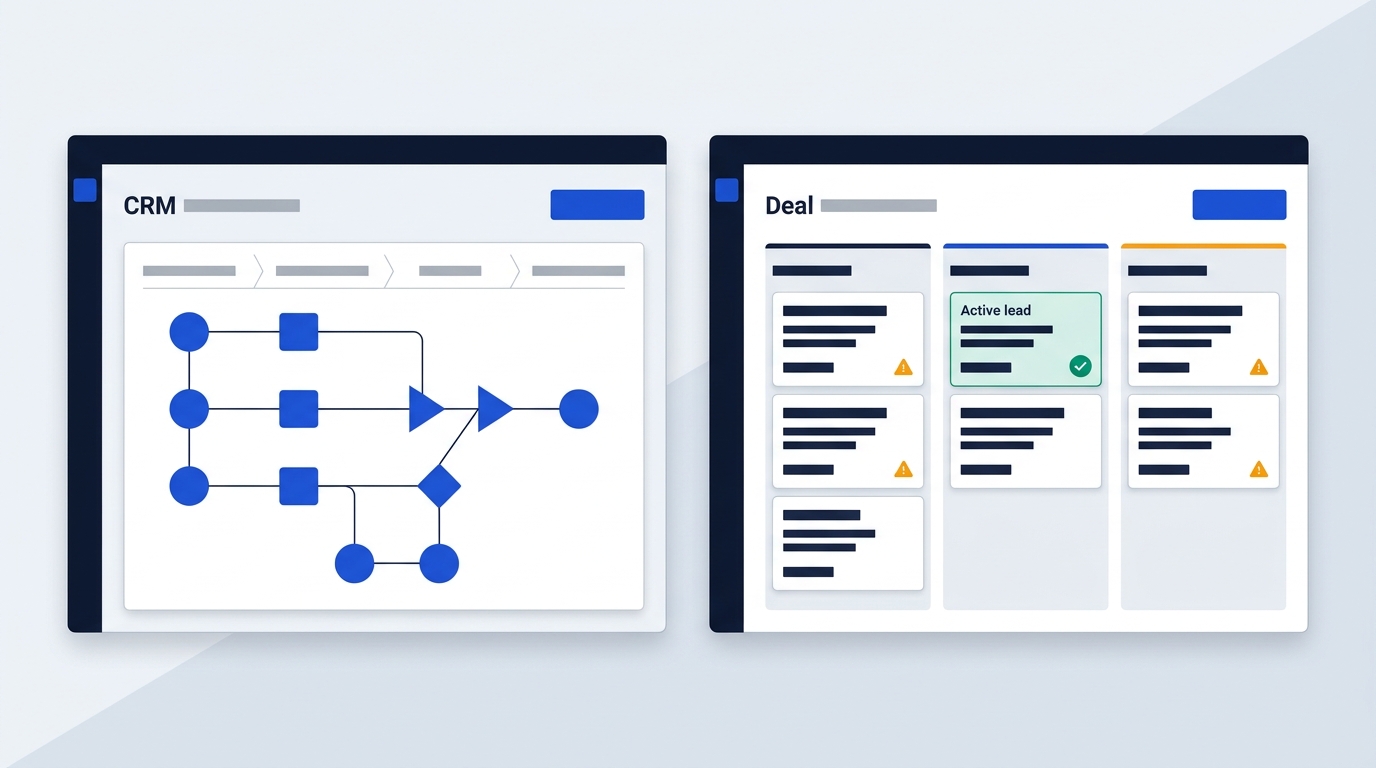
Selecting the right CRM shapes how your sales pipeline operates daily. Deciding between Zoho vs HubSpot requires balancing long-term total cost of ownership against short-term adoption speed. Both platforms manage leads, automate workflows, and track revenue, but their pricing models and governance capabilities appeal to very different business structures.
Zoho CRM delivers an affordable, highly customizable platform with native CPQ, mass email capabilities, and multi-channel prospecting tools without seat minimums or steep add-on charges. It suits cost-sensitive teams that have the administrative bandwidth to configure custom workflows and process rules. Zoho offers an ecosystem of over 50 integrated business applications. Many customers report a 300% improvement in lead conversion rates, a 45% revenue increase per salesperson, and a 27% improvement in customer retention, alongside 24% shorter sales cycles, according to Zoho's internal customer survey.
HubSpot Sales Hub delivers fast user adoption, intuitive sales workspaces, and immediate alignment between sales and marketing teams. HubSpot is an Agentic Customer Platform that combines unified customer data with AI agents. It helps teams prospect, prioritize, and close deals faster. HubSpot users find it easy to use, with 87% reporting a positive experience, based on the HubSpot 2025 ROI Report. Internal HubSpot Research indicates that customers rate HubSpot 18% more proactive than Zoho in delivering customer and process insights. However, it requires a higher budget per seat and steep price increases as you scale from entry-level plans into advanced automation tiers.
Key decision metrics at a glance
The core trade-off centers on linear scaling versus instant usability. Zoho CRM offers predictable, linear seat pricing across all editions. You get enterprise functionality like sandboxes, custom modules, and lead scoring built into lower tiers. This means more room to scale without a continuous increase in costs. HubSpot Sales Hub offers superior interface polish and lower setup friction out of the box, but presents a steep price cliff when moving from Starter to Professional tiers. Understanding these differences helps you project costs and administrative effort over time.
| Feature | Zoho CRM | HubSpot Sales Hub |
|---|---|---|
| Entry Price | $14/user/mo (Standard) | $15/user/mo (Starter) |
| Professional Tier | $23/user/mo | $90/user/mo (5-seat min) |
| Native CPQ & Quotes | Included in Professional | Requires Revenue Hub add-on |
| Sandbox Environments | 5 included in Enterprise | 1 included; extra $750/mo |
| Custom Objects/Modules | 200 included in Enterprise | 10 included; extra 10 for $500/mo |
| AI Data Privacy Default | No customer data training | Opt-out required for model training |
Source: vendor pricing pages, checked November 2026.
Which tool fits your revenue goals
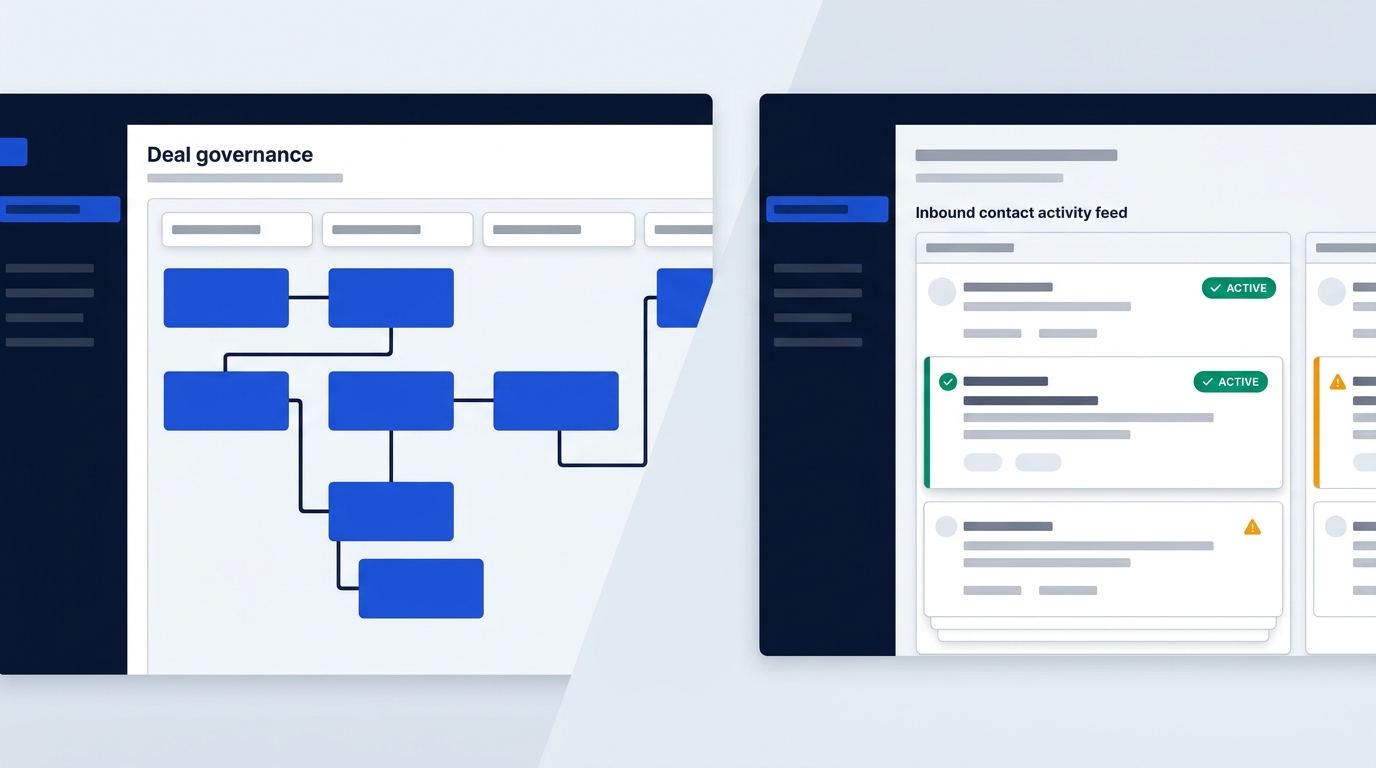
Your revenue strategy dictates whether software breadth or visual polish will drive your growth. Evaluating Zoho CRM and HubSpot Sales Hub requires a clear assessment of your administrative resources and sales workflows. A CRM should help you level up your business, not your bill. Consider how easily your team can adopt and maintain the system over time.
Matching CRM architecture to team structure
Zoho CRM best fits cost-sensitive growth teams and mid-market buyers requiring deep process governance. If your revenue model relies on strict deal stage enforcement, Zoho provides tools like Blueprints to control every step of a deal. For a Sales Manager, this means ensuring every rep follows the exact sales process, leading to consistent data and predictable forecasts. Furthermore, organizations seeking a unified business stack benefit from the Zoho One bundle, which connects CRM records directly to back-office functions like invoicing, inventory, and support desk management under a single administrative console. This approach reduces data silos and improves cross-departmental efficiency, which is crucial for an Operations Manager overseeing multiple business functions.
HubSpot Sales Hub best fits fast-scaling revenue teams prioritizing sales rep productivity and standardized deal pipelines. If your growth relies on high-volume inbound leads, HubSpot aligns sales rep activity with marketing campaigns out of the box. Reps spend less time logging data manually and more time engaging qualified opportunities. For a Sales Rep, the intuitive Sales Workspace means seeing leads, deals, and tasks in one place, knowing exactly what needs attention next. Buyer intent signals and data enrichment provide better context on who is engaging and why. This helps reps focus on the right opportunities. HubSpot's AI agents can research accounts, recommend outreach, and qualify leads autonomously, freeing up reps to sell more. This focus on productivity benefits both individual reps and the overall sales team performance.
Small business operational trade-offs
For small business buyers, the technical entry point differs significantly between the two platforms. Zoho CRM suits technical teams ready to configure custom fields, layout rules, and Deluge scripts. You get immense configuration freedom, allowing a dedicated administrator to model complex business structures. However, this setup demands clear administrative planning and ongoing maintenance. For a small business with limited IT staff, the initial configuration and long-term upkeep can be a significant commitment. Zoho's approach allows for extensive customization, but this power also means the potential to build complex systems that require specialized knowledge to manage: "Zoho lets you build almost anything, and HubSpot stops you from building most of the wrong things."
HubSpot Sales Hub suits non-technical teams needing pre-configured workflows and clean default pipelines. You can launch your sales pipeline within hours without writing custom logic. This makes it ideal for businesses where rapid deployment and ease of use for sales reps are paramount, even if it means less deep customization initially. The operational trade-off comes down to software breadth versus front-office polish. Zoho delivers broader software coverage across accounting and operations apps through its integrated suite. HubSpot delivers polished sales enablement and higher user adoption rates from day one. Its consistent interface and sensible defaults lead to faster rep adoption with less training. If you want to compare other sales pipeline tools, read our breakdown of HubSpot vs Pipedrive.
Steps for a smooth CRM switch
When considering the switch from one CRM to another, small businesses should prepare for several steps. First, document your current sales process thoroughly, noting every pipeline stage, required fields, and reporting needs. This ensures that the new CRM can replicate or improve upon your existing operations. Next, trial both CRMs with a subset of your actual data. Import a few hundred real contacts and deals to see how each platform handles duplicates and associations. This practical test helps you assess the real-world impact on your data. Finally, build one critical automation in each system, such as your new-lead routine, to evaluate the effort and tier required. This hands-on approach reveals the true administrative burden and feature availability.
Zoho vs HubSpot pricing and scaling costs
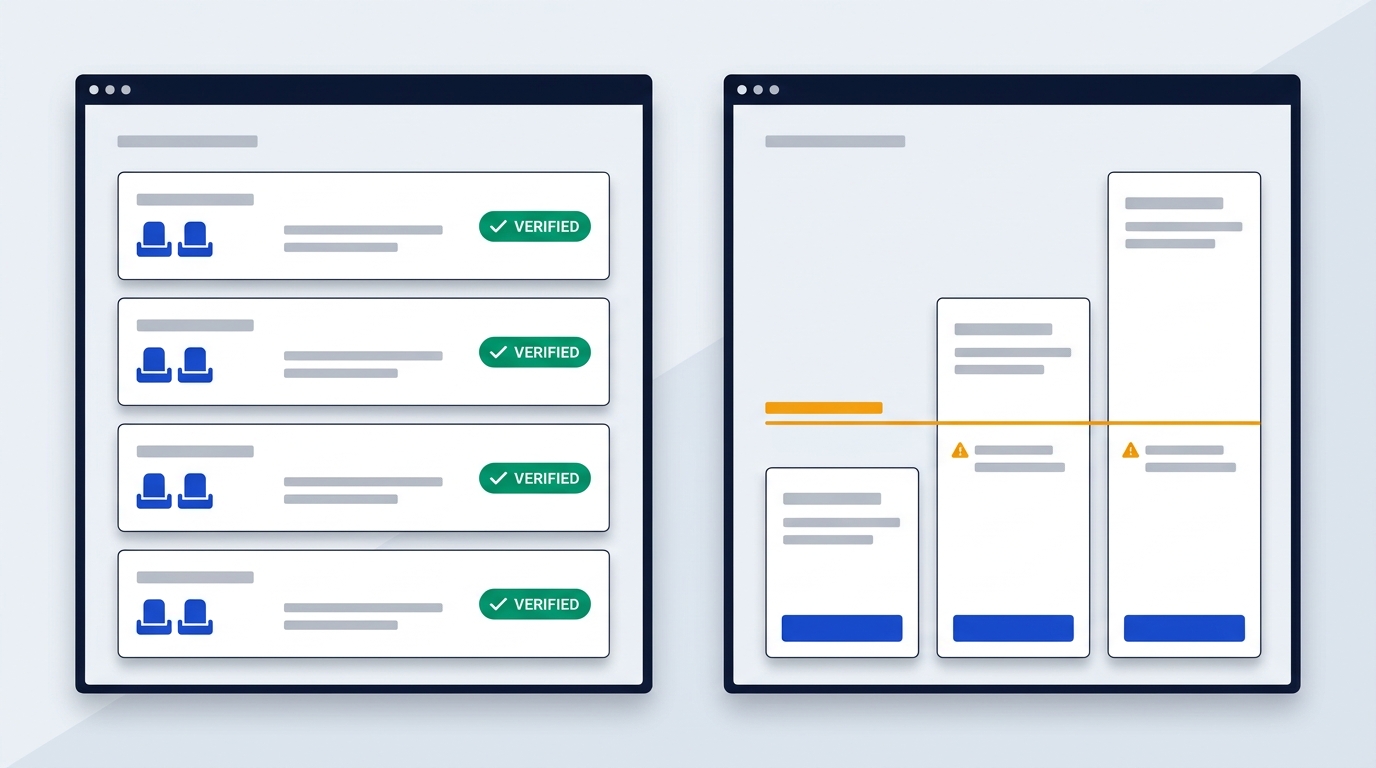
Pricing structure represents the most significant divergence between these two CRMs. A surface-level comparison of starter plans masks the true financial commitment required as your team expands. It is crucial to look at what scales the bill as you grow, not just the initial entry point. The cost of a CRM isn't just the monthly subscription; it includes potential add-ons, capacity limits, and the administrative effort needed to maintain it. For this reason, pricing out "year two" with your expected team size and marketing contacts is a vital step in your evaluation.
HubSpot Sales Hub tier breakdown
HubSpot Sales Hub structures its tiers around core functional upgrades and seat minimums:
- Starter: $20 per seat per month billed monthly (€20 in Europe) or $15 per seat per month billed annually (€15 in Europe). This plan includes basic CRM features like contact management, deal tracking, meeting scheduling, and basic reporting. It also offers simple email automations, multiple sales currencies, and the removal of HubSpot branding on live chat and forms. This tier is an excellent entry point for small teams getting started with a CRM.
- This tier unlocks automated sales sequences, custom reporting dashboards, e-signatures, and deal stage rules. It also includes up to 100 deal pipelines, team management, and quote approvals. This is where most of the automation and custom reporting capabilities reside, making it a significant jump in functionality and cost.
- Enterprise: $150 per seat per month billed annually. This tier adds custom object permissions, advanced sandboxes, and full agent governance. It is designed for larger organizations with complex structures and advanced security needs.
Zoho CRM edition breakdown
Zoho CRM provides a continuous linear pricing model without mandatory seat minimums:
- Free Plan: $0 for up to 3 users with core contact management and basic deal tracking. This plan is ideal for very small teams or individuals to get started.
- Standard: $14 per user per month billed annually ($20 monthly). This plan includes sales forecasting and assignment rules. It also offers leads and accounts, contacts and deals, workqueue, and forms for leads/contacts.
- Professional: $23 per user per month billed annually ($35 monthly). This tier unlocks native CPQ, inventory tracking, and sales signal alerts. It also brings AI into everyday selling with email and call intelligence, intent and sentiment analysis, and contact-time recommendations.
- Enterprise: $40 per user per month billed annually ($50 monthly). This plan includes Zia AI, 200 custom modules, and 5 sandbox environments. It goes further with predictive and recommendation capabilities such as churn prediction, field prediction, Recommendation Builder, and Next Best Experience.
- Ultimate: $52 per user per month billed annually ($65 monthly). This tier adds advanced business intelligence, higher custom report limits, and dedicated database capacity.
The Starter-to-Pro price jump
Scaling on HubSpot creates a budget cliff when your team moves from Starter to Professional. Moving to Professional increases your base cost from $15 to $90 per seat monthly. You must pay this 4x to 6x price increase to access automated sales sequences, custom reporting, and lead assignment rules. This sudden increase can be a shock for growing businesses that haven't planned for it. G2 named HubSpot the #2 Sales Product for small business, mid-market, and enterprise in 2026, based on superior ratings across critical categories, including meeting business needs better than Zoho CRM, according to verified users. However, this jump highlights the importance of understanding the full cost of ownership as your business scales.
Hidden add-ons and capacity limits
As enterprise needs grow, HubSpot introduces capacity charges that scale your bill further. Additional sandbox environments cost $750 per month for each extra sandbox beyond the one included. Defining custom objects beyond the 10 included costs $500 per month for an additional 10 object definitions. Furthermore, person-level contact lead scoring requires purchasing Marketing Hub Professional, which starts at $800 per month. These costs can quickly accumulate, turning an affordable starting point into a much more expensive path to scale, as highlighted by Zoho's comparison.
In contrast, Zoho CRM offers linear scaling value. Zoho Enterprise includes 200 custom modules, 5 free sandbox environments, and native scoring rules across leads, contacts, accounts, and custom modules at $40 per user per month without extra add-on fees. Zoho CRM also offers unlimited custom reports and dashboards at the enterprise level, compared with HubSpot's limit of 500 custom reports and 100 dashboards. This gives larger teams more room to scale reporting without hitting capacity limits. This difference is critical for businesses that anticipate significant growth and want predictable costs. Explore dedicated CRM software options on our HubSpot pricing page.
CRM ease of use comparison and setup
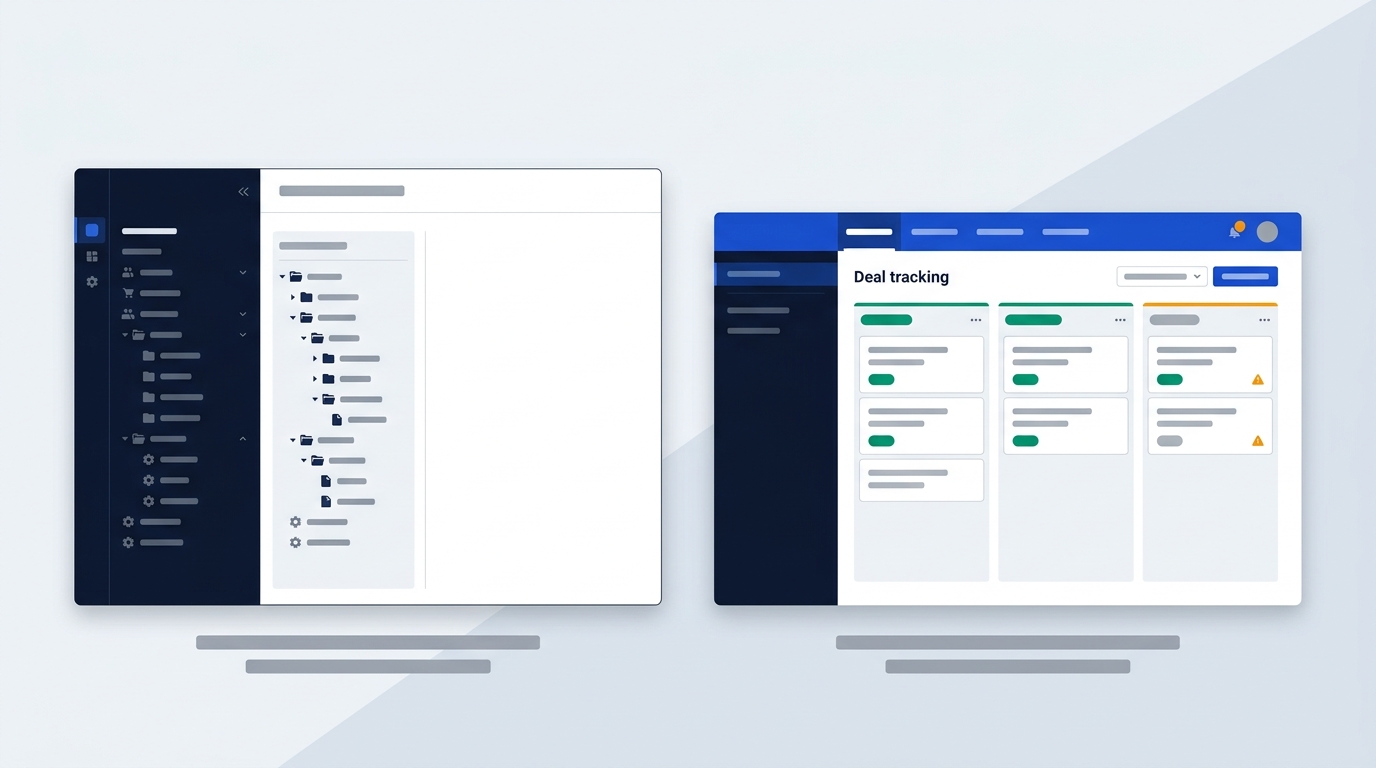
User adoption directly impacts CRM return on investment. If sales reps find a platform cumbersome, data quality degrades rapidly. An intuitive interface and accessible onboarding resources are crucial for ensuring that your team actually uses the CRM to its full potential. The ease of setting up and maintaining the system also affects the overall administrative burden, which translates into hidden costs or benefits.
User interface and daily navigation
HubSpot scores 8.7 out of 10 for ease of use compared to Zoho's 8.3. In quality of support, HubSpot scores 8.6, whereas Zoho CRM scores between 7.4 and 8.0 depending on the tier. Users consistently cite HubSpot's intuitive interface and unified platform as key differentiators driving higher adoption and ROI, according to G2 data.
The interface design explains this gap. HubSpot provides a visually oriented 7-tab top navigation bar. Every feature sits logically under dedicated tabs like Marketing, Sales, Conversations, and Automation. The layout uses contrasting visual controls, clear progress indicators, and intuitive deal boards. For example, creating a landing page is found under the Marketing tab, and setting up automation is under the Automation tab. This predictable organization makes it easy for reps to find what they need and stay focused, contributing to higher productivity.
Zoho CRM relies on a text-oriented layout with a side navigation menu housing over a dozen items. System settings and automation controls sit in nested setup menus at the top right of the dashboard. Locating routine configuration tools, such as the email template builder, requires extra click paths through generic menus. Zapier's review notes that Zoho's interface is "simplistic, somewhat unintuitive" and that it "took me a while to figure out that you have to navigate to the little home or settings icons at the top-right corner of the dashboard" to find automation tabs. While Zoho's interface has become more dynamic in recent years, it still feels visually less polished compared to HubSpot's, which can affect user comfort and efficiency.
Admin workload and setup effort
HubSpot minimizes administrative friction through an embedded Onboarding Hub. It provides interactive step-by-step guides, dynamic visual walkthroughs, and extensive public community documentation. Non-technical sales leaders can configure deal pipelines and basic automation without external engineering resources. This comprehensive onboarding experience helps users get started quickly and reduces frustration, even with HubSpot's more complex capabilities, as highlighted by Zapier. Because HubSpot has so many users, there are also many more community forum posts and third-party guides available for support.
Zoho CRM delivers immense customization power through its Canvas layout editor and Deluge scripting engine. It offers features like 200 custom modules, Page Layouts, Subforms, Custom Buttons, Wizards, Kiosk Studio, and five sandbox environments. However, this flexibility creates higher administrative demands. Maintaining custom module relationships, layout rules, and scripts requires a dedicated system administrator. Without structured governance, custom Zoho builds can become complex to maintain over time. If you need sales pipeline management with lower administrative overhead, check out Pipedrive deals.
To reduce administrative effort when choosing a CRM, consider these steps. First, define your exact processes and reporting needs. List every pipeline stage, required data fields, lead assignment rules, and weekly reports. This document will be your blueprint. Second, conduct a trial with your own data. Import a few hundred real contacts and deals into both HubSpot and Zoho CRM. Pay attention to how each handles duplicates and data associations. Third, build one critical automation in each system, such as your new-lead routine, to see which platform offers a smoother experience and at what tier. This practical test will reveal the actual administrative effort required for common tasks. Finally, test the integrations you cannot live without, ensuring that lead sources, UTM values, and click IDs are captured correctly and that duplicates are merged, not multiplied.
Sales automation CPQ and process control
Automating revenue operations requires effective process control, outreach tools, and accurate quoting systems. These capabilities directly impact how efficiently your sales team can move leads through the pipeline and close deals. The choice between HubSpot and Zoho here depends on the complexity of your sales processes and your need for native, integrated tools versus modular add-ons.
Prospecting tools and sequences
HubSpot Sales Hub organizes rep activity through the Sales Workspace. This view unifies leads, active deal stages, daily tasks, and intent signals. Reps execute automated follow-up sequences, use built-in calling to dial contacts directly from the CRM, and capture call notes using conversation intelligence. Data enrichment automatically adds helpful company details and context to the CRM, so reps do not have to start from scratch when researching accounts. Smart deal progression guides next steps, reducing guesswork for reps. This integrated approach helps sales teams prioritize the right opportunities and move deals forward faster.
Zoho CRM handles daily sales tasks using workqueues and Zia sales signals. Zia monitors incoming emails, social interactions, and custom events, alerting reps when an account shows engagement. Zoho CRM brings AI into everyday selling much earlier, with email and call intelligence, intent and sentiment analysis, and contact-time recommendations available from the Professional tier. This allows reps to engage with leads at the optimal moment and tailor their outreach based on sentiment, improving the effectiveness of their prospecting efforts.
Native CPQ vs monetization add-ons
Configuring products and generating accurate sales quotes reveals a major functional difference between the two platforms. Zoho CRM includes native CPQ (Configure, Price, Quote) functionality directly inside its Professional ($23/user/mo) and Enterprise ($40/user/mo) editions. Sales teams can manage price books, complex product bundles, dynamic price adjustments, sales quotes, and sales orders directly inside the CRM without extra licenses. For enterprise sales teams managing complex products and pricing, this means fewer product handoffs and additional licenses between opportunity, configuration, pricing, and quote creation, which streamlines the entire quote-to-cash process.
HubSpot Sales Hub handles basic quotes and line items on standard tiers, but advanced CPQ functionality, multi-currency price structures, and complex quote approval workflows require dedicated monetization add-ons or Revenue Hub. While HubSpot Sales Hub can be paired with HubSpot CPQ to configure products, produce AI-powered quotes, and collect payments, this often means an additional product cost for organizations managing complex product catalogs. This difference is critical for businesses with diverse product offerings or custom pricing models, as the cost of these add-ons can significantly impact the total cost of ownership.
Process orchestration and stage governance
For complex deal governance, Zoho CRM provides Blueprint, Review Process, Macros, and Journey Builder natively inside the CRM. Blueprints enforce strict, step-by-step stage transitions. A rep cannot advance a deal without entering mandatory data or completing required approvals. This level of control ensures standardization across sales processes, which is essential for compliance and consistent data quality in larger organizations. Zoho also offers up to 20 configurable Email Parsers, a feature not directly comparable in HubSpot Sales Hub.
HubSpot relies on pipeline rules, deal stage validation, and workflow rules to guide deals. While effective for standard sales pipelines, enforcing multi-department approvals or strict step-by-step stage gates across complex organizations requires higher tier plans or supplementary hubs. For example, deal approvals are available in Sales Hub Professional. HubSpot's approach offers flexibility but might require more manual oversight or additional investments for highly regulated or complex sales environments. Furthermore, Zoho CRM integrates Facebook and X natively into its Social Tab for lead generation and brand monitoring on standard plans. HubSpot restricts comparable social lead generation tools to Marketing Hub Professional ($800/month), which adds another layer of cost for businesses seeking comprehensive social media integration within their sales CRM.
AI data privacy and governance models
Artificial intelligence features now assist reps with email writing, lead scoring, and workflow execution. However, data privacy standards and cost structures vary widely. For European businesses, how a vendor handles customer data in relation to AI model training is a crucial consideration for GDPR compliance. Understanding these differences is essential for making an informed decision that aligns with your company's privacy policies and budget.
AI capabilities and agent builders
HubSpot offers AI tools through Agent Builder, Agent Hub, and predictive lead scoring. Teams can build custom AI agents using natural language prompts to automate prospecting, data enrichment, and account research. Managers oversee active agents across the organization from Agent Hub, which provides a single home to see every AI agent running across the account. Beyond agents, HubSpot includes conversation intelligence for call analysis, AI-powered sales forecasting, guided selling, and AI content suggestions for personalized outreach. These tools are built into every part of the product, grounded in the same unified CRM.
Zoho CRM provides artificial intelligence through Zia Agent Studio, churn prediction, field prediction, and Next Best Experience. Zia analyzes customer behavior to suggest optimal contact times, detect deal anomalies, and recommend next sales actions. Zoho CRM goes further at the enterprise level with predictive and recommendation capabilities such as Recommendation Builder and Similarity Recommendation without an additional cost or a workaround. Both Zoho CRM and HubSpot support custom agents, guardrails, multi-agent workflows, and CRM actions, offering flexibility in automating various sales tasks.
Data privacy policies and model training
Data privacy policies represent a key differentiator for security-conscious buyers. HubSpot's terms state that customer data may be used to improve HubSpot AI models unless Super Admins manually opt out within account security settings. This means that by default, your customer data might contribute to HubSpot's AI model training, and an active step is required to prevent it. For businesses operating under strict data protection regulations like GDPR, this opt-out requirement is an important consideration.
Zoho CRM maintains a strict default policy: customer data is never used to train public or proprietary Large Language Models (LLMs). Enterprise buyers retain complete data privacy without needing manual configuration changes. Zoho explicitly states "No" for customer data used for AI model training. This default setting offers a higher level of privacy assurance for organizations where data confidentiality is paramount, removing the need for administrators to manage opt-out settings.
Token costs and model flexibility
AI consumption pricing differs significantly between the platforms:
- HubSpot caps monthly AI usage via HubSpot Credits (3,000 credits in Professional, 5,000 in Enterprise for Smart CRM). Additional usage costs $10 per 1,000 credits. The usage varies by agent and action, which can make predicting monthly costs challenging for high-volume users.
- Zoho Zia Agent Studio includes 30 million tokens per month at no extra platform fee. This included allowance provides a predictable cost structure for most enterprise-level AI usage, offering greater cost predictability.
Furthermore, Zoho supports Bring Your Own Key (BYOK), allowing enterprises to connect their own LLM accounts. Custom agents in Zoho can operate as Digital Employees, assigned dedicated audit permissions and record ownership, offering more granular control and security. HubSpot restricts AI model selection on lower tiers, focusing on its built-in AI models and Agent Marketplace. Zoho's flexible approach with Zia Agent Studio and BYOK options gives businesses more control over how their AI agents operate and scale, without separate platform fees.
European compliance data residency and VAT
European organizations operating across the UK, France, Germany, Spain, and Italy must ensure their CRM meets strict regulatory standards. Data residency, GDPR compliance, and correct VAT handling are not just good practices; they are legal obligations. Understanding these aspects helps avoid penalties and builds trust with your customers.
Data residency and European hosting
HubSpot provides dedicated European data hosting. EU customer data is hosted in a dedicated EU Data Centre located in Frankfurt, Germany, built on Amazon Web Services (AWS) infrastructure. Data governance operates under Irish corporate oversight via HubSpot Ireland Limited, based in Dublin, Ireland. This commitment to EU data residency is crucial for many European businesses, as it helps ensure data remains within the jurisdiction of European data protection laws.
For Zoho CRM, the official documentation does not explicitly state a dedicated European data center location for all EU customer data by default across all plans. If a vendor does not publish its data location, buyers needing this information for compliance purposes should contact the vendor directly for clarity.
GDPR frameworks and DPA terms
To comply with legal requirements, HubSpot maintains a standard Article 28 GDPR Data Processing Agreement (DPA), incorporates Standard Contractual Clauses (SCCs) for international data transfers, and holds SOC 2 Type II certifications alongside TRUSTe Privacy Certification. These measures are essential for demonstrating compliance with GDPR, especially regarding the processing of personal data and transfers outside the EU. HubSpot's comprehensive approach to data protection provides a clear framework for businesses to rely on.
Zoho CRM states its commitment to uncompromising security and compliance. It offers a DPA and takes measures to ensure data protection. However, specific details regarding its GDPR framework, such as explicit SCCs implementation or certifications like SOC 2 Type II, are not as prominently detailed in the provided materials as HubSpot's. Businesses should always review the vendor's DPA and privacy policies to ensure they meet their specific compliance needs, especially concerning international data transfers and specific certifications.
B2B VAT compliance for EU and UK buyers
For cross-border software purchases within the European Union, business-to-business (B2B) billing is processed under the EU VAT reverse charge mechanism. EU VAT-registered corporate buyers provide their valid VAT number during checkout to receive invoices free of local VAT, accounting for the tax within their local tax returns. This mechanism simplifies cross-border transactions for businesses and ensures compliance with EU VAT regulations. It is essential for EU companies to correctly apply the reverse charge to avoid tax complications.
UK business buyers operate under different tax regulations. Because the United Kingdom is outside the EU VAT regime, UK VAT-registered companies account for software tax under HMRC VAT Notice 741A. This means that UK businesses are responsible for self-assessing and paying the VAT on services purchased from overseas suppliers. Always verify corporate tax IDs before completing SaaS subscriptions and consult with a tax advisor to ensure full compliance with local tax laws in your region.
Which CRM should you choose
Choose Zoho CRM if predictable seat pricing, native CPQ tools, deep customization, and strict default AI data privacy are your primary criteria. It gives growing businesses enterprise functionality without scaling fees, making it an excellent choice for cost-sensitive teams with dedicated administrative resources. Zoho's broad ecosystem and flexible customization can support complex business structures, but it requires a commitment to ongoing management and configuration.
Choose HubSpot Sales Hub if your priority is rep adoption speed, unified marketing-sales data, out-of-the-box ease of use, and enterprise-grade support infrastructure. Its intuitive sales workspace maximizes daily seller productivity and integrates effectively with inbound marketing strategies. While HubSpot presents a higher scaling cost, its polish and user-friendliness can lead to faster ROI through increased rep efficiency and better data quality. It is ideal for growth teams that prioritize marketing alignment and rapid user adoption.
Evaluate your team's administrative capacity, review long-term scaling budgets, and explore verified plan limits on vendor pages or our detailed breakdown on HubSpot pricing and deals. The right CRM is not just about features, but about how well it integrates with your team's workflow and supports your business's unique growth trajectory.

