


Compare HubSpot vs Pipedrive pricing, pipeline features, AI agents, and German data residency to pick the right sales CRM for your European team.
In the HubSpot vs Pipedrive question, pay more for HubSpot only if you want marketing, sales and service on one customer record, plus native AI agents. If your reps mainly need a clear pipeline and a bill you can predict, Pipedrive does that for less.
HubSpot vs Pipedrive: Quick Verdict and TL;DR

Pick Pipedrive if you want a visual pipeline and fast rep onboarding. Pick HubSpot Sales Hub if you want one platform across marketing, sales and service. Pipedrive costs US$14 to US$79 per seat per month billed annually. HubSpot lists US$0 to US$75, according to Pipedrive's comparison page, checked October 2026. Both comparison pages are written by the vendors themselves, so each one's claims about its rival reflect its own view.
- Pipedrive suits: lean sales teams, agency founders and SDR units that want drag-and-drop deal tracking, deal rotting alerts and a per-seat budget with no marketing modules to pay for.
- HubSpot Sales Hub suits: scaling B2B companies and RevOps leaders who want inbound leads, pipeline, support tickets and custom AI agents on one record, with a German data region.
- Neither suits: anyone who needs a free tool with unlimited seats. HubSpot's free plan stops at two users, and Pipedrive has no free plan. Nor are they built for companies that need heavy on-premise custom architecture.
Which Sales CRM Fits Your Business Needs
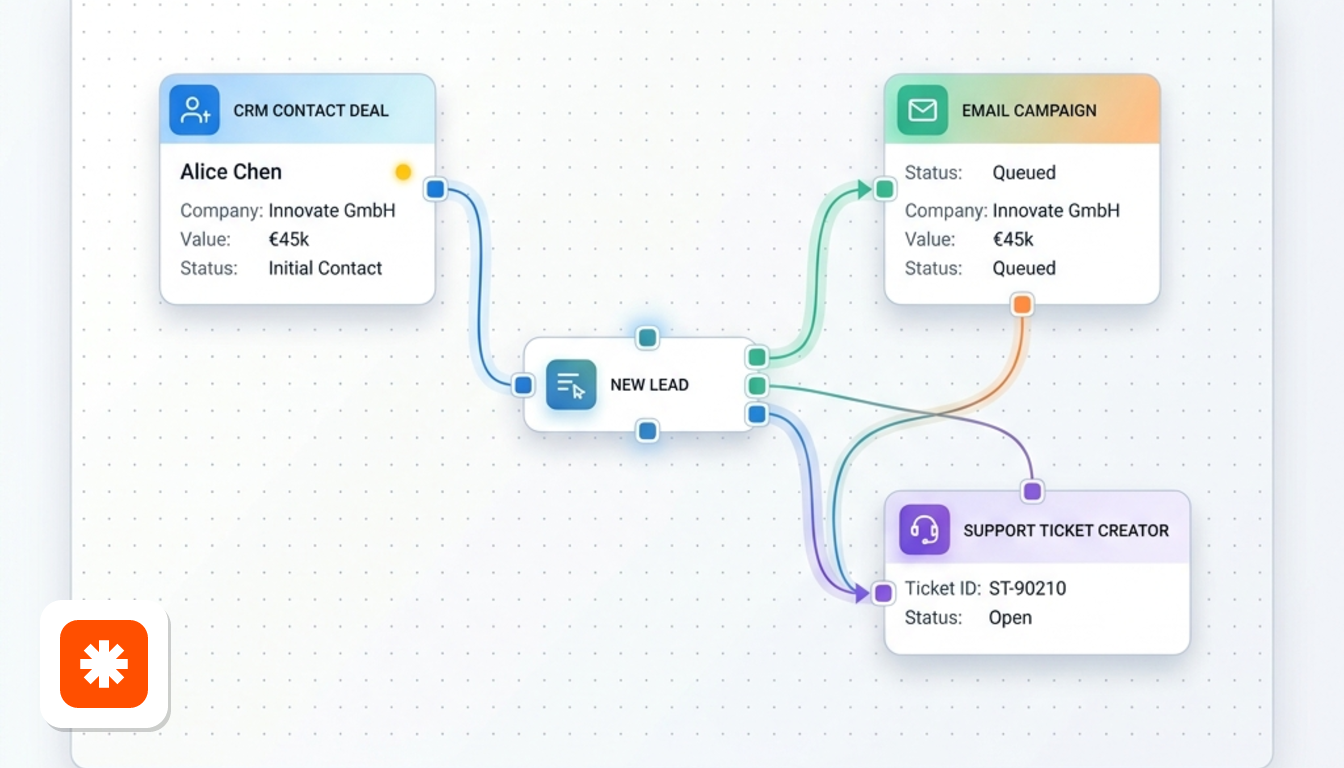
It depends on how many teams will live inside the CRM. This section draws on both vendors' comparison pages plus Zapier and EmailToolTester (2026).
Reps need to be productive fast
Pipedrive's deal card shows the name, assignee, value and one dynamic icon. The icon tells you whether activities are scheduled, overdue or missing. On sign-up, you also get a 7-step setup process.
HubSpot has a drag-and-drop board too. However, Zapier notes it lacks that icon and has far more menus to learn. That said, HubSpot cites a survey of 1,546 CRM users (August 2025) in which 91% said it took a month or less to learn. Onboarding is not a one-sided win.
You want one record across teams
HubSpot groups its tools into Hubs: Marketing, Sales, Service, Content, Data and Commerce. Picture a company where marketing runs campaigns and support owns renewals. A rep opening a contact sees all of that history in one place.
Pipedrive takes the opposite route. Its extras (LeadBooster, Web Visitors, Campaigns, Smart Docs and Projects) are optional add-ons around a sales core.
You want agents or an open connection
HubSpot lets you build custom agents in plain language with Agent Builder. Pipedrive pairs its in-product assistant with an MCP server, so external AI assistants can read your CRM data. The AI section below covers both in detail.
You are switching from HubSpot
Pipedrive's import tool has four steps. You open "Import data", choose "From another software" and select HubSpot. Then you enter your HubSpot login and test the connection. Next, you verify the settings and map pipelines and custom fields. Finally, you click "Start Import". For help with extra data or marketing tools, Pipedrive points you to its support team.
Sales Pipeline and Daily Workflow Usability
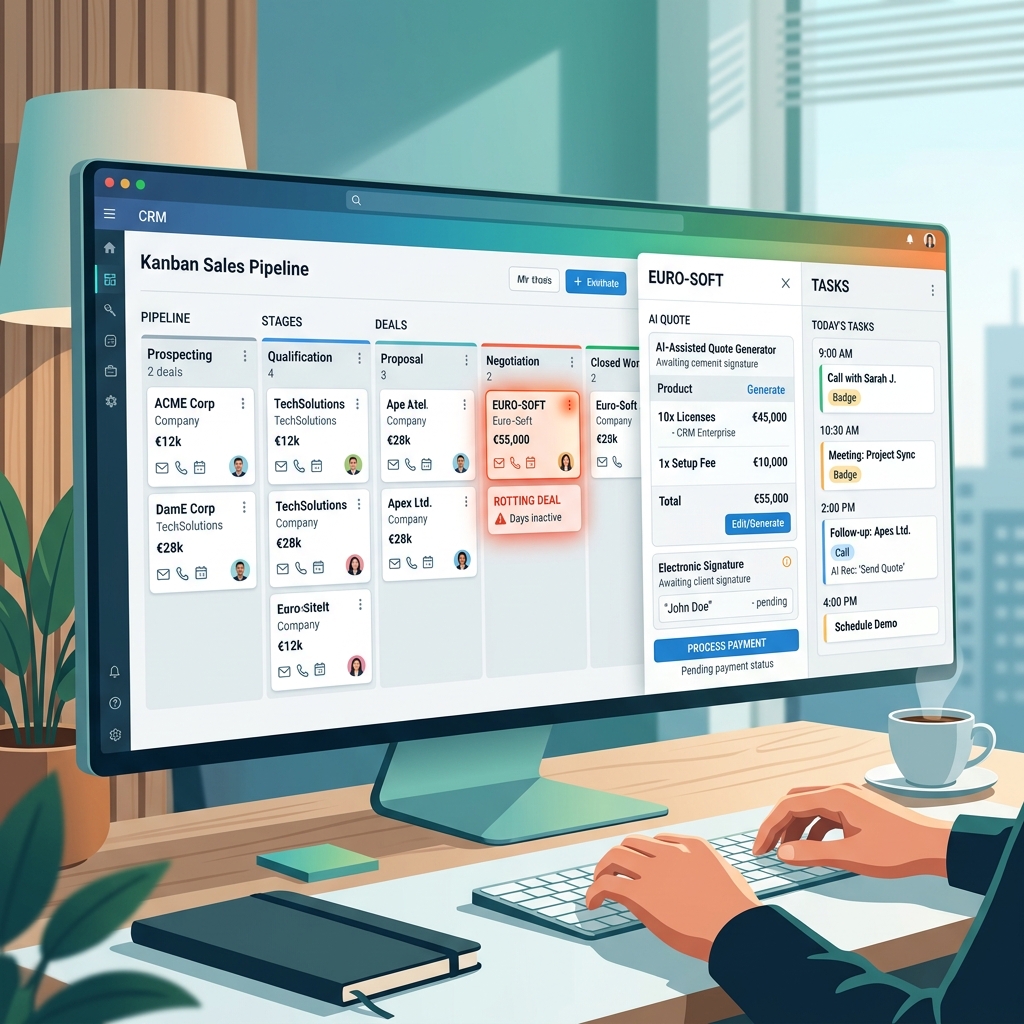
Pipedrive is quicker to read at a glance, while HubSpot gives reps more guidance. Both are flexible, so the real difference shows up in daily habits.
Pipelines and customization
According to Pipedrive's comparison page, every Pipedrive plan includes unlimited pipelines, custom fields, a product catalog and customizable reports, plus a deal rotting feature. That page lists revenue forecast reports from US$49 per month on Pipedrive. HubSpot offers them only in Professional and Enterprise tiers.
HubSpot's board is also customizable. You can edit columns, add custom properties and start from dashboard templates such as lead generation or sales manager. EmailToolTester's one complaint is that HubSpot does not differentiate between contacts, leads and companies, which adds complexity.
Daily rep execution
HubSpot organizes the day through Sales workspace, which puts leads, tasks and deals in one view. Guided actions suggest next steps, such as re-engaging a stalled deal. Native calling logs each interaction automatically.
Pipedrive leans on its visual indicators and activity reminders instead. You decide what to do next, and the card tells you which deals have no follow-up.
Email and communication
HubSpot connects Gmail and Outlook on its free plan and adds a shared inbox for email and live chat. Pipedrive offers two-way email sync from the Growth plan. It also has group emails to up to 100 contacts. Both track opens and clicks.
Quotes and documents
Pipedrive's Smart Docs covers quotes, document generation, e-signatures and tracking. EmailToolTester finds its proposal features friendlier than HubSpot's. HubSpot answers with CPQ. Reps configure products, produce AI-powered quotes and collect payments from the deal record.
Comparing HubSpot and Pipedrive Pricing and TCO
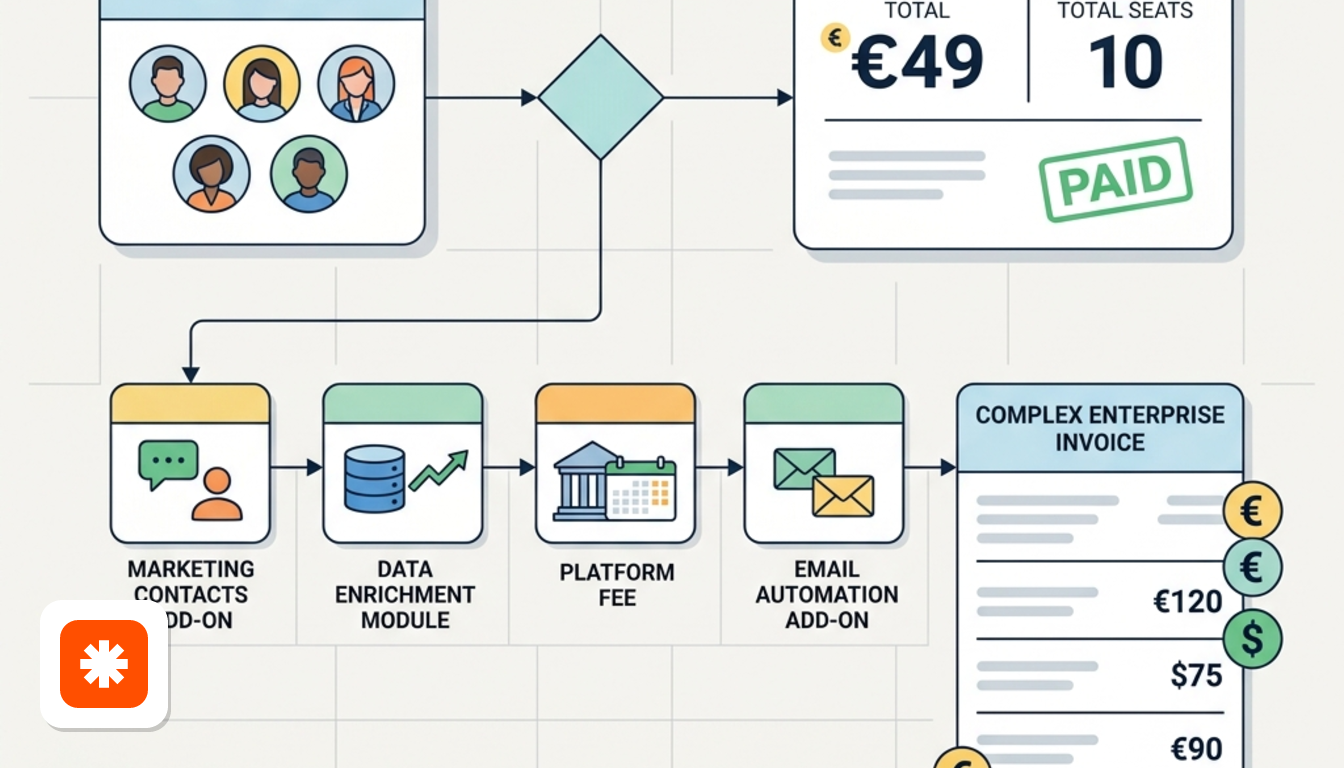
Pipedrive is cheaper and easier to predict, while HubSpot costs more as you add Hubs. Treat every figure below as before VAT, in US$ per seat per month.
| Item | Pipedrive | HubSpot Sales Hub |
|---|---|---|
| Price per seat (billed annually) | US$14 to US$79 | US$0 to US$75 |
| Minimum paid plan | US$14 | US$15 (discount for new customers only) |
| Free option | 14-day free trial, no permanent free plan | Free CRM capped at two users |
| Setup fee | None | Charged on higher-tier paid packages |
Source: Pipedrive's HubSpot comparison page and EmailToolTester's comparison, checked October 2026.
How Pipedrive's tiers climb
According to Avoma, Lite covers pipeline, contacts, calendar and AI-powered reports. Growth adds full email sync and automations. Premium adds lead routing, custom lead scoring and e-signatures. Ultimate adds a sandbox environment.
EmailToolTester puts HubSpot's Starter at US$20 per month instead of the US$15 on Pipedrive's page. Expect that gap between a promotional and a standard price.
Add-ons and expansion
Pipedrive's add-ons are sold separately on Lite and Growth and bundled into Premium and Ultimate. Campaigns, for example, starts at US$16 per month for up to 1,000 subscribers. Pipedrive's own FAQ admits HubSpot's cost can climb once you add extras. On the HubSpot side, data enrichment runs on a paid credit system, according to Pipedrive's page.
What a five-person team pays
Multiply the per-seat price by five and you have the Pipedrive bill. HubSpot's free tier cannot cover five people, because it stops at two seats. Pipedrive also lists free expert implementation support for accounts spending more than US$1,000 per month. Zapier's view is that HubSpot gets confusing and expensive as you scale. For similar price lists, see our Automation & CRM deals, and read how we verify prices.
AI Architecture and Agentic Sales Capabilities
HubSpot builds agents inside the platform. Pipedrive keeps AI close to the pipeline and opens a door for outside assistants.
HubSpot's agent platform
HubSpot's Prospecting Agent researches target accounts, enriches contact data and monitors buying signals. Out-of-the-box agents also handle support, data research and content. Agent Hub manages them all, and Agent Marketplace offers pre-built ones from HubSpot and partners. Zapier adds that a Breeze Assistant-powered builder drives cross-team workflows. HubSpot argues its agents work from a unified marketing, sales and service record.
Pipedrive's approach
Pipedrive's sales-focused assistant covers a Pulse feed, deal scoring, data enrichment and email drafting, per Zapier. It also gives tips and insights on deals. The MCP server lets outside assistants read your CRM data. HubSpot's reading is that Pipedrive's agents see only sales data. That is a fair trade-off if you do not need marketing context.
HubSpot's reported numbers
- Prospecting Agent customers book 82% more meetings on average (June to July 2026, 3,498 customers with it, 117,652 without).
- Sales Meetings users close deals 2.1x faster on average (February to March 2026).
- AI Deal Intelligence users win up to 70% more deals (June to July 2026).
All three come from HubSpot's comparison page and cover Professional and Enterprise customers only. They compare customers with and without a feature, not a controlled test. Teams that adopt agents may already be more organized.
What this means for RevOps
If you want agents that act on marketing, sales and service data without extra scripting, HubSpot offers that natively. If your reps live in the pipeline and a lightweight assistant is enough, Pipedrive keeps things focused.
European Compliance and German Data Residency
HubSpot lets you choose Germany as your data region. Pipedrive's page does not name a hosting region, so this comparison cannot say where its data sits. For a European team with a data protection officer, that difference may decide things on its own.
HubSpot's EU position
HubSpot offers five locations: Germany, US East, US West, Canada and Australia. You choose at signup or change later. It also lists SOC 2 Type 2 certification, GDPR tooling, single sign-on, two-factor authentication, database encryption and custom permission management, according to its comparison FAQ.
Pipedrive's security framework
Pipedrive's comparison page lists SOC 2 compliance, AES-256 encryption, two-factor authentication and user access and device logs. Avoma adds that Ultimate brings account security controls.
Language coverage may matter for a multi-country team. Pipedrive's page lists 24 supported languages against 17 for HubSpot.
Frequently Asked Questions About Both Tools
What is the core difference?
HubSpot is a multi-hub platform for marketing, sales and service. Pipedrive is a dedicated, visual pipeline CRM for sales reps. Pipedrive's page calls the main difference complexity. The wider HubSpot vs Pipedrive gap is scope.
Can CRM data stay in the EU?
With HubSpot, yes: pick Germany at signup. Pipedrive's listed protections are SOC 2 and AES-256 encryption, as covered in the compliance section above.
Does HubSpot have a permanent free plan?
Yes, but it stops at two users. EmailToolTester adds that it allows up to 2,000 promotional emails a month, with HubSpot branding on the free tier. Pipedrive offers only its 14-day trial.
How do you migrate from HubSpot?
Use the four-step import utility described earlier. It connects to your HubSpot login and maps pipelines and custom fields. Moving the other way, HubSpot says its team and partners offer guided services and automated tools.
Which is better value for five reps?
Pipedrive, if the team only sells. You pay per seat with no setup fee, and Premium bundles the extras. HubSpot makes more sense when marketing and support would otherwise pay for separate tools. Our price comparison pages show how other tools stack up.