

















Deciding between Notion AI vs ChatGPT? Compare verified 2026 seat costs, metered credit rules, MCP server setups, and EU GDPR data hosting terms.
Choosing between Notion AI plan features and pricing and ChatGPT plan options and limits comes down to context and data location. Upgrading your workspace to Notion Business gives you a built-in assistant that reads private database rows natively. Buying a standalone ChatGPT subscription provides broader web research, code execution, and creative generation in a separate tab. You need to weigh workspace integration against general intelligence before committing to a monthly bill.
TL;DR: Notion AI suits teams working inside Notion who need answers grounded in workspace pages and automated database property updates. It costs $20 per seat per month (billed annually) bundled into the Business plan, plus metered credits for custom agents. ChatGPT suits knowledge workers who need open-ended reasoning, live web research, Python coding, and multimodal creation. It starts at $8 per month for Go or $20 per month for Plus, but it cannot read your Notion pages natively unless connected through an MCP server.
Notion AI vs ChatGPT summary and verdict
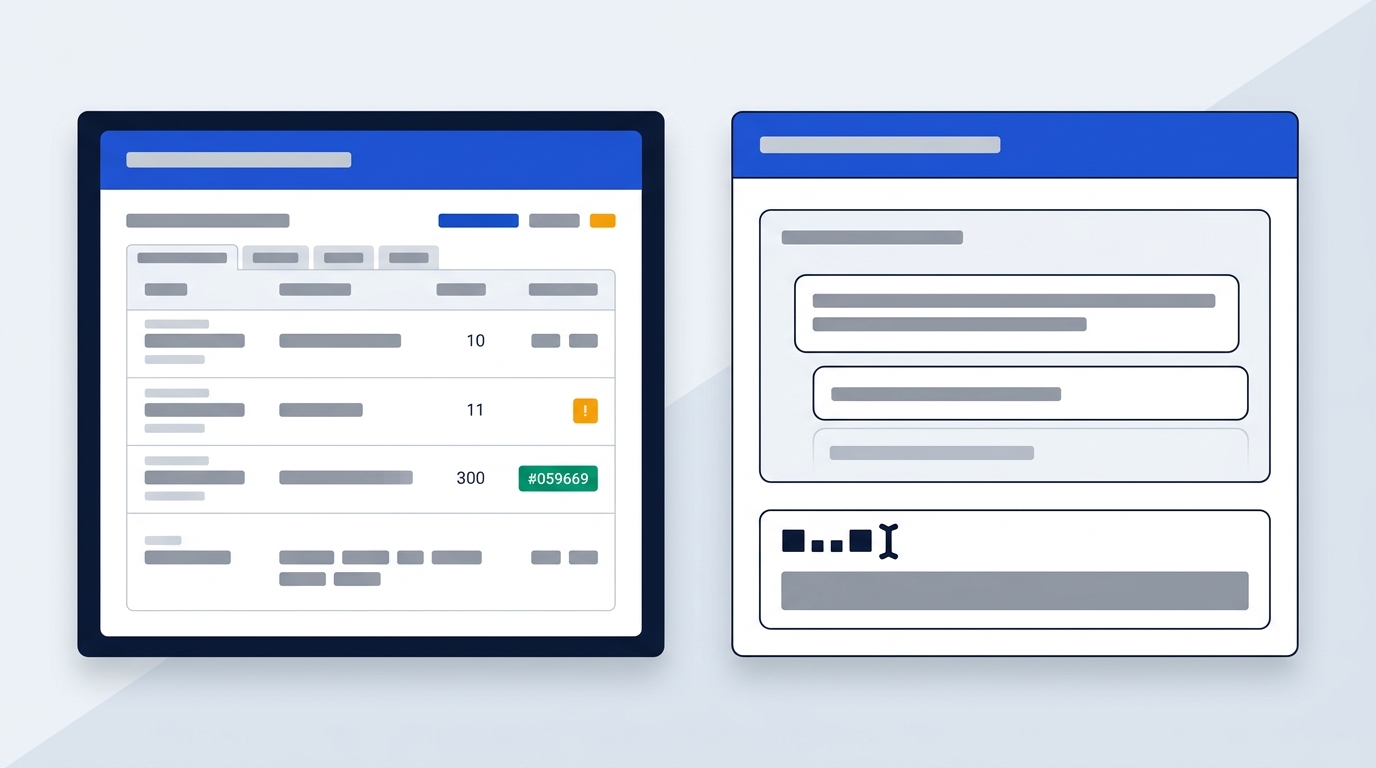
The choice between these tools depends on where your daily work happens. Notion AI suits teams living inside Notion who need answers grounded in internal workspace documents alongside database property autofills. ChatGPT suits workers who require deep reasoning, web research, code execution via Codex, and visual creation. Evaluating both options requires looking at your team structure, existing stack, and operational friction points.
Architecturally, Notion AI acts as a workspace-grounded assistant. It scans existing documentation, linked databases, and connected apps to answer queries with direct page citations. ChatGPT operates as a general conversational assistant. It has no native visibility into your private workspace unless you configure an active integration. Understanding how each platform accesses your internal documents helps you prevent data security issues while maximizing output quality.
User personas and practical scenarios
Consider how different roles inside your company interact with corporate knowledge. Operations leads and project managers managing sprint boards, client documentation, and call logs in Notion benefit immediately from built-in AI. When a team member updates a project record, the internal model reads the content instantly without manual file uploads. You can ask it to identify overdue tasks across five databases, and it returns grounded answers with links to the exact rows.
In contrast, product marketers, software engineers, and market researchers often work far beyond internal documentation. These roles require live web data, Python execution for data analysis, visual generation, and open-ended ideation. ChatGPT serves this workflow far better than a workspace-bound tool. If your daily tasks require scanning competitor announcements across the web or writing scripts, standalone conversational models provide the raw flexibility you need.
Budget reality and plan structure
The purchasing model differs significantly between the two platforms. You cannot buy Notion AI as a standalone add-on. Access requires upgrading your entire team to the Notion Business plan at $20 per seat monthly on annual billing. ChatGPT offers flexible individual access ranging from $0 to $20 monthly for Plus and from $100 monthly for Pro, making it easier to adopt on an individual basis.
This structural difference alters your software budget depending on team size. For a 10-person company on Notion Plus looking for AI capabilities, moving the whole team to Notion Business adds $100 to your monthly bill on annual terms. You avoid paying for workspace seats that non-technical staff might never touch.
| Feature / Parameter | Notion AI | ChatGPT |
|---|---|---|
| Core Focus | Workspace search, document drafting, database autofill | General reasoning, coding, web research, image creation |
| Workspace Context | Native access to pages, databases, and connected apps | None by default; requires MCP server or app bridge |
| Entry Price | Bundled in Business plan ($20/seat/mo billed annually) | Free tier available; paid plans start at $8/mo (Go) |
| Model Selection | Multi-vendor (Anthropic, OpenAI, Google managed by admin) | OpenAI models (GPT-6 Astra, GPT-5.6 Sol, GPT-5 Thinking Mini) |
| Automation & Agents | Custom Agents (metered credit billing) | Custom GPTs, scheduled tasks, and Codex sessions |
Source: vendor pricing pages, checked October 2026.
Which AI tool fits your daily workflow
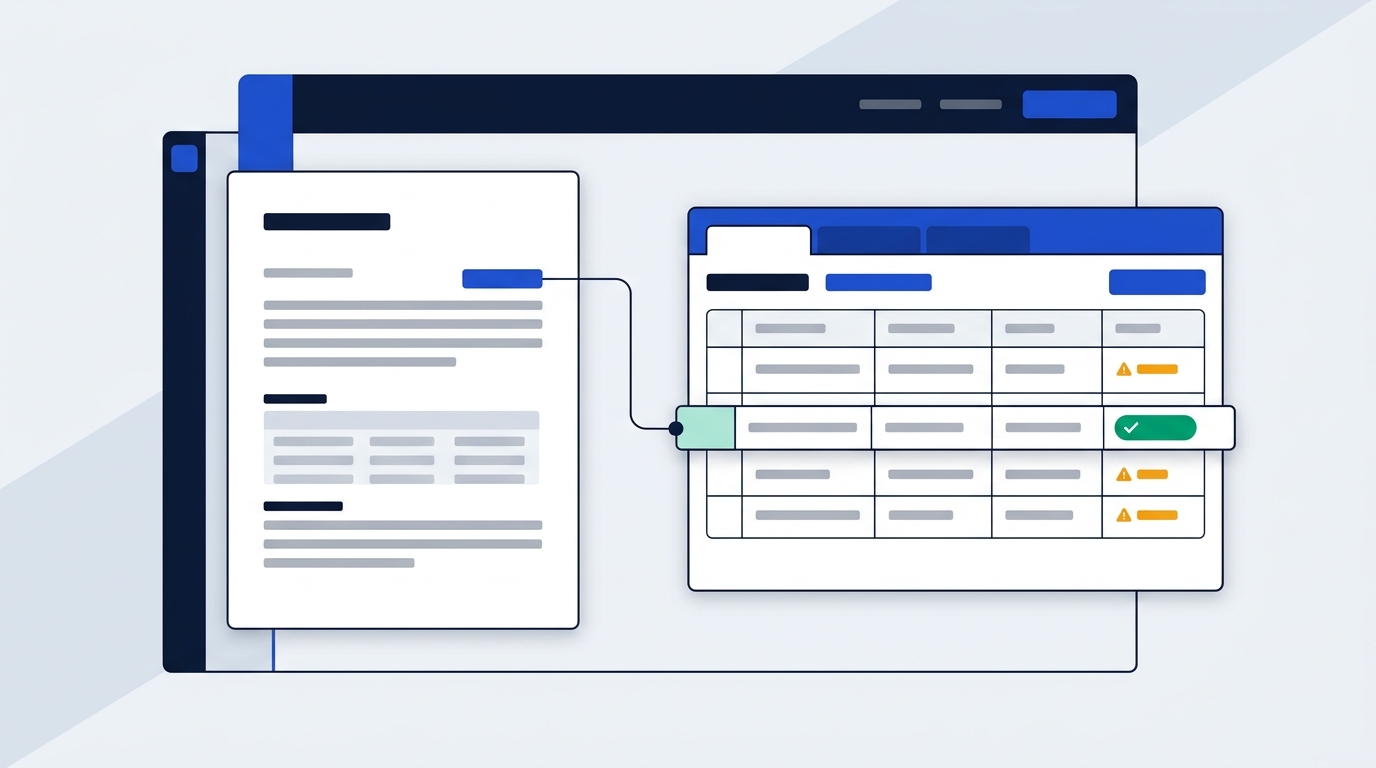
Evaluating workspace-grounded AI against a general assistant requires looking at your daily business operations. When your core task involves organizing project updates or updating tasks, context switching slows you down. If your work demands open-ended research or writing scripts from scratch, raw model intelligence matters more than workspace integration. Mapping out daily tasks helps you select the right tool for your operational bottlenecks.
When Notion AI wins
Notion AI excels when your team manages documentation directly inside databases. It automates database property autofills, populating priority tags, status summaries, or lead status fields based on raw page text. When you finish a call, it formats structured meeting summary notes directly onto the relevant project page without requiring manual copying. This native database proximity turns unstructured document pages into structured team data automatically.
The system operates through specialized surfaces including Notion Agent, Custom Agents, External Agents, AI Meeting Notes, Enterprise Search, Research Mode, AI Blocks, and Skills. Skills export as SKILL.md files to external tools like Claude Code, Codex, Cursor, Gemini, and Grok, allowing your team to standardise instructions across development environments. External Agents allow admins to orchestrate tools like Claude and Cursor directly from inside Notion pages.
Enterprise Search expands this reach across your software stack. On Business and Enterprise tiers, Notion AI queries connected external apps alongside your workspace pages. You can prompt the assistant to pull context from Slack, Google Drive, Jira, Linear, Teams, GitHub, Gmail, Outlook, and Google Calendar simultaneously, returning synthesized answers complete with inline citations to source documents. If you compare this with workspace suites like Taskade pricing and workspace limits, Notion's deep connector ecosystem keeps team data structured in place.
Consider a practical step-by-step workflow for a client management team. When a client call ends, you paste the unformatted notes into a Notion database entry. Notion AI runs Database Autofill to extract key action items, assign risk scores, and update the deal stage in dedicated property columns. You then open Enterprise Search to check whether the client was discussed in Slack last week. The assistant synthesizes the Slack messages and Notion page text in seconds, giving your account manager complete historical context without manual search.
When ChatGPT wins
ChatGPT leads when you need deep research, open-ended brainstorming, or technical execution. Its live web search browses real-time news and market updates, whereas Notion AI limits its answers to your internal workspace records and connected tools. If your team analyzes external industry metrics or competitor releases, ChatGPT delivers current web data without requiring manual pasting of web links.
For technical tasks, ChatGPT uses its Codex environment to execute Python scripts, analyze uploaded data files, and generate functional code snippets. It provides multimodal features like DALL-E image generation and real-time voice interactions. ChatGPT supports advanced reasoning models like GPT-6 Astra, GPT-6.1 Sol, and GPT-5 Thinking Mini, providing deep mathematical and logical problem solving. When compared against dedicated AI models like Claude subscription tiers and features, ChatGPT remains a versatile generalist for standalone tasks.
A typical step-by-step research scenario highlights this strength. Imagine your marketing team needs to build a competitive positioning report from a 50-page industry PDF. You upload the document into ChatGPT, prompt it to identify key market risks, and ask it to run Python scripts to generate visual data charts. ChatGPT parses the file, calculates statistical trends, creates interactive charts, and drafts campaign outlines. You get complete visual and strategic output from a single prompt window.
Workflow friction analysis
Notion AI eliminates tab-switching by running directly inside your active documents. You highlight text or press Shift+Cmd/Ctrl+J to summarize pages, rewrite tone, or filter database entries without leaving your workspace. This embedded interaction model prevents cognitive disruption during heavy writing or editing tasks. The AI acts as an inline editor that operates on your existing page structure.
ChatGPT requires you to copy context from your documents, paste it into a separate chat window, run your prompt, and paste the output back into your doc. This manual workflow creates friction unless you establish automated data connections. Moving sensitive company data into an external chat window also risks exposing unverified content to third-party logs if privacy settings are misconfigured. You must weigh the effort of manual copy-pasting against the higher reasoning power of ChatGPT.
Pricing debunked seat cost and metered credits
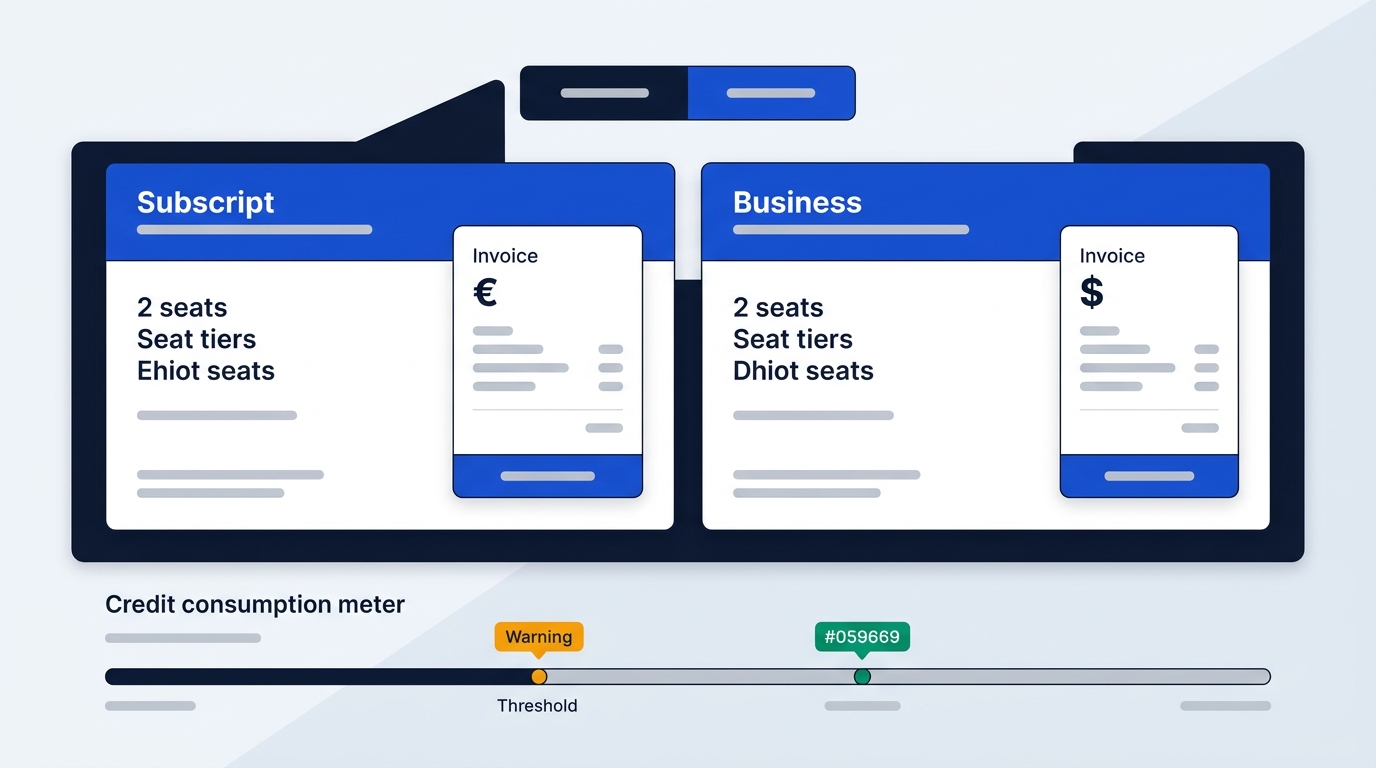
A common misconception in the Notion AI vs ChatGPT pricing debate is that Notion AI costs $10 as an add-on. Notion removed the standalone $10 per month add-on for Plus plans in mid-2025. Today, Notion AI is bundled exclusively into Business and Enterprise workspace tiers. Users on Free and Plus plans receive only a limited complimentary trial and cannot purchase standalone AI add-ons without changing their base plan.
Notion AI bundling and metered credit costs
Upgrading to Notion Business costs $20 per seat per month when billed annually, or $24 per seat per month on monthly billing. European pricing is set at €19.50 per seat annually (€23.50 monthly) and £16.50 per seat annually (£19.50 monthly in the UK). Every workspace user must be upgraded to the Business tier for the team to access AI features. This all-or-nothing seat requirement makes workspace-wide deployment a strategic financial decision.
According to Notion's official pricing documentation, building automated workflows introduces metered credit fees. Custom Agents and specialized background workers consume credits beyond your basic workspace allowance. Notion bills these additional metered credits at $10 per 1,000 credits per month on monthly plans, or $13 per 1,000 credits on annual plans. High-volume custom agents will increase your monthly invoice based on overall run frequency.
The credit engine operates alongside an unpublished usage allowance for standard Notion Agent tasks, image generation, and page translation. This allowance resets on a 6-hour window and again at the start of each monthly billing cycle. Workspace admins can monitor consumption under Settings, selecting Notion AI and checking the Usage tab. Notion passes model provider token rates directly without markup, allowing admins to manage model governance and turn off expensive models by default.
Notion's model picker supports multiple vendors including Anthropic (Opus 5), OpenAI (GPT-5.6 Sol), Google, xAI, Zhipu, and Moonshot (Kimi K3). Admins can restrict which models agents use to control credit spend. Background Workers draw from metered credits at approximately $0.0023 per run, providing roughly 4,348 runs per 1,000 credits. Monitoring credit usage during your first billing month prevents unexpected subscription line items.
ChatGPT tiers and total cost of ownership
ChatGPT offers individual subscription options alongside multi-user business plans. The Free tier includes standard text interactions with GPT-6 Luna and GPT-5 Thinking Mini, offering a 27K instant context window (~12 pages of text). For $8 per month, the Go tier expands your context to 54K (~40 pages), expands voice chats, and introduces scheduled tasks, though it may display ads. The Plus tier costs $20 per month, granting access to GPT-6 Astra, GPT-6.1 Sol, GPT-5.6 Sol, GPT-5.6 Terra, Projects, Custom GPTs, Sites, and Codex usage.
According to OpenAI's pricing page, ChatGPT Pro starts at $100 per month for high-compute requirements, correcting older launch pricing myths of $200. Pro provides expanded session memory, maximum context windows (128K instant context for ~250 pages, 400K reasoning context for ~680 pages), ultrafast response times, and the Dot always-on agent. Pro users also select from 3 usage tiers and receive monthly API credits to build custom applications.
For teams, ChatGPT Business Standard costs $20 per user per month billed annually ($25 monthly) with a 2-seat minimum up to 200 seats. Business Premium costs $100 per user monthly on annual terms ($125 monthly), delivering 5x Standard usage capacity without five-hour limits. Both Business tiers include dedicated workspace administration and exclude customer data from model training by default.
Evaluating total cost of ownership requires balancing workspace-wide coverage against targeted single-seat intelligence. A 10-person business team upgrading their Notion workspace to Business spends $200 monthly on annual billing, granting built-in document AI to every member. Equipping five key researchers with individual ChatGPT Plus accounts costs $100 monthly total. You must determine whether your priority is workspace-wide database search or high-powered individual creation.
Connecting Notion AI and ChatGPT together
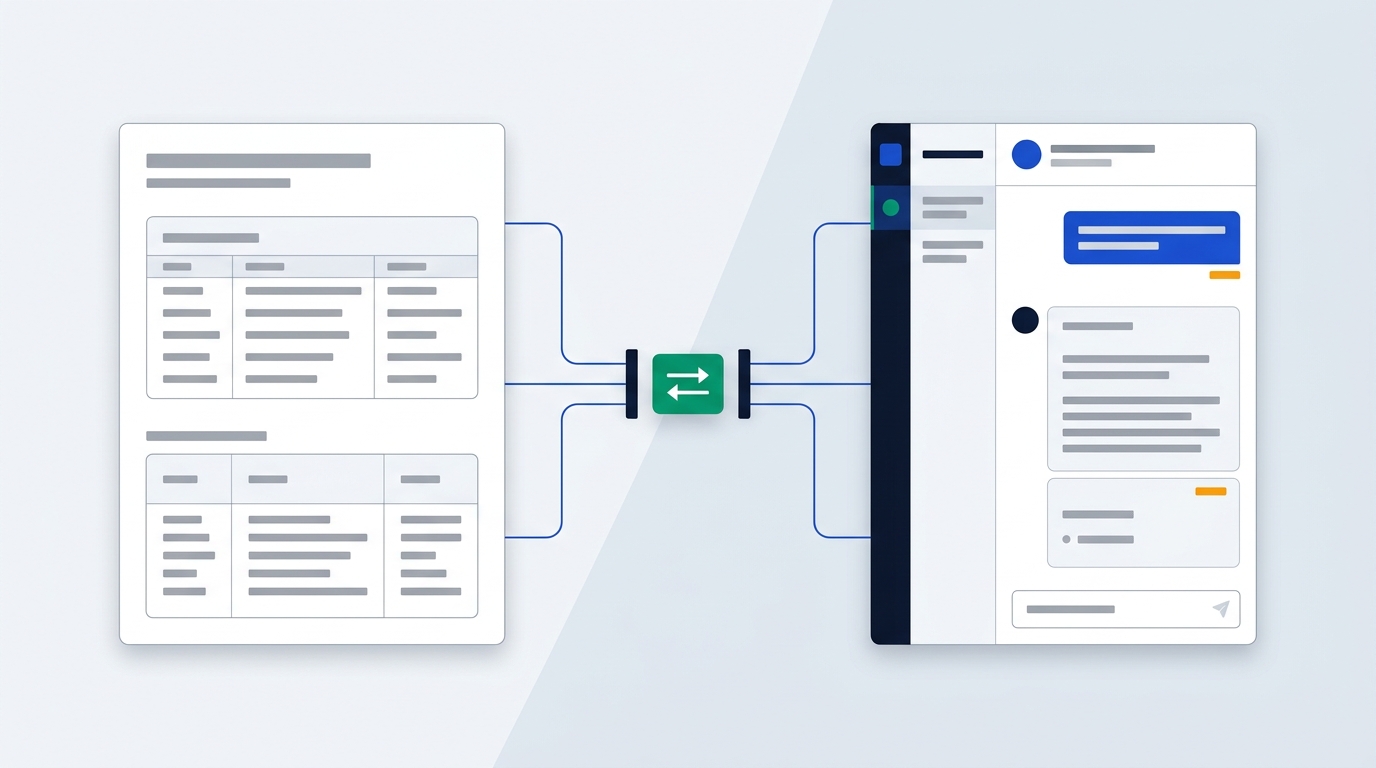
You do not always have to pick a single vendor. Integrating Notion AI and ChatGPT allows you to use ChatGPT's advanced reasoning capabilities directly against your structured workspace data. Three primary integration routes exist depending on your technical requirements and subscription tier. Connecting both platforms gives you the benefits of deep workspace search and external model reasoning.
Three integration paths for combined workflows
The first route uses Notion's official Model Context Protocol (MCP) Server. This OAuth bridge allows ChatGPT clients on Plus, Pro, or Business plans to read and write directly to Notion database pages. By establishing an MCP connection, you allow ChatGPT to query workspace records, update fields, and edit docs in real time without manual data exports.
Setting up the MCP server requires linking your Notion workspace credentials within your ChatGPT client settings under custom developer integrations. Once connected, you can prompt ChatGPT to scan a specific Notion product roadmap, draft technical requirements, and write the finished user stories back into a designated Notion database table. This bidirectional channel combines ChatGPT's drafting strength with Notion's structured storage.
The second route relies on the built-in ChatGPT Notion App found in OpenAI's app directory. This setup provides read-only file search across visible pages in your workspace. OpenAI's documentation confirms that new connections via the directory app focus on file search and do not support active background sync or page editing. Existing legacy connections retain sync capabilities, but new users are restricted to read-only document search.
The third route uses third-party automation platforms. According to Make's pricing page, its free tier offers 1,000 operations per month, while the Core plan starts at $12 per month. Zapier offers a free tier covering 100 tasks monthly on two-step Zaps, with Professional plans from $19.99 per month. These automation tools connect OpenAI API endpoints to Notion webhooks. You can configure custom triggers that send new Notion database entries to ChatGPT for processing and return the generated summary back into a Notion property field.
What are the limits of Notion AI Connectors
It is important to understand the limits of native Notion AI Connectors. Notion AI Connectors pull context from Slack, Google Drive, Teams, Jira, GitHub, Linear, Gmail, Outlook, and Google Calendar. However, these connectors perform read-only search and citation. They do not write or sync editable database rows into your Notion tables. If you require full two-way synchronization for tasks and calendars, specialized sync integration platforms are required.
Evaluating dual-tool return on investment
Running both platforms provides strong value for teams with distinct functional roles. Content strategists and developers can use standalone ChatGPT subscriptions for complex drafting, code execution, and web research. Meanwhile, your operations team relies on Notion Business to summarize internal knowledge bases and manage database workflows. Connecting them via MCP combines general reasoning with structured internal documentation.
To evaluate ROI on a dual-tool setup, calculate the time saved per employee. Eliminating 15 minutes of manual copy-pasting per day per strategist offsets the $20 monthly cost of a ChatGPT Plus seat. Meanwhile, keeping your core documentation structured inside Notion Business ($20/seat/mo) ensures that company IP remains indexed and searchable across departments. Deploying both tools strategically prevents wasted subscription costs while maintaining operational speed.
EU data protection GDPR and residency rules
European organizations must review vendor compliance regarding Data Processing Agreements (DPAs), server locations, and cross-border data transfer mechanisms under GDPR Article 28 DPA requirements before indexable team data is processed by AI models. Data protection compliance is critical when handling sensitive business records, customer information, or employee documentation across international cloud servers.
Data residency and vendor security frameworks
Notion hosts its primary infrastructure on Amazon Web Services in the United States. Enterprise plan customers can request primary EU data residency located in Frankfurt, Germany, or Dublin, Ireland. Notion provides a standard DPA covering GDPR requirements and maintains SOC 2 Type II and ISO 27001 security certifications. Admins can govern model access centrally, ensuring sensitive data meets organizational compliance mandates.
ChatGPT infrastructure, hosted by OpenAI on Microsoft Azure, processes data within US data centers. OpenAI offers a commercial Enterprise DPA incorporating EU Standard Contractual Clauses (SCCs) for cross-border data transfers. Data submitted to ChatGPT Business, Team, and Enterprise workspaces is excluded from model training by default. Individual Free, Go, and Plus tiers opt users into model training unless manually disabled in account settings.
European VAT handling and compliance
Both vendors bill software subscriptions as business services subject to regional tax rules. For UK VAT-registered businesses, purchases follow the UK reverse charge standard under HMRC VAT Notice 741A. European Union VAT-registered companies supply their valid VIES VAT ID during checkout to apply the standard EU reverse charge mechanism under EU VAT reverse charge rules for SaaS, excluding local VAT from the invoice total.
Managing tax compliance requires entering your corporate registration details correctly at purchase. If your company is registered for VAT in France, Spain, Germany, Italy, or Ireland, adding your VIES VAT ID ensures your invoice shows zero local VAT charges under the reverse charge system. UK buyers must maintain appropriate accounting records showing self-assessed reverse charge VAT on overseas SaaS invoices.
Frequently asked questions about both tools
Is Notion AI included with the Notion Plus plan?
No. Notion AI is not included in Free or Plus plans, which offer only a limited complimentary trial. Notion removed the $10 standalone add-on option in May 2025. Full workspace AI capabilities require an upgrade to the Notion Business plan ($20 per seat monthly on annual billing) or Enterprise tier. Upgrading to Plus expecting full AI access will lead to disappointment.
Can ChatGPT edit or write directly into my Notion workspace?
ChatGPT can write and edit Notion pages directly if you configure a connection using Notion's official MCP server. This requires a ChatGPT Plus, Pro, or Business subscription. The standard ChatGPT directory app provides read-only search functionality across your documents and does not support page edits or background data synchronization for new connections.
How do Notion Custom Agent metered credits bill?
Custom Agents consume metered credits once your workspace basic allowance resets. Additional credits cost $10 per 1,000 credits per month on monthly Business plans, or $13 per 1,000 credits annually. Credit consumption depends on agent call volume and selected model rates. They are billed directly to your main workspace invoice and do not roll over to subsequent billing cycles.
Does ChatGPT train models on my company data?
Data from ChatGPT Business, Team, Standard, Premium, and Enterprise accounts is strictly excluded from model training by default. Individual Free, Go, and Plus accounts opt user prompts into training unless you manually opt out in account privacy settings. Organizations handling confidential records should deploy Business accounts or enforce strict account privacy controls across individual seats.
Which tool is better for audio transcriptions and PDF analysis?
Neither native workspace tool records or transcribes live audio meetings directly. Notion AI has no audio recording or native PDF parsing pipeline; it requires content to be typed or pasted into pages first. ChatGPT handles session PDF file uploads during active chats for temporary analysis, but lacks persistent notebook storage. Specialized transcription platforms like Fireflies.ai transcription costs and caps are required for live meeting recording and transcript synchronization.
Sources and how this was compiled
Compiled by the SaaSEuro team from the vendors' official documentation; we have not hands-on tested these products. Facts last checked in October 2026.
Source: official vendor pages, checked October 2026.
Bottom line and your next step
If your team works extensively inside Notion for docs, projects, and databases, upgrading to Notion Business ($20/seat/mo) provides built-in workspace intelligence that eliminates context switching. Grounding answers in your existing database pages keeps team documentation clear and structured. Notion AI delivers immediate value for operations teams managing internal knowledge bases daily.
If you need broad internet research, Python code execution, multimodal image generation, or creative drafting from scratch, choose a standalone ChatGPT subscription. ChatGPT Go ($8/mo) provides affordable entry level features, while Plus ($20/mo) unlocks advanced reasoning models like GPT-6 Astra. Developers and heavy researchers will find ChatGPT Pro ($100/mo) or Business ($20/user/mo) far more versatile for open-ended tasks.
Ten-minute decision audit guide
Follow these concrete steps to decide which subscription structure fits your team budget today:
1. Open your Notion billing page and check your current tier. If you are already on Business, you own Notion AI; turn on admin model governance and test Database Autofill before spending extra money elsewhere.
2. If you are on Free or Plus, calculate the cost of moving all workspace seats to Business ($20/seat/mo annual). Compare that total against buying targeted ChatGPT Go ($8/mo) or Plus ($20/mo) accounts for specific team members.
3. Audit your daily tasks. If your work requires live web browsing, coding scripts, or processing external PDFs, choose ChatGPT.
4. Test the free Notion MCP server connection if you own ChatGPT Plus. Connecting both tools gives you broad model intelligence grounded in your private workspace documents without redundant software spending.