













Compare Grok vs ChatGPT to see which AI suits your team. Evaluate US$ pricing tiers, 2M context limits, and EU GDPR rules before you buy.
Choosing between Grok vs ChatGPT comes down to whether your workflow prioritizes real-time social intelligence or structured enterprise productivity. If you need live trend tracking and massive document context, Grok delivers immediate social media data. If you require multi-file coding, stable business drafting, and GDPR-compliant team workspaces, ChatGPT remains the most versatile choice.
Selecting an artificial intelligence assistant requires analyzing technical limits, privacy policies, and pricing models. Both platforms deliver strong conversational capabilities, but their core architectures serve different professional requirements. You should evaluate how each tool handles confidential data, long documents, and daily software integrations.
This guide compares Grok and ChatGPT across verified technical specifications, corporate subscription tiers, and European legal frameworks. Every price, token limit, and model feature comes directly from vendor documentation published as of April 2026. Use these verified details to pick the right assistant for your organization.
Grok vs ChatGPT Executive Summary and Verdict
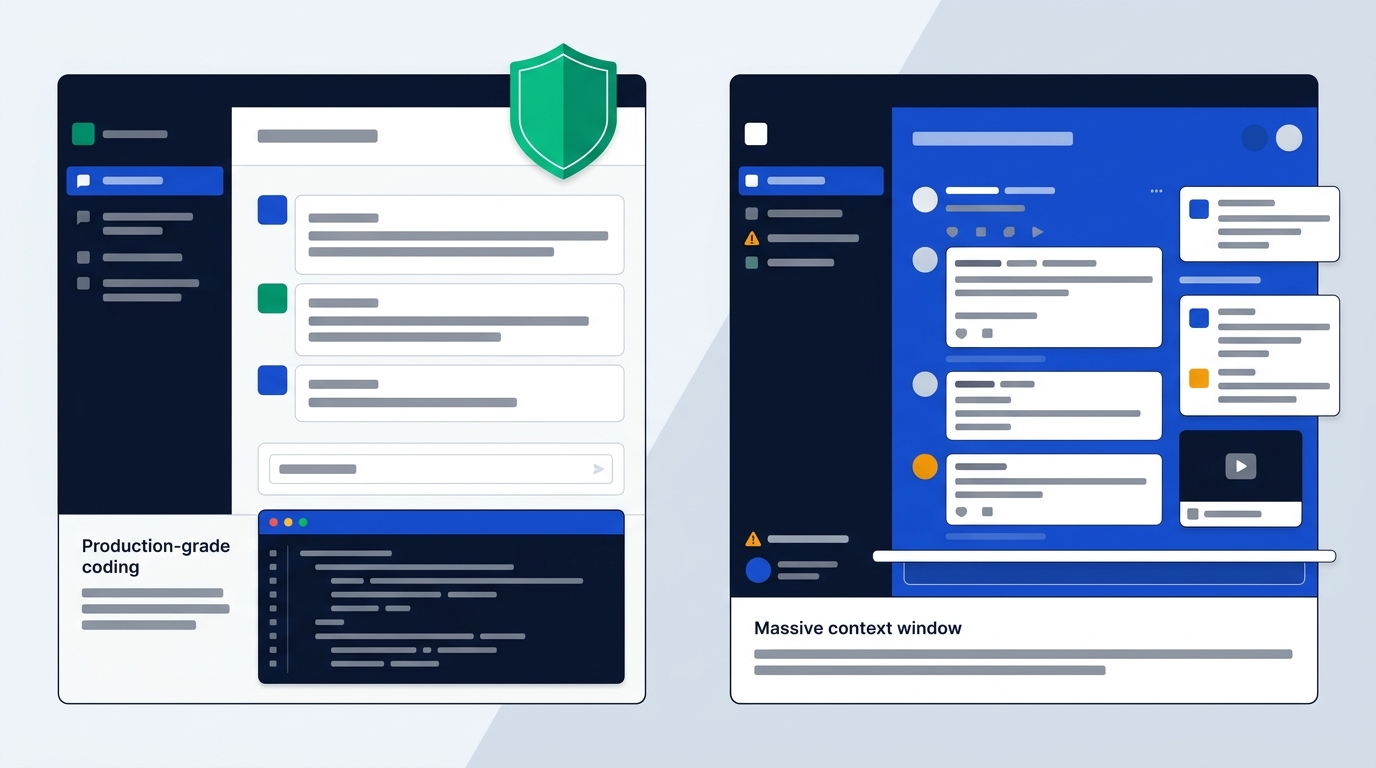
Here is a quick decision matrix to help you pick the right assistant for your daily work. Your choice depends on your specific data sources, privacy requirements, and budget limits.
- Choose ChatGPT if: You need structured corporate communication, production-grade coding with Codex, shared team workspaces, and verified GDPR enterprise compliance.
- Choose Grok if: Your work relies on real-time social media intelligence from X, unfiltered creative ideation, fast video creation, and context windows up to 2 million tokens.
When comparing the two tools, both platforms offer advanced reasoning and multimodal generation. However, their underlying design choices create two distinct user experiences. ChatGPT focuses on predictability, polished writing, and enterprise guardrails. Grok emphasizes immediate trend analysis, casual conversational tone, and raw context handling.
| Feature | ChatGPT | Grok |
|---|---|---|
| Main Focus | Structured productivity and coding | Real-time social data and trends |
| Entry Price | Free tier / Go ($8/mo) / Plus ($20/mo) | Free tier / SuperGrok Lite ($10/mo) / SuperGrok ($30/mo) |
| Maximum Context | 256K (Plus) to 400K tokens (Pro) | Up to 2,000,000 tokens (Grok 4.20) |
| Real-Time Source | ChatGPT Search (Web) | Native X stream + Web |
| GDPR Workspace | Team & Enterprise (No training) | Grok Business (No training) |
Source: official OpenAI ChatGPT pricing documentation and xAI Grok platform releases, checked October 2026.
Who Should Choose Which AI Tool
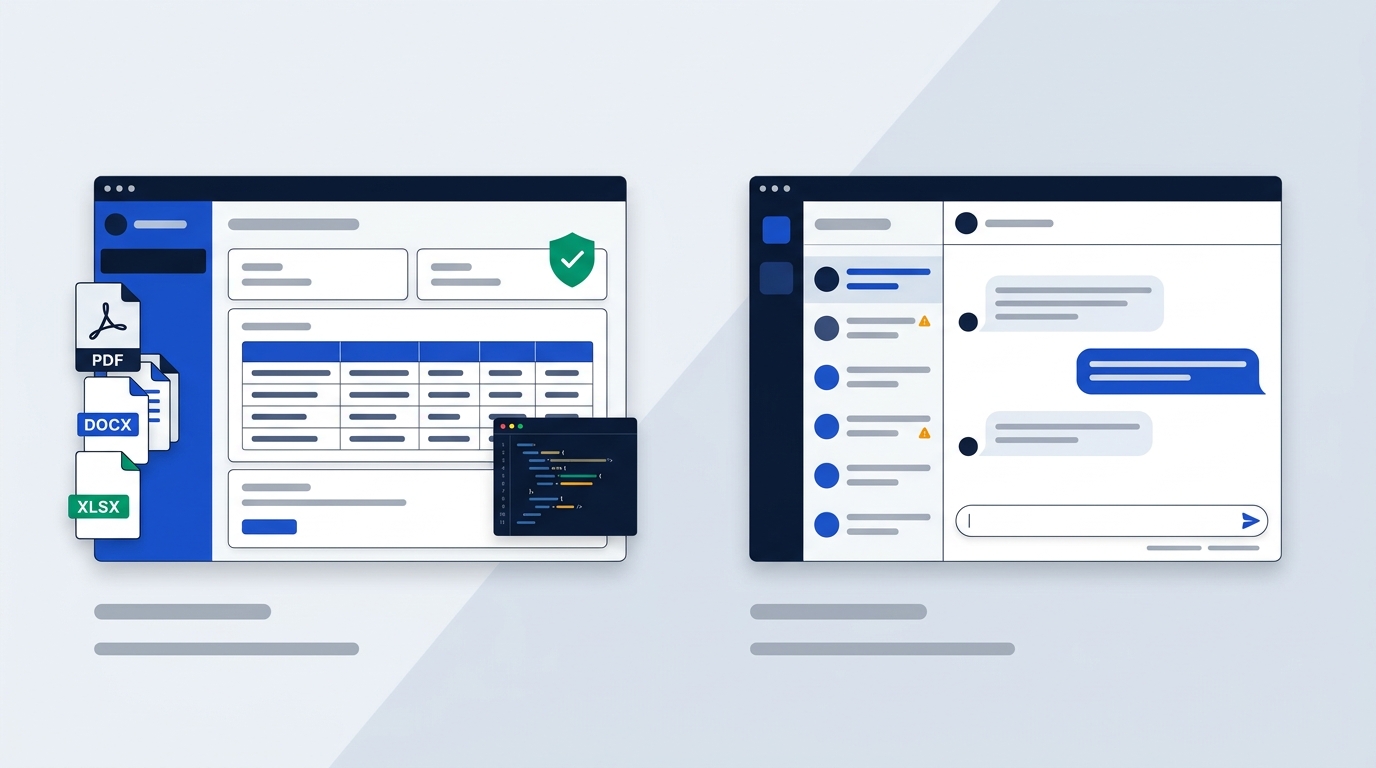
Selecting the ideal AI assistant depends heavily on your specific job role, data needs, and operational requirements. Different teams encounter distinct friction points when deploying these models into daily workflows.
You should evaluate how each platform fits into your existing software environment. A tool that excels at casual brainstorming might create friction during formal audit processes. Conversely, a platform optimized for strict compliance can feel overly rigid during creative campaign planning.
Evaluating practical workplace scenarios helps clarify which tool solves your operational problems. Software selection should reflect real daily tasks rather than benchmark scores alone.
Suitability for Corporate Leaders and Analysts
European business leaders and financial analysts will find ChatGPT better aligned with standard corporate demands. The system handles complex business logic, financial modeling, and formal reporting with high consistency. When drafting quarterly reports or reviewing sensitive contract templates, ChatGPT maintains a neutral tone and precise formatting.
You can rely on ChatGPT to format structured tables, output valid JSON files, and maintain stylistic tone constraints across long documents. It follows exact system instructions without introducing unexpected commentary. This consistency makes it a reliable asset for board presentations and formal stakeholder communications.
ChatGPT allows you to create structured workspace projects and schedule recurring tasks. You can connect files directly from cloud storage, execute code in isolated containers, and export clean data tables. Its steady output reduces the need for manual copy-editing before sharing reports with executive stakeholders.
Analyst teams working on multi-year strategic reviews benefit from ChatGPT's file handling capabilities. You can upload up to 512 MB per file across standard document formats like PDF, DOCX, TXT, PPTX, XLSX, and CSV. The platform parses long tables and synthesizes core financial trends accurately.
Free plan users can upload up to three files per day for basic analysis. Plus, Team, and Pro users receive expanded file uploading privileges without daily caps. This makes ChatGPT a dependable engine for document-heavy financial audits and market reviews.
When preparing sensitive corporate forecasts, executive leads must protect client privacy. ChatGPT Team and Enterprise plans automatically exclude all customer inputs from AI model training. This guarantees that internal corporate strategy documents remain strictly private within your corporate domain.
Suitability for Engineers and Product Teams
Software engineers benefit from ChatGPT's dedicated Codex infrastructure and desktop code editing tools. ChatGPT supports multi-file refactoring, systematic code documentation, and deep debugging across major frameworks. Its responses include complete code blocks, edge-case checks, and inline comments that software teams can commit directly to repositories.
You can use ChatGPT's native macOS application to edit code files directly in your local development environment. Its reasoning models step through complex logic puzzles and explain architectural choices clearly. This structured approach helps junior developers write safer code while saving senior engineers time during peer reviews.
ChatGPT includes Developer Mode in beta for Plus and Pro subscribers. This mode gives developers advanced control over model parameters and system prompt settings. Software teams can fine-tune outputs for specialized API building and backend script generation.
Grok handles rapid algorithm prototyping and alternative problem-solving approaches well. However, technical evaluations show that Grok sometimes omits safety checks, skips comments, or drops structural edge cases. Developers often use Grok for quick logic brainstorming, though you can also explore ChatGPT vs Claude to see how other top models handle technical code generation.
If you run a rapid prototyping sprint, Grok's raw processing speed and alternative code suggestions can unlock creative workarounds. However, your engineering lead must review Grok's outputs carefully. The tool may skip input validation steps or omit necessary error handling functions.
Grok 4.20 provides a context window of up to 2 million tokens in developer environments. This capacity allows engineers to submit entire code repositories in a single prompt. While ChatGPT Codex remains the superior agent for structural precision, Grok's raw memory capacity helps locate bugs across vast code files.
Suitability for Marketing Strategists and Journalists
Marketing managers, public relations specialists, and journalists will find Grok exceptionally agile. If your brand needs to react to viral trends within minutes, Grok pulls live posts directly from X. It synthesizes current social conversations and highlights emerging hashtags without delay.
You can query Grok about public reaction to a product launch as comments flood social networks. Grok reads live post streams continuously. It synthesizes user sentiment, identifies key influencers, and drafts quick responses tailored for immediate social publishing.
Grok's Fun Mode provides witty, internet-native copy that fits casual social campaigns. While ChatGPT can mimic relaxed tones when prompted, Grok generates playful, edgy copy by default. Journalist teams covering live events can use Grok's DeepSearch mode to trace real-time updates as news breaks online.
Video creators also gain access to Grok Imagine. This tool supports text-to-video generation, image-to-video transformations, and direct video editing. If your content team generates daily promotional clips for social feeds, Grok offers multimedia tools built directly into the conversation window.
ChatGPT discontinued its Sora video generation tool in March 2026. As a result, OpenAI users relying on visual media must use GPT-Image-1.5 for static image creation. Marketing teams needing integrated video generation will find Grok Imagine significantly better aligned with multimedia workflows.
Journalists investigating fast-moving global events can leverage Grok's DeeperSearch mode. This multi-agent feature queries social media posts and live web articles simultaneously. It constructs multi-perspective timelines of breaking stories, giving reporters immediate context during live news cycles.
Workflow Friction in European B2B Environments
Deploying Grok inside European corporate environments can introduce workflow friction due to its unpredictable tone and looser content filters. Off-handed sarcastic outputs or internet jokes can compromise internal legal reviews or client-facing proposals. Organizations with strict brand guidelines must spend extra time vetting Grok's copy.
You might find Grok's casual tone jarring when generating formal compliance notices or executive briefs. Even in Regular Mode, its underlying training push towards conversational wit can surface unexpected phrasing. European teams working across multiple language jurisdictions often prefer a predictable, neutral tone.
Grok also lacks built-in custom bot stores, granular third-party application connectors, and shared team workspace controls at the consumer level. Managing seat deployments across large corporate marketing departments can create administrative overhead for IT administrators.
ChatGPT minimizes operational friction through standardized workspace administration, predictable guardrails, and role-based permissions. Corporate teams can enforce uniform privacy policies across departments without fine-tuning tone settings for every user prompt.
When you onboard non-technical staff to ChatGPT, they encounter a familiar interface with strict content safety boundaries. This reduces the risk of accidental privacy breaches or inappropriate outputs in corporate communications.
Administrative leads can manage user permissions, monitor API credit consumption, and configure single sign-on security effortlessly. This turnkey administration makes ChatGPT easier to integrate into existing corporate IT governance structures.
Corporate Philosophy and AI Model Architecture
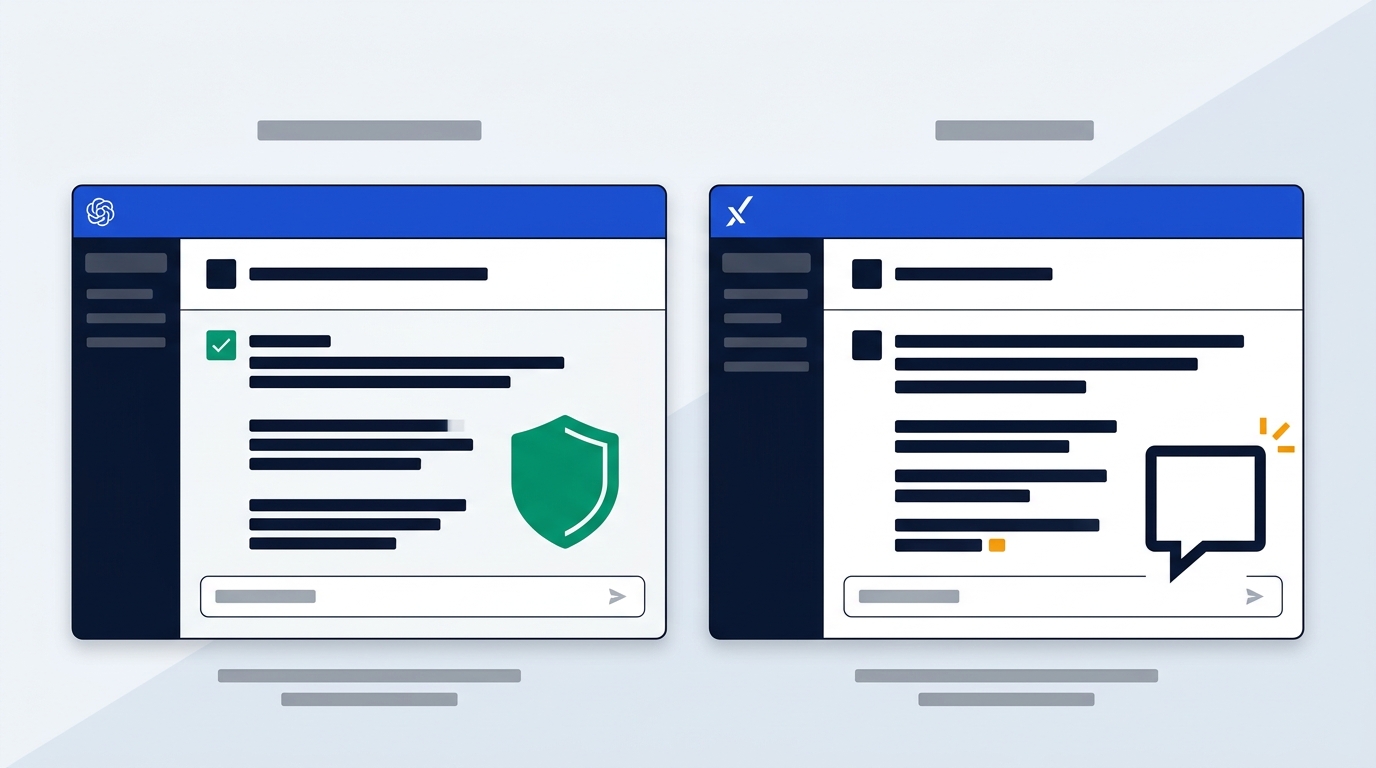
The technical differences between the two systems mirror the public rivalry between OpenAI and xAI. Their founders hold contrasting philosophies regarding AI safety alignment, open communication, and system design.
Understanding these historical origins helps you evaluate why each tool behaves the way it does. Sam Altman's OpenAI focuses on controlled scaling and commercial integration. Elon Musk's xAI prioritizes real-time knowledge flow and uninhibited speech options.
This division shapes every aspect of model behavior, from content moderation to architectural routing. Examining model infrastructure explains how these systems process complex reasoning queries under pressure.
OpenAI Alignment vs xAI Freedom Stance
OpenAI, led by Sam Altman, emphasizes safety guardrails, structured alignment, and enterprise reliability. The platform uses extensive reinforcement learning from human feedback. This design ensures outputs remain polite, balanced, and free from explicit or high-risk content. This conservative strategy appeals to educational institutions, healthcare operations, and corporate legal departments.
You will notice ChatGPT actively refrains from taking definitive stances on controversial public debates. Instead, it provides neutral summaries outlining major opposing perspectives. This safety alignment protects corporate users from PR liabilities and legal risks.
G2 reviewers award ChatGPT a 4.7/5 score based on over 8,500 verified user ratings. Reviewers frequently highlight its reliable safety alignment, structured formatting, and consistent professional tone across diverse business workflows.
xAI, founded by Elon Musk, built Grok with an anti-woke design philosophy. Musk positioned Grok as a direct counterweight to heavily filtered systems. Grok engages controversial topics more freely and delivers direct, sarcastic, or unhedged answers. This architecture minimizes refusal rates for sensitive prompts but increases the likelihood of unpredictable outputs.
If you ask Grok provocative questions, it responds with minimal corporate hedging. Users who dislike disclaimers appreciate this direct posture. However, this flexibility means your team must take greater responsibility for verifying outputs before public distribution.
Grok holds a 4.4/5 rating on G2. Users praise its raw real-time search capabilities and entertaining personality, but note occasional tone inconsistencies during formal business tasks.
ChatGPT Model Infrastructure
ChatGPT operates on OpenAI's GPT-5.6 and GPT-6 model families, including specialized reasoning variants. The architecture separates tasks between fast conversational models and heavy reasoning engines like Sol, Luna, and Astra.
You can select different models based on your task complexity and speed requirements. Free and Go users access fast conversational tools, while Plus and Pro subscribers unlock high-compute reasoning engines built for multi-step math, science, and logic problems.
- GPT-6 Luna: Handles everyday fast text queries across all subscription tiers, including Free and Go plans.
- GPT-6 Sol and Sol 6.1: Provide expanded reasoning and analysis for Plus and Pro subscribers.
- GPT-6 Astra: Powers high-compute Pro reasoning tasks, serving as the core engine for complex research.
- GPT-5.6 Sol and Sol Pro: Offer dedicated analytical capabilities, with Sol Pro reserved exclusively for Pro tier users.
- GPT-5.6 Terra: Supplies specialized processing for Codex and ChatGPT Work desktop environments.
- GPT-5.6 Luna: Delivers fast, efficient reasoning for Plus and Pro users.
- GPT-5 Thinking Mini: Provides fast reasoning logic across Free, Go, Plus, and Pro tiers via the Thinking toggle.
- Legacy Models: Available to Plus and Pro subscribers needing backwards compatibility for older workflows.
This tiered architecture allows ChatGPT to maintain rapid response speeds for basic prompts while directing massive compute to complex mathematical and logic problems.
Response speeds vary significantly across model tiers. Free and Go plans feature response times that are limited based on available bandwidth and system availability. Plus subscribers enjoy fast response times, while Pro subscribers unlock ultrafast processing speeds on eligible model tiers.
Grok Mixture-of-Experts Engine
Grok runs on xAI's mixture-of-experts model stack, featuring Grok 4, Grok 4.1, and Grok 4.20. The mixture-of-experts setup routes user prompts to specialized sub-networks, ensuring high processing speed while maintaining dynamic reasoning capabilities. SuperGrok Heavy tier subscribers access Grok 4 Heavy for compute-intensive workloads.
By routing prompts dynamically across specialized sub-models, Grok maintains high operational efficiency. It processes vast data sets rapidly while preserving conversational responsiveness.
xAI's architecture emphasizes reinforcement learning scaling between model generations. This training focus has driven steady benchmark improvements in mathematics, scientific reasoning, and competitive coding tests.
Grok provides two distinct operating modes inside its interface:
- Regular Mode: Delivers direct, structured answers with minimal personality filters.
- Fun Mode: Activates a witty, sarcastic, and edgy tone designed for entertainment and creative brainstorming.
You can toggle between these modes depending on your immediate goals. Switch to Fun Mode when writing social hooks, then return to Regular Mode when drafting technical summaries.
Grok also incorporates specialized sub-modules like Aurora for image creation, Imagine for video rendering, and DeepSearch for real-time web exploration. These tools operate smoothly within the primary chat stream.
Safety Alignment vs Unfiltered Freedom
ChatGPT's safety alignment prevents it from generating hate speech, dangerous instructions, or unverified slander. When faced with ambiguous political or social questions, ChatGPT provides balanced summaries of multiple viewpoints. While this approach avoids liability, power users sometimes find the output overly cautious.
If your daily work involves analyzing sensitive social issues or controversial topics, ChatGPT may issue disclaimers before answering. These guardrails protect institutional buyers, though they can slow down fast-paced exploratory research.
OpenAI continuously refines these safety guardrails through automated compliance monitoring and red-teaming protocols. This systematic alignment makes ChatGPT suitable for deployment in public school systems, government agencies, and regulated corporate environments.
Grok offers greater freedom, answering obscure or controversial queries without issuing disclaimers. However, its sarcastic tone can occasionally derail technical research. Users must choose between diplomatic predictability and raw, unfiltered commentary.
In early iterations, Grok's loose filtering led to public controversies regarding unverified social claims. xAI subsequently updated its moderation boundaries, but Grok remains noticeably freer and less guarded than ChatGPT.
Your team should evaluate your organization's risk tolerance carefully. A finance firm handling client portfolios will value strict guardrails. A media team running online engagement campaigns may prefer unfiltered responsiveness.
Real Time Search and Context Limits
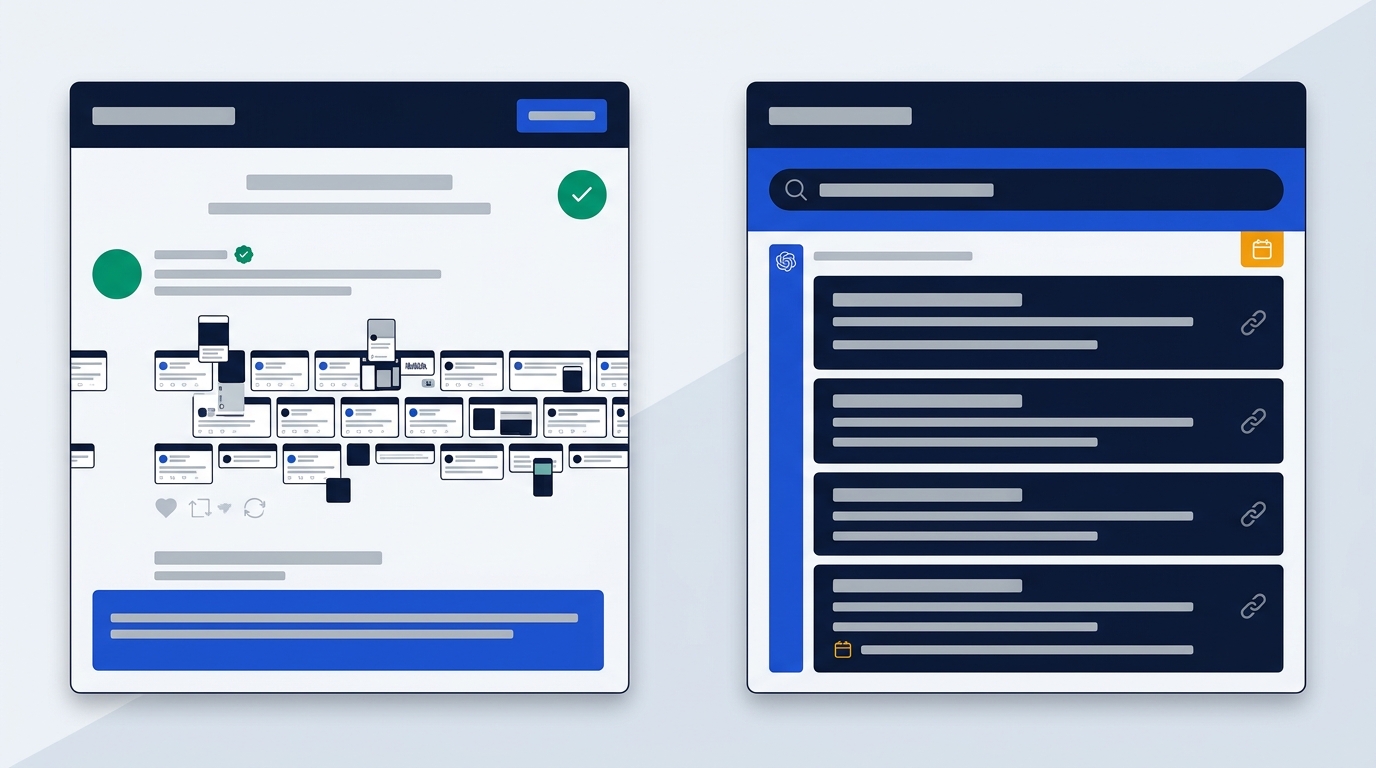
How an AI assistant accesses live information and handles long files directly determines its utility for daily operations. Grok and ChatGPT approach real-time data access and context limits through entirely different system setups.
If you analyze long technical manuals or track fast-breaking market changes, these technical specs will dictate your choice. A larger context window allows you to process vast archives without splitting files manually.
Understanding token windows and data sources helps prevent processing bottlenecks. Choosing a tool with inadequate memory context can result in truncated document summaries or missed file details.
Real-Time Data Integration Comparison
Grok holds an architectural advantage in social media data retrieval through its native, continuous integration with X. It reads live tweet streams, replies, and trending topics instantly. You can ask Grok what users are saying about a sudden market change, and it summarizes active posts in seconds. Its DeepSearch mode runs multi-step live web queries to contextualize breaking news.
When a major press release drops on social media, Grok reads the original posts and subsequent public commentary in real time. You do not need to trigger web search tools manually; the platform monitors the social data stream continuously.
Grok's real-time engine has no fixed static knowledge cutoff. It continually updates its factual understanding using live posts on X combined with active web indexing. This makes it an effective tool for tracking viral social trends and breaking news developments.
ChatGPT uses ChatGPT Search to access current information across the broader internet. It indexes traditional news portals, official document sites, scientific journals, and corporate blogs. ChatGPT formats search results with clear web citations, letting you verify original source URLs. While ChatGPT Search provides structured web data, it lacks Grok's live access to real-time social streams.
ChatGPT's underlying GPT-5.4 models maintain a static knowledge cutoff of August 2025. When you request newer facts, the platform activates ChatGPT Search to browse the live web and compile cited summaries. This multi-step process delivers reliable, sourced answers for academic and professional research.
Every search result generated by ChatGPT Search includes hoverable source citations. You can click these links to open external reference pages directly in your browser, ensuring high transparency for research tasks.
Context Window Capacity Breakdown
Context window limits determine how much text an AI tool can process in a single conversation prompt. Grok 4.20 offers a massive context window of up to 2 million tokens, which translates to roughly 1.5 million words. This allows you to upload entire code bases, multi-volume books, or year-long transaction logs without splitting files.
You can paste massive code bases or lengthy legal archives directly into Grok 4.20. The system retains memory across the entire context window, making it easier to analyze large multi-file projects without losing background detail.
ChatGPT structures context limits according to model families and plan tiers:
- GPT Instant Context Windows: Free tier provides 27K tokens (~12 pages of text). Go and Plus plans offer 54K tokens (~40 pages of text). Pro tier extends capacity to 128K tokens (~250 pages of text).
- GPT Reasoning Context Windows: Free plan context varies based on system load. Go and Plus plans provide 256K tokens (~320 pages of text). Pro tier offers 400K tokens (~680 pages of text). API and Codex environments support up to 1 million tokens.
While ChatGPT's consumer context windows are smaller than Grok's 2 million token maximum, they are optimized for structural coherence. ChatGPT retains focus on original system instructions even when processing dense documents near its capacity limits.
Memory capabilities also differ by plan tier. ChatGPT Free features limited memory retention across conversations. Go, Plus, and Pro plans provide expanded memory options, allowing the assistant to recall user preferences, project background, and past interaction history across sessions.
Practical Impact on Daily Business Workflows
If your daily work involves tracking breaking market news, monitoring social sentiment, or analyzing huge document repositories, Grok's 2 million token window and live X integration provide clear speed advantages. You can load massive unstructured archives and query them immediately.
For example, a financial analyst evaluating hundreds of social reactions to a corporate acquisition can use Grok to pull live data streams instantly. The massive token limit allows the analyst to append extensive background files alongside live query prompts.
However, when working with Grok's massive context window, processing latency can increase slightly when analyzing multi-megabyte files. You should allow extra time for the engine to complete reasoning passes on 2-million-token inputs.
If your workflow requires cross-referencing web articles, verifying footnotes, or building research archives, ChatGPT's structured web citations offer higher reliability. ChatGPT allows you to double-check sources before publishing research briefs.
When drafting an executive briefing document, you can click directly on ChatGPT's inline citations to inspect the source material. This transparent verification process saves time during legal and editorial review cycles.
ChatGPT's structured 256K reasoning context provides ample space for processing multi-page contract drafts, complex financial spreadsheets, and academic papers without encountering context degradation.
Everyday Performance in Writing Coding and Media
Evaluating an AI tool requires looking at practical output across core tasks: professional writing, software development, visual generation, and multi-step agent execution.
Your team's daily productivity depends on how smoothly these features fit into your existing tools. Let's look at how both platforms handle daily operational prompts.
Testing output across varied operational prompts reveals key differences in stylistic versatility, code syntax accuracy, and visual creation capabilities. Selecting the right engine ensures your team minimizes manual editing cycles.
Professional Writing and Communication
ChatGPT produces clean, well-structured business documents, formal emails, and long-form articles. Using its built-in Canvas editor, you can highlight specific paragraphs, request targeted edits, adjust writing complexity, or change tone without rewriting the whole draft. It adapts easily to strict corporate style guides.
You can ask ChatGPT to transform rough meeting transcripts into polished executive summaries. The system preserves key action items, formats headings cleanly, and removes filler words consistently. Its output requires minimal manual proofreading before distribution.
ChatGPT includes specialized modules like Study Mode, Health, and Finances across all subscription plans. Study Mode transforms complex educational subjects into interactive learning modules, making ChatGPT an effective tool for corporate training programs.
Grok excels at generating short-form marketing copy, viral social content, and casual conversation. Its phrasing feels natural to digital natives and social media audiences. However, using Grok for corporate proposals or client contracts requires careful editing to remove unintended casual idioms or playful tangents.
When drafting content for social campaigns, Grok's conversational style saves time. It writes punchy hooks, understands meme references, and adapts naturally to internet culture. For internal communications, however, you may find its tone too informal.
Grok's dual personality modes give users control over output style. Switching from Fun Mode to Regular Mode removes sarcastic commentary, producing straightforward text for routine informational prompts.
Coding Assistance and Technical Execution
ChatGPT functions as a complete technical co-pilot. It offers dedicated Codex integration, multi-file refactoring, and code editing tools for desktop environments like macOS. Developers can link ChatGPT directly to local project directories to debug syntax, run script analysis, and generate complete application components.
You can instruct ChatGPT to review an entire code repository for security vulnerabilities or performance bottlenecks. The platform outputs structured pull requests, complete unit tests, and thorough inline documentation. This makes it a dependable partner for production software development.
ChatGPT supports direct code editing on macOS across all subscription tiers, including Free and Go plans. Developers can execute shell commands, refactor scripts inline, and manage local files directly through the desktop application.
Grok 4 provides rapid algorithm prototyping and code generation. It quickly suggests novel architectural approaches or alternative logic paths. However, benchmark evaluations show that Grok frequently omits code comments, ignores secondary edge cases, or leaves functions incomplete. Developers using Grok must carefully review code outputs before deploying to production.
If you need to brainstorm creative approaches to a complex algorithmic challenge, Grok offers quick, innovative ideas. However, your team should treat Grok's code as an early draft. You must add error handling and edge-case validation before pushing code live.
While Grok lacks a dedicated coding co-pilot equivalent to Codex, its support for common programming languages like Python, JavaScript, and SQL handles standard scripting tasks efficiently.
Media Creation and Visual Generation
ChatGPT uses GPT-Image-1.5 for image generation and visual analysis. Released on December 16, 2025, this tool runs four times faster than earlier DALL-E models. It renders accurate inline text, exact object placements, and detailed stylistic modifications through natural language prompts.
You can use ChatGPT to generate marketing mockups, design diagrams, and branded illustrations. GPT-Image-1.5 handles precise text rendering inside images, making it useful for creating social media banners and visual presentation slides.
Plus and Pro subscribers unlock Image Generation with Thinking. This feature applies advanced reasoning logic to visual prompts, ensuring accurate rendering of complex spatial relationships and multi-layered design instructions.
Grok includes the Aurora image generator and Grok Imagine for multimedia production. Grok Imagine supports text-to-video generation, image-to-video transformation, and interactive video editing directly within the chat interface. This gives Grok a clear advantage for visual creators producing short video clips for social platforms.
If your marketing strategy relies heavily on dynamic video content, Grok Imagine allows you to prompt short clips directly. You can transform static promotional images into moving video assets without switching to external video editing suites.
Grok Free plan users receive limited daily image generations via Aurora. SuperGrok and SuperGrok Heavy subscribers access full video generation capabilities through the Imagine model engine.
Agent Capabilities and Workspace Integration
ChatGPT features ChatGPT Work for desktop integration, alongside Dot, an always-on personal agent available on Pro plans. These agent tools allow ChatGPT to execute multi-step research tasks, manage file workflows, and interact with desktop applications autonomously.
You can deploy ChatGPT's autonomous agents to handle repetitive administrative tasks. The system can gather web sources, compile structured spreadsheets, and schedule recurring tasks across desktop applications automatically.
ChatGPT Pro subscribers receive up to monthly API credits to build custom applications and autonomous agents. The platform also includes ChatGPT Space for enterprise collaboration, alongside plugin management tools that let teams create, discover, and share custom plugins across their workspace.
Advanced voice capabilities are available across both platforms. ChatGPT offers Voice Mode across all plans, with Advanced Voice providing real-time inflection and pitch control. Pro users receive unlimited voice usage. ChatGPT also supports Voice with Video on Go, Plus, and Pro plans.
Grok upgraded its Voice Mode to support live video camera input. You can point your mobile camera at objects, physical documents, or screens while conversing with Grok to receive real-time visual analysis during live voice chats.
Grok uses Grok Bot and DeepSearch for autonomous web queries. DeepSearch operates as a multi-agent engine that breaks complex research questions into sub-queries, gathers information across the web, and synthesizes findings into analytical reports. However, Grok currently lacks third-party application integrations and shared team spaces at the consumer level.
DeepSearch acts as an automated research assistant, exploring multiple search vectors simultaneously. It returns comprehensive topic summaries, though it does not integrate directly with corporate communication tools like Slack or enterprise cloud storage.
Pricing Plans and Subscription Tiers Compared
Pricing structures for Grok and ChatGPT differ significantly. OpenAI offers tier options based on compute limits and feature access. xAI ties consumer access directly to X platform subscriptions alongside high-tier standalone plans.
You should calculate the total cost of deployment based on team size, required model tiers, and feature access. Both vendors offer entry-level options, but their high-tier compute plans target different user budgets.
Carefully evaluating user seat allocations and compute caps prevents unexpected software expenses. Below is a detailed breakdown of available pricing tiers for both platforms.
ChatGPT Subscription Tier Structure
OpenAI provides five pricing tiers designed for individuals, power users, and commercial organizations:
- Free Tier ($0/month): Best for trying out ChatGPT. Includes unlimited text chats with GPT-6 Luna (subject to abuse guardrails), limited message caps for uploads, image creation, voice chats, deep research, memory, Codex access, and desktop ChatGPT Work access. Features 27K Instant context (~12 pages).
- Go Plan ($8/month): Best for longer conversations. Includes everything in Free, plus more messages with tools, expanded uploads, image creation, voice chats, longer memory, scheduled tasks, and 54K Instant context (~40 pages). May include ads.
- Plus Plan ($20/month): Best for advanced work and productivity. Includes everything in Go, plus advanced reasoning models (GPT-6 Sol, Sol 6.1, Astra), expanded messages and uploads, GPT-Image-1.5, expanded deep research, projects, custom GPTs, sites creation, expanded Codex, Developer Mode (beta), interactive tables, and 256K Reasoning context (~320 pages).
- Team Plan ($25/user/month billed annually or $30/user/month billed monthly): Requires minimum 2 seats. Includes all Plus features, higher message limits, shared team workspace, admin management console, and guaranteed exclusion of corporate workspace data from model training.
- Pro Plan ($100/month or $200/month): Best for research and coding. Includes everything in Plus, plus choice of 3 usage tiers, Pro reasoning powered by GPT-6 Astra, Dot always-on agent, unlimited faster image creation, maximum deep research, maximum memory, ChatGPT Space, shared workspace plugins, 400K Reasoning context (~680 pages), 128K Instant context (~250 pages), and up to monthly API credits.
OpenAI also offers specialized enterprise options, including ChatGPT Business ($25/user/month), ChatGPT Enterprise, ChatGPT Edu, and the Rosalind Academic Plan for life sciences research.
Grok Subscription Tier Structure
xAI offers Grok across five access tiers for social users, individual creators, and business accounts:
- Free Tier ($0/month): Limited access via X.com and grok.com to Grok 4, Aurora image generation, basic thinking toggle, and DeepSearch research queries.
- SuperGrok Lite ($10/month): Entry-level paid tier providing increased daily query limits for basic conversational and creative tasks.
- SuperGrok ($30/month or $300/year): Mainstream power plan unlocking Grok 4.1, Grok 4.20 (2M token context), higher message caps, DeeperSearch, and Grok Imagine video tools.
- SuperGrok Heavy ($300/month): High-compute plan offering maximum priority access to Grok 4 Heavy for compute-intensive enterprise tasks.
- Grok Business ($30/user/month): Commercial workspace plan providing team management features, seat administrative controls, and dedicated commercial privacy terms.
Grok access is also included with X platform subscriptions, such as X Premium+ (priced around $40/month), giving social media power users integrated access directly within their X feed.
Detailed Plan Comparison Table
| Plan Feature | ChatGPT Plus | SuperGrok | ChatGPT Team | Grok Business |
|---|---|---|---|---|
| Monthly Cost | $20/month | $30/month | $25/user/mo (annual) | $30/user/mo |
| Context Window | 256K tokens | Up to 2M tokens | 256K tokens | Up to 2M tokens |
| Image Engine | GPT-Image-1.5 | Aurora | GPT-Image-1.5 | Aurora |
| Video Support | No | Yes (Imagine) | No | Yes (Imagine) |
| Real-Time Source | ChatGPT Search | Live X Stream + Web | ChatGPT Search | Live X Stream + Web |
| Data Excluded from Training | No (Opt-out required) | No | Yes (By default) | Yes (Business terms) |
| Minimum Seats | 1 seat | 1 seat | 2 seats | 1 seat |
Individual Value Analysis
For individual productivity buyers, ChatGPT Plus ($20/month) offers stronger overall value than SuperGrok ($30/month). ChatGPT Plus provides access to Canvas, Codex, custom GPTs, and precise web search for $10 less per month. SuperGrok justifies its higher price tag primarily if you rely on live X trend tracking, massive context windows, and text-to-video tools.
If you choose ChatGPT Plus, you get an all-in-one workspace tool that handles writing, coding, and file analysis efficiently. The $20 monthly price point remains competitive for freelancers and solo professionals.
Budget-conscious users can also start with ChatGPT Go ($8/month) or SuperGrok Lite ($10/month). ChatGPT Go provides expanded message caps, file uploads, and 54K instant context, serving as an affordable stepping stone before upgrading to full reasoning tiers.
If your daily work centers on social media analysis, video production, or evaluating massive text archives, SuperGrok's $30 monthly cost delivers targeted benefits. The extra $10 per month unlocks 2 million context tokens and live social stream analysis.
For organizations deploying AI across multiple employees, ChatGPT Team ($25/user/month billed annually) delivers higher administrative value. It includes guaranteed data privacy exclusions and shared workspace controls at a lower seat cost than Grok Business ($30/user/month).
European Compliance Data Privacy and VAT
For European companies, choosing an AI assistant requires looking beyond model benchmarks to evaluate General Data Protection Regulation (GDPR) compliance, data protection agreements, data hosting locations, and legal tax accounting.
You must ensure your chosen platform meets legal standards set by European regulators. Failing to establish proper data protection agreements can result in regulatory scrutiny and compliance penalties.
European organizations must verify that cross-border data transfer mechanisms comply with national data protection authorities. Proper DPA execution and tax accounting ensure smooth corporate governance.
GDPR Compliance and Data Processing Agreements
OpenAI provides a standardized Business Data Processing Agreement (DPA) incorporating EU Standard Contractual Clauses (SCCs) for commercial clients. Under OpenAI's legal terms, data submitted to ChatGPT Team, Enterprise, and API accounts is excluded from model training by default. This contractual guarantee ensures that confidential corporate files, customer details, and proprietary code remain private within your organization's workspace.
You can execute OpenAI's enterprise DPA directly through your business account portal. This legal agreement ensures your company complies with GDPR requirements when processing personal user data within ChatGPT environments.
xAI processes user inputs and public X posts under its general privacy policy. While xAI provides commercial data privacy options for Grok Business users, free and individual paid plan inputs on X may be processed for platform updates and model training unless explicitly opted out. European businesses handling personal customer data should review their obligations under GDPR Article 28 using our Data Processing Addendum GDPR checklist before deploying AI tools.
If you deploy Grok for individual staff members, you must ensure they manually opt out of data training settings. Otherwise, proprietary queries could be retained for model refinement.
Both vendors allow individual consumer users to turn off chat history and training data collection inside account settings. However, opting out on individual consumer plans may limit conversation history retrieval across sessions.
Data Hosting Infrastructure and Server Locations
Neither vendor currently operates full EU-only data residency for consumer chat environments. OpenAI hosts its primary model processing infrastructure on Microsoft Azure and proprietary servers located in the United States. xAI operates its high-performance compute clusters and model data infrastructure inside US-based data centers.
Because customer inputs are transferred to US servers, European businesses must rely on EU Standard Contractual Clauses (SCCs) to satisfy GDPR cross-border data transfer rules. Organizations requiring strict local data residency may need to look at specialized European enterprise hosts or self-hosted model deployments.
You should verify that your legal team approves cross-border data transfers to US data centers under valid SCCs. For sensitive government or healthcare workloads, host-location constraints may dictate alternative local infrastructure.
OpenAI provides enterprise customers with detailed SOC 2 Type II compliance reports and security documentation. These security credentials help European IT managers satisfy internal cybersecurity risk audits.
Cross-Border B2B VAT Accounting
Both OpenAI and xAI bill subscription fees in US Dollars ($), excluding Value Added Tax (VAT). European business buyers must manage tax compliance according to their jurisdiction:
- EU VAT-Registered Entities: B2B sales of international digital software fall under the VAT reverse charge mechanism. European business buyers enter their valid intra-Community VAT number during checkout to receive invoices with 0% VAT. Your accounting team then accounts for output and input VAT simultaneously on local tax returns. Learn more in our guide to the VAT reverse charge mechanism.
- UK VAT-Registered Entities: The UK is no longer part of the EU VAT system. UK business buyers purchasing subscriptions from US vendors apply the UK reverse charge rule in accordance with HMRC VAT Notice 741A for international services.
- Non-VAT Consumers: Individual consumers buying software without a registered VAT number are charged local VAT rates based on their country of residence at checkout.
Your finance department should ensure that your corporate billing profile includes your registered VAT ID before completing subscription payment. This avoids unnecessary tax charges and simplifies quarterly reporting.
Invoices issued by OpenAI and xAI reflect US Dollar billing amounts. European accounting teams must convert these figures into local billing currencies (EUR or GBP) using applicable exchange rates on the transaction date for tax reporting purposes.
Frequently Asked Questions About Both Tools
Is Grok better at coding than ChatGPT?
ChatGPT is generally better for production software development due to its dedicated Codex integration, multi-file refactoring, and desktop code editing capabilities. Grok 4 works well for rapid algorithm prototyping and exploring alternative logic paths. However, technical benchmarks show Grok occasionally omits code comments, skips structural edge cases, or leaves functions incomplete.
If you need to build complex software architectures or debug long multi-file repositories, ChatGPT offers more reliable tools. If you want to explore quick logic alternatives or test novel math algorithms, Grok provides fast alternative takes.
ChatGPT also includes Developer Mode in beta and supports code edits directly on macOS desktop environments across all plans. These features give software engineers tighter control over script execution and repository refactoring.
Does Grok train its models on public X posts and user conversations?
Yes, xAI uses public X (Twitter) posts, interactions, and standard user prompts to train and refine its Grok model architecture. While Grok Business workspace accounts provide data privacy exclusions, individual consumer inputs on X and grok.com may be processed for training unless users manually opt out in account privacy settings.
You should review your account settings on X and grok.com to ensure data sharing preferences align with your personal or corporate privacy standards. Business accounts should enforce workspace privacy settings across all user seats.
By contrast, OpenAI automatically excludes ChatGPT Team, Enterprise, and API data from AI model training by default. Individual ChatGPT users on Free, Go, or Plus plans can also turn off training in data control settings.
Can European businesses get a GDPR-compliant DPA for ChatGPT and Grok?
OpenAI provides a standardized Business Data Processing Agreement (DPA) incorporating EU Standard Contractual Clauses (SCCs) for ChatGPT Team, Enterprise, and API customers, explicitly guaranteeing zero data training on workspace inputs. xAI offers commercial data privacy terms for Grok Business accounts, but individual SuperGrok plans rely on standard consumer terms that require manual opt-outs for training exclusion.
Your compliance officer can download and sign OpenAI's enterprise DPA online. For Grok, ensure your organization registers for a Grok Business account to secure commercial privacy guarantees.
Both vendors rely on EU SCCs to legalize cross-border data transfers from the European Economic Area to US-based server infrastructure. European buyers should confirm that SCC frameworks satisfy internal risk compliance guidelines.
How do context window limits differ between Grok 4 and GPT-6?
Grok 4.20 features a context window of up to 2 million tokens (~1.5 million words), allowing users to process massive code repositories or lengthy document archives in a single prompt. ChatGPT's context windows vary by model: GPT Instant ranges from 27K tokens (Free) to 128K tokens (Pro), while GPT Reasoning models offer 256K tokens (Plus) up to 400K tokens (Pro). ChatGPT supports 1 million tokens in API and Codex environments.
If you frequently analyze massive unstructured data archives in one go, Grok's 2 million token capacity provides clear advantages. For standard business documents, ChatGPT's 256K token reasoning window offers ample processing space.
In terms of page equivalents, ChatGPT Instant handles ~12 pages on Free, ~40 pages on Go and Plus, and ~250 pages on Pro. ChatGPT Reasoning handles ~320 pages on Go and Plus, extending to ~680 pages on Pro tier plans.
Which tool offers better value for money for European freelancers and small teams?
For individual freelancers, ChatGPT Plus ($20/month) offers superior value over SuperGrok ($30/month) by providing Canvas editing, Codex coding support, image generation, and custom GPTs for $10 less per month. For small teams, ChatGPT Team ($25/user/month billed annually) provides complete GDPR data training exclusions and administrative controls, whereas Grok Business ($30/user/month) is best suited for teams focused on live social media tracking and video creation.
Freelancers handling general client deliverables will appreciate ChatGPT's versatile toolset. Marketing agencies tracking real-time internet trends will find SuperGrok's social stream access worth the extra cost.
Freelancers on tighter budgets can also start with ChatGPT Go ($8/month) or SuperGrok Lite ($10/month) to access core chat features before upgrading to full reasoning tiers.
Which One Should You Pick
Choose ChatGPT if you need a reliable corporate co-pilot that delivers structured business writing, production-grade coding via Codex, and verified GDPR compliance for team workspaces. Choose Grok if your daily work depends on tracking live social media trends on X, processing massive files up to 2 million tokens, and creating short video copy with an informal tone.
Selecting the right platform ultimately depends on matching model strengths to your daily operational tasks. Teams needing structured administrative control, precise office suite integrations, and proven GDPR privacy frameworks should standardize on ChatGPT.
Organizations centered on real-time news monitoring, social sentiment analysis, and dynamic video marketing will find Grok's native X integration and multimedia features better tailored to their goals.
You can also consider other top LLMs depending on your specific operational priorities. For instance, teams interested in long-form writing artifacts and alternative reasoning options can review Claude pricing details to evaluate alternative European workspace solutions.
To view full subscription details, enterprise seat options, and plan features, visit our ChatGPT pricing page to check verified pricing for European businesses.