


Compare ChatGPT vs Claude on verified pricing, coding power, writing quality, and EU team compliance to choose the right subscription for your business.
If you need to choose between paying for ChatGPT or Claude in 2026, the answer depends on your primary daily work. Choose ChatGPT if you need an all-in-one multi-modal platform with native image generation and real-time voice execution. Choose Claude if you need superior long-form writing, repository-level software development, and deep document analysis.ChatGPT vs Claude quick verdict and overview
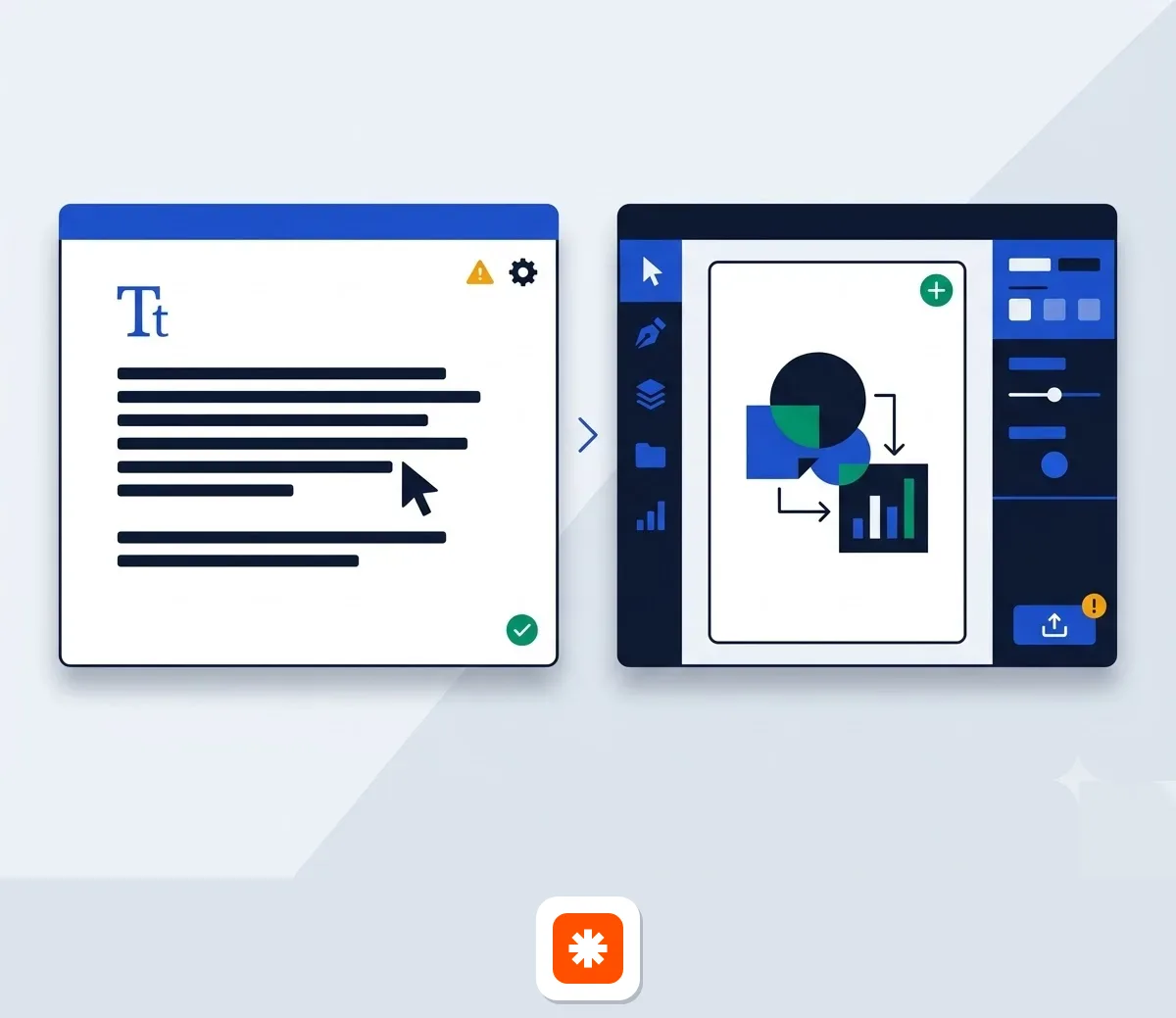
| Feature / Specification | ChatGPT | Claude |
|---|---|---|
| Flagship AI Models | GPT-6 (Luna, Astra), GPT-6.1 Sol | Claude Haiku 5.5, Sonnet 5.5, Opus 5.5, Fable 5.1 |
| Context Window | Up to 1M tokens | Up to 1M tokens |
| Native Image Generation | Yes | No |
| Base Individual Price | $20 / month (Plus) | $17 / month (Pro, billed annually) |
| Core Focus | Multi-tool ecosystem & multi-modal execution | Deterministic textual synthesis & full-repo dev |
Source: Zapier top comparison review and Anthropic official pricing page, checked October 2026.
Key operational distinctions
The primary difference between the two tools lies in their execution style. ChatGPT operates as an expansive, multi-modal workspace. It combines web searching, code execution, image creation, and adaptive mid-stream prompt adjustments into a single window. If you ask ChatGPT to iterate on a project, it quickly switches between generating text and rendering visual assets.
Claude focuses on high-precision textual output, complex logic, and deep software context. Instead of generating visual media, it uses interactive Artifacts, vision analysis for uploaded UI charts, and full-repository development tools. Because Claude focuses heavily on deterministic output, it delivers long-form responses that feel written by an experienced human editor.
If you are exploring broader software management options for your organization, you can review our SaaS tool comparisons to evaluate adjacent business utilities.
Which tool suits your daily business workflow
Long-form document synthesis and analysis
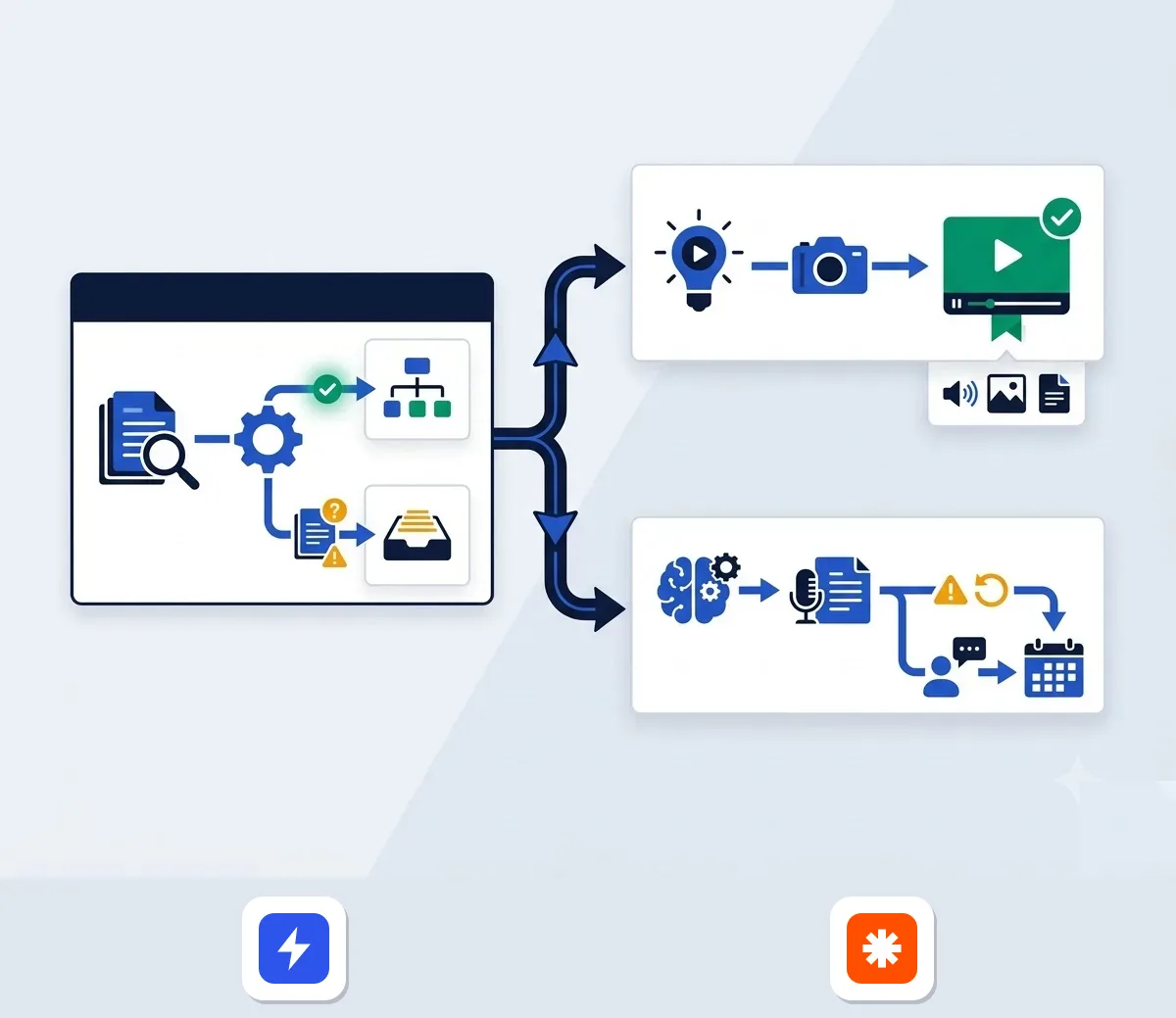
Claude handles large corporate document payloads without losing track of early information. According to analysis from The Coders Guild, Claude processes massive text files such as legal compliance frameworks, extensive client histories, and multi-hour meeting transcripts. It performs thorough gap analysis on regulatory documentation without dropping context or inventing details.
ChatGPT works well for standard documentation, single-meeting notes, and quick data summaries. However, when faced with hundred-page PDFs, ChatGPT tends to produce modular summaries rather than continuous, deep analysis. That said, if you need to process everyday operational reports rapidly, ChatGPT handles structured inputs with high speed.
Brainstorming and short-form content
When you need to explore broad angles or generate high-volume ideas, ChatGPT outperforms Claude. According to side-by-side workflow tests published by Substack creator Timo Mason, Claude can feel constrained during early-stage ideation. It tends to offer narrow, direct answers rather than exploring multiple possibilities.
ChatGPT generates a wide spread of creative hooks, social post angles, and headline variations. For example, social media teams can ask ChatGPT for twenty distinct hooks for a campaign, pick the top options, and build out drafts instantly. Because it thinks broadly in early stages, ChatGPT serves as an effective initial ideation engine.
Multi-modal capabilities and interaction UI
ChatGPT features built-in image generation, voice interaction, and mid-stream prompt adjustments. Zapier's comparative review notes that ChatGPT allows you to tweak instructions while the system is still processing output. This makes real-time prompt adjustments intuitive because you do not have to stop the generation completely.
Claude does not generate images natively. Instead, it offers visual chart parsing, document reading, and dynamic Artifacts. For instance, when given a recipe or workflow, Claude creates interactive cards with custom serving calculators or step-by-step cooking timers. While ChatGPT can build web widgets upon request, Claude includes these interactive features natively in its visual interface.
Writing quality and narrative flow compared
Prose style and cadence
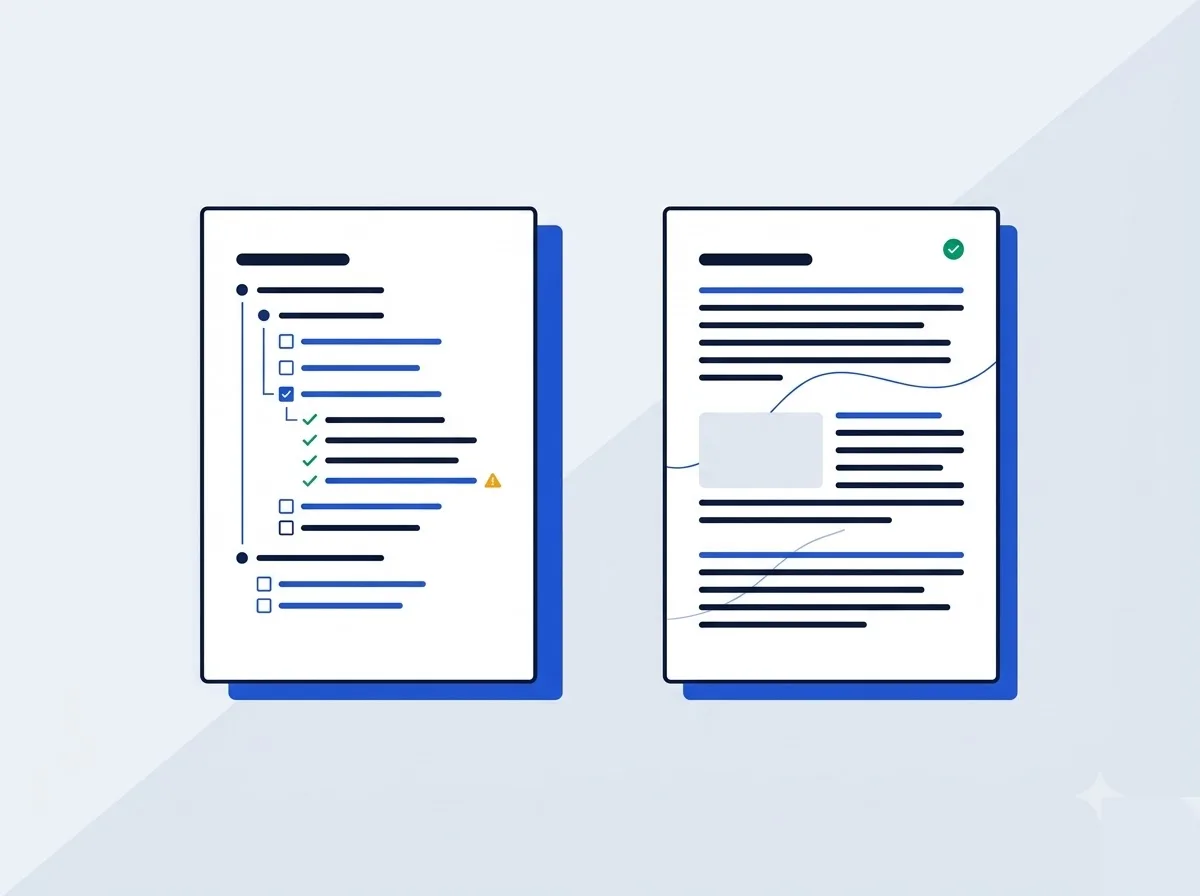
Claude Sonnet 5.5 and Opus 5.5 deliver natural, human-like sentence cadence. Verified reviews from The Coders Guild and Substack creation tests show that Claude naturally varies its sentence length and structure. It avoids repetitive bullet points, rigid transitions, and robotic tone patterns that frequently mark generated drafts.
When drafting thought leadership articles, long B2B proposals, or strategic newsletters, Claude writes prose that requires minimal editing. It adopts brand guidelines smoothly and maintains a consistent tone across long documents. As a result, marketing managers spend less time cleaning up awkward sentence phrasing.
Structured checklists and modular FAQs
ChatGPT excels at strict formatting compliance and concise structured outputs. If you need a modular checklist, a short business FAQ, or a technical instruction sheet, GPT-6 models produce direct, well-organized text. It adheres strictly to exact word counts and formatting constraints you set in your prompt.
However, when forced to write continuous prose, ChatGPT often defaults to formulaic structures. It frequently uses predictable introductory phrases and heavy bullet points. That said, for structured customer service scripts, product technical specs, and short summaries, its structured approach works well.
The Gordon Ramsay test findings
Substack writer Timo Mason ran a side-by-side content test evaluated through a harsh editorial lens called the Gordon Ramsay test. The challenge required both tools to turn a long-form article into a concise Substack Note post. The experiment revealed a clear split in performance between the two platforms.
ChatGPT produced a shorter, highly focused social hook that captured attention immediately. However, Claude generated a longer narrative version that preserved original storytelling nuances and sentence flow. This experiment confirms a practical tactical split: use ChatGPT for short hooks and social posts, but rely on Claude for full articles and long-form emails.
Claude Code and developer workflows versus Codex
Agentic repo-level coding with Claude Code
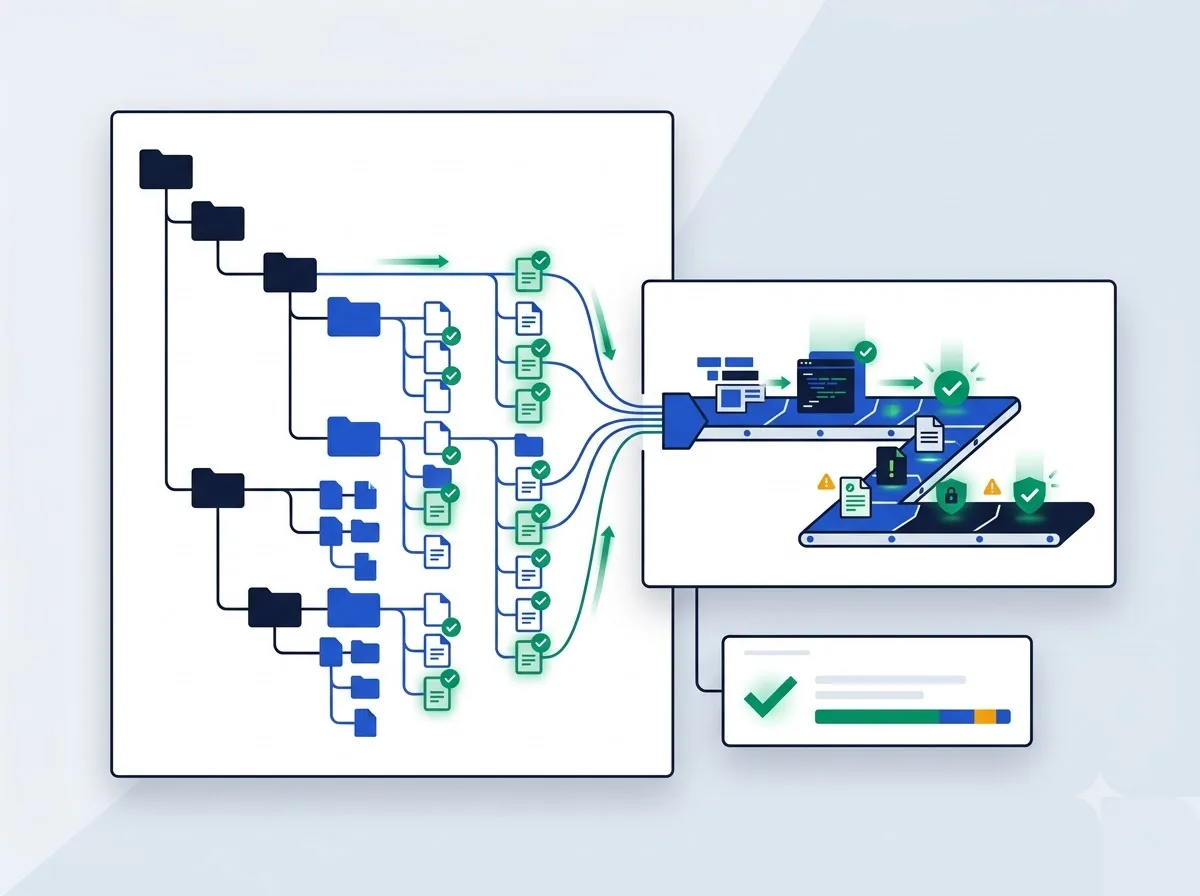
Claude Code operates as an agentic coding partner built for full software repositories. As documented in technical breakdowns from The Coders Guild, Claude Code goes beyond generating basic code snippets. It reads entire codebase structures, refactors multi-file dependencies, migrates legacy code, and runs deep debugging sequences autonomously.
Instead of copying individual functions back and forth into a browser window, developers can use Claude Code to execute complete system refactoring. It tracks how a change in a backend utility file impacts frontend components across the entire repository. This deep structural comprehension makes it a useful assistant for senior software engineers.
Script generation and algorithm debugging via Codex
ChatGPT relies on Codex to handle software development tasks. It is effective at writing isolated scripts, explaining complex algorithms, and fixing standalone code snippets. For example, if a developer needs a Python script to parse a JSON payload or wants an explanation of a specific SQL query, ChatGPT delivers fast, accurate answers.
However, when tasked with refactoring a large multi-folder software project, ChatGPT requires developers to split the problem into smaller chunks. It functions primarily as a snippet assistant rather than an autonomous repository engineer. For isolated tasks and quick utility scripts, Codex remains a fast, effective tool.
Token context handling for large codebases
According to Anthropic's official pricing documentation, Claude Sonnet 5.5 and Opus 5.5 support context windows up to 1M tokens. This massive capacity allows developers to load entire application codebases, configuration files, and API documentations into a single project environment without losing early setup details.
Because Claude maintains context across large code payloads, it avoids dropping critical variable definitions or system rules during refactoring sessions. This token efficiency minimizes build errors when deploying updates to production environments.
Individual subscription plans and power tiers compared
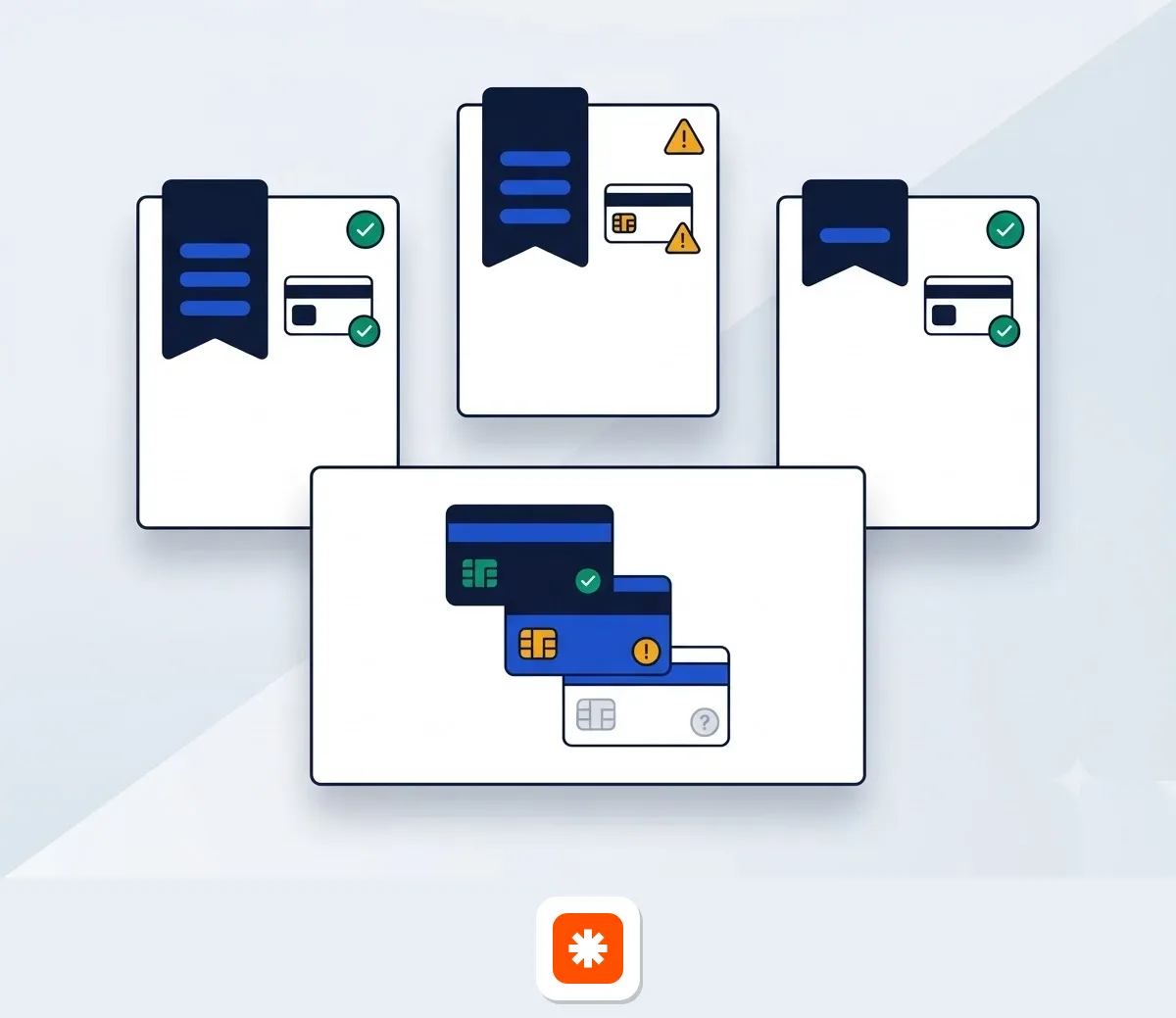
Claude Pro and ChatGPT individual tiers
According to Anthropic's official pricing page (checked October 2026), Claude Pro costs $17 per month when billed annually as a $200 upfront payment, or $20 per month on a standard monthly plan. Claude Pro includes access to Claude Code, Projects, Claude Dashboards (beta), and connectors for Microsoft 365 and Chrome.
Data from Zapier shows that ChatGPT provides four individual tiers:
- ChatGPT Free: $0 per month with basic model access and standard usage caps.
- ChatGPT Go: $8 per month, offering extended access supported by ad displays.
- ChatGPT Plus: $20 per month, providing access to flagship models like GPT-6.1 Sol and native image creation.
- ChatGPT Pro: Starts at $100 per month for the Pro 100 tier, designed for heavy daily compute needs.
Claude Max power plans
For heavy individual users who run into standard token caps, Anthropic offers power plans called Claude Max. According to Anthropic's pricing documentation, Claude Max comes in two distinct usage tiers:
- Claude Max 5x: $100 per month. Includes 5x the usage limits of Claude Pro, priority access during peak traffic hours, elevated output limits, and $100 per month in usable API credits.
- Claude Max 20x: $200 per month. Delivers 20x the usage limits of Claude Pro, priority network access, maximum task output thresholds, and $200 per month in usable API credits.
These Max tiers fill a crucial market need for power users who would otherwise exceed standard subscription limits during heavy work days.
API price benchmarking
Developers building direct custom integrations can compare model pricing across both platforms based on official pricing data:
| Model Tier | Claude Model & Rate | ChatGPT Model & Rate |
|---|---|---|
| Lightweight / Fast | Haiku 5.5 ($0.10 input / $0.50 output per MTok) | GPT-6 Luna ($0.10 input / $0.50 output per MTok) |
| Standard Flagship | Sonnet 5.5 ($2 input / $10 output per MTok) | GPT-6.1 Sol ($2 input / $10 output per MTok) |
| Heavy Complex | Opus 5.5 ($4 input / $20 output per MTok) | — |
| Next-Gen Intelligence | Fable 5.1 ($10 input / $50 output per MTok) | GPT-6 Astra ($10 input / $50 output per MTok) |
Source: Anthropic official pricing page and Zapier comparative data, checked October 2026. Prices exclude applicable sales tax or VAT.
Team seats and enterprise deployment models
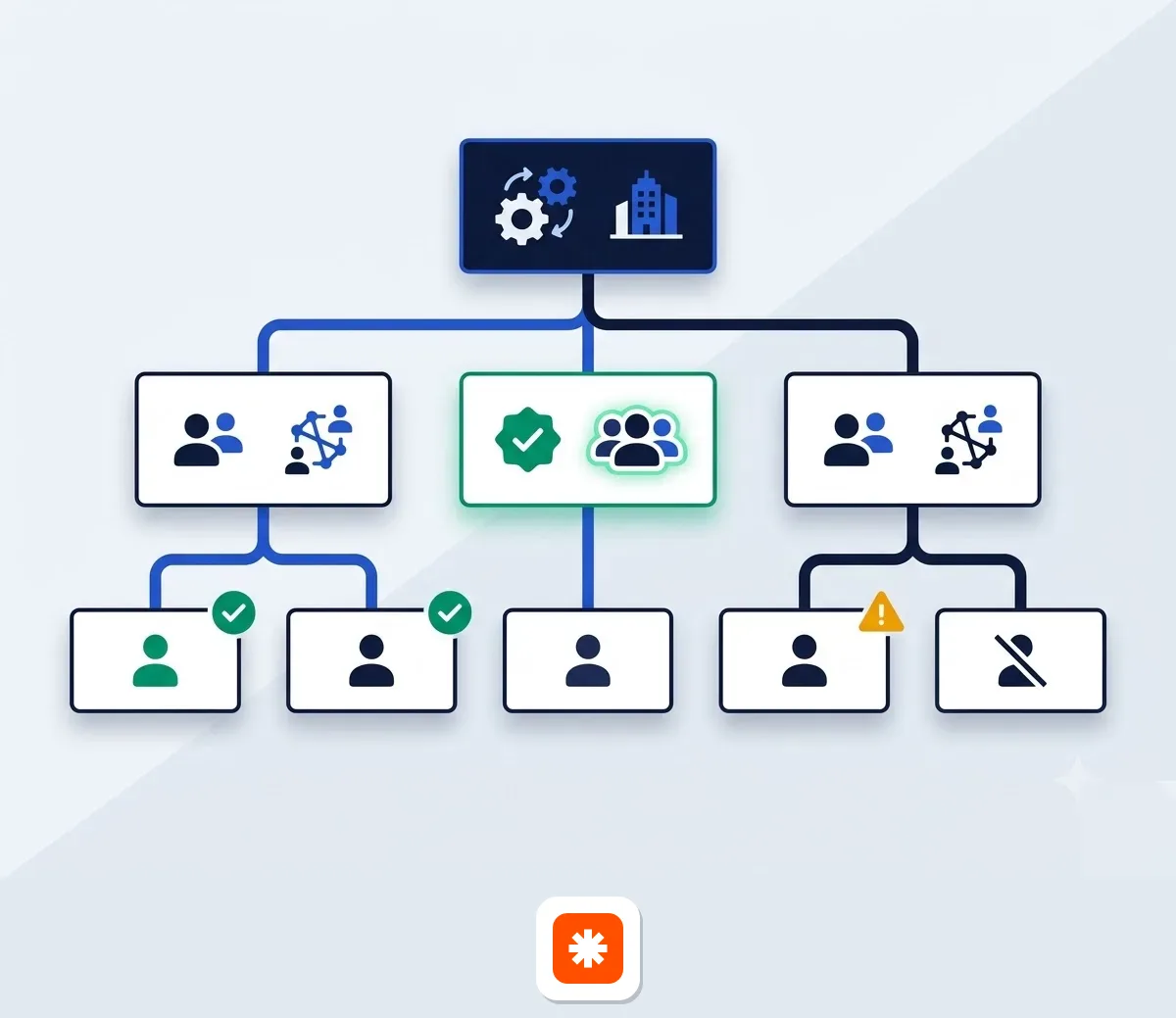
Claude Team mix-and-match seat architecture
Anthropic provides a flexible seat structure for teams ranging from 2 to 150 users. According to Anthropic's official pricing page, businesses can mix and match two distinct seat types inside a single organizational workspace:
- Standard Seat: $20 per seat per month when billed annually, or $25 per seat per month billed monthly. Includes full feature access with higher usage caps than Pro.
- Premium Seat: $100 per seat per month when billed annually, or $125 per seat per month billed monthly. Delivers 5x the usage limits of Standard seats and access to Fable 5.1 models.
Additionally, Claude Team plans include up to $500 per month in pooled API credits for the organization. This allows teams to build internal automated workflows alongside their seat licenses without incurring extra API bills.
ChatGPT Team uniform seat structure
Data from Zapier shows that ChatGPT Team costs a uniform $20 per user per month when billed annually, or $25 per user per month on a monthly billing cycle. Unlike Claude's tier mixing, all users on a ChatGPT Team plan share identical access tiers.
ChatGPT Team includes centralized admin workspace controls, shared custom GPT creation, and team collaboration folders. If you need to evaluate workflow automation tools that connect with your team AI workspaces, read our full review of Make vs Zapier.
Enterprise terms and security features
For large corporate deployments, Anthropic offers the Claude Enterprise plan. According to Anthropic's official terms, self-serve Enterprise access costs US$20 per seat per month billed annually, with a strict minimum requirement of 20 seats. Task consumption on Enterprise is billed separately at standard API usage rates based on model processing load.
The Enterprise plan adds advanced administrative controls, including Single Sign-On (SSO), System for Cross-domain Identity Management (SCIM), domain capture, detailed audit logs, and a dedicated Compliance API. It also provides custom data retention rules, network-level access controls, IP allowlisting, and available HIPAA compliance setups.
European business compliance and tactical split workflows
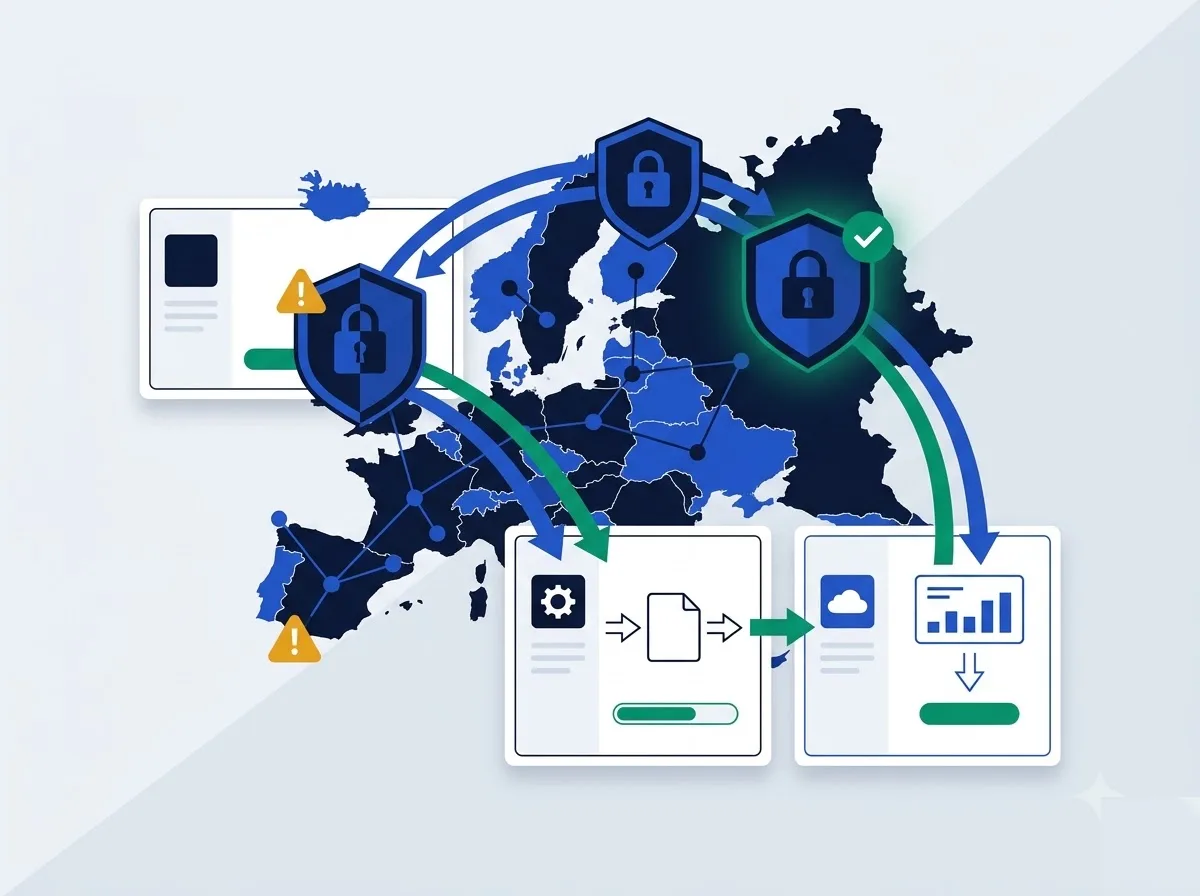
Data privacy and EU model training rules
Data governance policies vary depending on the plan level you select. According to Anthropic's verified legal terms, Claude Team and Claude Enterprise plans enforce a strict default policy: no model training on your content by default. Corporate project data, uploaded files, and chat queries remain private to your organization.
On individual tiers like Claude Free, Pro, and Max, user data may be utilized for model improvement unless you manually turn on opt-out privacy settings inside your account preferences. European business teams handling customer data should deploy Team or Enterprise tiers to maintain default compliance.
VAT reverse charge for European buyers
All subscription fees published by Anthropic and OpenAI are listed net of local taxes. Business customers based in the UK, Ireland, France, Spain, Italy, and across the European Union will see applicable Value Added Tax (VAT) added at checkout based on their local country rate.
However, VAT-registered commercial buyers can apply the cross-border B2B reverse charge mechanism. By entering a valid corporate VAT Identification Number during billing setup, European companies can receive invoices with 0% tax added, accounting for VAT locally through their standard business tax filings.
The tactical dual-tool workflow
Many high-output teams avoid token limits and budget waste by using both platforms strategically, as outlined in Substack operational playbooks. Rather than forcing one tool to handle every task, companies assign specific roles to each service based on their natural strengths.
A practical split system operates as follows:
- Use ChatGPT Plus or Team for initial brainstorming, high-volume hook iteration, quick data extraction, and visual asset prototyping.
- Use Claude Pro, Max, or Team for writing long-form whitepapers, synthesizing regulatory compliance documents, and executing repository-level software refactoring.
By using ChatGPT as your ideation engine and Claude as your technical writing and coding partner, your organization maximizes budget efficiency while avoiding output quality drops. To explore additional automation options for your business, browse our dedicated guide to productivity AI tools.

