

















Developers, compare Claude Pro vs Max to decide. See usage limits, Opus 4.5 access, data location, and EU VAT rules for your business.
Upgrading from Claude Pro ($20/mo) to Claude Max ($100/mo) is worth the extra cost if you code with Claude for more than three hours daily or rely on Opus 4.5 for complex reasoning. If you hit rate limits twice a week, the lost billable hours easily exceed the $80 price difference in a Claude Pro vs Max evaluation.
TL;DR: Claude Pro vs Max
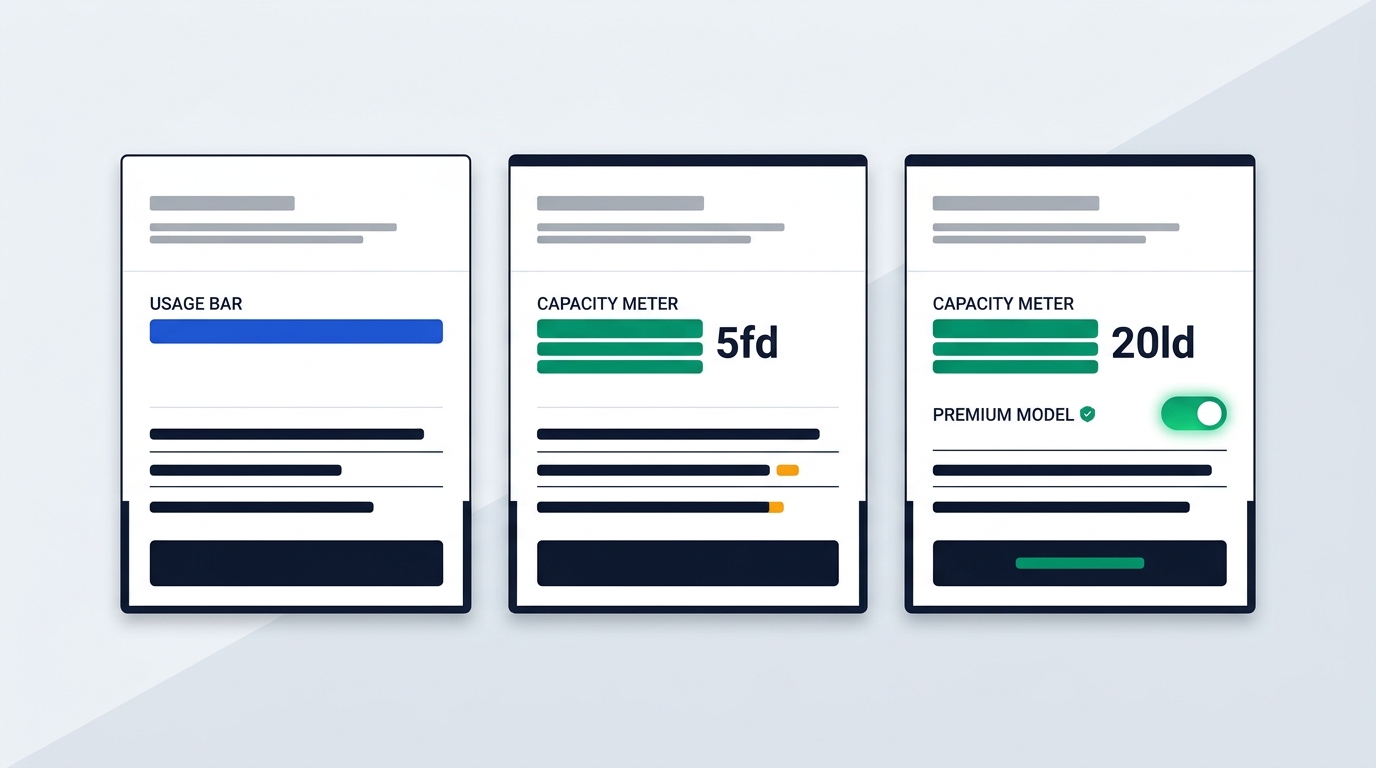
Choosing between Claude Pro ($20/mo) and Claude Max ($100/mo) comes down to your daily workload intensity and your model requirements. Claude Pro suits casual users, students, and developers who use AI assistance for one to two hours per day. Claude Max is built for full-time software engineers and technical leads who code with AI for three or more hours every single day.
Claude Pro gives you access to Sonnet 4.5, Haiku, Extended Thinking, and Research Mode. It provides roughly 40 to 80 hours of weekly usage allowance. However, Pro subscribers lack full access to Opus 4.5 and receive standard queuing priority during peak traffic.
Claude Max ($100/mo) delivers a five-times usage multiplier over Pro. That equals roughly 200 to 400 weekly usage hours and up to 225 messages per five-hour rolling window. Max unlocks full Opus 4.5 access for heavy architectural tasks and grants priority processing during high-demand hours.
The financial return on investment is straightforward for working professionals. Most developers lose more time than that in a single afternoon session when rate limits strike.
A 15-minute to 30-minute rate limit interruption does more than pause your screen. It breaks your mental context model during complex multi-file refactoring. Rebuilding that context after a cooldown period wastes valuable time, making the $100 Max plan a practical business decision rather than a luxury upgrade.
| Feature | Claude Pro | Claude Max ($100/mo) | Claude Max ($200/mo) |
|---|---|---|---|
| Price | $20/month | $100/month | $200/month |
| Sonnet 4.5 / Haiku | Yes | Yes | Yes |
| Opus 4.5 Access | No | Yes | Yes |
| Usage Capacity | ~40-80 hrs/week (5x Free) | ~200-400 hrs/week (5x Pro) | ~400-800+ hrs/week (2x Max $100) |
| Priority Access | No | Yes | Yes |
| API Credits | No | $100/month | $200/month |
| Claude Code | Yes | Yes | Yes |
| Extended Thinking | Yes | Yes | Yes |
| Research Mode | Yes | Yes | Yes |
| Web Search | Yes | Yes | Yes |
Source: Anthropic's official plans, checked October 2026
Which Claude plan suits your workflow
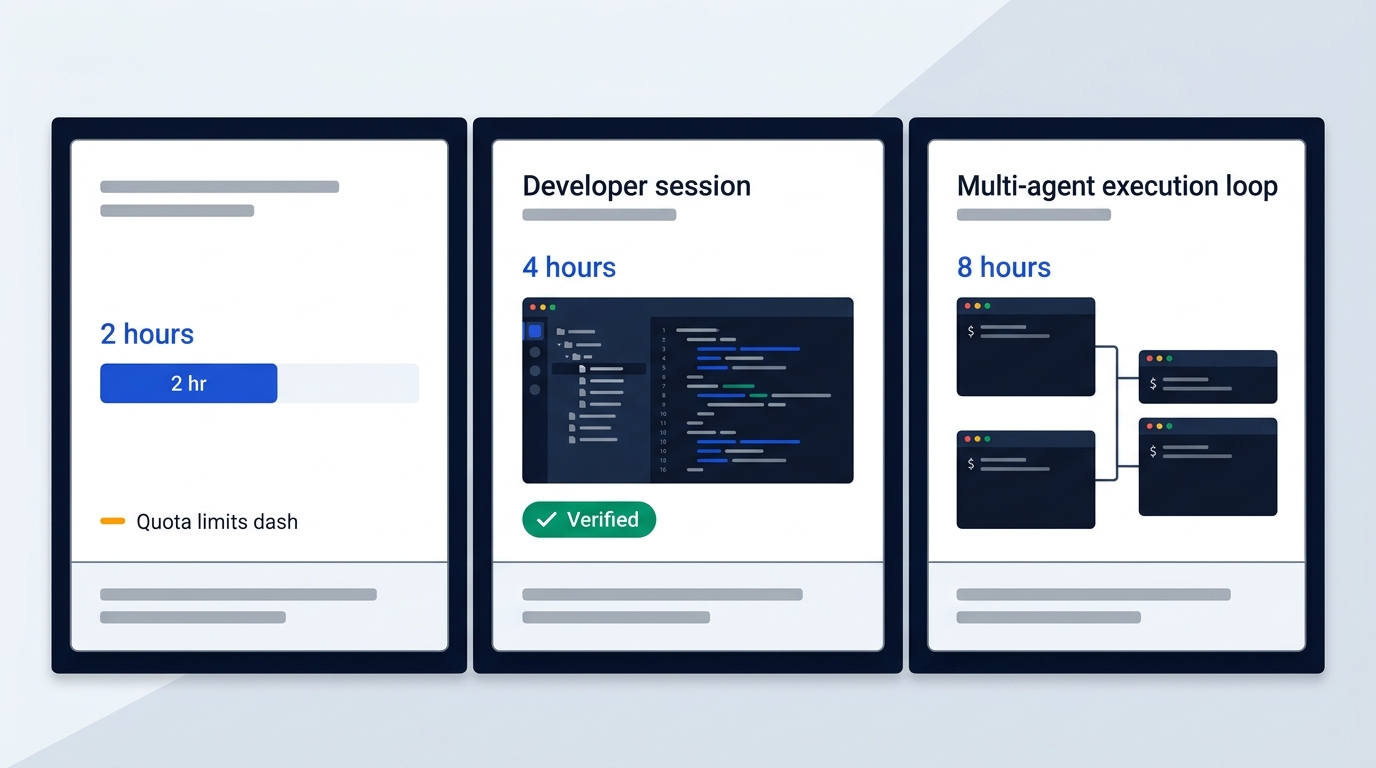
Selecting the right plan depends on your daily interaction volume, your context length demands, and how deeply you integrate terminal tools like Claude Code into your routine.
Casual coders, students, and light users
If you use AI assistance for under two hours a day, stay on Claude Pro ($20/mo). Sonnet 4.5 handles everyday tasks with speed and accuracy. It drafts unit tests, writes boilerplate code, generates UI components, and debugs single functions without hitting rate caps.
For students writing papers, researchers analyzing small datasets, and marketers generating copy, Pro provides plenty of compute headroom. You will rarely run into the five-hour session cap unless you paste massive documents repeatedly.
Full-time software engineers and architects
If you code for three to four hours or more daily, upgrade to Claude Max 5x ($100/mo). Long coding sessions consume context rapidly. When you feed multi-file codebases into Claude Code, a single prompt can draw heavily from your token quota.
Max prevents mid-day rate limit slowdowns that interrupt your development flow. It also gives you access to Opus 4.5, which is essential when you are designing system architecture, planning database migrations, or resolving obscure memory leaks across multiple repositories.
Parallel sub-agent workflows and automated dev teams
If you run automated agent loops or manage multi-agent setups for six to eight hours daily, consider Claude Max 20x ($200/mo). This tier doubles the capacity of the $100 tier to give you ten to twenty times the baseline Pro usage.
It targets power users who execute continuous terminal agent loops, run parallel terminal windows, or let automated agents refactor entire codebases in the background.
| Target Persona | Daily AI Usage | Recommended Plan | Primary Benefit |
|---|---|---|---|
| Content Creators & Students | Under 2 hours | Claude Pro ($20/mo) | Low cost, Sonnet 4.5 access |
| Full-Stack Engineers | 3–4+ hours | Claude Max 5x ($100/mo) | Opus 4.5, 5x usage, priority queue |
| Agent Power Users & Dev Leads | 6–8+ hours | Claude Max 20x ($200/mo) | 20x usage, continuous agent execution |
You have outgrown Pro the moment you encounter five-hour limit resets or speed throttling more than twice a week during critical working hours. When your terminal stops executing in the middle of a sprint, moving to Max is justified by the time you save.
Comparing pricing models and usage limits
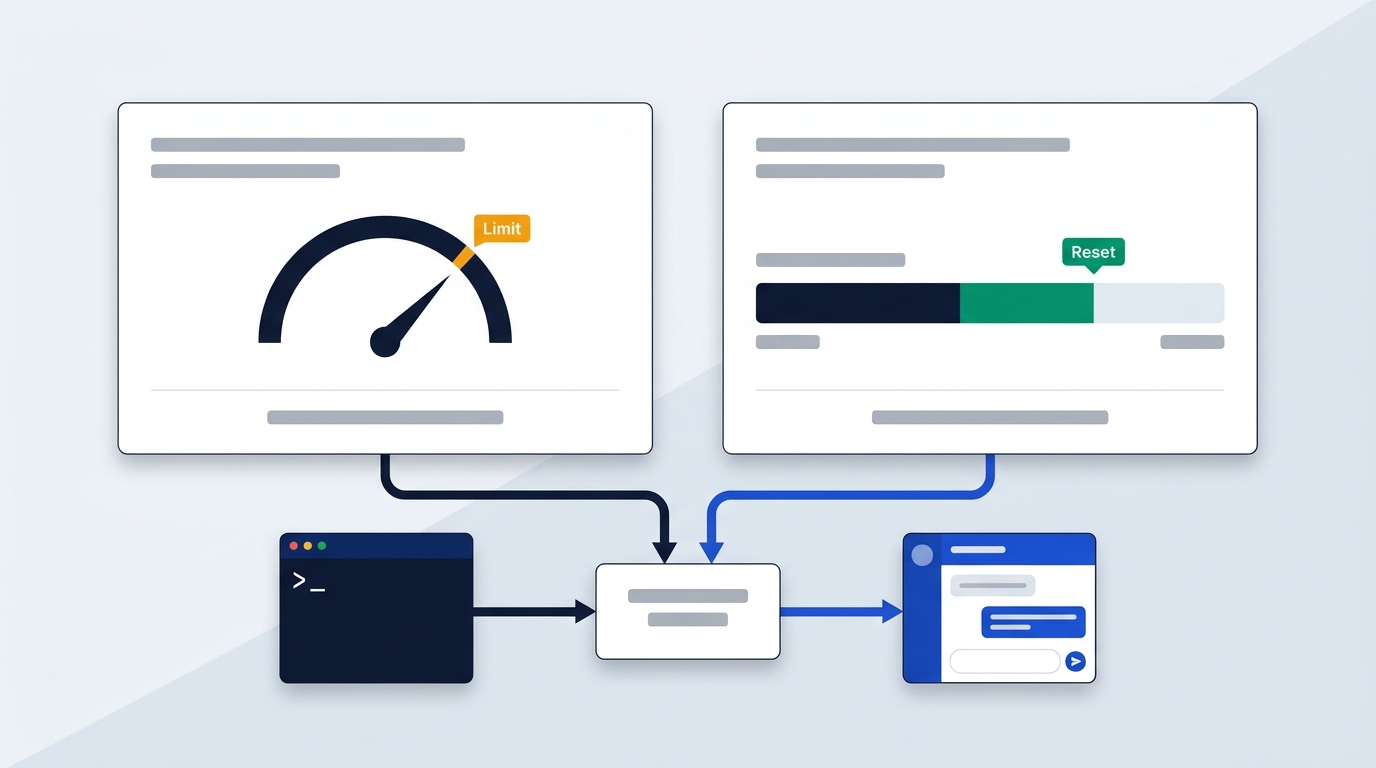
Anthropic structures its consumer subscriptions around usage capacity rather than gating individual UI features. All paid plans include basic features like projects, web search, extended thinking, and file uploads. The price tier determines how much compute budget you draw each week.
The dual-limit system explained
Anthropic enforces two overlapping usage caps across all paid accounts. The first is a five-hour rolling session limit. This cap restricts how many messages and tokens you can send during a short burst of activity.
The second is a total weekly usage cap. This limit resets at a fixed time assigned to your account, visible under your user settings. Both caps apply across all models in your account.
The shared usage pool between web and terminal
A key technical detail is that terminal-based Claude Code sessions and claude.ai web chat draw from the exact same usage pool. There is no separate allowance for terminal coding.
┌────────────────────────────────────────────────────────┐
│               SHARED UNIFIED USAGE POOL                │
├───────────────────────────┬────────────────────────────┤
│   claude.ai Web / Mobile  │    Claude Code Terminal    │
│   (Chat, Artifacts, Docs) │    (Multi-file Dev Loops)  │
└───────────────────────────┴────────────────────────────┘
│
▼
5-Hour & Weekly Usage Limits
If you execute heavy terminal sessions in the morning, you reduce the remaining capacity available for web chat in the afternoon. Managing your workflow across both interfaces requires tracking this shared consumption bucket.
Limit resets and message allowances
If your context window grows large, that message count drops quickly because longer contexts consume more compute per prompt.
Claude Max ($100/mo) multiplies your usage allowance by five times. This raises your limit to a user-reported cap of up to 225 messages per five-hour window. The $200 tier expands this cap up to 900 messages per five-hour session, providing room for heavy parallel sub-agent tasks.
Model capabilities and Claude Code performance
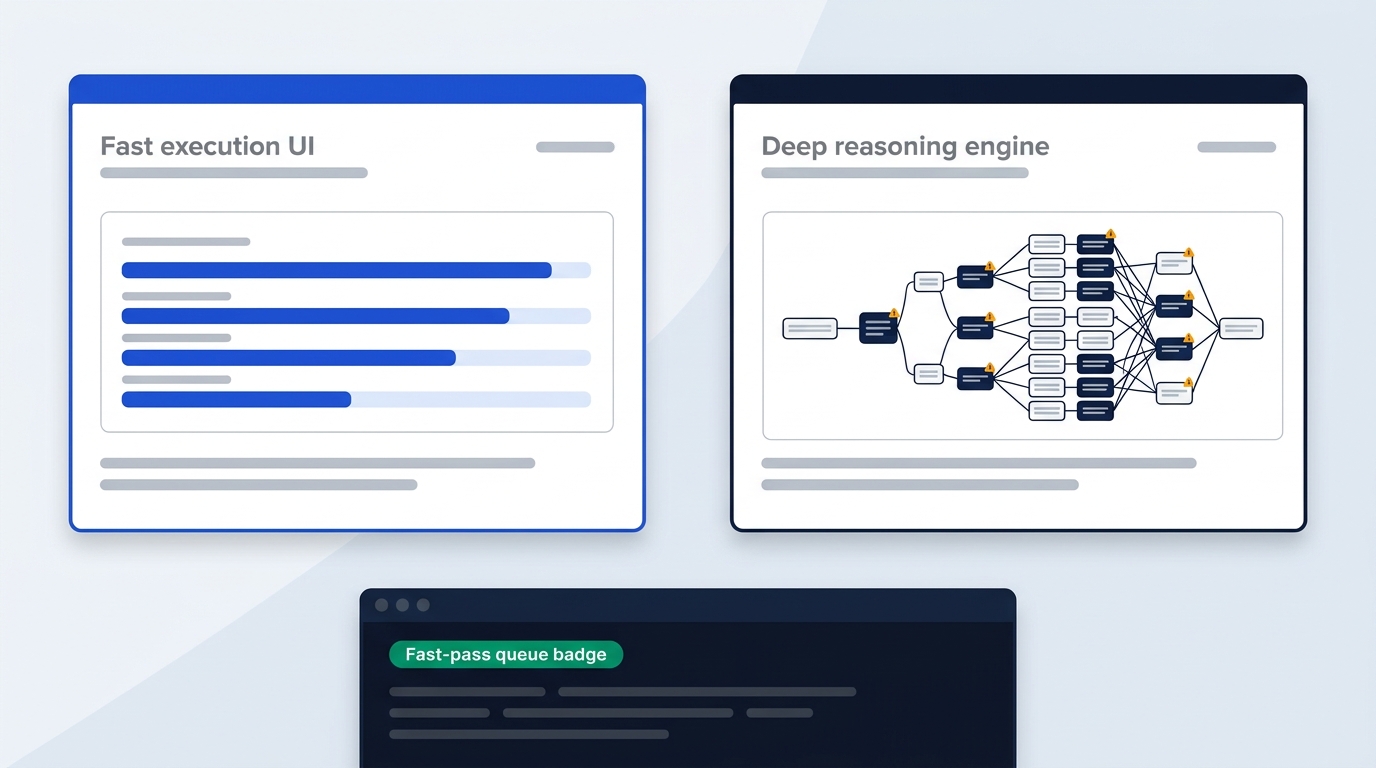
Model availability is a major technical difference between the entry-level paid plan and the Max tiers. While Sonnet 4.5 and Haiku are available across both plans, Opus 4.5 access requires a Max subscription.
MODEL ACCESS BREAKDOWN:
• Claude Pro ($20/mo):  Sonnet 4.5 [YES] | Haiku [YES] | Opus 4.5 [NO]
• Claude Max ($100/mo): Sonnet 4.5 [YES] | Haiku [YES] | Opus 4.5 [YES]
Sonnet 4.5 handles roughly 80% of routine engineering work. It writes single-file scripts, edits React components, updates API endpoints, and generates unit tests quickly. For daily coding tasks, Sonnet delivers fast responses at a lower compute cost.
Opus 4.5 handles the remaining 20% of complex tasks. It provides deeper reasoning for high-level system architecture, database schema design, and intricate multi-file bug analysis. When you face subtle edge cases that Sonnet misses, Opus provides clearer logical reasoning.
However, using Opus 4.5 draws significantly more compute from your allocation. Heavy reliance on Opus on a Max plan can consume up to half of your weekly allowance faster than Sonnet would. Smart developers reserve Opus for complex architectural decisions and use Sonnet for routine implementation.
In terminal environments, Claude Code benefits directly from Max priority access. During peak US business hours, Pro requests can queue during high server load. Max subscribers skip the queue, maintaining sub-second prompt responses and steady execution loops.
The API credits misconception explained
A common point of confusion among buyers involves the API credits bundled with higher subscription tiers. Claude Max ($100/mo) includes $100 in monthly Anthropic API credits, while the $200 tier includes $200 in monthly credits.
┌──────────────────────────────────────────────┐
│             CLAUDE MAX SUBSCRIPTION          │
└──────────────────────┬───────────────────────┘
│
┌───────────────┴───────────────┐
▼                               ▼
Interactive App Usage            Bundled API Credits
• claude.ai web chat             • Custom API scripts
• Claude Code terminal           • External backend apps
• Shared rolling caps            • Standalone API keys
│                               │
└───────────────X───────────────┘
CANNOT TOP UP INTERACTIVE LIMITS!
These bundled API credits cannot be used to top up interactive web chat or Claude Code terminal limits once you hit a rate limit wall. The two credit pools are completely separate inside Anthropic's platform.
API credits are dedicated solely to programmatic API calls made through external developer keys. You use them when building custom software applications, running background python scripts, or connecting external third-party services directly to the Anthropic API.
If you do not build external API applications, bundled API credits provide zero added value to your interactive web chat or Claude Code terminal quotas. Non-developers should evaluate Max strictly on its 5x interactive limit multiplier rather than its bundled API credit value.
European B2B compliance and tax guide
European businesses purchasing AI software must verify data protection terms, cross-border data transfer mechanisms, and sales tax treatment before upgrading accounts.
Commercial paid plans (Pro and Max) operate under Anthropic Commercial Terms and Data Processing Agreements (DPA). These legal frameworks incorporate EU Standard Contractual Clauses (SCCs) to satisfy GDPR Article 28 requirements for international data transfers.
Anthropic guarantees that data submitted through paid commercial subscriptions is excluded from AI model training by default. Your proprietary source code, internal documentation, and customer details are not used to train future foundation models.
Customer data is processed primarily on AWS and Google Cloud infrastructure located in the United States. European organizations handling sensitive personal data should ensure their internal privacy notices reflect this US storage location under their corporate GDPR framework.
All prices are quoted in US Dollars before value-added tax (VAT). European B2B buyers can enter a valid EU VAT identification number during checkout to apply the reverse charge mechanism under EU Directive 2006/112/EC.
UK VAT-registered businesses apply the UK reverse charge under HMRC VAT Notice 741A. If you want to compare how other AI vendors handle European compliance terms, read our breakdown of ChatGPT vs Claude or explore our GDPR Data Processing Agreement guide.
Frequently Asked Questions about Claude
Is Claude Pro worth upgrading from the free tier?
Yes. Claude Pro ($20/mo) unlocks five times the usage capacity of the free plan, provides access to Sonnet 4.5, and opens up terminal workflows through Claude Code. Free accounts face strict message caps and lack continuous terminal tool access.
Can I downgrade from Claude Max to Pro at any time?
Yes. You can cancel or downgrade your Claude Max subscription inside your account settings. Your Max features and 5x limits remain active until the end of your current monthly billing cycle, after which your account reverts to Pro pricing and limits.
Does Claude Max allow sharing an account across team members?
No. Claude Max is an individual subscription plan designed for one user. Sharing credentials violates Anthropic's terms of service and can trigger account limits quickly due to shared rolling caps. Teams needing shared access should buy Team or Enterprise seats.
What happens when I hit my 5-hour rolling limit on Claude Max?
When you hit your five-hour session cap on Max, interactive chat and Claude Code terminal executions pause. You must wait for your five-hour rolling window to reset before sending further prompts, unless you use a manual limit reset option available in your account settings.
How do I check my remaining usage limits inside Claude Code?
You can check your current session and weekly limit status directly inside the terminal by typing the command /usage during an active Claude Code session. Alternatively, click the usage indicator icon in the bottom corner of the web interface to view your reset timing.
Sources and how this was compiled
Compiled by the SaaSEuro team from the vendors' official documentation; we have not hands-on tested these products. Facts last checked in November 2026.
Bottom line decision guide
If you are unsure which plan fits your workload, start on Claude Pro ($20/mo) for 30 days. Test your actual daily prompt usage, observe how often you trigger rate limits, and evaluate whether Sonnet 4.5 satisfies your technical tasks.
Upgrade to Claude Max ($100/mo) if you hit five-hour rate limits more than twice a week, code for over three hours daily, or require Opus 4.5 for complex architectural decisions. Avoid the $200 Max tier unless you run automated agent loops continuously for six or more hours per day.
To verify current plan limits, check regional pricing details, and review enterprise compliance terms, visit our dedicated Claude software guide on SaaSEuro.
