











Deciding between Kittl vs Canva? Compare EUR pricing, print-on-demand commercial licensing, vector tools, and GDPR compliance for European creators.
TL;DR: In the Kittl vs Canva choice, pick Kittl if you sell apparel or merchandise and need typography-heavy vector artwork. Pick Canva if you produce social posts, decks and video, or need team approvals. Kittl is a poor fit for video and slide work. Canva is a weaker fit for illustration-grade vector art.
Quick verdict on Kittl vs Canva
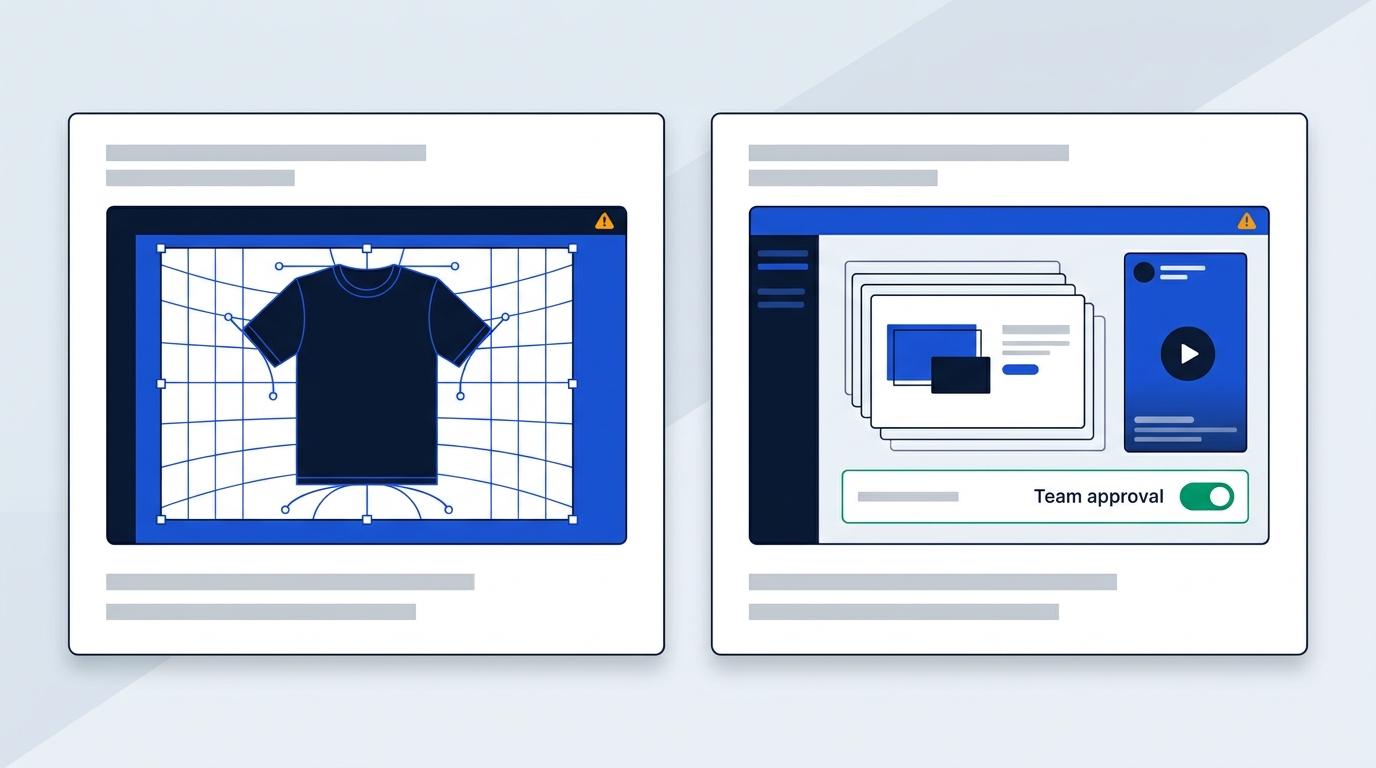
Choose Canva if your week is multi-channel marketing: social posts, presentations, video, and shared brand libraries, with prices listed in euros. Choose Kittl if your week is physical product: T-shirts, hoodies, badges and posters where typography and clean vector exports decide the result. Neither is a bad pick. They do different jobs, so the real question is which job fills most of your time.
Think about who you are. If you are a solo creator or an e-commerce seller scaling print on demand, Kittl's editor is built around your output. If you sit in a marketing department that manages brand libraries and needs sign-off from colleagues, Canva fits the way you already work.
Scale differs too. A September 2026 review of both tools reports more than 265 million active Canva users across 190 countries. Kittl's pricing page says it is trusted by 10M+ creatives, checked October 2026. Canva is the bigger ecosystem, while Kittl is the narrower specialist.
The working styles differ as well. Canva is a drag-and-drop page publisher. Kittl is an infinite-canvas illustration workspace, closer in spirit to a vector editor than to a template site.
How to choose between both platforms
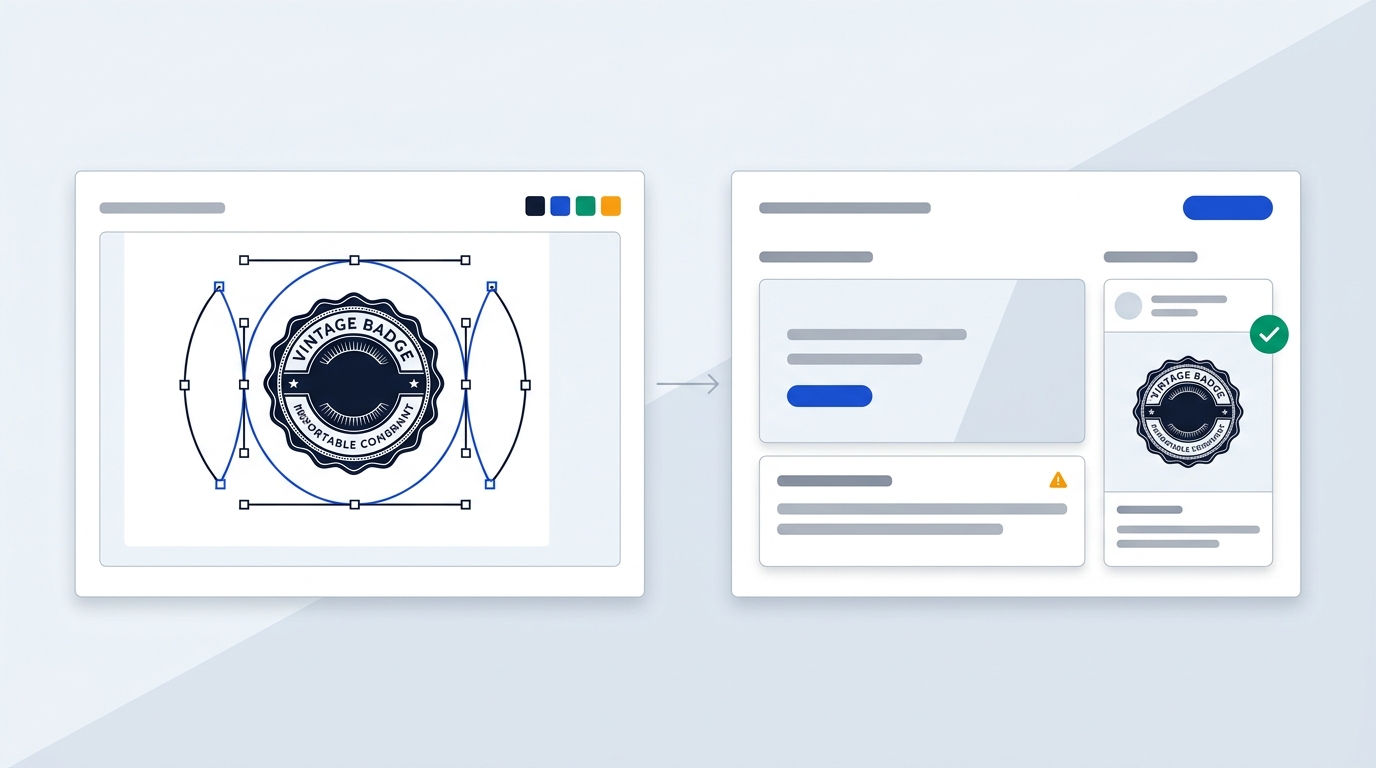
The simplest test is to look at what you export most often. If it is a transparent badge for a garment, lean Kittl. If it is a slide deck, a reel or a banner set, lean Canva.
When Kittl is the better fit
- You run a merchandise line of T-shirts and hoodies.
- You design vintage badges and logos where lettering carries the design.
- You want text warps, outlines and shadows, plus scalable SVG output.
- You work in a vector-first editor, which a POD-focused comparison from PODSellers also points to for merch and brand assets.
Kittl began life as a vintage typography platform called Heritage Type, according to an independent review. That origin still shows in how it handles lettering.
When Canva is the better fit
- You need marketing collateral in many formats from one template.
- You produce social reels, YouTube thumbnails and multi-page slide decks.
- You write company documents or edit PDFs.
- You need approvals, which the Business plan includes alongside collaboration and team admin tools.
If a colleague with no design background has to edit the file next week, Canva is the safer choice. The same independent review says Kittl asks for more graphic design vocabulary, such as blend modes and anchor points.
A hybrid workflow that works
Many teams do not need to choose. Design the raw badge or lettering in Kittl, export it as a transparent PNG or SVG, then upload it to Canva for ad banners, social promotion and mockup cards. Both platforms keep your uploaded files in an Uploads area, so the handoff is a simple file drop.
One catch: if that badge goes on products you sell, the Kittl file needs a paid plan with a commercial licence. More on that in the licensing section.
If you design interfaces
Neither tool is meant for app or website UI work. For that, look at Figma, and read our Figma vs Canva comparison to see where a UI tool and a template tool part ways.
Core design engine and artboard workflows
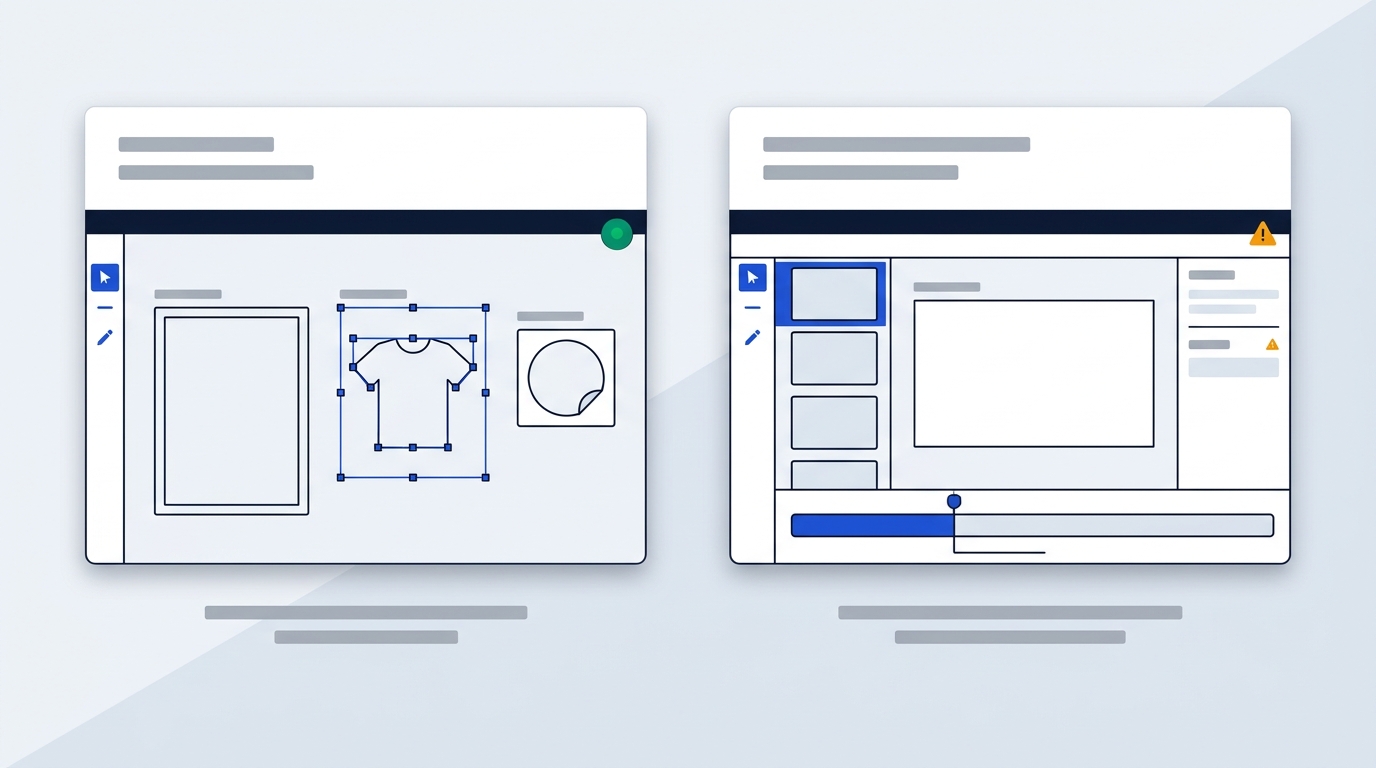
Kittl gives you a free-form canvas, while Canva gives you fixed-size pages. That one difference shapes almost everything else about daily use.
Workspace layout
Kittl uses an artboard approach similar to Illustrator or Figma. You can place several artboards of different sizes on one canvas and work on a T-shirt print, a poster and a sticker side by side. The trade-off, as the independent review found, is that each artboard has to be exported separately, and things get busy as artboards multiply.
Canva works on a single canvas, and extra pages share the same dimensions. If you need another format, its Resize tool repurposes the design. That is less flexible but simpler. Canva also offers a desktop app for Mac and Windows, whereas Kittl runs only in a browser.
Typography controls
Kittl's pricing page lists Text Effects as instant styles you apply to type, and reviewers point to warps, outlines, shadows and blend modes. Canva's text tools are easier to pick up, but they do not go as deep for custom lettering. If your product is the lettering itself, Kittl gives you more room.
Asset breadth
Canva is far wider. Its Free plan lists 1.6M+ templates and 4.7M+ photos, videos, graphics and audio, and Pro adds 3.6M+ templates and 141M+ premium assets. Kittl's pitch is narrower: 10,000+ Premium Templates and Mockups from independent designers, aimed at merch, logos and labels. Sources are Canva's pricing page and Kittl's pricing FAQ, checked October 2026.
Multimedia scope
Canva handles video editing, with a timeline, animations and Beat Sync for audio, plus PDF editing. Kittl does not offer video editing, according to the same review. Kittl does have an AI video generator, but that creates clips rather than editing them.
AI features and daily credit limits
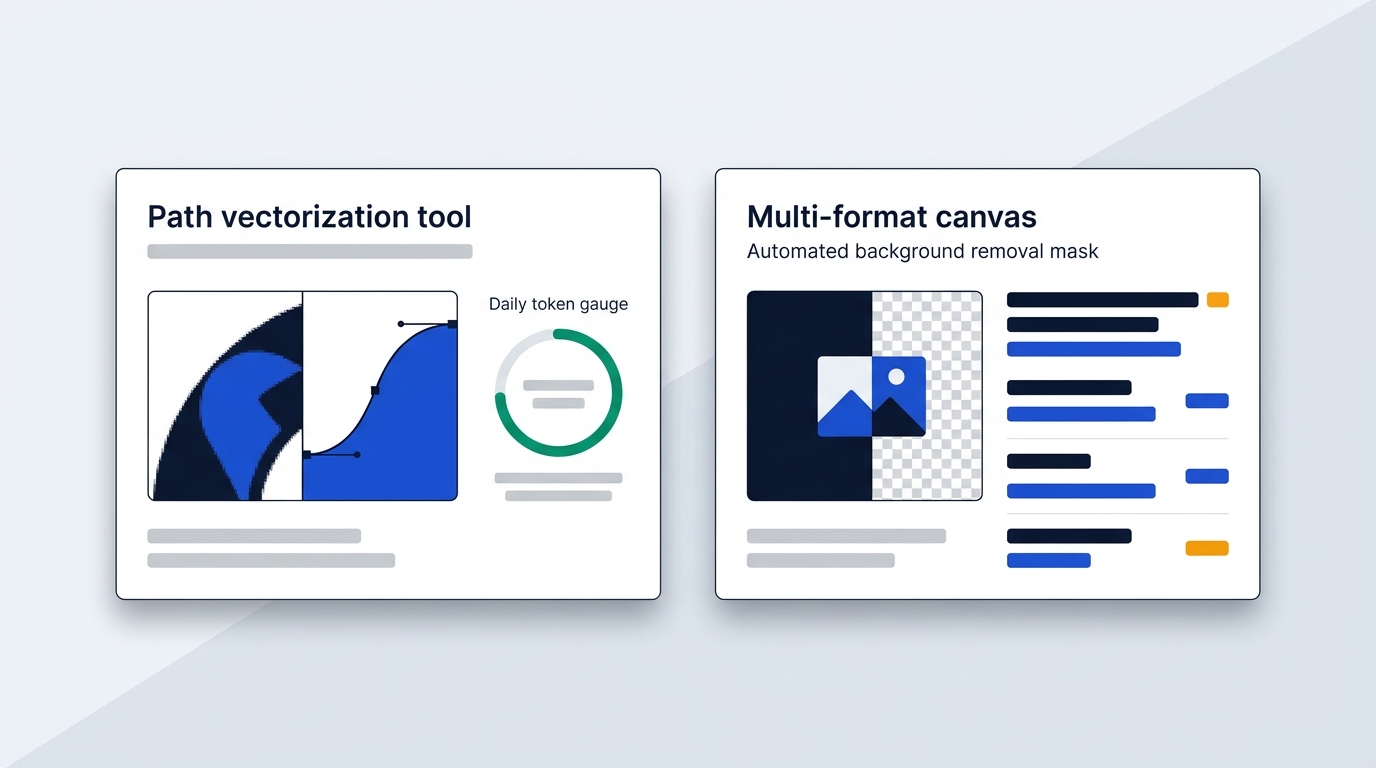
Both tools bundle AI, but they point it at different work. Kittl's AI produces isolated assets for products, while Canva's AI sits inside a general-purpose editor.
Kittl's AI suite and token system
According to Kittl's pricing page and FAQ (checked October 2026), the suite includes:
- an AI image generator and an AI vector generator for editable artwork;
- an AI video generator;
- a background remover and an image upscaler;
- a Vectorizer that turns any image into scalable paths.
The Vectorizer matters for sellers. It turns a raster sketch or a low-quality logo into paths you can resize for a hoodie front or a sticker without softening the edges.
Each AI action costs a few tokens. Your plan includes a monthly batch that arrives at the start of the billing cycle, and leftovers do not roll over. On Expert and Max you also get daily tokens, 200 on Expert and 600 on Max, which reset every 24 hours and are spent before the monthly balance. Expert and Max users can top up when they run short.
So a daily allowance suits steady use. If you generate a burst of 40 variants on one Tuesday, you will lean on the monthly pool instead.
Canva's AI allowance
Canva's AI is metered by plan. According to Canva's pricing page (checked October 2026), Free includes up to 20 Standard or Premium AI uses, Pro offers 10x more AI than Free, and Business offers 20x more. Reviewers describe the AI tools as photo editing helpers, such as background removal, and Business-level copy generation.
Which AI fits your work
Pick Kittl's AI if the end product is a vector asset for print. Pick Canva's if AI should speed up a layout, a photo or a caption inside a document. Credit counts are not comparable one to one, because Kittl counts tokens and Canva counts uses.
Commercial licensing and print on demand
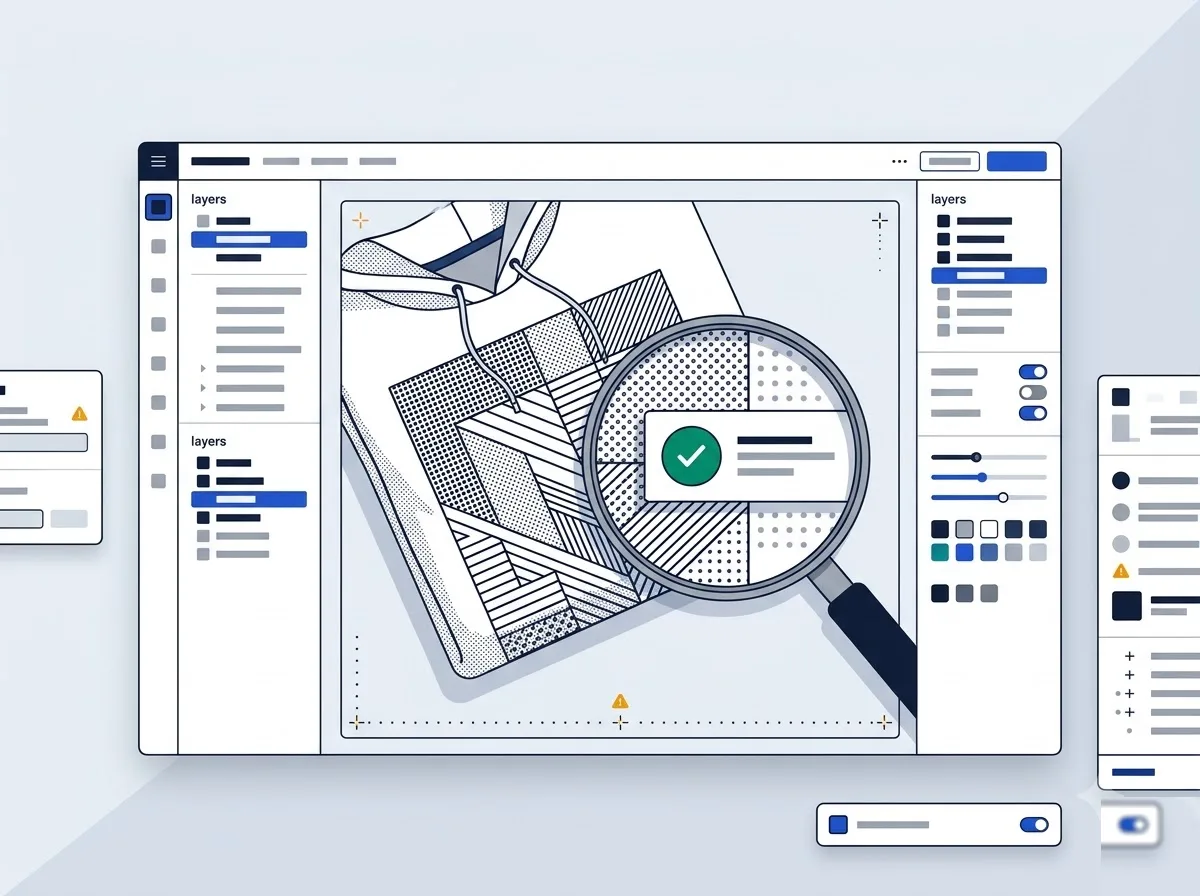
Kittl's Free plan cannot be used to sell products, and this is the biggest practical difference for sellers. According to Kittl's pricing FAQ (checked October 2026), the Free plan is for personal use only, with no commercial rights. Pro and Expert include a Commercial License that lets you reproduce designs in up to 500,000 copies across packaging, marketing, digital media or print.
Business plans add an Enhanced License for reach beyond the 500k limit. Most solo sellers will never hit that ceiling, but a brand shipping very large runs will need to plan for it.
What Canva offers on the print side
Canva has its own physical ordering through Canva Print. According to Canva's pricing page, the Business plan includes a 10% discount on print orders where Canva Print is offered. Reviewers say you can put designs on items like invitations, mugs, calendars and T-shirts.
Both tools offer basic print on demand, but the PODSellers comparison and an independent review both caution that neither matches dedicated providers for range. If fulfilment is your main concern, our Gelato vs Printify comparison covers European sellers.
File quality for garments
For direct-to-garment and direct-to-film printing, edge crispness matters. PODSellers says Kittl's vector-friendly outputs reduce edge softness on DTG and DTF, and recommends exporting transparent PNG or SVG while watching stroke widths at small sizes. For Canva, it advises high-resolution exports at 300 DPI where supported and keeping text as vector where possible.
If you want to keep vector exports, remember that cancelling a Kittl plan leaves your designs intact but locks vector exports until you reactivate.
Subscription plans and transparent pricing models
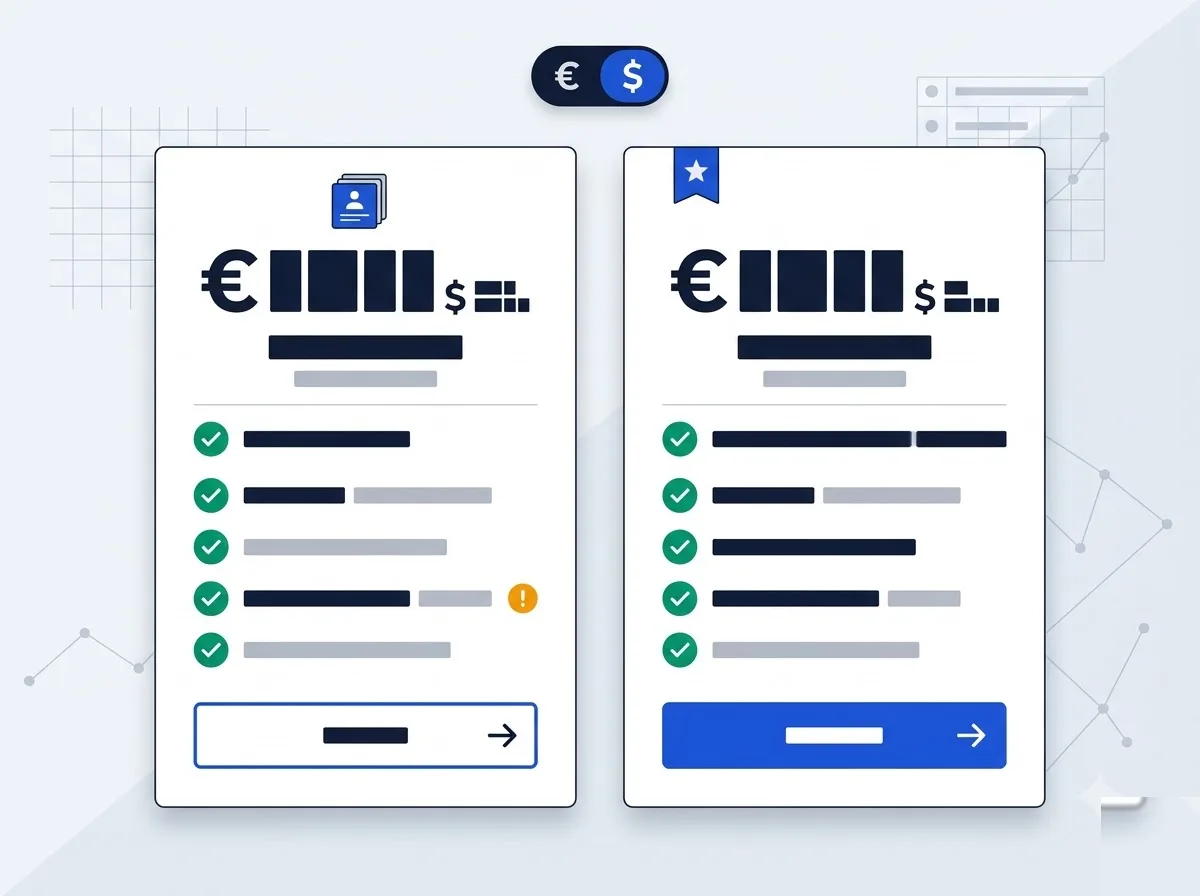
Canva lists European prices in euros, while Kittl lists prices in US$. Both are before VAT, and you should not convert one into the other, because plan structures differ.
Kittl plans (US$)
- Free: US$0, personal use only.
- Pro: US$15 per month, with 100 projects and unlimited vector exports. Yearly billing saves up to US$200.
- Expert: US$30 per month, with unlimited projects, 100GB of upload space and 200 daily AI tokens.
- Max: includes 600 daily AI tokens.
- Business: custom pricing, with the Enhanced License.
Sources: Kittl's pricing page and FAQ, plus the ecomm.design comparison for project and storage limits, checked October 2026. Viewers are always free, while extra editors are charged by plan. You can cancel anytime and keep access to the end of the billing period. Payments run through Stripe and accept Visa, Mastercard, PayPal, Google Pay, Apple Pay and Amex.
Canva plans (€)
| Plan | Price | Storage | Brand Kits |
|---|---|---|---|
| Free | €0 | 5 GB | 1 (3 colours) |
| Pro | €9.17 per month, billed yearly (€110 a year, one person) | 100 GB | 5 |
| Business | €14.17 per person per month, billed yearly (€170 a year) | 500 GB | 100 |
Pro and Business come with a free trial, and Enterprise is custom priced. For the full picture, see the Canva page on our site.
Value for European buyers
If you are a solo marketer who wants wide asset access, Canva Pro at €110 a year is the cheaper starting point, and it includes 141M+ premium assets. Kittl's paid tiers cost more, but they unlock the commercial licence and vector exports that sellers rely on. If you sell merch, the licence is what you are paying for.
Data protection and European business compliance
Canva publishes the clearer GDPR paperwork of the two. According to Canva's Data Processing Addendum and privacy policy (checked October 2026), it offers a DPA that includes the EU Standard Contractual Clauses (Decision 2021/914) and the UK addendum. It also lists its sub-processors on a public page, and its US subsidiary adheres to the EU-US Data Privacy Framework.
On contracting, Canva's terms of use name Canva Pty Ltd, based in Surry Hills, Australia, as the contracting entity for billing addresses outside the US and UK. Your legal team should know that before signing off. Canva's data location is not something its sources let us state, so this comparison does not give one.
The Kittl pages reviewed for this comparison set out no DPA terms and no data location. That matters if your procurement team requires a signed addendum before adopting a tool. For a solo seller handling only public artwork, it will matter far less.
Prices on both vendors are shown before VAT. If your wider stack includes other design options, our Adobe Express vs Canva comparison covers a third route with its own published data terms.
Bottom line
If you sell T-shirts, badges or posters, Kittl earns its keep through vector exports and a commercial licence. If your week is decks, social posts and video, Canva's breadth and team tools fit better. Running both isn't wasteful: many sellers design the artwork in Kittl, then bring it into Canva for promotion.
Still unsure which one matches your workload? Walk through how to choose between both platforms and pick based on what you export most.