










Compare Canva vs Photoshop for your business. Evaluate subscription pricing, pixel editing, hardware requirements, and European GDPR compliance.
For most marketing teams, Canva is the better buy. The Canva vs Photoshop decision comes down to who makes your assets. Non-designers need Canva, while retouchers and print specialists need Photoshop. Many businesses pay for one tool per group of people, not one for everyone.
Quick verdict on Canva vs Photoshop
TL;DR
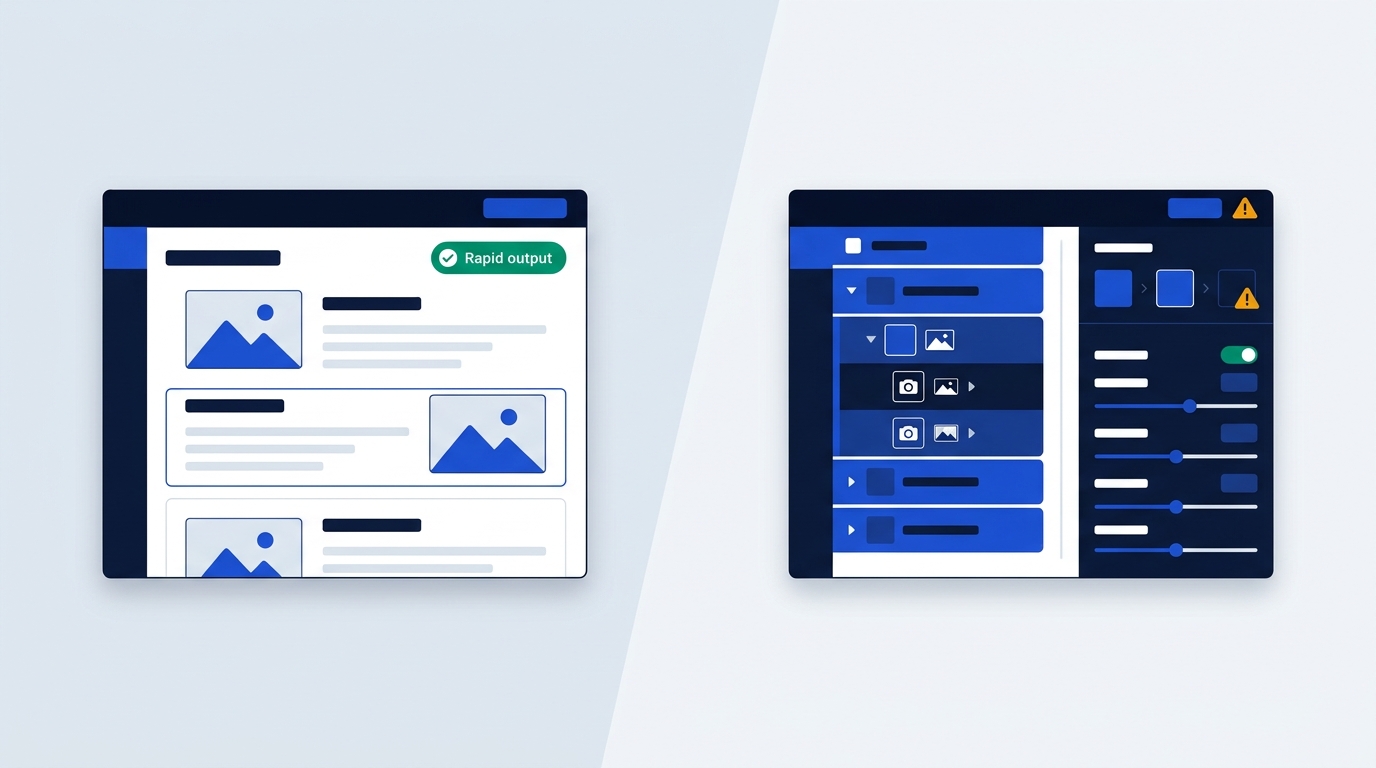
- Canva suits marketing teams, social media managers and non-designers who need fast collateral, shared brand kits and slide decks without technical training. It does not suit anyone who needs pixel-level control or CMYK print output.
- Adobe Photoshop suits visual specialists, retouchers and print production teams who need granular pixel control and complex raster work. It does not suit staff who only post social graphics, because the learning curve and hardware demands outweigh the benefit.
Here is the baseline, according to StyleFactory's comparison (updated July 2026). Canva is a cloud-based, multi-purpose tool launched in 2013, and it has passed 265 million monthly active users. Photoshop is a local desktop application first developed in 1987, and the Creative Cloud suite that includes it has over 37 million paying users.
The skill ceiling differs just as sharply. Photoshop can take months or even years to master, with its layers, masks and adjustment tools. Canva runs on drag-and-drop, and a new team member can make something usable within minutes.
You can read verified plan details on our Canva page. If you also want Adobe's browser-based option, see Adobe Express or our Adobe Express vs Canva comparison.
Which tool suits your business workflow
When Canva is the right call
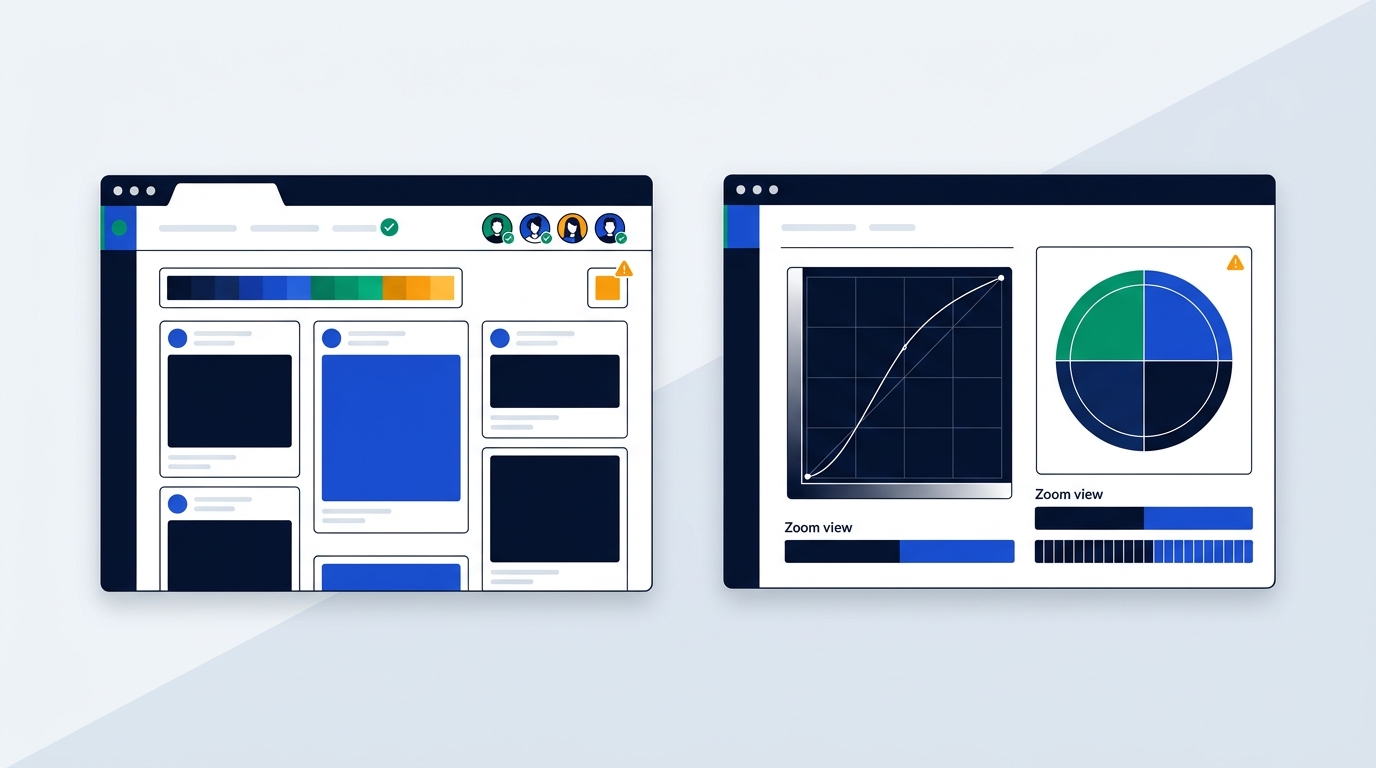
Pick Canva when your team ships high volumes of social posts, presentations and flyers, and turnaround matters more than bespoke pixel work. Picture a three-person marketing team that publishes to LinkedIn and Instagram every day. Templates, a shared brand kit and co-editing in the browser cover that job, so nobody waits for a designer.
When Photoshop earns its price
Choose Photoshop when the work involves photo compositing, skin retouching, digital painting or heavy manipulation of photographs. It is also the safer pick for print. According to GoProof, it supports CMYK colour profiles and the high-resolution output that professional printing needs.
Think of a product photographer cleaning up a batch of studio shots, or a print lead sending files to a commercial printer. Those jobs reward precision, and a template library does nothing for them.
How collaboration differs
Canva lets several people work on the same design in a browser. Seats matter, though. Canva Pro is priced for one person, and adding more than one user means moving to Business or Enterprise.
Photoshop is a desktop application where all processing happens on your own computer. Each person who needs it gets their own licence, and the work tends to sit with trained designers rather than the whole team.
A quick role-based rubric
- Social media manager or content marketer: Canva.
- Sales or HR staff building decks and one-pagers: Canva.
- Photographer, retoucher or compositor: Adobe Photoshop.
- Print production lead working with commercial printers: Adobe Photoshop.
If your real need is web product design or UI prototyping, neither tool is the fit. Teams usually add Figma for that, and our Figma vs Canva guide covers the trade-off.
Templates and speed versus pixel precision
Template libraries and assets
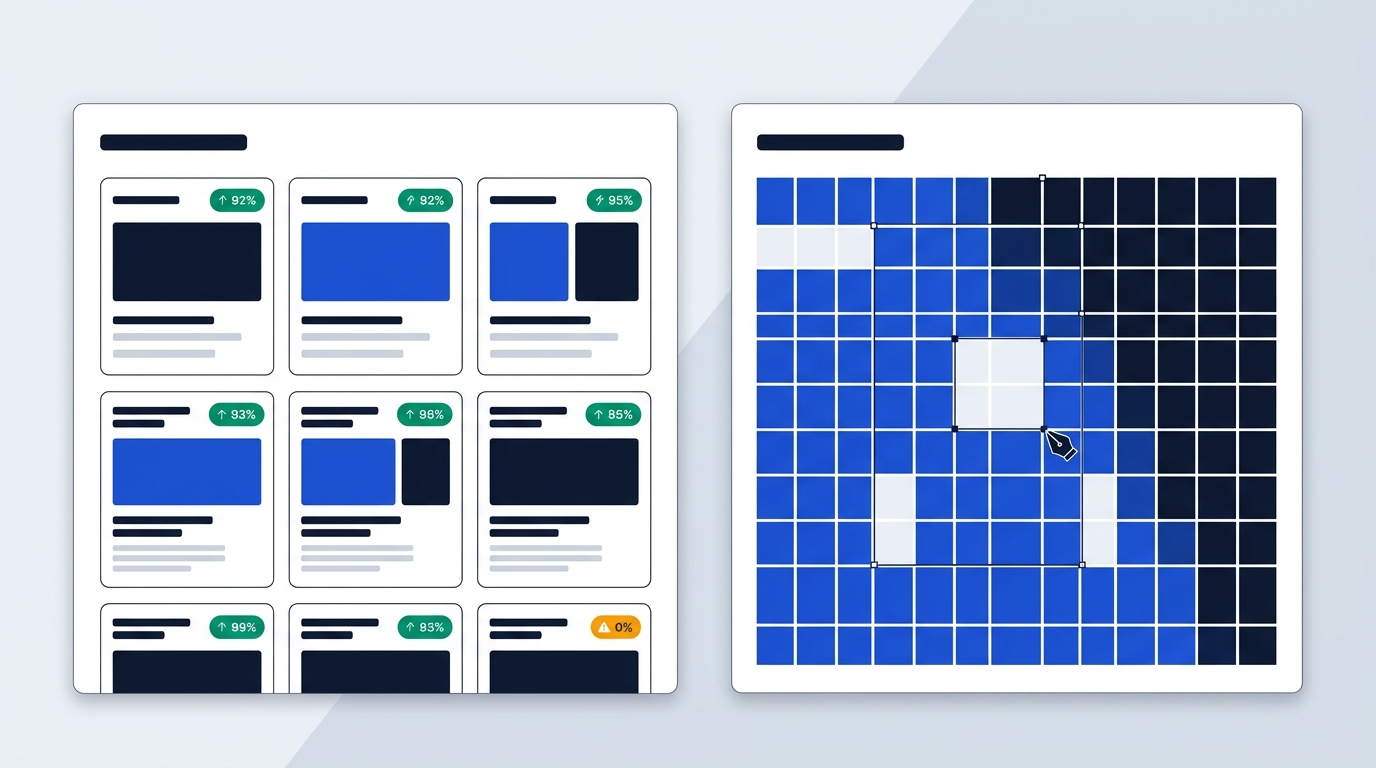
Canva wins on speed because the raw material is already there. According to Canva's pricing page, checked October 2026, the Free plan includes 1.6M+ templates and 4.7M+ photos, videos, graphics and audio files. Pro raises that to 3.6M+ templates, including premium ones, plus 141M+ premium assets.
Photoshop ships without ready-to-use templates. That is fine for a designer who builds layouts from scratch, but it slows down anyone who just needs a flyer by lunchtime.
Editing depth
Here the balance flips. Photoshop gives you control down to individual pixels, with precise handling of colours, layers, masks, filters and selections. Canva offers basic editing and adjustment tools, and its scope for advanced graphic design is fairly limited.
That limit is not always a problem. If your day is resizing images and adding a graphic or two, the basics are enough. If a designer must cut a model out of a photo and rebuild the lighting, they are not.
Brand management
Canva handles brand consistency through Brand Kits. The Free plan gives you 1 Brand Kit with 3 colours, Pro gives you 5, and Business gives you 100 alongside approvals. Enterprise goes up to 1,000 Brand Kits with tiered approvals.
The Business tier makes sense for an agency with many client brands, or a company with several regional teams. For one brand with a handful of editors, Pro's 5 kits are usually plenty.
Print and vector limits
Neither tool replaces dedicated vector software such as Illustrator. Canva is primarily raster-based and lacks advanced vector editing, so scaling up without quality loss is harder. GoProof also notes that Canva's export options can limit very high-resolution print quality on complex designs.
Photoshop is raster-focused too, but its CMYK support is what print shops expect. Canva does have a print angle of its own: Business includes a 10% discount on print orders where Canva Print is offered.
Hardware demands and local desktop performance
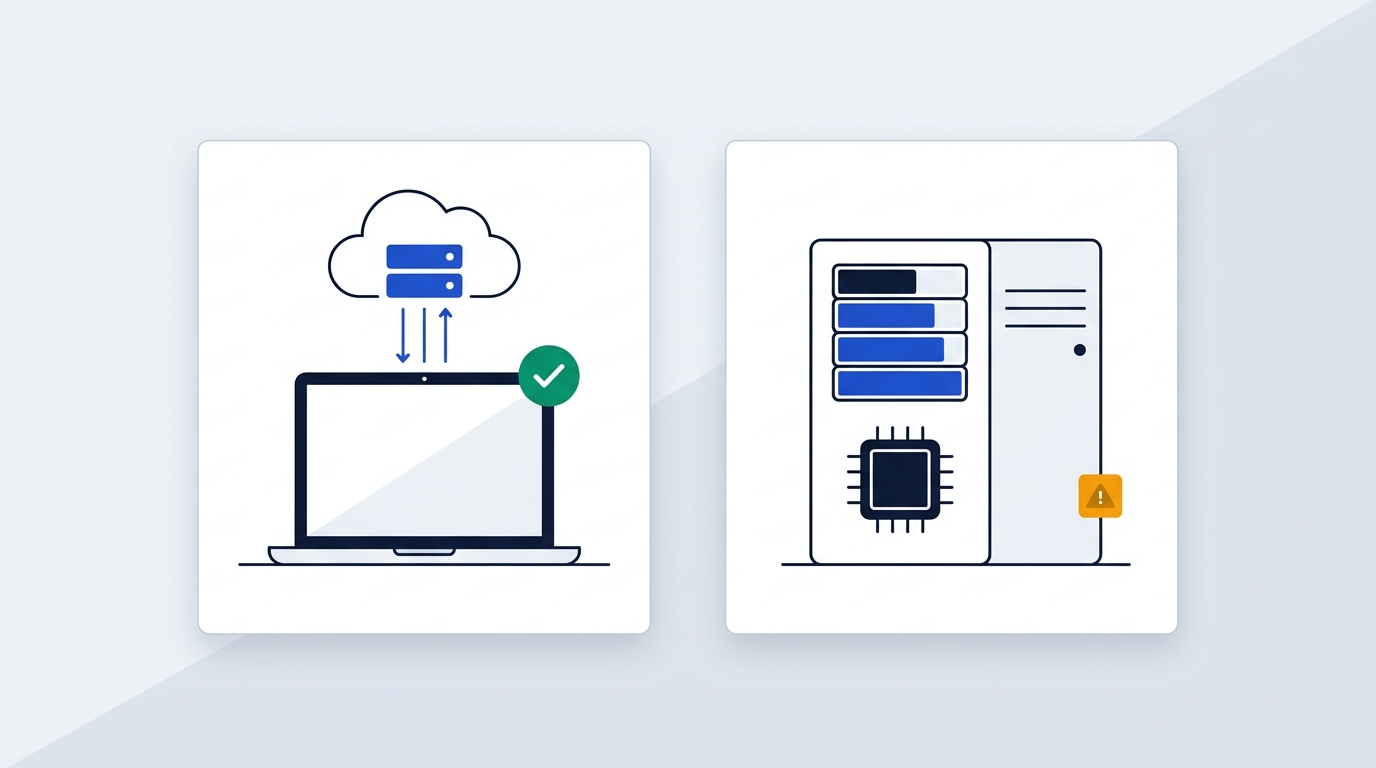
What Photoshop expects from a laptop
Photoshop is resource-heavy. Adobe's recommended Windows setup, as quoted by PCWorld, is an Intel or AMD CPU, 16GB of RAM, a 1080p display, a 50GB hard drive and a recent graphics card. The more powerful the card, the better the performance. Photographers may want a higher-resolution display and a bigger SSD on top.
GoProof makes the same point from the other side: older or less powerful machines run it slower. So count how many laptops in your fleet meet the 16GB RAM recommendation before you commit.
What Canva expects
Canva runs mainly in a browser such as Chrome, Safari or Edge, and most processing happens in the cloud. Downloadable apps exist for Windows, Mac, Chromebook, iOS and Android. A fairly ordinary Chromebook will do the job, so you can roll it out on the laptops your staff already have.
Offline work
Photoshop works fully offline once installed. Canva has a limited offline mode, but you must make designs available offline in advance. Templates, stock media, AI tools and collaboration features still need an internet connection.
Adobe also offers Photoshop for Web, which is generally available. However, it lacks many of the image manipulation features of the desktop version, so it will not replace a proper install for specialists.
The fleet question
Here is a scenario. You give six marketers Photoshop, and four of them work on laptops bought a few years ago. You may then pay for hardware upgrades as well as subscriptions. Giving the same people Canva usually needs no new hardware, which is why the cost gap is often wider than the subscription prices suggest.
Comparing subscription plans and licensing costs
Canva is cheaper per person at every tier shown below, but the currencies differ, so do not compare the numbers directly. Canva lists euros and Adobe lists US dollars. Both are shown as the vendors list them, before VAT.
| Detail | Canva | Adobe Photoshop |
|---|---|---|
| Free plan | Permanent Free plan | No permanent plan, 7-day free trial only |
| Entry paid price | Pro: €9.17 per month (€110 a year for one person, billed yearly) | Individual: US$22.99 per month |
| Team price per person | Business: €14.17 per month (€170 a year per person, billed yearly) | Teams: US$37.99 per month per licence |
| Storage on entry paid price | 100 GB | 100 GB |
| Storage on team price | 500 GB | 1 TB |
Source: Canva figures from Canva's pricing page, checked October 2026. Adobe Photoshop figures from StyleFactory's comparison, updated July 2026.
A few details matter beyond the table. Canva's Free plan includes 5 GB of cloud storage, and Pro and Business both come with a free trial. Photoshop has only its 7-day trial before a paid subscription starts. The individual Photoshop subscription also includes Adobe Express, according to StyleFactory.
Canva Enterprise is custom-priced and adds SSO and SCIM provisioning, 1 TB of storage and a dedicated success manager for 150+ contracted seats. Most small and mid-sized European teams will never need it. For current European billing details, check our Canva pricing page.
GDPR privacy and data processing terms
Canva's contracting entity and DPA
For billing addresses outside the US and UK, which covers most European buyers, the contracting entity is Canva Pty Ltd in Surry Hills, Australia. Canva offers a data processing addendum that incorporates the EU Standard Contractual Clauses (Decision 2021/914) and the UK addendum. It also lists its sub-processors on a public page. Its privacy policy says the US subsidiary adheres to the EU-US Data Privacy Framework.
Adobe's entity and hosting
Adobe Inc. is based in San Jose, California. According to Adobe's GDPR and trust compliance pages, checked October 2026, it hosts cloud data in Adobe Cloud Data Centers in the United States and the European Union. Business customers get an Enterprise DPA with EU SCCs, and Adobe is ISO 27001 certified.
What this means for your team
Both vendors offer a DPA with EU Standard Contractual Clauses, so neither blocks a standard procurement review. That matters more than it sounds. Marketing assets often contain photos of identifiable customers or staff, and that is personal data.
The difference is in what the sources describe. Adobe lists EU and US data centres. For Canva, the sources describe transfer safeguards (the SCCs and the Data Privacy Framework) rather than a hosting region. If EU hosting is a hard requirement for your legal team, that distinction should drive your decision.
Frequently Asked Questions about both tools
Can Canva replace Photoshop for designers?
For standard collateral, social banners and presentations, often yes. For pixel-level compositing, photo retouching or complex CMYK print workflows, no. Canva's advanced design scope is limited, so a professional designer will hit that ceiling quickly.
Which tool is better for social media?
Canva is usually the better choice for social media. It offers templates for social posts, and Pro adds social content scheduling. Several teammates can also share the same brand assets. Photoshop makes sense only if your brand needs highly customised visuals or unusual image manipulation.
Does Photoshop have a free version?
No. Photoshop offers a 7-day free trial, then a paid subscription. Canva keeps a permanent Free plan, and it also offers a free trial of Pro and Business. The table above shows the paid comparison.
Can a team use both tools?
Yes, and many do. GoProof notes that both tools can sit in the same creative ecosystem. A common split is Canva seats for the marketing team and a few Photoshop licences for the specialists who retouch photos or prepare print files. That way you pay for pixel precision only where someone uses it.
How do the AI features compare?
Canva's pricing page lists AI allowances by tier. Free includes up to 20 Standard or Premium AI uses, Pro offers 10x more AI than Free, and Business offers 20x more. On the Adobe side, Adobe's trust compliance page describes its Firefly AI models as commercially safe. That can matter if your legal team asks where generated imagery comes from.
So, which one do you buy?
If your team churns out social posts and decks, Canva does the job without a learning curve. If someone retouches photos or preps files for a commercial printer, Photoshop earns its keep. Many businesses just run both, one for the marketers and one for the specialist.
Not sure which camp you fall into? Start with the role-based rubric and match your team against it before you sign anything.