


Compare Figma vs Canva on web design, slides, EU pricing, and GDPR terms. Find out which tool fits your marketing or product design workflows.
TL;DR: In the Figma vs Canva decision, Canva suits marketers and sales staff who need on-brand posts, decks and print files fast, but not interface handoff. Figma suits designers and engineers building software, but not occasional creators. Most teams don't replace one with the other.
Quick verdict on Figma vs Canva
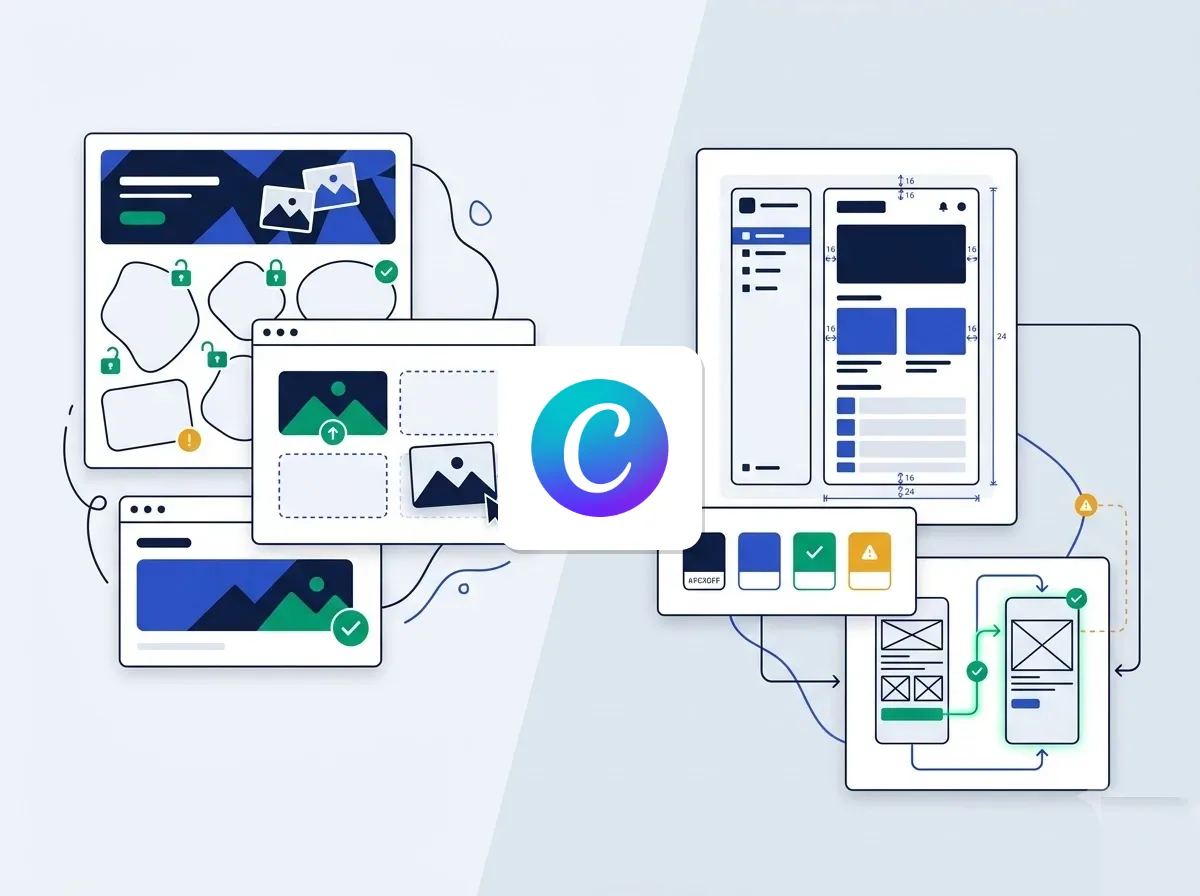
Choose Canva if non-designers on your team produce marketing graphics, social posts, presentations and print collateral from templates. Choose Figma if UI/UX designers and engineers must build digital interfaces, interactive prototypes and reusable component libraries, then manage developer handoff.
The cleanest way to see the split is the unit each tool works in. According to Moda's review of current official documentation (September 2026), Canva revolves around designs, templates, brand assets and publishable formats. Figma revolves around frames, components, variables, prototypes and code context.
So the gap is not "easy versus advanced". It is fast creative output versus structured product implementation. A Canva file usually ends up in a feed, a PDF or a slide deck, while a Figma file ends up as software.
How to choose between both platforms
What should the file become?
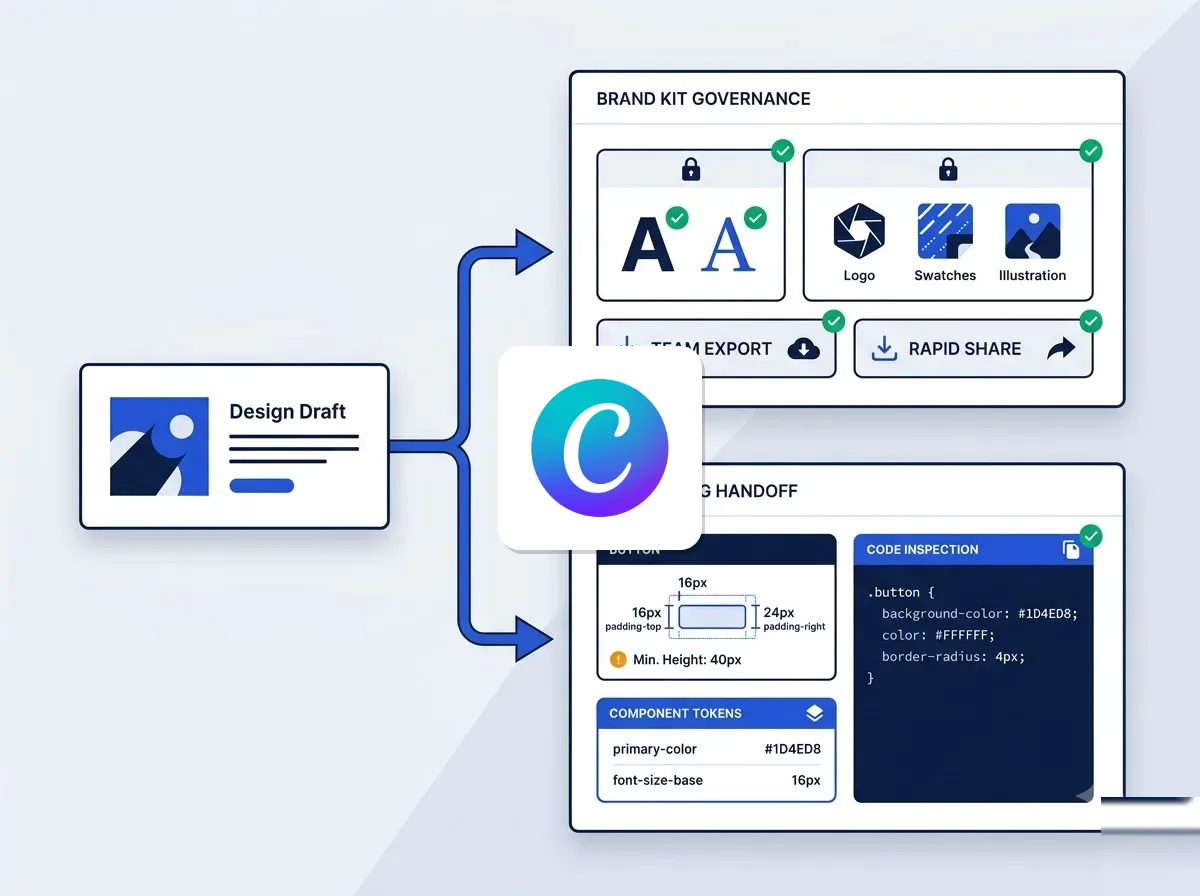
Start with the destination, not the feature list. The same review argues that the decisive question is which system should own the working file after the first draft. A design file can be a campaign template, a deck, a print asset or the source developers build from.
Ask three things before you compare menus:
- Will engineers implement this work? Then component structure, variables and inspectability matter.
- Will dozens of occasional creators adapt it? Then approved assets, resizing and simple editing matter more than control.
- Which file stays authoritative? Exporting a PNG or PDF moves an image, not the component logic or revision history.
When does Canva fit?
Choose Canva when many people need brand-safe templates, quick resizing, stock assets and social publishing without design training. Picture a regional sales manager who needs a localised event banner by Friday. She opens an approved template, swaps the copy and exports it.
It also takes pressure off your designers. Every small copy change, social resize or pitch-deck edit that waits on a specialist is a bottleneck. Canva's Brand Kits, Brand Templates and element locking let more people edit safely, although some controls depend on the plan.
When does Figma fit?
Choose Figma when the output must serve software engineers. They inspect padding, design tokens, auto layout behaviour and interactive states, and a flat export gives them none of that. Auto layout, variables and Dev Mode exist for exactly this job.
Do you need both?
Often, yes. A common split is that Figma owns the product truth while Canva owns distributed campaign production. Your product team keeps components and variables in Figma, and marketing and sales run daily social, deck and print work in Canva.
That said, a small company with no interface to ship can stay on Canva alone. If you build software and rarely publish campaigns, Figma may be enough.
Web design, Buzz, and Slides compared
Can Canva replace Figma for web design?
Not for production software. Canva now includes websites in its Visual Suite, which suits a simple published landing page or event microsite. Figma is built for interfaces that developers implement.
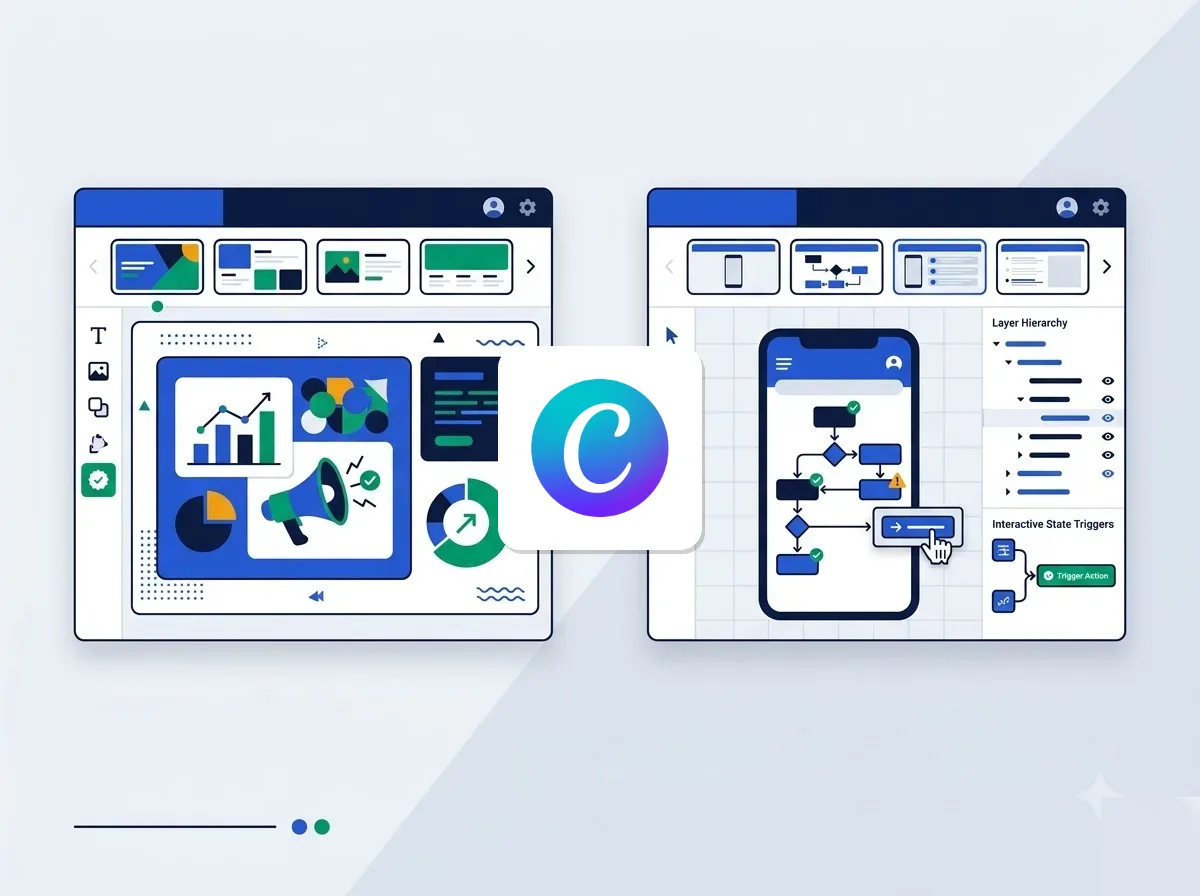
Figma's auto layout controls direction, spacing, padding, alignment, wrapping and resizing as frames change size. Variables hold colours, spacing, text and modes, so they work as design tokens and can switch themes or device contexts. Dev Mode then lets developers inspect designs and compare changes, and handoff can generate CSS, iOS and Android code.
If you want a live marketing site rather than a design file, also browse web builders and design software.
How does Figma Buzz compare with Canva?
Buzz lets brand designers bring templates from Figma Design and hand them to marketers, who edit only the allowed content. It covers social posts, digital ads, event materials and one-pagers, with plugin support and video trimming. It answers the old complaint that every marketing variation needs a designer.
It does not match Canva's breadth, however. According to Figma's Buzz documentation as summarised in the Moda review, Canva still packages a larger template marketplace, a stock catalog, a print workflow and publishing tools. Treat Buzz as a governed extension of a Figma brand system, not a Canva substitute.
Which is better for slides?
Canva is usually the easier default when the deck is one piece of a campaign. Its presentation editor sits beside templates, stock media, video and brand assets that reuse the same material, and occasional creators already know it.
Figma Slides wins when the deck belongs to a product-design workflow. Design Mode exposes auto layout, layers and advanced properties, and you can include interactive prototypes tied to the design files. A product review that needs a clickable flow inside the deck is the obvious case.
What about offline work and vector editing?
Both tools run in the browser and have desktop apps, but they differ offline. Style Factory's comparison (August 2026) says Figma's desktop app suits offline work better, because designers draw original vector designs that need no connection. Canva's offline mode only lets you keep editing designs you made available offline. You need to reconnect for templates, stock libraries, AI features and collaboration tools.
Vector depth differs too. Figma gives you a pen tool for precise custom paths, plus shape operations that join, subtract and intersect. Canva relies on drag-and-drop elements, and ecomm.design lists limited advanced vector editing and prototyping among its cons.
Canva EUR pricing and Figma seat costs
Canva lists prices in euros, while Figma lists them in US dollars. This page shows each as published and converts nothing. Prices are before VAT.
What does Canva cost in euros?
| Plan | Price per person, billed yearly | Brand Kits | Cloud storage | AI usage |
|---|---|---|---|---|
| Free | Free | 1 (3 colours) | 5 GB | Up to 20 Standard or Premium uses |
| Pro | €9.17 per month (€110 a year) | 5 | 100 GB | 10x more than Free |
| Business | €14.17 per month (€170 a year) | 100, with approvals | 500 GB | 20x more than Free |
Source: Canva's pricing page, checked October 2026.
The Free plan includes 1.6M+ templates and 4.7M+ photos, videos, graphics and audio. Pro raises that to 3.6M+ templates including premium, 141M+ premium assets and social content scheduling. Business adds collaboration and team admin tools, plus a 10% discount on print orders where Canva Print is offered.
Enterprise has custom pricing. It adds SSO and SCIM provisioning, 1,000 Brand Kits with tiered approvals, 1 TB of storage and a dedicated success manager for 150+ contracted seats. A free trial is offered on Pro and Business, and the Canva page on this site tracks current plans and deals.
How are Figma seats priced?
| Organization seat | Price per month, billed annually | AI credits per month |
|---|---|---|
| Full seat | US$55 | 3,500 |
| Dev seat | US$25 | 500 |
| Collab seat | US$5 | 500 |
Source: Figma's pricing page, checked October 2026.
Organization targets businesses that design products across the company. Its key features are publishing resources across teams, shared libraries and fonts, and centralized admin tools. Moda's review also notes a Starter plan with product and file limits.
Which cost model is easier to run?
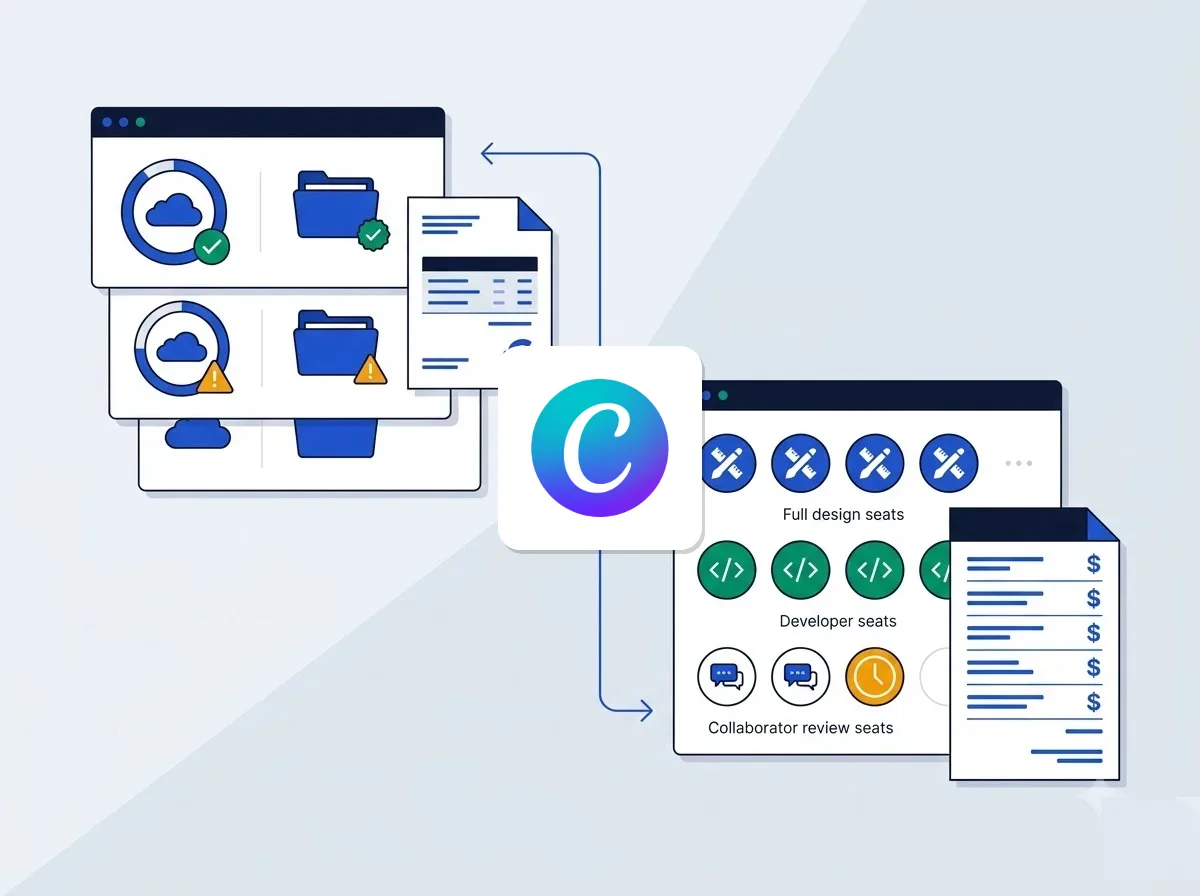
Canva is simpler to budget. Each plan has one per-person price in euros, so you choose a tier for each group of users. Figma asks a different question: who needs a Full seat, who only needs Dev, and who just reviews work?
That seat mix is where Figma spend is won or lost. The Collab seat is the cheapest line on the list, and Full is the dearest. Because Figma bills in US$, your euro cost will also move with exchange rates.
European compliance and data protection terms
What does Canva publish?
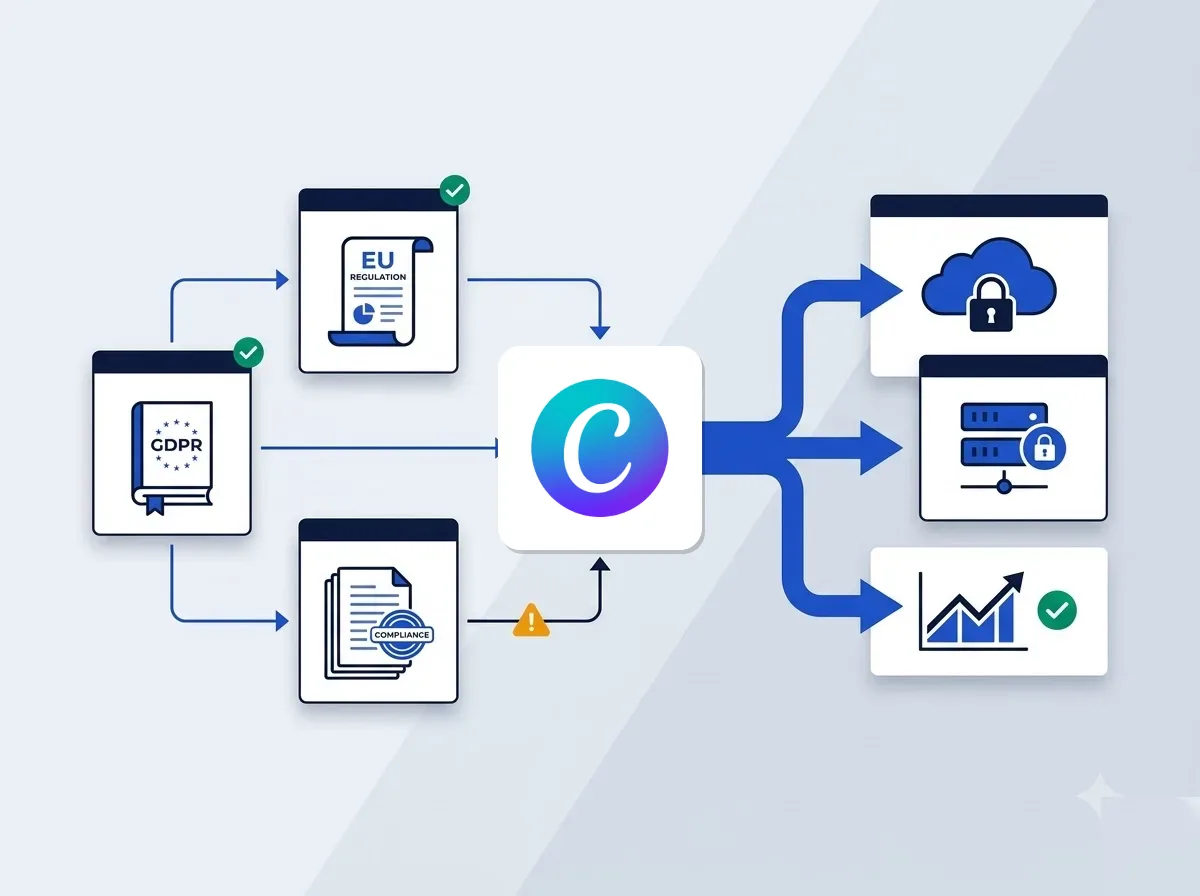
According to Canva's Terms of Use, Data Processing Addendum and privacy policy (checked October 2026), Canva Pty Ltd in Surry Hills, Australia is the contracting entity for billing addresses outside the US and UK. A company billed in France, Spain, Italy or Ireland therefore contracts with that Australian entity.
Canva offers a data processing addendum that incorporates the EU Standard Contractual Clauses (Decision 2021/914) and the UK addendum. It lists its sub-processors on a public page. Its privacy policy says the US subsidiary adheres to the EU-US Data Privacy Framework.
For a procurement team, that means the paperwork for a GDPR review exists in a standard form. You can attach the DPA and the sub-processor list to your vendor file.
What changes on Figma's side?
The plan that matters is Organization. Figma's pricing page says it adds basic security and centralized admin tools, which a company-wide rollout needs anyway. Seat prices stay in US$, so your finance team books them as a dollar-denominated supplier.
How does VAT work for both?
Prices on both pricing pages are before VAT. If your company is VAT-registered in a country such as France, Spain, Italy or Ireland, you generally account for VAT yourself under the reverse charge when a foreign vendor bills you for software. Consumers and unregistered buyers are treated differently.
This applies to both tools, so it should not tip the choice. It only changes how your accountant records the invoices.
The Good vs The Bad and trade-offs
Where does Canva win and lose?
The good:
- Fast turnaround from templates, with a low learning curve for non-designers.
- 141M+ premium assets on Pro, plus pre-built formats for social, presentations, video and print.
- Social content scheduling on Pro, and Brand Kits that scale to 100 on Business.
The bad:
- Limited advanced vector editing and prototyping.
- Developer handoff is not the product's primary workflow, and it has no conditional prototype logic.
- Storage caps: 5 GB on Free, 100 GB on Pro and 500 GB on Business.
Where does Figma win and lose?
The good:
- Interface prototyping with interactions, variables and conditional logic on eligible plans.
- Design system governance through variables, modes and component libraries.
- Dev Mode for inspection and change comparison.
The bad:
- A steeper learning curve for non-technical staff, who face a blank canvas and many shortcuts.
- No stock catalog, print workflow or publishing toolset comparable to Canva's.
- Three seat types billed in US$, which adds admin overhead.
How do you roll out both without paying twice?
Give Figma Full seats only to people who author interfaces. Match engineers who inspect designs to Dev seats, and reviewers to the cheaper Collab seat. In Canva, put individual producers on Pro and teams that need collaboration, admin tools and approvals on Business.
Before buying Canva seats for a small group, ask whether Buzz covers your formats. If you rely on stock media, print or scheduling, Canva is the better fit. Otherwise a Figma brand system with Buzz templates may do. Want a cheaper route than either? See these Canva alternatives.
The simplest rule of thumb is this. Figma should own whatever developers build from, and Canva should own whatever many people publish.