


Compare Adobe Express vs Canva for European business. See verified pricing, team seat minimums, Firefly AI limits, and GDPR compliance details.
Weighing Adobe Express vs Canva for a business? Pick Canva Pro for fast template output and shared team work. Pick Adobe Express if you already pay for Creative Cloud Pro, where Express Premium is included, or if Photoshop and Illustrator files drive your work. The pricing and GDPR details below settle the rest.
Quick Verdict for Adobe Express vs Canva
The two tools overlap on templates, brand kits and social scheduling, so the decision comes down to your existing software and your team size.
TL;DR
- Canva suits marketing teams without designers, anyone who needs many social templates quickly, and teams that build presentations together.
- Adobe Express suits brands that want layer control, designers who sync Photoshop or Illustrator files, and Creative Cloud members.
- Skip Canva if your print workflow relies on linked PSD or AI files that update inside the layout.
- Skip Adobe Express if you want millions of templates or approval flows for a larger team.
On entry price, Adobe Express Premium starts at US$9.99 per month for individuals, and Teams costs US$7.99 per user per month. Canva Pro starts at €9.17 per month billed yearly (€110 a year), or US$18 on monthly billing. These figures follow the Canva pricing page and the published Adobe Express price lists, checked October 2026, and all prices are before VAT.
That mix of euros and dollars is the first procurement snag. Adobe's list is in US$, Canva's European page is in €, and we don't convert between them. The second snag is compliance, which gets its own section further down.
Choosing the Right Tool for Your Workflow
Your workflow decides this faster than any feature list, so start with who actually builds the designs.
Solo creators and small marketing teams
Say you post five times a week and have no designer. Canva Pro gives you 3.6M+ templates, 5 Brand Kits, social content scheduling and 100 GB of storage. You open a template, swap the text and publish.
Teams already on Creative Cloud
If you pay US$69.99 per month for Creative Cloud Pro, Express Premium comes with it. Adding a Canva Pro subscription on top means paying twice for overlapping tools. In that case, try Express first.
Agencies and shared-folder teams
Agencies juggle several client brands. Adobe Express lets you set up multiple Brands and switch between them, with Projects that hold folders and a content calendar. Canva Business counters with 100 Brand Kits, approvals and team admin tools, and one comparison calls its collaboration and organisation stronger.
Both tools let you add multiple pages, so decks and proposals work in either. If you mainly need AI-built slides or ad banners, look at Gamma or AdCreative.ai instead.
Plan Pricing and Team Seat Costs Compared
Adobe Express is cheaper per seat on paper, but the vendors quote different currencies, so compare features before you compare numbers.
| Plan | Adobe Express | Canva |
|---|---|---|
| Free | 100,000+ templates, 5 GB storage, limited Adobe Fonts, scheduling for one social account | 1.6M+ templates, 4.7M+ photos, videos, graphics and audio, 5 GB storage, 1 Brand Kit, up to 20 AI uses |
| Individual paid | Premium, US$9.99 per month | Pro, €9.17 per month billed yearly (€110 a year) |
| Team | Teams, US$7.99 per user per month, 2-seat minimum | Business, €14.17 per user per month billed yearly (€170 per person a year) |
| Large organisations | Enterprise, custom pricing | Enterprise, custom pricing |
Source: Canva pricing page and published Adobe Express price lists, checked October 2026. Prices exclude VAT.
If you pay Canva monthly rather than yearly, published comparisons list Pro between US$15 and US$18. Business on monthly billing is listed at US$25 per user. Those comparisons also put Canva's team minimum at three seats, against two for Adobe Express. Both vendors offer free trials of their premium plans.
Now picture a five-person marketing department. Five Express Teams seats cost US$7.99 each per month. Five Canva Business seats cost €170 each per year, and that tier includes approvals, 100 Brand Kits and 500 GB of storage. Because the currencies differ, we won't add them up for you. Ask which tier gives your team the controls it needs, and whether some members already hold Creative Cloud. You can see the full Canva lineup on its pricing page on SaaSEuro.
Creative Cloud Integration and Software Overlap
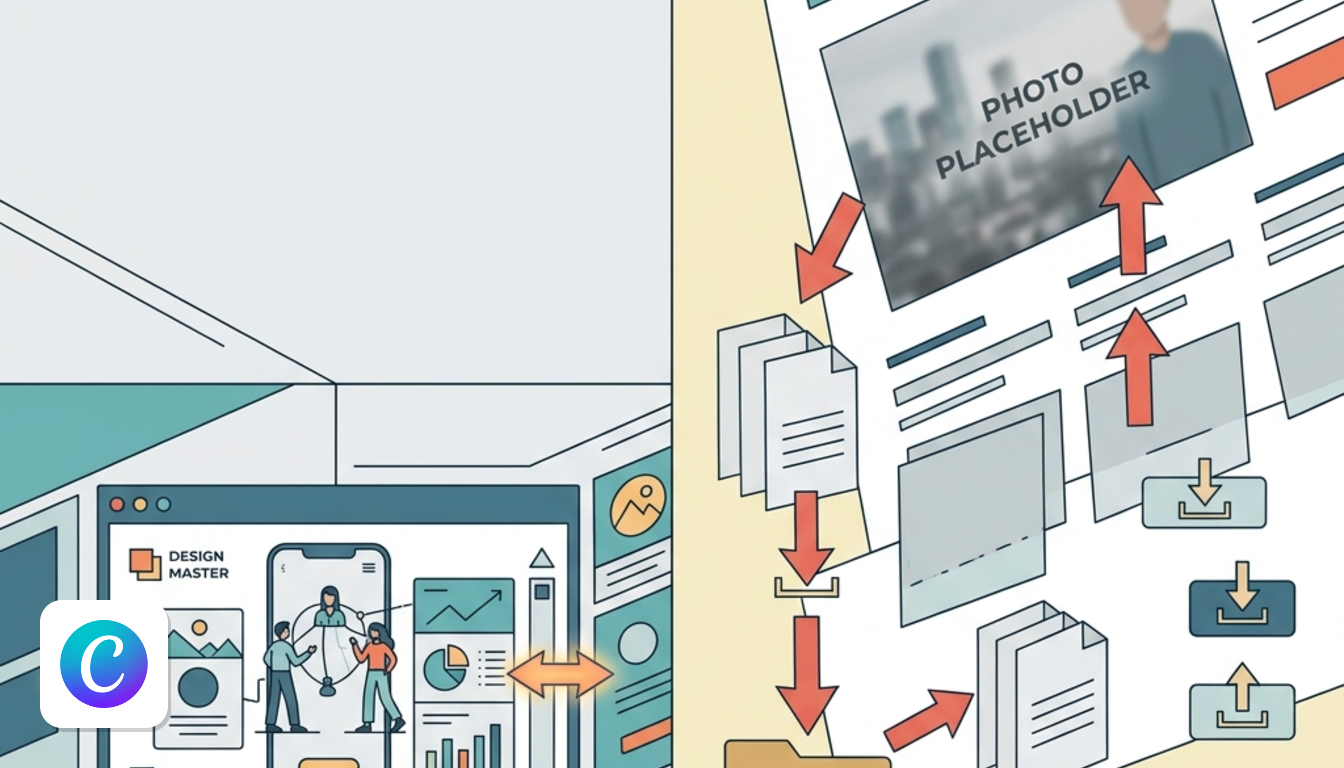
If your team already uses Adobe desktop apps, the integration is Adobe Express's strongest argument.
Creative Cloud Pro subscribers already hold Express Premium, so a separate Canva Pro seat is a duplicate cost unless you need Canva's template volume. That check takes five minutes and can remove a subscription.
The bigger difference is linked assets. Place a Photoshop or Illustrator file in an Express layout, edit the original, and the Express design updates itself. Say your designer swaps a product shot in Photoshop. The social post, the banner and the flyer built in Express pick up the new image without anyone downloading and re-uploading files.
Canva works the other way. It lives in its own ecosystem, so work from outside designers arrives as exports, PNG conversions and fresh uploads. Each round of edits repeats that step. For one-off projects that is a minor chore, but for weekly campaign updates it adds up. Canva has also acquired Affinity and made it free, according to one 2026 comparison, though that is a separate app rather than a live link.
Creative Cloud Libraries add another layer. Logos, colours and fonts saved in a Library from Photoshop or Illustrator show up in Express, and the reverse works too. That keeps brand assets aligned across desktop software and the web app.
Template Variety and Stock Asset Libraries
Canva wins on raw volume, and Adobe Express leans on a tighter, more curated look.
Canva offers 1.6M+ templates on Free and 3.6M+ on paid plans, according to its pricing page. Pro adds 141M+ premium assets, and premium elements carry a crown icon in the editor. The free tier already includes 4.7M+ photos, videos, graphics and audio.
Adobe Express lists 100,000+ templates on its free plan, plus limited Adobe Fonts. Paid-tier template counts weren't in the sources we used, so we can't compare the upper tiers.
Is more always better? Not necessarily. One comparison argues Adobe's templates look more polished and less recognisable, while Canva's catalogue is vast and instantly familiar. If you publish daily and need endless variations, volume helps. If you publish a few on-brand pieces a week, 100,000 templates is already more than you'll browse.
On licensing, both tools describe their elements as royalty-free design assets. Check each asset's tag before using it in a paid ad, as the crown icon marks premium items in Canva.
Interface Usability and Canvas Layer Controls
Both editors feel familiar within minutes, but they put layers and precision tools in different places.
Layout and layers
Adobe Express keeps layers visible in the top right, a habit carried over from Photoshop. Canva's homepage puts a search bar front and centre, and its layers sit under the Position menu. One comparison adds that Canva's layer selection is hidden by default (right-click, Layer, Show layer). Another gives Canva the nod for first-time users.
Precision and quick edits
Adobe Express added rulers and guides in late 2025 (File, then Rulers & Guides). Units follow the Resize menu, so you can work in pixels, inches or millimetres. Canva shows exact pixel dimensions on the element while you drag it.
Express also has a Quick actions area for background removal, MP4-to-GIF conversion, combining PDF pages and format conversion. In Canva, those jobs happen in the standard editor or through third-party apps.
Documents and speed
Express PDF exports preserve layers, which helps if a printer or colleague needs to edit the file. Canva counters with more export options overall. One comparison also reports that Express loads templates and saves designs a little slower than Canva, which matters if you produce many designs a day.
Adobe Firefly Versus Canva Magic Studio
Adobe pushes generative AI further inside the editor, while Canva keeps its AI simpler and tied to credit limits.
Express integrates Adobe Firefly for Generate image, Generate video, Insert object, Remove object, Generate template, Generate similar and Generate text effects. In October 2025 Adobe also launched an AI Assistant for Express, currently in beta, that edits designs from natural-language prompts. You can switch between the assistant and manual tools. One comparison rates Adobe's image generation ahead of Canva's.
Canva's AI lives in the same search bar you use for templates. Type a description and Canva AI builds a starting design.
The limits are where budgets get decided:
- Canva Free: up to 20 Standard or Premium AI uses.
- Canva Pro: 10x more AI than Free.
- Canva Business: 20x more AI than Free.
- Adobe Express: a monthly credit allowance on every plan, larger on premium plans.
- Adobe Firefly Pro: a separate plan at US$19.99 per user per month.
So if AI image generation is a daily task, the Firefly Pro price is worth pricing in. If AI is a convenience, Canva Pro's allowance and Express's monthly credits probably cover you. Exact credit counts for Express weren't in our sources.
Video Editing and Social Media Publishing
Canva has the stronger video editor and a scheduler on its paid plan, while Express wins on free-plan scheduling.
One comparison judges Canva's video tool better than Express, which uses a unified editor for video, photo and PDF. If video is a core deliverable, that gap matters. For short social clips, either will do.
Scheduling splits along plan lines. Adobe Express Free includes scheduling for one social account. Canva includes social content scheduling from Pro upwards, so on Canva's free tier you would publish manually. Which is cheaper therefore depends on how many accounts you run.
For reformatting a post to different platforms, Express has a Resize menu and a one-click image resizing quick action. Canva's editor handles resizing inside the design.
Connectivity is the same story for both. Each needs an internet connection, and Canva's limited offline mode only covers designs you made available offline in advance. Stock assets, AI tools, collaboration, exports and creating new designs still need a connection, so don't count on either tool for flights.
GDPR Compliance and EU Business Billing
Canva publishes its contracting entity and data protection terms, so that is where this comparison can be specific.
According to Canva's Terms of Use and Data Processing Addendum, checked October 2026, Canva Pty Ltd in Surry Hills, Australia, is the contracting entity for billing addresses outside the US and UK. Its DPA includes the EU Standard Contractual Clauses (Decision 2021/914) and the UK addendum. Canva also lists its sub-processors on a public page, and its privacy policy says the US subsidiary adheres to the EU-US Data Privacy Framework.
Canva's documents don't name an EU-only storage location. If your policy requires EU-only hosting, that is a deciding point rather than a footnote.
Verified contract and DPA terms for Adobe weren't part of the sources behind this comparison, so we can't line the two up on compliance. For billing, remember that every price here is before VAT. Your finance team will see the VAT line on invoices.
Final Take for Commercial European Teams
Let your existing software stack decide first, then your budget, then your legal requirements.
Choose Canva if:
- Your team has no trained designers and needs lots of social templates.
- You build presentations together and want approvals and 100 Brand Kits on Business.
- You are a solo user happy to pay €9.17 a month on annual Pro billing.
- You want the documented DPA with Standard Contractual Clauses.
Choose Adobe Express if:
- Your agency runs on Photoshop and Illustrator and needs linked assets.
- You already pay for Creative Cloud Pro and want Express Premium at no extra cost.
- Your team is small enough to benefit from US$7.99 per seat with a 2-seat minimum.
- You want Firefly generation and layer-preserving PDF exports.
Not sure yet? Both vendors offer free trials of premium plans, so run your real templates through each for a week. See current Canva plans on SaaSEuro's Canva page, or browse free Canva alternatives if you want to keep costs down.