











Compare top Canva alternatives like Adobe Express and Snappa. Review verified pricing, asset licenses, and EU GDPR terms to find the right tool for your team.
The best Canva alternatives for a European small business are Adobe Express and Snappa. Adobe Express fits teams handling Photoshop and Illustrator files. Snappa helps people create social graphics fast. Canva still leads on template volume and team tools, so the right pick depends on how your team works.Best Canva Alternatives for European Teams
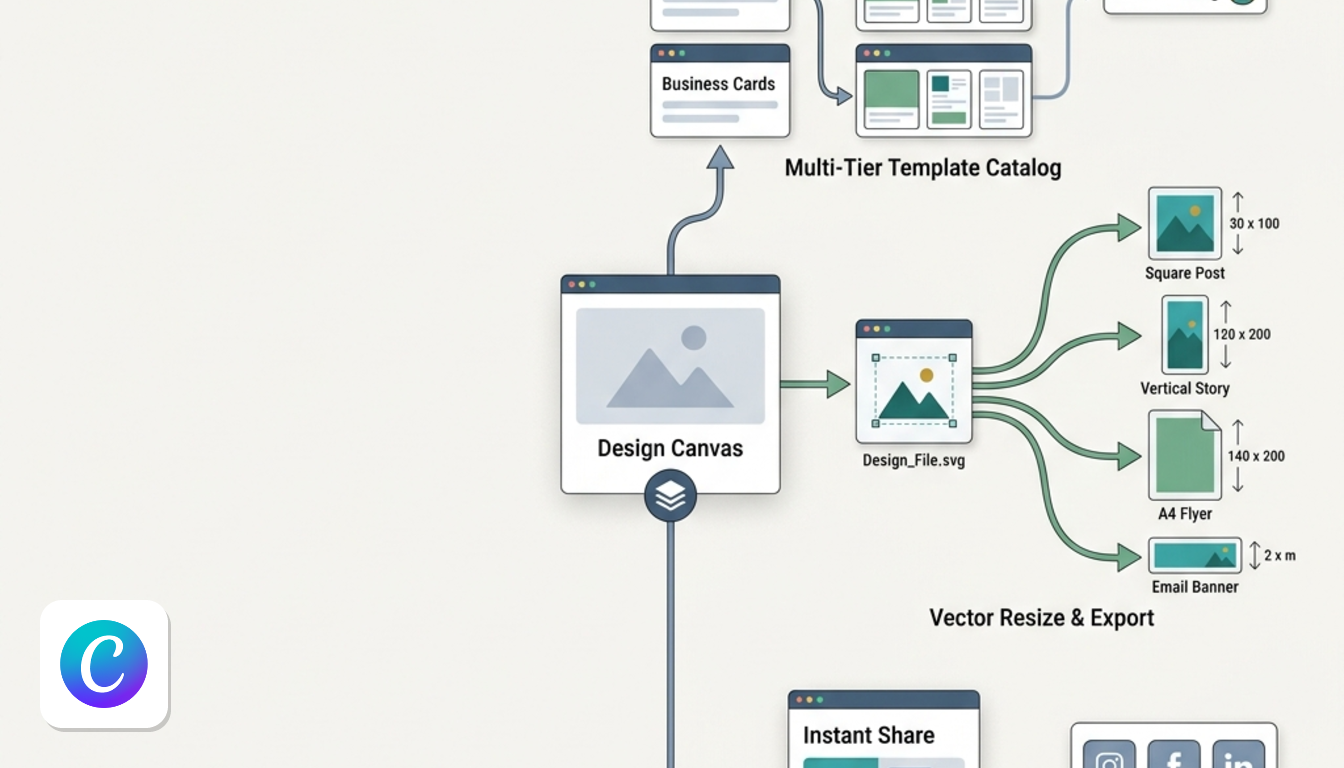
TL;DR: choose by workflow, not by feature count.
- Adobe Express suits marketing teams that receive Photoshop and Illustrator files and need PDF editing and commercially safe generative AI. Skip it if you want huge template libraries.
- Snappa suits solopreneurs, bloggers and non-designers who want social graphics fast, but lacks team approvals or brand controls.
- Canva remains the baseline for non-technical teams that rely on extensive free templates and team collaboration tools. It is not for you if paywalled premium assets annoy you.
This summary draws on each vendor's own pages, checked October 2026.
How the Top Design Tools Compare
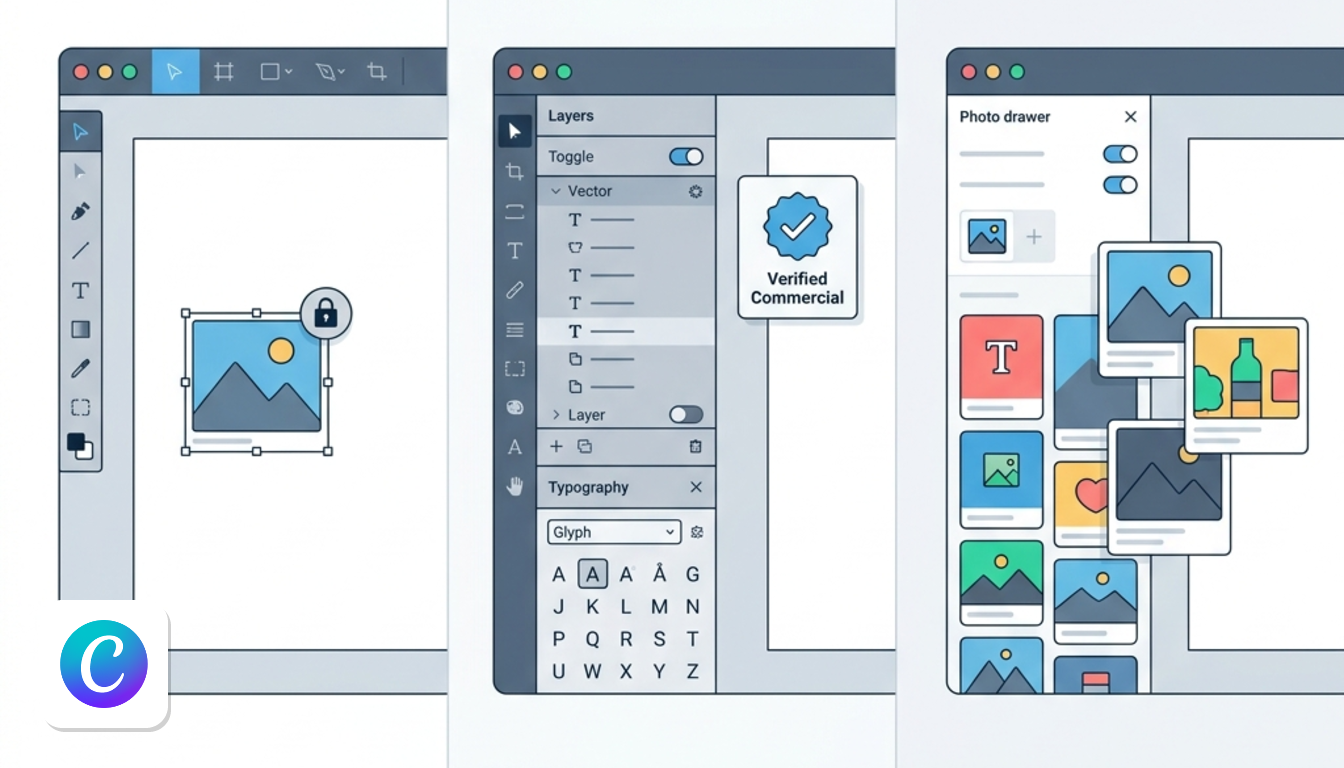
| Point | Canva | Adobe Express | Snappa |
|---|---|---|---|
| Stock assets | 4.7M+ free media; 141M+ premium assets on Pro | Millions of Adobe Stock assets | 5,000,000+ HD royalty-free images included |
| Free entry | Free plan, plus free trial on Pro and Business | Free app, plus 30-day free trial | Free signup |
| Editing approach | Drag-and-drop editor | Syncs from Photoshop and Illustrator, PDF editing | Point-and-click, no menus within menus |
| Fonts and brand | 1 Brand Kit free, 5 on Pro, 100 on Business | 30,000 licensed fonts, built-in brand controls | Lightweight feature set |
| Suits | Non-technical teams | Teams working with Creative Cloud designers | Solo founders and bloggers |
Source: Canva's pricing page, Adobe Express's comparison page and Snappa's comparison page, checked October 2026.
Templates
Canva offers 1.6M+ templates on Free and 3.6M+ on Pro. Adobe Express lists 220,000+. Snappa skips massive volume to focus on essential social formats.
Stock images and AI
Snappa includes stock media in every plan, while Canva reserves its full catalog for paid tiers. For AI, Adobe emphasizes commercial safety to protect client work.
Adobe Express for Creative Cloud Workflows
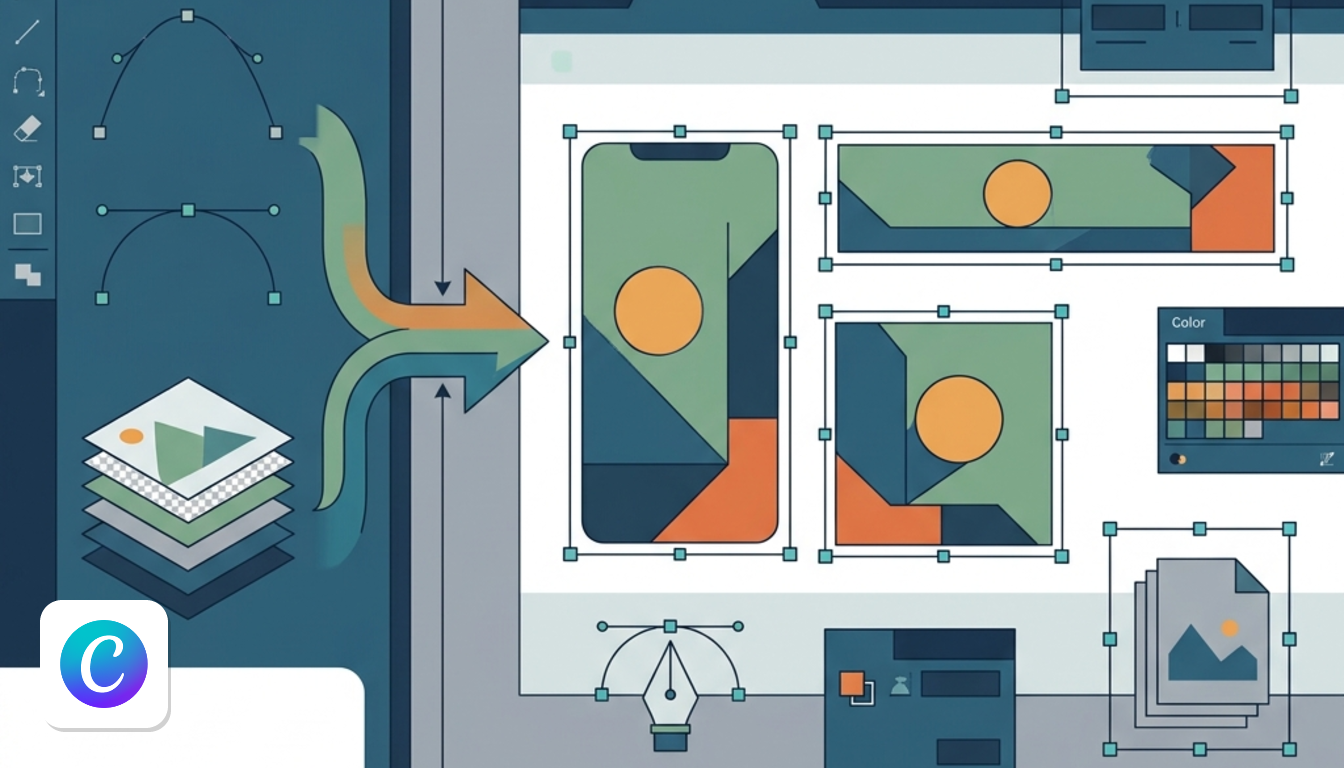
Adobe Express is the strongest Canva rival if you share files with designers who live in Creative Cloud. It treats the designer's output as the starting point, not something to rebuild.
- Files sync from Photoshop and Illustrator into Express.
- PDF editing lets you update text, images and design elements in one place.
- Bulk creation and resizing, plus cross-platform social scheduling, cover multi-channel campaigns.
- It offers commercially safe AI and licensed fonts.
Picture a social media manager who receives a campaign file from the design team on Monday. Syncing pulls that file directly into Express. You can resize it for each channel without rebuilding it.
The main drawback is library size. If your team does not use Adobe files, you simply get fewer templates.
You can start with the free app or take the 30-day free trial. Enterprise buyers can also access a dedicated tier.
Snappa for Lightweight Social Media Graphics
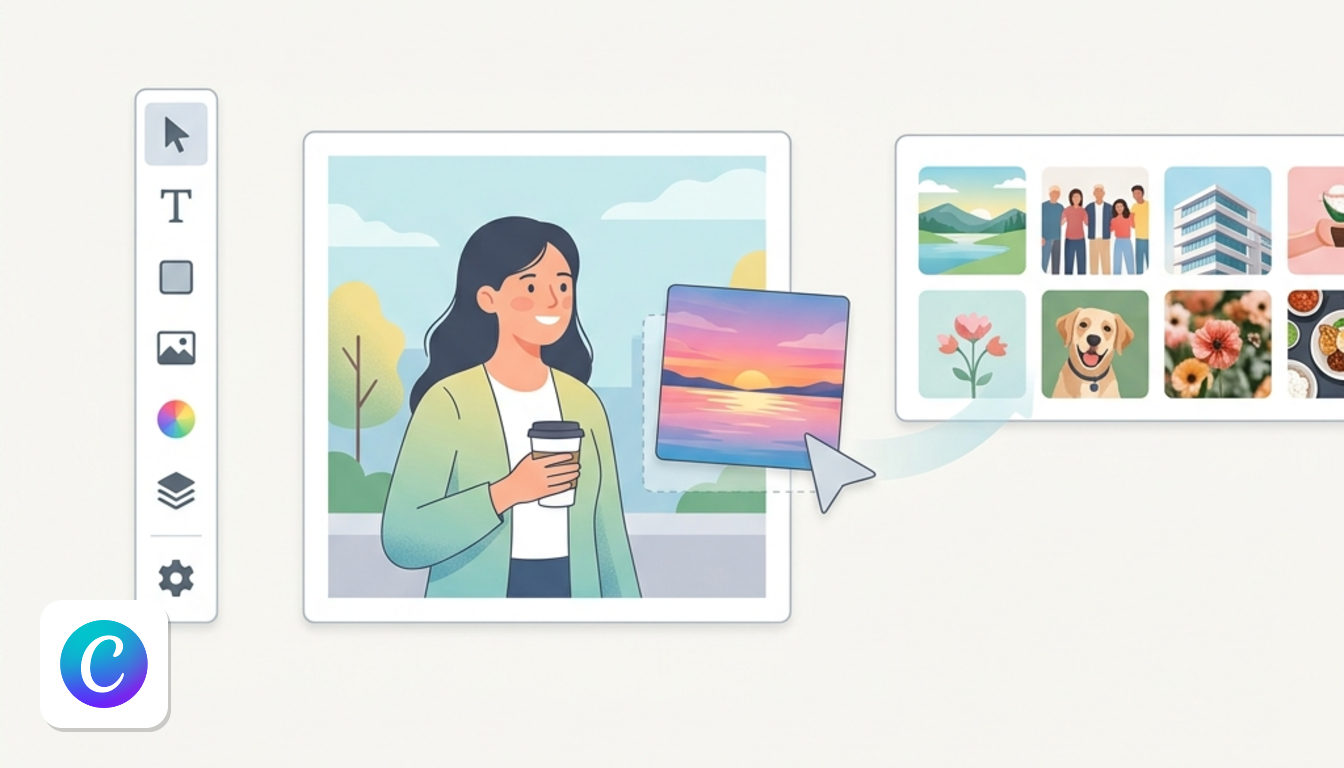
Snappa is the quickest route from blank canvas to finished post if you are not a designer. It removes complexity so users never need tutorials.
The editor focuses on lightweight performance.
- Everything is in plain sight without complex menus or required shortcuts.
- Editing requires only a point, click, or drag.
- Every photo and graphic is 100% royalty-free and licensed for commercial use, with no extra fees.
Teams on tight budgets avoid unexpected extra charges for stock media.
The trade-off is scope. It cannot replace Canva for teams needing approval workflows or shared admin. If you run one brand and publish a few posts a week, that limit may never bother you.
When Sticking with Canva Makes Sense
Canva fits when several non-designers share one workspace. In that scenario, asset volume matters more than speed. European teams stay for the broad template library. Its team tiers also solve workflow gaps that lighter tools leave open.
What the free plan includes
- Standard drag-and-drop design workspace.
- 1 Brand Kit, capped at 3 colours.
- 5 GB of cloud storage.
- Up to 20 AI uses per month.
What paying adds
- Pro: €110 a year for one person, billed yearly. This tier adds the full premium media catalog, social scheduling, and 100 GB of storage.
- Business: €170 a year per person, billed yearly. It adds collaboration and team admin tools. It also provides approval workflows and 500 GB of storage.
Free users often encounter locked assets mid-design. The single basic Brand Kit and 5 GB storage also feel restrictive.
For a full breakdown of Canva plans and current offers, see the Canva page.
Data Privacy and VAT for European Buyers
A Data Processing Addendum (DPA) binds a vendor to GDPR privacy rules. Canva provides verified public terms for European teams.
- Contracting entity: Canva Pty Ltd, Surry Hills, Australia, for billing addresses outside the US and UK. That covers France, Ireland, Spain and Italy.
- DPA: Canva offers a data processing addendum with the EU Standard Contractual Clauses (Decision 2021/914) and the UK addendum, so British businesses are covered too.
- Sub-processors: Canva lists them on a public page.
- Transfers: its privacy policy says the US subsidiary adheres to the EU-US Data Privacy Framework.
These details come from Canva's DPA and privacy policy, checked October 2026. Prices exclude VAT, so EU businesses self-assess VAT on local returns via reverse charge.
For wider options, browse the tool comparisons and alternatives hub.
Which one fits your team?
Pick Adobe Express if your team already lives in Photoshop or Illustrator files. Pick Snappa if you're a solopreneur who just wants quick, royalty-free social graphics. Stick with Canva if several non-designers share one workspace and need approval tools and a huge template library.
Start with whichever workflow matches yours today, then check the Canva page for current plan details before you commit.