











Compare Canva vs PowerPoint for your business. Explore European pricing, GDPR terms, offline limits, and Excel data workflows to choose the right slide tool.
Canva vs PowerPoint for European Businesses in 2026
TL;DR: Summary verdict
- Canva suits: Marketing teams, agencies, and lean startups needing fast drag-and-drop slide decks, social graphics, and shared brand assets without design training. Ideal for creating visual content quickly.
- Canva does not suit: Organizations with strict air-gapped security policies or heavy mathematical modeling needs.
- PowerPoint suits: Corporate finance teams, data analysts, and enterprise staff relying on live Excel spreadsheet links, complex offline presenting, master slide hierarchy, and native equation editing.
- PowerPoint does not suit: Decentralized marketing teams needing instant social asset creation and massive stock media access.
Canva vs PowerPoint verdict for your business
For decision-makers, Canva offers an intuitive, browser-based experience that democratizes design. It is built for teams that need to produce a high volume of visually appealing content quickly, from social media posts to presentations, without requiring extensive graphic design skills. Its drag-and-drop interface and vast template library empower users to create professional visuals with minimal effort.
PowerPoint is built for deep integration within the Microsoft 365 ecosystem. It fits environments where data accuracy, complex animation, and offline functionality are paramount. Corporate finance teams depend on its ability to link directly to live Excel spreadsheets so presentation figures update automatically. Enterprise users also gain granular control over master slides and a full equation editor for technical or academic reporting.
| Evaluation Factor | Canva | PowerPoint |
|---|---|---|
| Primary user base | Marketing departments, agencies, and small businesses | Corporate finance teams, data analysts, enterprise staff |
| Interface model | Intuitive browser-based drag-and-drop design | Desktop application integrated with Microsoft 365 |
| Core business strength | Multi-channel brand consistency and rapid content creation | Formal reporting, live data updates, and offline control |
Source: Verified from vendor pricing pages and 24slides comparison data, checked October 2026.
Which presentation tool suits your specific workflow
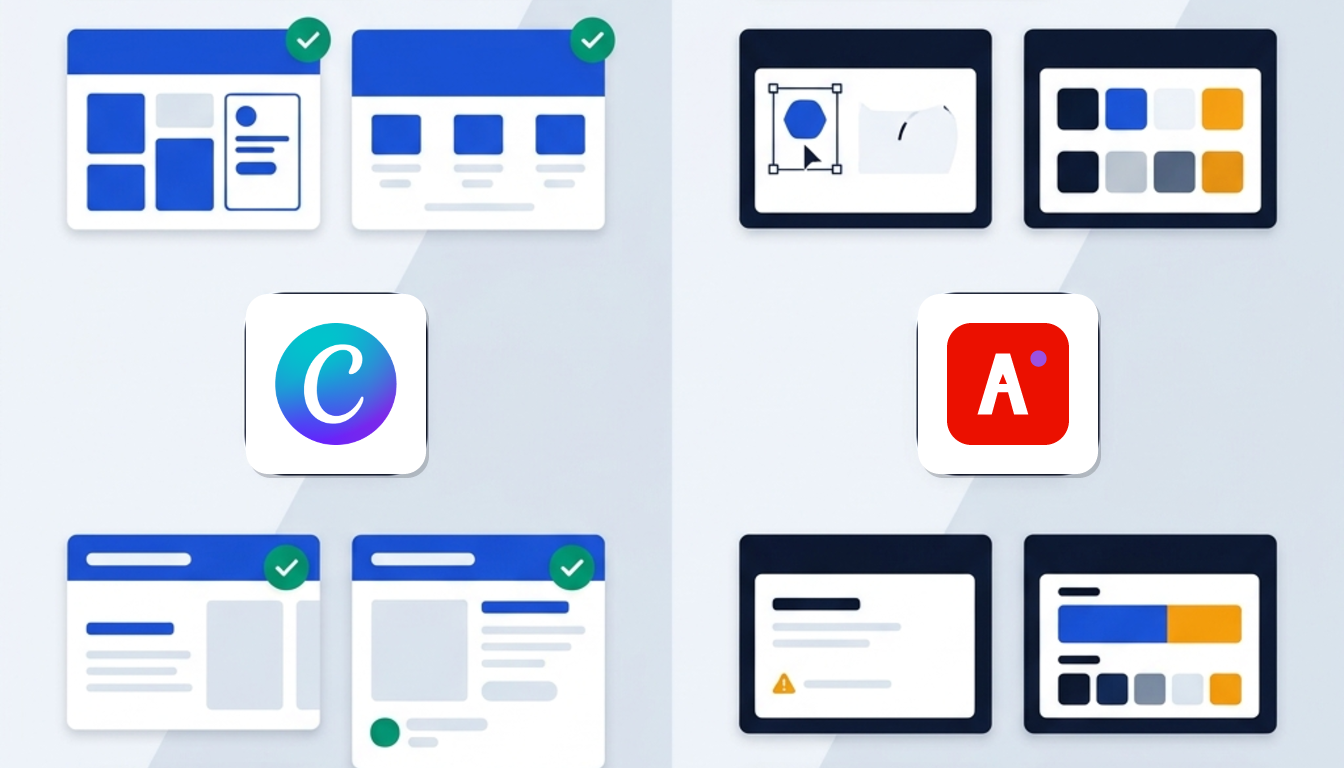
Choosing between the two tools depends on the core tasks your team handles each day:
- Multi-asset brand hubs: Select Canva if you need end-to-end brand assets beyond slide decks. You can build social banners, flyers, short videos, and web banners from a single browser interface.
- Confidential corporate reporting: Select PowerPoint if your daily routine involves quarterly business reviews with dynamic workbook data, offline corporate roadshows, or strict IT device policies.
- Hybrid enterprise production: Marketing departments design visual slide templates in Canva and export to PPTX. Executive teams then import them into Microsoft 365 to link live financial figures.
- Design turnaround time: Canva delivers completed initial decks in under 30 minutes for non-designers. In contrast, crafting bespoke vector shapes and pixel-perfect master layouts in PowerPoint requires hours of dedicated software training.
For teams requiring dedicated interface UI presentations, you can evaluate Figma deals, while creative suites often look toward Adobe Express deals, as verified from stylefactoryproductions and slidor.agency analysis.
Template depth and stock media asset libraries
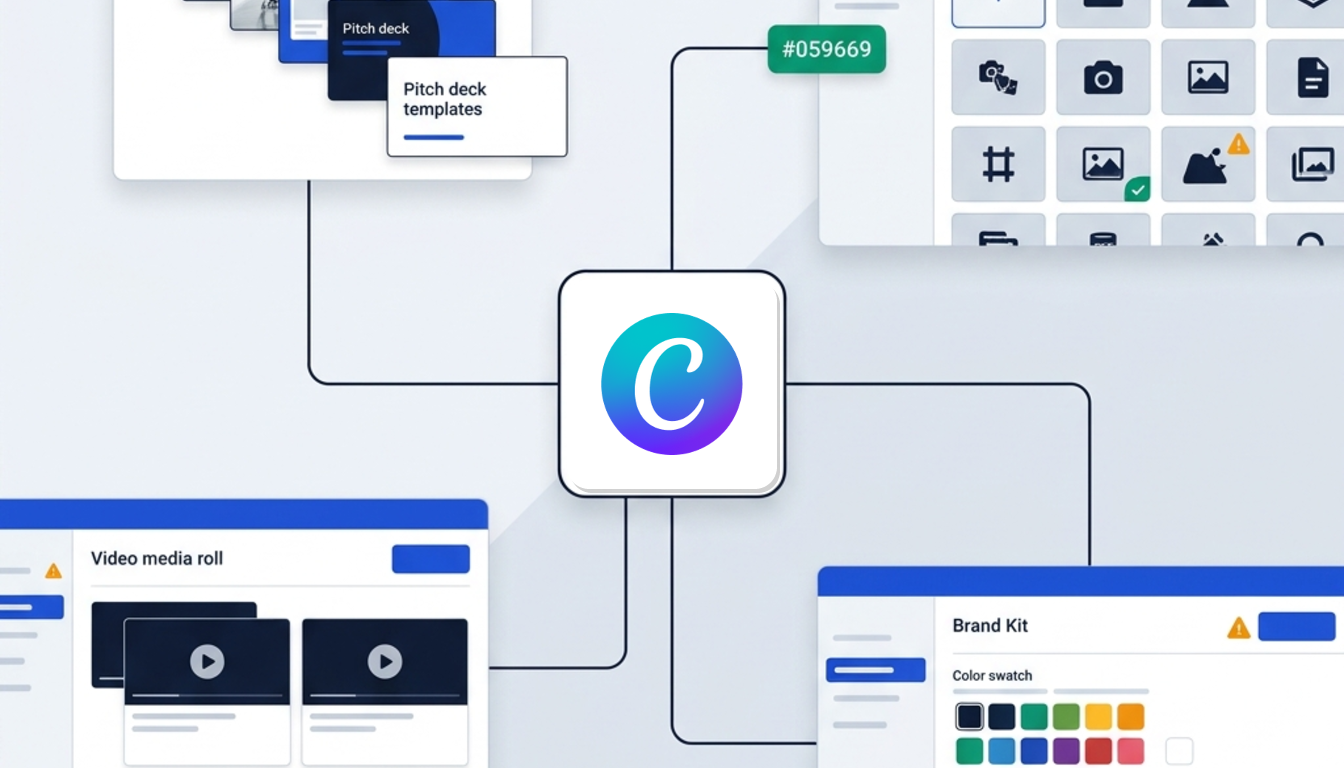
Asset availability separates the two tools directly. Canva prioritizes volume and commercial stock integration, whereas PowerPoint emphasizes corporate consistency with traditional desktop assets.
| Asset Category | Canva | PowerPoint |
|---|---|---|
| Pre-built templates | 1.6M+ (Free tier), 3.6M+ (paid tiers) covering pitch decks, onboarding, and marketing | Roughly 25 default desktop templates, with additional downloads from Microsoft's site |
| Stock photography and media | 4.7M+ assets (Free tier), expanding to 141M+ commercial assets via Pexels and Pixabay | Curated stock photography, icons, stickers, and Bing web search integration |
| Brand kits and custom fonts | Up to 5 Brand Kits (Pro) or 100 Brand Kits (Business) with custom font uploads | Supports system fonts; requires manual font embedding in PPTX files to prevent substitution |
| AI deck generation | Magic Studio builds themed decks from single text prompts by default | Requires an active Microsoft Copilot add-on commitment for an added monthly fee |
Complex data charts and spreadsheet integrations
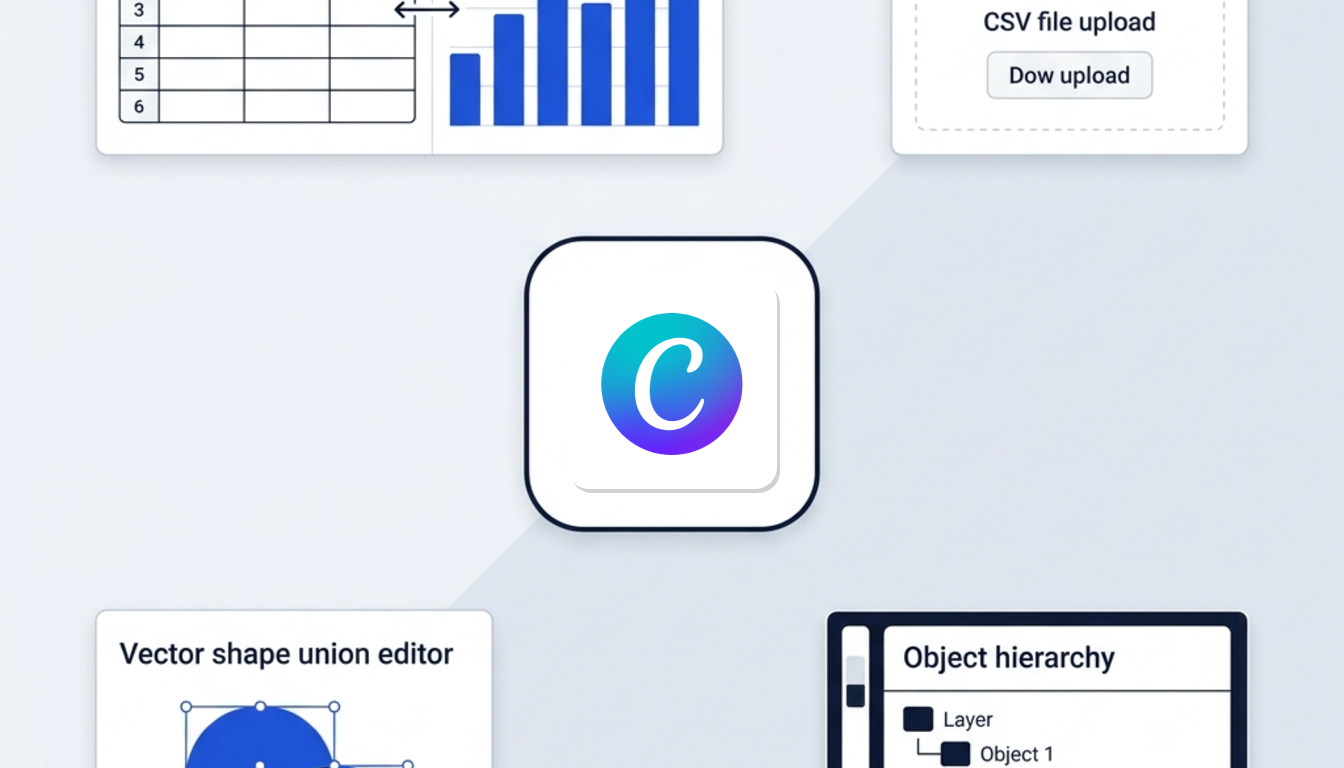
PowerPoint stands out when presentations demand real-time financial accuracy and technical notation. Canva handles visual summaries well, but it treats data statically.
- Dynamic spreadsheet links: PowerPoint links charts directly to live Excel workbooks. When numbers change in the spreadsheet, presentation slide figures update automatically. Canva provides standard bar, line, and pie charts that rely on manual CSV uploads or static Google Sheets imports without live formula calculations.
- Scientific and financial equations: PowerPoint contains a native Equation Editor supporting complex mathematical, academic, and financial formulas. Canva has no built-in equation editor, requiring third-party web apps.
- Vector shape manipulation: PowerPoint provides advanced vector editing via Merge Shapes (Union, Combine, Fragment, Intersect, Subtract) and editable vector anchor points, comparable to desktop illustration software.
- Element governance: PowerPoint includes a dedicated Selection Pane to hide, lock, reorder, and rename slide elements. Canva provides basic layer positioning without granular object hierarchies.
Offline reliability animations and PowerPoint export
Working environments and technical requirements draw clear boundaries between the two presentation tools:
| Technical Area | Canva | PowerPoint |
|---|---|---|
| Offline operation | Browser-first; limited offline caching mode blocks new designs and AI tools | Desktop app works fully offline with local files, vectors, and complex transitions |
| Animation controls | Simple preset styles (Rise, Pan, Fade, Pop); no multi-element triggers or sequencing | 50+ effects, millisecond timeline controls, custom motion paths, and Morph transition |
| PPTX file export | Frequent font replacement, broken text alignments, and flattened shapes require cleanup | Native format with preserved vector geometry, master slide layouts, and fonts |
For teams presenting asynchronous slide decks, you can add synthetic voiceovers. Tools like Murf AI deals integrate into corporate slide decks to generate professional narration without manual recording.
European pricing GDPR compliance and privacy terms
Pricing structures and privacy rules differ between both platforms for European organizations:
| Tool / Plan | Price (before VAT) | Storage & Brand Limits |
|---|---|---|
| Canva Free | Free | 5 GB storage, 1 Brand Kit |
| Canva Pro | €110/year (billed yearly, single user) | 100 GB storage, 5 Brand Kits |
| Canva Business | €170/year per person (billed yearly) | 500 GB storage, 100 Brand Kits |
| Canva Enterprise | Contact sales | For organizations with 150+ seats |
| Microsoft 365 Personal | US$7/month or US$70/year | Desktop & cloud presentation suite |
| Microsoft 365 Business | From US$7.20/user/month | Business productivity suite |
| Microsoft 365 Enterprise | From US$8/user/month | Enterprise governance and security |
Explore plan options on Canva deals.
For legal terms, GDPR compliance, and European billing:
- Contracting entity and DPA: Canva Pty Ltd in Surry Hills, Australia, is the contracting entity for European buyers outside the US and UK. Canva provides an official Data Processing Addendum (DPA) featuring EU Standard Contractual Clauses (Decision 2021/914), a UK addendum, and a public sub-processor registry.
- EU data residency: Microsoft 365 operates an EU Data Boundary framework that stores customer data within the EU. Canva does not explicitly verify exclusive EU data residency for customer data.
- VAT reverse charge: Business buyers in France, Spain, Italy, Ireland, and the UK can apply the VAT reverse charge mechanism on Canva and Microsoft 365 orders by providing a valid VAT identification number during checkout.
Frequently asked questions about both presentation tools
Can you convert Canva presentations to PowerPoint without losing formatting?
Exporting Canva decks to PPTX format often leads to font replacement when fonts are not installed locally. Complex graphical shapes flatten into static images, and text box alignments can break, requiring manual adjustments in PowerPoint.
Is Canva completely free to use for commercial business presentations?
Canva offers a functional Free tier with 5 GB storage and access to free templates. However, certain stock assets carry commercial restrictions or require paid plan licenses, so you must verify commercial licensing on individual items.
How does real-time team collaboration compare between the two?
Canva delivers real-time web cursor collaboration with visible cursors and live comments. Microsoft 365 provides co-authoring through OneDrive and SharePoint, supporting real-time slide editing, change tracking, and version history.
Does Canva offer better presentation AI than Microsoft Copilot?
Canva includes Magic Studio in its Pro and Business plans, generating themed slide decks from text prompts without an extra charge. Microsoft Copilot requires an additional paid monthly add-on commitment on top of your Microsoft 365 subscription.
Can you present slides offline with Canva during corporate conferences?
Canva features a limited Present Offline caching mode to show previously loaded decks. You cannot create new slides, open template collections, or access AI tools offline. PowerPoint desktop works entirely offline with full file and animation controls.
Choosing between the two
Marketing teams and lean startups needing fast, branded visuals should pick Canva. Finance teams, analysts, and anyone tied to live Excel data or strict offline rules should stick with PowerPoint. Many businesses end up running both, using Canva for quick social and marketing decks and PowerPoint for formal, data-driven reporting.
If you're still unsure, revisit the workflow breakdown to match the tool to your team's actual daily tasks before committing to a plan.