











Compare self hosted automation platforms with cloud services. Learn real infrastructure TCO, GDPR privacy boundaries, worker security risks, and tool options.
Self-hosting an automation platform like n8n or Automatisch gives you complete control over sensitive data and bypasses public firewall rules. However, while open source software licenses cost nothing initially, managing server infrastructure, security patches, and downtime creates substantial maintenance costs compared to cloud SaaS.
Deciding between local infrastructure and cloud tools depends on your engineering bandwidth and privacy requirements. This guide breaks down execution architecture, software options, total cost of ownership, and European compliance boundaries.
Is self hosted automation right for you?
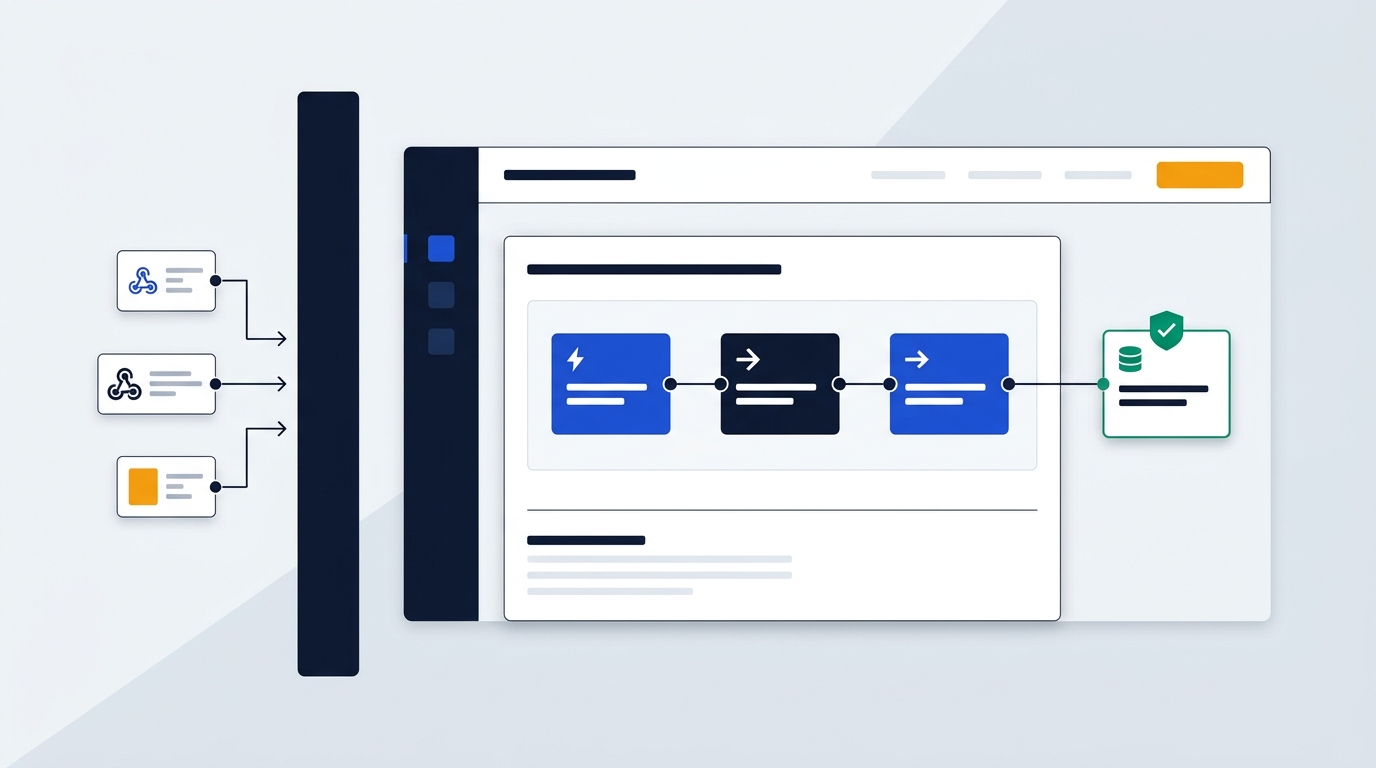
Self-hosted setups suit teams handling regulated internal customer data, high execution volumes, or private database queries without opening inbound firewall ports. If you run workflows directly against local infrastructure, hosting your own engine keeps sensitive records strictly inside your network boundary.
Conversely, managed cloud automation suits teams without dedicated sysadmins. If you require zero infrastructure overhead, fast deployment, and predictable operational maintenance, cloud platforms handle scaling and uptime for you.
Open source platforms like n8n, Automatisch, Huginn, and Beehive give you complete code and data control. However, these tools transfer all uptime management and security patching duties to your internal engineering staff.
How central schedulers and worker nodes operate
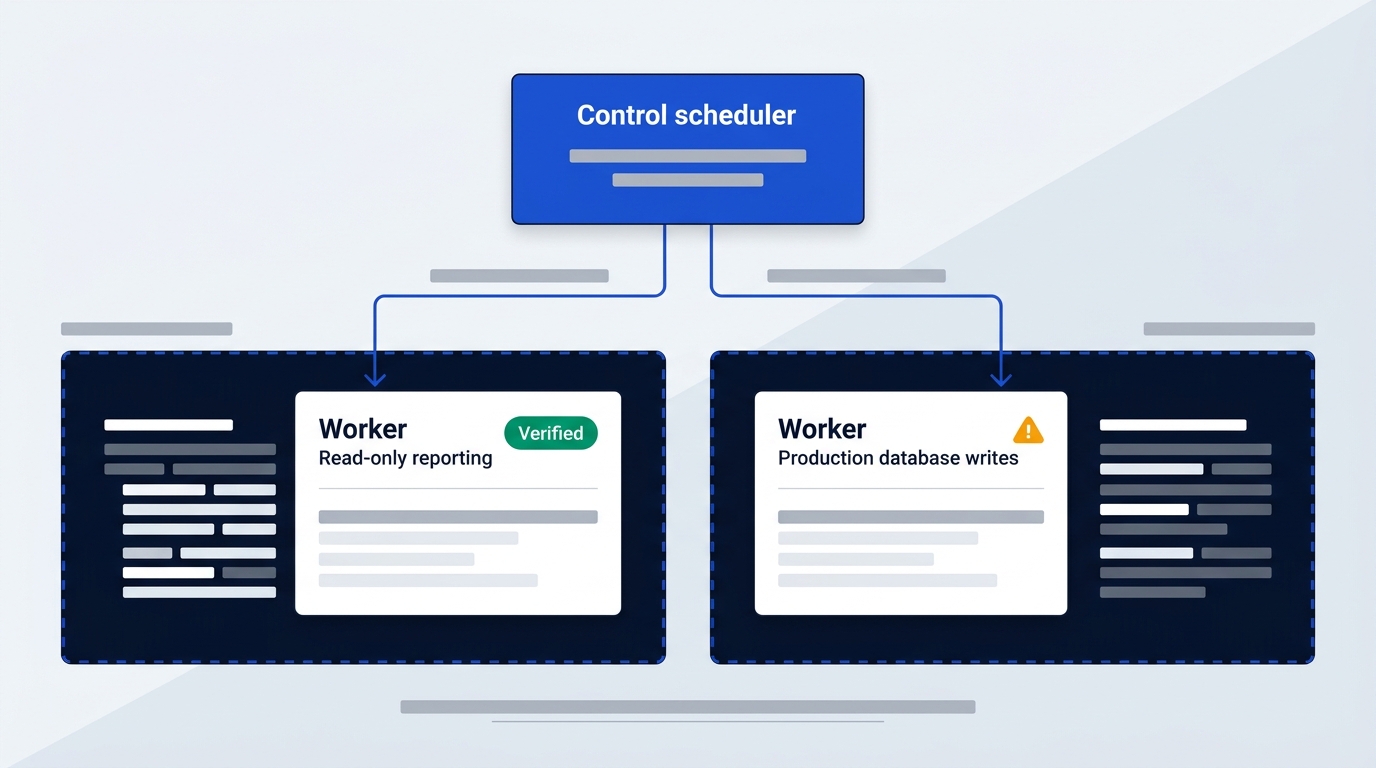
Understanding internal mechanics helps you design a resilient self-hosted environment. Modern automation architectures separate management tasks from background execution.
The central control server
A self-hosted deployment splits responsibilities between a central scheduler and remote worker nodes. The control server acts as the primary management console for your system. It stores workflow steps, trigger conditions, execution schedules, and secret keys.
Engineers access this central control server through a web dashboard to build or edit workflows. Built-in access groups control user permissions, determining who can modify production workflows and who can only trigger manual runs.
Executing tasks inside private subnets
Remote worker nodes pull queued tasks from the central scheduler and execute commands directly inside your private subnets. Because workers sit close to your internal databases and local APIs, they process high-volume jobs quickly without traveling over the public internet.
Network isolation remains a major advantage of this design. Workers talk directly to local resources without exposing internal database ports to public internet webhooks. Your local network stays hidden behind your firewall while workers process inbound triggers securely.
Privilege segmentation across worker nodes
Production architectures split worker nodes by operational risk level. Granting one shared administrator account to all worker nodes creates severe security risks because a single broken script can wipe out production tables.
Instead, structured deployments separate workers into distinct task groups. For example, one worker group runs read-only queries for daily reporting workflows. Another isolated worker group handles production schema migrations and destructive data writes.
Four open source automation platforms compared
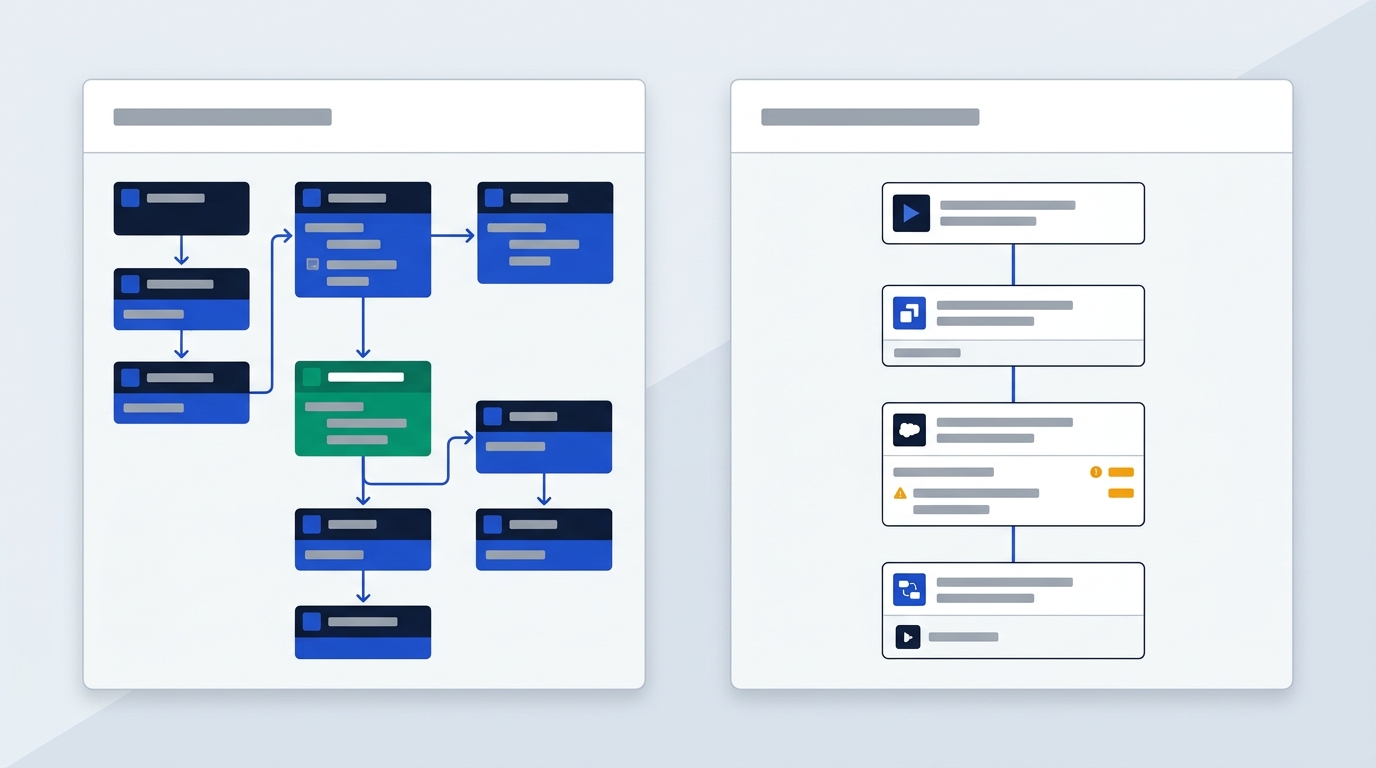
Choosing the right engine depends on your workflow complexity, team skills, and interface preference. Four open source projects stand out for internal deployment.
n8n
n8n is a node-based workflow engine built for technical teams and developers. It offers a visual drag-and-drop builder that connects disparate tools using pre-built nodes or custom JavaScript and Python code. You can deploy the n8n Community Edition on GitHub for free.
For enterprise requirements, n8n provides a self-hosted Business plan at £682 monthly (£569 per month billed yearly). Managed cloud plans start at £24 monthly (£20 per month billed yearly) for smaller setups. If you want to review pricing plans in detail, check our full n8n pricing guide.
Automatisch
Automatisch is a web browser-based workflow builder designed as a user-friendly, open source Zapier alternative. If you want to build simple integrations without writing code, its interface mirrors traditional cloud automation tools. It runs entirely on self-hosted infrastructure, making it ideal for non-technical team members who need clean workflow canvas interfaces.
Huginn
Huginn is a Ruby-based agent system designed for web scraping, event monitoring, and custom data pipelines. Rather than relying on standard application triggers, Huginn uses flexible software agents that inspect web pages, process incoming signals, and perform automated actions. It works exceptionally well for complex data collection workflows.
Beehive
Beehive is a Go-based event and agent system built for routing tasks across local services. It uses modular integrations called Hives to read event triggers and pass messages between systems. Because it compiles into a lightweight binary, it executes actions rapidly with minimal server resource consumption.
| Platform | Primary Architecture | Hosting Type | Commercial Tier Starting Price |
|---|---|---|---|
| n8n | Node-based visual workflow builder | Self-hosted or managed cloud | £24/month (£682/month for self-hosted Business) |
| Automatisch | Browser-based no-code interface | Self-hosted | Free open source license |
| Huginn | Ruby agent event monitoring system | Self-hosted | Free open source license |
| Beehive | Go modular agent system | Self-hosted | Free open source license |
Source: Vendor pricing pages and developer documentation, checked October 2026.
The hidden total cost of ownership
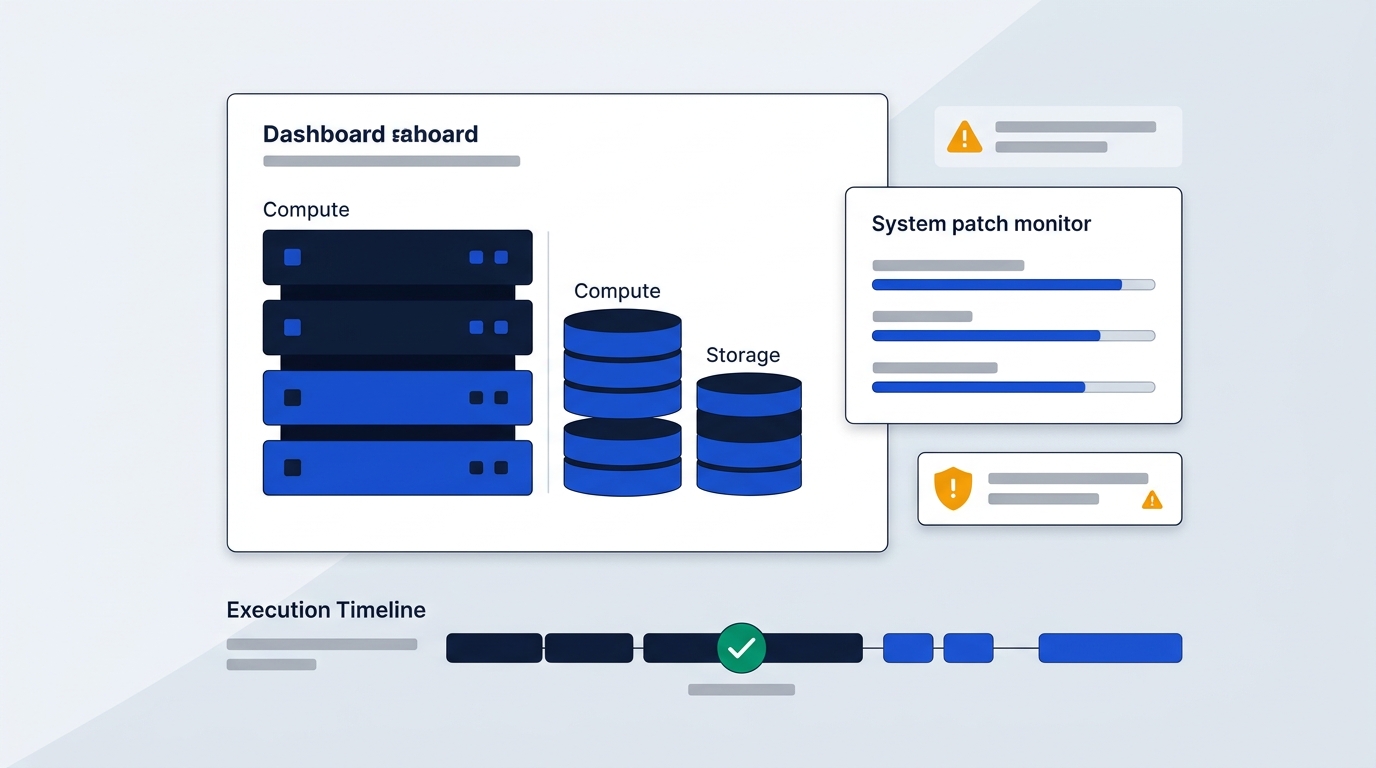
Open source software licenses carry no initial purchase price. However, self-hosting automation infrastructure introduces operational expenses that often exceed cloud subscription fees.
Server and maintenance expenses
The free license model is often deceptive because bare software requires underlying server compute, storage, and networking. You must pay for cloud host instances, persistent disk space, bandwidth, and secondary database dependencies. In addition, backup storage and staging environments add recurring server charges.
Engineering labor forms the largest part of total infrastructure cost. Skilled sysadmins must configure network parameters, monitor background queues, manage disaster recovery, and troubleshoot failed executions. If your team spends ten hours every month maintaining an internal task runner, those engineering hours dwarf basic cloud hosting costs.
Vulnerability management realities
Securing open source infrastructure demands constant effort. Security researchers project over 50,000 software CVEs in 2025 across common application libraries. Unpatched software creates constant exposure to automated exploitation scripts.
Organizations take an average of 102 days to patch critical vulnerabilities on internal systems. Furthermore, 60% of all data breaches originate from unpatched known flaws. Because automated task runners store sensitive API tokens and database keys, delaying critical updates exposes your core network to intrusion.
Downtime and incident expenses
Unmanaged outages disrupt business operations and waste internal labor. In manufacturing environments, unexpected operational downtime exceeds $2.3 million per hour. If a broken automation runner halts order processing or customer onboarding, revenue losses accumulate quickly.
Data breaches carry even higher financial consequences. The average enterprise data breach costs $4.88 million in damages and remediation fees. If you prefer to evaluate fully managed SaaS alternatives, read our guide on Make vs Zapier for European businesses.
Worker security risks and plain text logs
Deploying workers inside your private network protects internal database ports from public exposure. However, native task runners introduce specific internal security challenges that require strict administrative policies.
Session trust gaps and audit blindspots
Native central schedulers verify user credentials before triggering a workflow. However, standard worker nodes do not inspect running SQL commands or shell scripts in flight. Once a worker authenticates with a target system, the database executes every command on that active session without checking rule bounds.
Shared worker service accounts also create database audit blindspots. When multiple engineers build workflows using one central database key, your target database records only the worker account name in its access logs. If a malicious or broken script drops a table, you cannot identify which user authored the command.
Plain text log leakage
Standard task runners frequently output full query results to system disk logs for debugging purposes. If your workflow fetches customer records, raw execution logs dump email addresses, phone numbers, and payment details into plain text files without runtime masking.
Unencrypted task logs create serious security risks if unauthorized staff or external attackers gain access to your server file system.
Runtime mitigation strategies
You can secure your worker nodes by implementing specific administrative guardrails:
- Assign narrow per-worker database roles with restricted read or write permissions rather than shared administrator accounts.
- Store all API keys and credentials inside external secret managers instead of environment variable files.
- Conduct weekly log audits to spot unusual query volumes or unexpected script commands.
- Deploy runtime sidecar proxies beside target databases to inspect SQL statements and mask personal data before writing logs to disk.
European data boundaries and GDPR compliance
Data protection regulations heavily influence deployment choices for European businesses. Controlling where personal information resides simplifies compliance management.
Data sovereignty and cloud DPAs
Self-hosting on European cloud providers or local hardware ensures personal customer data never leaves your chosen legal jurisdiction. Because information remains inside your private infrastructure, you avoid cross-border data transfer legal risks under European privacy laws.
If you use managed cloud SaaS platforms instead, GDPR Article 28 requires formal Data Processing Agreements (DPAs). You must also verify that third-party vendors use Standard Contractual Clauses (SCCs) to regulate international sub-processors.
Commercial compliance options
Commercial self-hosted tiers combine local data execution with enterprise compliance management. For example, German company n8n GmbH (Berlin) offers formal enterprise DPAs, LDAP/SSO authentication, and centralized audit logging for its commercial tiers. This configuration keeps workflow execution entirely on your European servers while fulfilling administrative requirements.
For European business buyers purchasing commercial self-hosted licenses or cloud subscriptions, standard intra-community reverse charge VAT rules apply when you provide a valid business VAT ID.
Bottom line on self hosting your workflows
Choose a self-hosted platform if you process regulated European customer records, execute high-frequency queries against internal databases, and maintain dedicated DevOps capacity to manage updates. If you want to explore affordable cloud options instead, review our analysis of cheaper alternatives to Zapier.
Stick to managed cloud SaaS when fast deployment and zero infrastructure maintenance outweigh exact network control. Managed tools allow your team to build workflows immediately without handling server upgrades or security patches.
If you decide to self-host, deploy a staging instance of n8n Community Edition on an internal Docker host. Testing worker resource consumption and log outputs in staging ensures your infrastructure remains secure before migrating production workloads.