Compare UptimeRobot pricing across Free, Solo, Team and Scale tiers. See verified EUR rates, check intervals, seat add-ons and EU compliance details.
UptimeRobot offers flexible monitoring plans, but knowing which one fits your business means looking beyond the sticker price. The Free plan is ideal for personal projects, offering 50 monitors with 5-minute checks. For small SaaS teams and developers, the Solo and Team plans provide faster 60-second or 30-second checks without the high costs of full Application Performance Monitoring (APM) tools.
However, UptimeRobot is not the best fit if your team needs extensive multi-seat collaboration on a tight budget. Additional login seats on higher tiers can add $19 per user per month, quickly increasing your overall cost. This guide breaks down UptimeRobot's pricing across its Free, Solo, Team, and Scale tiers, covering verified EUR rates, check intervals, seat add-ons, and EU compliance details.
Quick verdict on UptimeRobot pricing
Quick verdict on UptimeRobot pricing
UptimeRobot provides a range of plans designed for different monitoring needs. The Free plan works well for hobbyists and non-commercial pet projects. It offers basic coverage with 50 monitors checked every 5 minutes. This is generous for personal use.
For small SaaS teams and individual developers, the Solo and Team plans are often a good fit. These tiers offer faster check intervals, either 60-second or 30-second, without the complexity or expense of a full APM suite. You get more precise uptime alerts.
However, UptimeRobot may not be ideal for teams needing multi-seat collaboration on a very tight budget. Extra login seats on the higher tiers cost $19 per user per month, according to a Motadata review, which can quickly add up beyond the base plan price.
Which plan fits your monitoring setup?
Which plan fits your monitoring setup?
Choosing the right UptimeRobot plan depends on your specific monitoring requirements. Each tier offers different capabilities and limits. You should match a plan to your monitor count, check interval needs, and team size.
If you manage hobby projects or personal blogs, the Free plan is a strong option. It costs $0 or €0 and includes 50 monitors with a 5-minute polling interval, according to UptimeRobot’s pricing page. This provides basic uptime checks without any financial commitment.
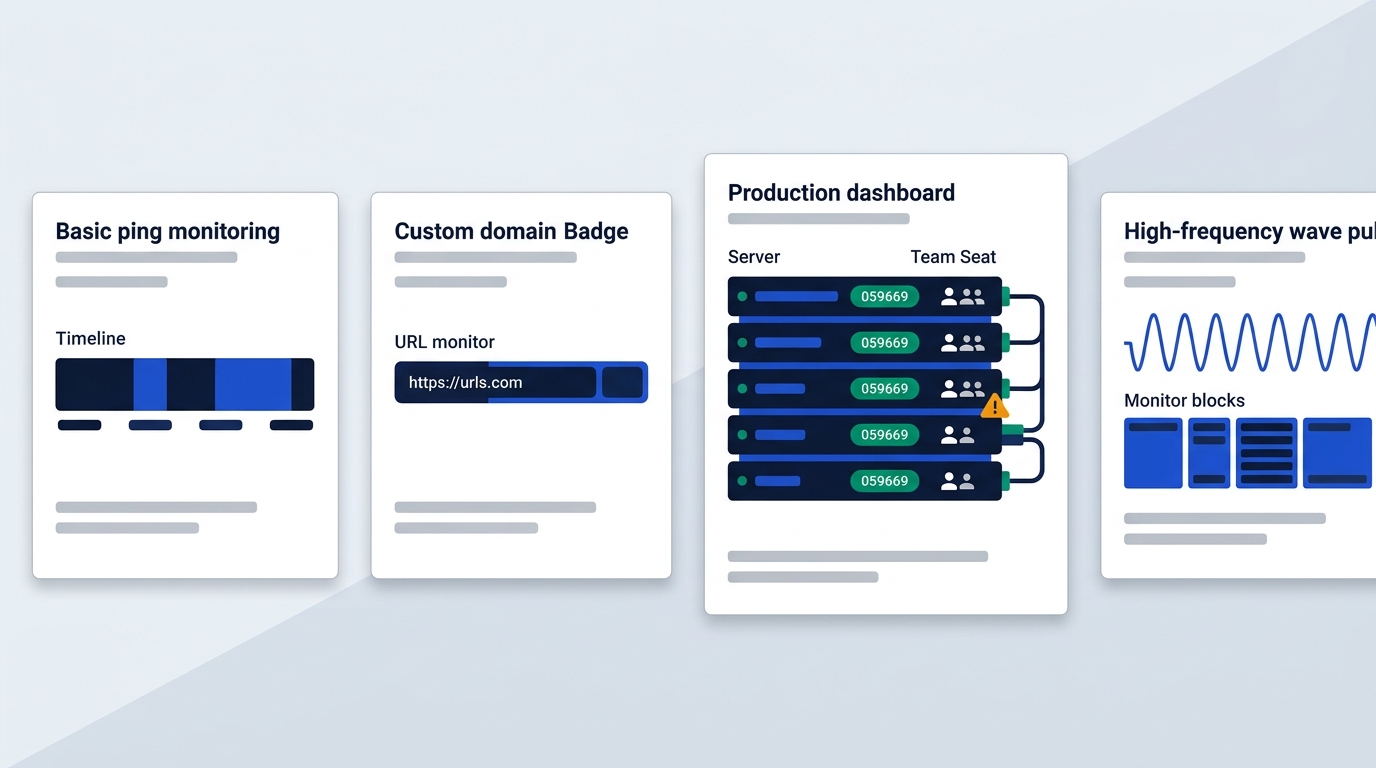
Freelancers and managers of client portfolios often find the Solo plan suitable. For $9 or €9 per month when billed annually, it provides 10 monitors with faster 60-second checks. You also get custom domain status pages, which is useful for client communication, as per UptimeRobot’s pricing page.
Production SaaS startups usually need the Team plan. This tier costs $35 or €35 per month when billed annually. It includes 100 monitors, 30-second intervals, and integrates with tools like PagerDuty and webhooks. The Team plan also comes with 3 included seats, as stated on UptimeRobot’s pricing page.
For high-volume platforms requiring very frequent checks, the Scale plan offers 200 monitors and 15-second checks for $65 or €65 per month when billed annually. If your business needs specific Service Level Agreement (SLA) guarantees or custom requirements, the Enterprise plan provides tailored solutions, according to UptimeRobot’s pricing page.
Free plan features and commercial limits
Free plan features and commercial limits
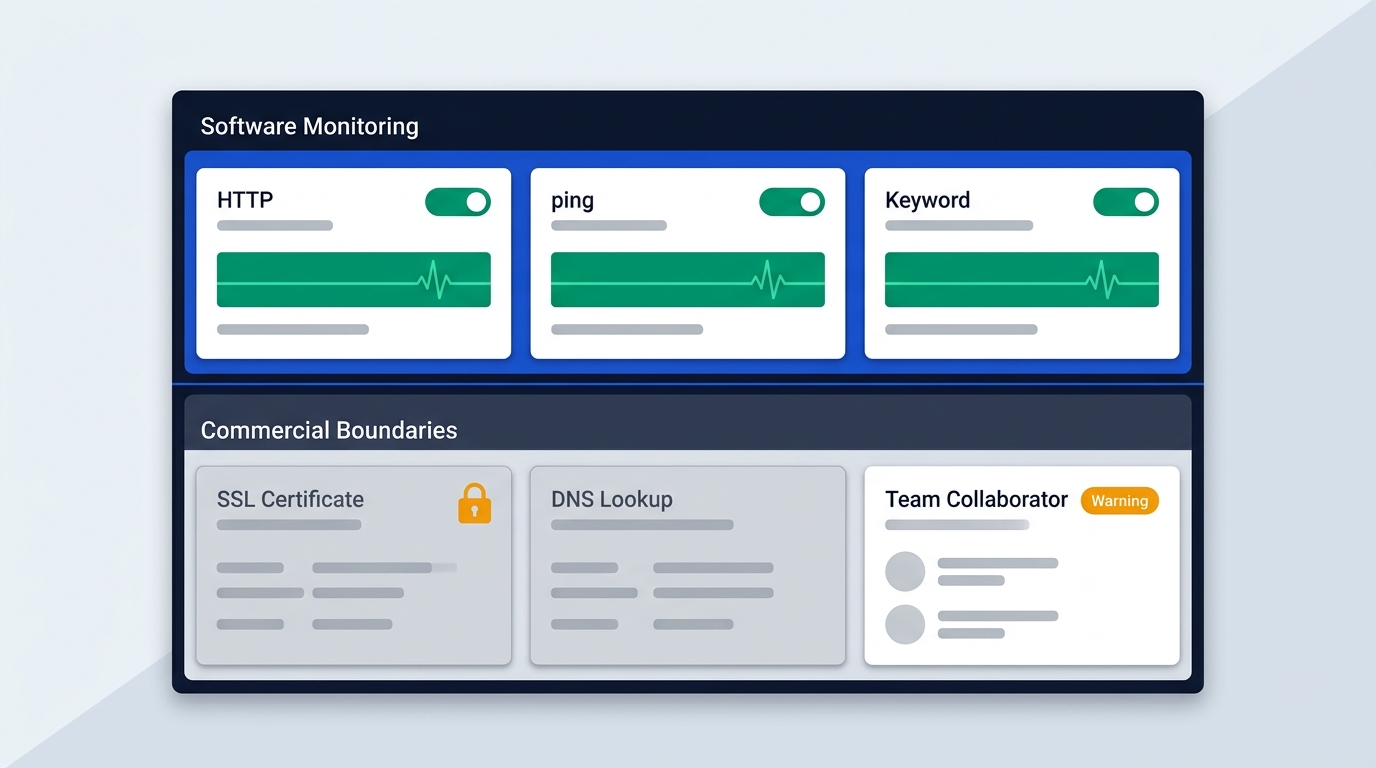
The UptimeRobot Free plan is a popular starting point for many users. It includes 50 monitors with a check frequency of 5 minutes. This tier supports essential monitoring types, such as HTTP, port, ping, and keyword monitoring. This means it can check if your website is up, if a specific port is open, if a server responds to pings, or if a certain keyword is present on a page.
However, the Free plan comes with critical limitations. It is strictly intended for personal and non-commercial projects, according to analyses by Motadata and Instatus. Using it for business or production SaaS environments may violate the terms of service.
The free tier also lacks several advanced monitoring capabilities. You will not find SSL certificate expiration tracking, DNS monitoring, or UDP checks. These features are reserved for paid plans. Furthermore, the Free plan offers no seat management, meaning zero login seats and zero notify seats. This limits access and alert recipients to a single account owner, making it unsuitable for team collaboration.
Comparing Solo, Team and Scale tiers
Comparing Solo, Team and Scale tiers
UptimeRobot’s paid plans offer increasing capabilities, faster check intervals, and more features tailored for growing businesses. Here is a direct comparison of the Solo, Team, and Scale tiers.
| Plan | Monthly Billing (USD) | Annual Billing (USD/month) | Monthly Billing (EUR) | Annual Billing (EUR/month) | Monitors | Check Interval | Included Seats | Status Pages |
| :--- | :-------------------- | :------------------------- | :-------------------- | :------------------------- | :------- | :------------- | :------------- | :----------- |
| Solo | $10 | $9 | €10 | €9 | 10 | 60 seconds | 0 | 3 (custom domain) |
| Team | $41 | $35 | €41 | €35 | 100 | 30 seconds | 3 | 100 (white-label) |
| Scale | $77 | $65 | €77 | €65 | 200 | 15 seconds | 5 | Unlimited |
Source: UptimeRobot's pricing page, checked October 2026.
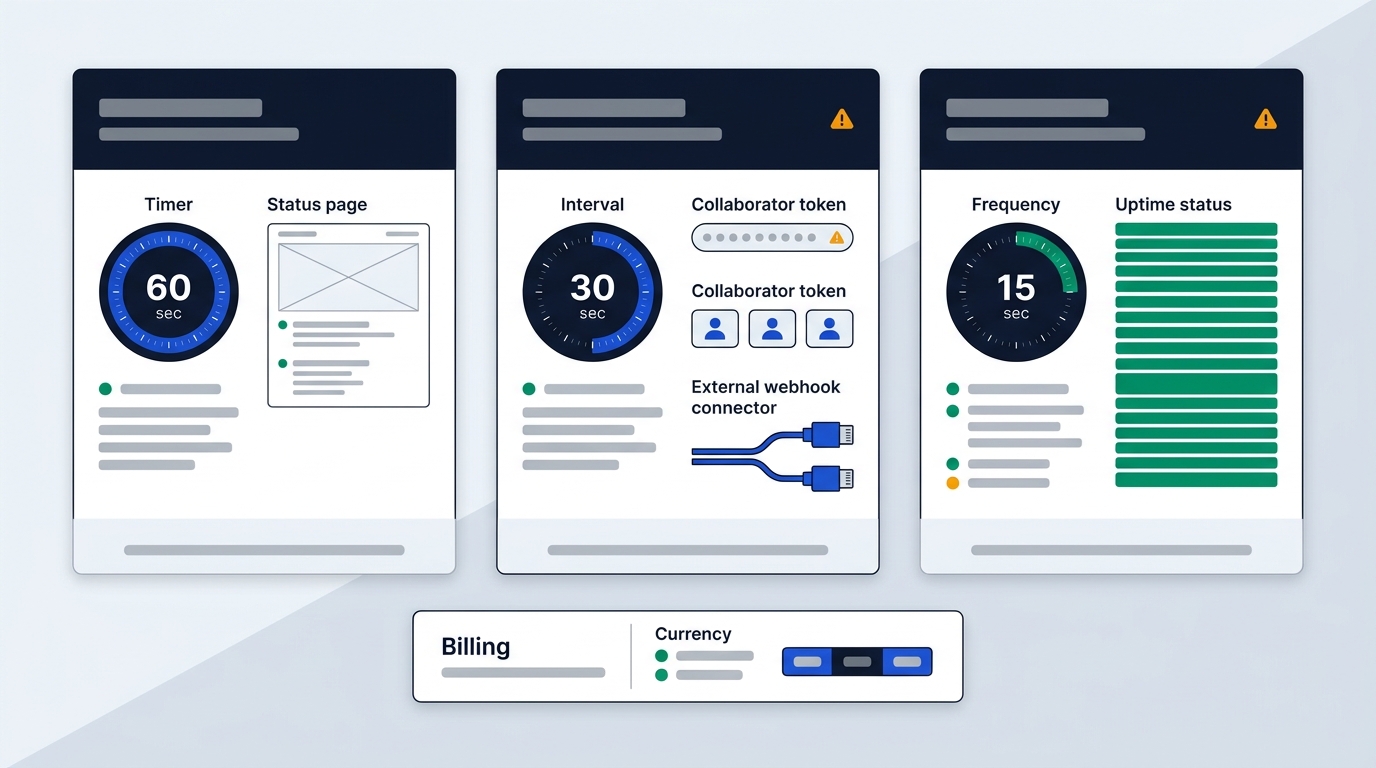
You will notice the check interval becomes significantly faster as you move up the tiers. The Solo plan checks your monitors every 60 seconds. The Team plan reduces this to 30 seconds, providing quicker detection of issues. For the fastest self-serve monitoring, the Scale plan offers checks every 15 seconds, as detailed on UptimeRobot’s pricing page.
Status page capabilities also differ across these plans. With Solo, you get 3 basic status pages that support custom domains, allowing you to brand them. The Team plan significantly expands this to 100 white-label status pages, offering more branding control. If you need extensive status page infrastructure, the Scale plan provides unlimited status pages, according to UptimeRobot’s pricing page.
In terms of integrations, the Solo plan includes 9 basic integrations. However, the Team and Scale plans unlock more advanced options. These include Webhooks, Zapier, and PagerDuty, which are crucial for integrating with incident management workflows and other third-party services, as per UptimeRobot’s pricing page.
Extra costs for seats and SMS credits
Beyond the base plan prices, UptimeRobot can incur additional costs for seats and communication credits. Understanding these add-ons helps you budget accurately. There is a key difference between login seats and notify seats. Login seats grant dashboard access for managing monitors, alerts, and incidents. Notify seats are for individuals who only need to receive alerts, maintaining tighter access control while ensuring relevant team members are informed, according to UptimeRobot’s pricing page FAQ.
Seat pricing mechanics vary by plan. The Team plan, for example, includes 3 login seats. However, if your team grows and you need more people to access the dashboard, additional login seats cost $19 per user per month, as noted in an Instatus review. This can add a significant amount to your monthly bill.
SMS and voice call credits are another potential extra cost. These are not recurring add-ons but rather one-off packages that you purchase as needed. Prices start at $3 for 10 credits. These credits do not renew with your monthly or annual billing cycle; they remain in your account until used, according to Motadata and UptimeRobot’s pricing page.
For convenience, if you pay by credit card, you can enable an automatic refill option. This ensures your credit balance is topped up before it runs out. It is also important to remember that confirmation SMS messages, sent when adding or changing alert contacts, will also consume credits, according to UptimeRobot’s pricing page.
European billing, DPA terms and refunds
For businesses in Europe, UptimeRobot offers direct billing in Euros. Verified pricing shows annual contracts for Solo at €9 per month, Team at €35 per month, and Scale at €65 per month. These prices are before any applicable VAT, as confirmed by checking UptimeRobot's pricing page from France.
Regarding data protection and GDPR compliance, UptimeRobot provides a Data Processing Agreement (DPA) upon request. For international data transfers, they use Standard Contractual Clauses (SCCs). Additionally, a SOC 2 Type II report is available for review, offering assurance on their security controls. This information is published on UptimeRobot’s privacy page, checked October 2026.
When it comes to payment options, UptimeRobot accepts major credit and debit cards, with processing handled by Stripe, which holds PCI Service Provider Level 1 certification. Wire transfers are also an option. PayPal, however, is no longer available for new subscriptions, according to UptimeRobot’s pricing page FAQ.
UptimeRobot offers a 14-day money-back guarantee for new subscriptions and upgrades. If you need to cancel your plan, you can do so at any time by simply turning off auto-renewal in your account settings. Your subscription will then remain active until the end of the current billing cycle and will not renew afterward, as stated in UptimeRobot’s pricing page FAQ.
Frequently Asked Questions about UptimeRobot
It is common to have questions about UptimeRobot's plans and their suitability for different use cases. Here are answers to some common queries.
**Can I run a business or production SaaS on the Free plan?**
No, the Free plan is explicitly intended for personal and non-commercial projects. Using it for a business or production SaaS environment violates UptimeRobot's terms of service. Furthermore, its 5-minute check interval is often too slow for production systems, risking significant downtime before you are alerted, which can lead to breaches of your own Service Level Agreements (SLAs).
**Do unused SMS credits expire at the end of the month?**
No, SMS and voice call credits do not expire monthly. They are purchased as one-off packages and remain in your account until you use them. This means you do not lose any unused credits at the end of a billing cycle.
**What happens when I exceed my plan monitor cap?**
UptimeRobot plans are structured with specific monitor limits. If you exceed the monitor count for your current plan, you will need to upgrade to the next tier. For example, if you are on the Solo plan with 10 monitors and need to add more, you would typically move to the Team plan, which offers 100 monitors. This is a tier progression model, not a per-monitor add-on billing system.
**Is there a free trial for paid plans?**
UptimeRobot does not offer a separate, credit-card-free trial for its Solo or Team paid plans. Instead, they provide a 14-day money-back guarantee for all new subscriptions and upgrades. This allows you to try a paid plan with confidence, knowing you can request a full refund within 14 days if it does not meet your needs.
Bottom line on choosing your plan
UptimeRobot offers a clear path for monitoring needs, from personal projects to production environments. The Free plan is perfect for individuals or non-commercial ventures, giving you basic uptime checks at no cost. For solo webmasters or freelancers managing a few client sites, the Solo plan hits a sweet spot with faster checks and custom status pages.
If you are running a production application or managing a growing team, the Team plan serves as the baseline. It provides more monitors, quicker intervals, and essential team features. You can test out the monitoring capabilities on the free tier, or activate a 14-day guaranteed plan by visiting our deal page at /deals/uptimerobot/.