













Compare verified UptimeRobot alternatives for European teams. Discover tools with sub-minute checks, Playwright synthetics, and EU GDPR hosting.
If you run a commercial web application in Europe, you need faster response alerts, real browser checks, and dependable data protection. Switching to modern UptimeRobot alternatives solves these gaps: Hyperping delivers EU-hosted 30-second checks with on-call routing, StatusCake eliminates seat caps on alert recipients, and Pulsetic gives budget-minded teams multi-language status badges.
Best UptimeRobot alternatives at a glance
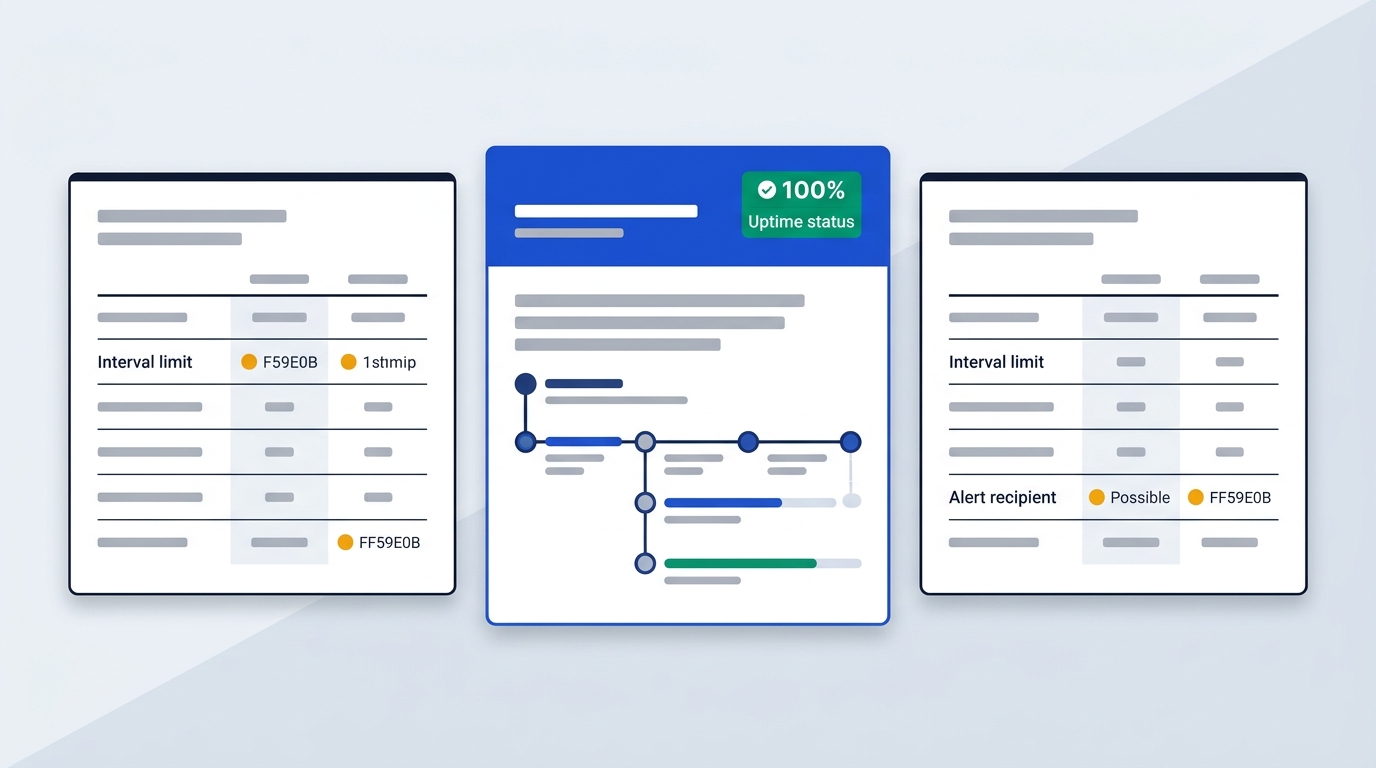
UptimeRobot suits hobbyists needing 50 basic checks without spending money. Hyperping suits European SaaS teams needing EU hosting, synthetic user flows, and on-call rotations. StatusCake fits growing engineering teams blocked by alert recipient caps. Pulsetic suits budget-focused teams wanting live public status badges and multi-language pages.
For years, UptimeRobot served as the default starting point for website monitoring. Its baseline free plan includes 50 monitors at 5-minute intervals. If you need faster checks, paid tiers start at $10 or €10 monthly ($9 or €9 billed yearly) for Solo with 10 monitors and 60-second checks. The Team tier costs $41 or €41 monthly ($35 or €35 billed yearly) for 100 monitors and 30-second checks, while Scale costs $77 or €77 monthly ($65 or €65 billed yearly) for 200 monitors and 15-second checks, according to the UptimeRobot pricing page, checked October 2026.
However, UptimeRobot presents its free plan for hobby and non-profit projects. Accounts showing commercial usage face upgrade prompts. If your business depends on predictable uptime and clear service terms, evaluating dedicated commercial alternatives ensures your monitoring remains active during traffic spikes.
| Tool | Starting Price | Check Interval | Core Strengths |
|---|---|---|---|
| Hyperping | $24/month | 30 seconds | Playwright synthetics, on-call schedules, EU hosting |
| StatusCake | $24.99/month | 60 seconds | 100 monitors, unlimited alert channels, page speed tests |
| Pulsetic | $9/month | 30 seconds | Custom status badges, 50-language translation, 15 probe locations |
| Better Stack | $29/month | 30 seconds | Unified uptime checks, log management, incident response |
| Pingdom | $18/month | 60 seconds | 10 monitors, Real User Monitoring (RUM), 100+ global probe locations |
| Uptime.com | $7/month | 60 seconds | 10 checks, SLA verification, 30+ check types |
| Cronitor | $7/month | 60 seconds | Cron job tracking, background heartbeats, API monitoring |
Sources: official comparison and pricing pages of Hyperping, StatusCake, and Pulsetic, checked October 2026.
Why engineering teams move past UptimeRobot
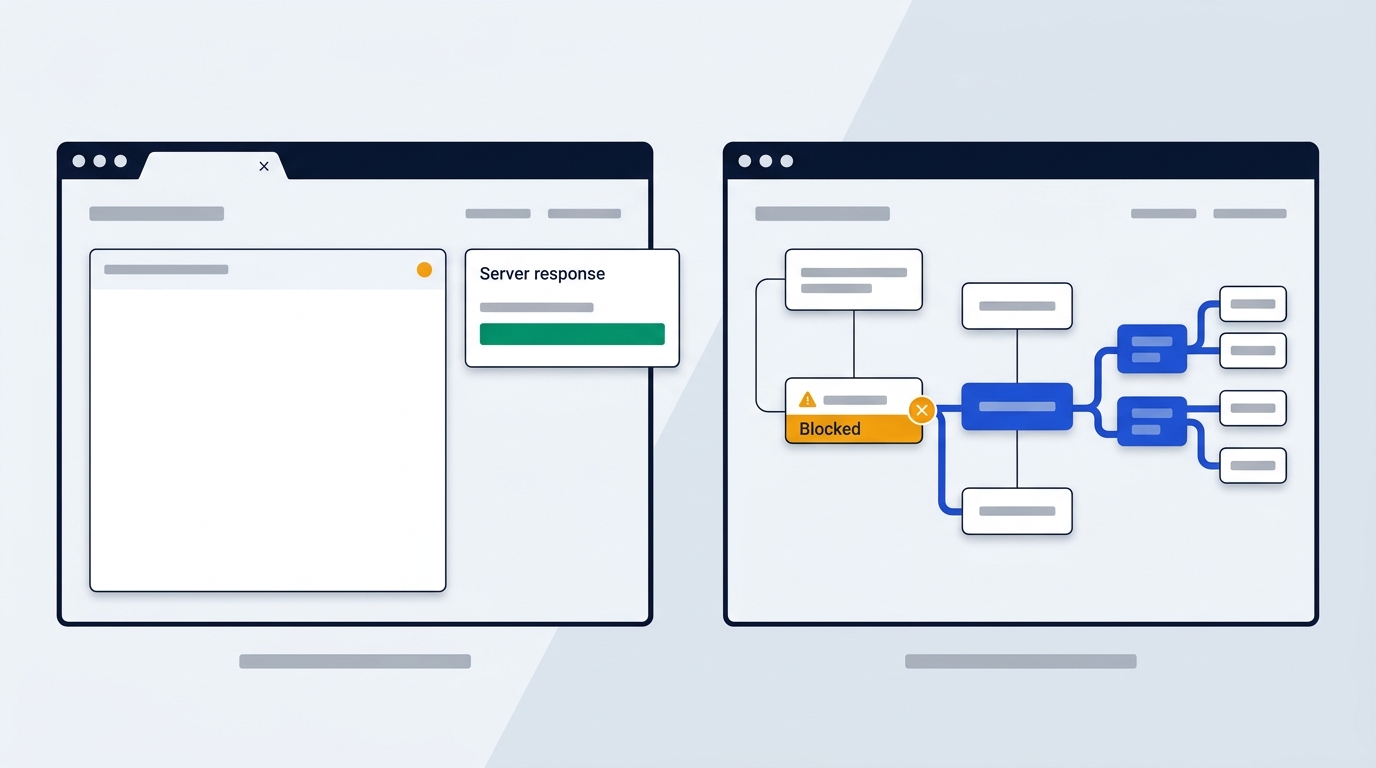
UptimeRobot handles basic HTTP availability checks well. Even so, modern web architectures expose structural limitations in its core toolset.
Failure of basic HTTP checks on modern web apps
Standard HTTP polling inspects only the raw initial HTML payload returned by your server. Modern Single Page Applications built on React or Vue render content client-side inside the browser. If a frontend JavaScript bundle throws a runtime exception, the server still returns an HTTP 200 OK status code. UptimeRobot records the site as fully operational, even though your visitors see a blank page. Catching client-side crashes requires headless browser engines like Playwright that execute the JavaScript bundle completely, according to the Hyperping technical blog, checked September 2026.
The alerting seat tax
Alert distribution creates friction for growing engineering teams. UptimeRobot restricts notify seats on its entry and standard tiers, which caps how many team members can receive direct alerts without upgrading to higher plans. By comparison, competitors like StatusCake offer unlimited alert recipient channels on flat plans, allowing you to route notifications across Slack, email, and webhooks without paying per head, according to the StatusCake comparison page, checked October 2026.
Absence of native incident escalation
UptimeRobot sends isolated notifications when an endpoint fails. It lacks built-in on-call scheduling, timezone-aware rotation policies, and multi-tier escalation logic. If your primary on-call engineer sleeps through an alert at 3 AM, the system will not automatically escalate the alert to a secondary responder. Resolving this issue usually forces teams to purchase separate incident response software, which increases operational overhead, according to the Hyperping blog, checked September 2026.
Diagnostic limitations beyond up and down
UptimeRobot tells you whether an endpoint responded, but it provides minimal context when failures happen. The tool lacks built-in root-cause diagnostics, synthetic multi-step user flow testing, and host-level metric visibility. Host issues like memory exhaustion or disk saturation remain invisible until the server stops responding entirely. You can explore how automation platforms connect monitoring alerts using our guide on Zapier pricing and plans, but native diagnostics inside the monitoring tool save critical time during an incident, according to technical notes from Hyperping and StatusCake, checked September 2026.
Top UptimeRobot alternatives for European teams
When selecting a replacement, you should balance polling speed, synthetic user validation, alert routing, and legal data hosting compliance.
Hyperping: Best for EU-hosted monitoring and on-call escalation
Hyperping suits growing SaaS companies that need uptime checks, status pages, and on-call scheduling in one platform without enterprise complexity.
- Runs 30-second check intervals on standard plans, and 20-second checks on Business plans.
- Executes browser-based synthetic monitoring using Playwright to test multi-step user journeys like signups and checkouts with video replays.
- Provides lightweight host monitoring using an OpenTelemetry agent to collect CPU, memory, and disk metrics on Linux and macOS.
- Operates as a French company storing all monitoring data and logs inside EU data centers.
The main downside is that Hyperping does not function as a full application performance monitoring (APM) platform with code-level distributed tracing. Pricing starts at $24 per month for 50 monitors, according to Hyperping's pricing and comparison page, checked September 2026.
Against UptimeRobot, Hyperping delivers native on-call rotation schedules and real browser synthetics that UptimeRobot lacks completely. You do not need a third-party escalation service to manage team shifts.
StatusCake: Best for unlimited alert channels and page speed tests
StatusCake suits engineering teams that need broad notification routing and web performance tracking without per-user alert fees.
- Provides 60-second check intervals on entry plans, dropping to 30 seconds on the Business tier.
- Includes page speed monitoring to track asset loading trends and regressions over time.
- Permits unlimited alert channels across Slack, email, and custom webhooks on all paid tiers.
- Offers purchase order and formal invoice billing options on its Business tier.
The primary downside is the absence of an automated migration importer, requiring you to configure existing monitors manually. Paid plans start at $24.99 per month for 100 monitors, according to the StatusCake comparison page, checked October 2026.
StatusCake eliminates the notify seat restrictions found in UptimeRobot. It also tracks page speed regressions before total outages occur, giving your team actionable performance data.
Pulsetic: Best for budget teams needing live status badges
Pulsetic suits agencies and bootstrap founders who require affordable checks and client-facing status presentations.
- Includes 30-second uptime checks on its entry paid tier.
- Generates customizable live status badges that embed directly into web footers using custom CSS.
- Translates public status pages into 50 languages automatically, including standard system labels.
- Performs availability checks from 15 global probe locations.
The main downside is the extra seat fee, which costs $8 per additional teammate. Paid plans begin at $9 per month, alongside a free plan supporting 10 monitors, according to Pulsetic's comparison page, checked October 2026.
Compared to UptimeRobot, Pulsetic offers 30-second checks at a fraction of the cost. It also includes multi-language translations without locking them behind higher tiers.
Better Stack, Pingdom, Uptime.com, and Cronitor
Different engineering setups require specialized monitoring workflows, as outlined in comparison pages published by Hyperping and UptimeRobot, checked September 2026:
- Better Stack: Starts at $29 per month. It unifies uptime monitoring, log management, and on-call incident response into a single dashboard.
- Pingdom: Starts at $18 per month for 10 monitors. It specializes in Real User Monitoring (RUM) and multi-step transaction checks across more than 100 global probe locations.
- Uptime.com: Starts at $7 per month for 10 checks. It focuses on enterprise SLA verification, private location probes, and more than 30 specialized check types.
- Cronitor: Starts at $7 per month. It is designed for teams that prioritize cron job heartbeats, worker processes, and background queue monitoring.
Uptime Kuma: The self-hosted baseline
Uptime Kuma provides an open-source, self-hosted monitoring alternative with no software subscription fees, according to UptimeRobot's comparison page, checked October 2026. It gives developers total control over internal monitoring data behind a private network. However, your team must provision, secure, and patch the host server. If your monitoring server loses power or network access, your alerting fails along with it.
European compliance and data hosting breakdown

Operating a web service in the European Union, the United Kingdom, or Switzerland requires strict adherence to privacy frameworks and tax procurement workflows.
Data residency varies significantly between monitoring providers. Hyperping operates as a French legal entity, storing all log files, probe metrics, and configuration records in EU-based data centers, according to Hyperping documentation, checked September 2026. This setup keeps monitoring data strictly within the European economic area and eliminates complex cross-border data transfer assessments.
UptimeRobot does not publish specific physical server locations for its monitoring nodes. However, it provides an Article 28 Data Processing Agreement (DPA) on request. It relies on Standard Contractual Clauses (SCCs) to govern international data transfers and maintains a SOC 2 report for operational security, according to the UptimeRobot privacy page, checked October 2026.
For B2B procurement in Europe, billing handling follows standardized VAT procedures. European businesses holding a verified VAT ID can apply the reverse charge mechanism to account for VAT locally. UK companies similarly input their HMRC VAT numbers during checkout. Entry-level subscriptions across UptimeRobot, Pulsetic, and Hyperping require credit card payments. If your finance team requires manual invoice billing and formal purchase orders, those options are reserved for higher tiers, such as StatusCake Business and UptimeRobot Enterprise, according to their official pricing pages, checked October 2026. You can review our standard verification standards on our price verification page.
How to switch monitoring without downtime
Migrating your monitoring infrastructure requires careful staging. Following a methodical transition ensures you do not miss critical outages while avoiding duplicate alerts.
1. Audit your monitor inventory
Before modifying any production monitors, document your existing configuration from your current dashboard. List every HTTP and HTTPS endpoint, port check, and SSL certificate monitor. Record custom HTTP request headers, basic authentication credentials, payload keywords, timeout thresholds, and expected status codes, according to the UptimeRobot comparison FAQ, checked October 2026.
2. Deploy parallel checks
Recreate your critical service endpoints in your new monitoring tool while leaving your existing checks active. Set identical polling intervals, timeout limits, and regional probe locations. Running both tools side by side for several days allows you to observe normal traffic cycles and check for false positives, according to the StatusCake migration guide, checked October 2026.
3. Validate alerts with deliberate failures
Never assume an alert integration works without testing it directly. Create a dedicated staging endpoint or temporarily restrict an IP route to generate a controlled HTTP 500 or timeout error. Confirm that incident notifications trigger correctly across Slack, webhooks, SMS, and on-call schedules, according to the UptimeRobot comparison FAQ, checked October 2026.
4. Execute safe cutover
Once alerting triggers reliably, update your public communication links. Reconfigure your status page CNAME DNS record to point to your new provider. Finally, pause or delete the checks in UptimeRobot to prevent your engineering team from receiving duplicate notifications during future incidents.
Frequently asked questions about website monitoring
Is UptimeRobot completely free for business projects?
UptimeRobot offers a free tier with 50 monitors at 5-minute intervals, but it is designated for hobby and non-profit use. Accounts displaying commercial usage are prompted to move to paid plans starting at $10 or €10 monthly ($9 or €9 billed yearly) for Solo, or $41 or €41 monthly ($35 or €35 billed yearly) for Team, according to the UptimeRobot pricing page, checked October 2026.
Why do two monitoring tools report different uptime percentages for the same site?
Discrepancies occur because tools utilize different probe locations, request timeout thresholds, and retry logic. In addition, services define downtime differently. One service may mark an endpoint down during high latency or DNS resolution delays, while another only flags failures on HTTP 5xx responses, according to the UptimeRobot comparison FAQ, checked October 2026.
What is the difference between simple uptime monitoring and synthetic monitoring?
Simple uptime monitoring pings a specific URL to verify that the server returns a successful response code like HTTP 200. Synthetic monitoring launches a headless browser, such as Playwright, to execute multi-step user actions like logging in, filling out forms, or completing a checkout sequence, according to the Hyperping blog, checked September 2026.
Can HTTP keyword checks monitor Single Page Applications?
Standard HTTP keyword checks cannot detect text rendered dynamically by client-side JavaScript frameworks like React and Vue. The initial HTTP request only downloads an empty HTML shell. Inspecting dynamic frontend content requires browser-based synthetic testing or dedicated API monitoring endpoints, according to the Hyperping technical review, checked September 2026.
Picking the right fit
Stick with UptimeRobot if you run a hobby project and don't need commercial support. Choose Hyperping if your team wants EU-hosted checks, synthetic flows, and on-call rotation in one place. Pick StatusCake if alert recipient caps are blocking your team, and go with Pulsetic if you want cheap checks plus a polished public status page.
Whichever you pick, start with the top UptimeRobot alternatives for European teams and run a short trial against your real endpoints before cancelling anything.