















Compare Make vs Zapier pricing, operation limits, and GDPR rules. Discover which workflow automation tool fits your European business budget and setup.
Make vs Zapier at a Glance
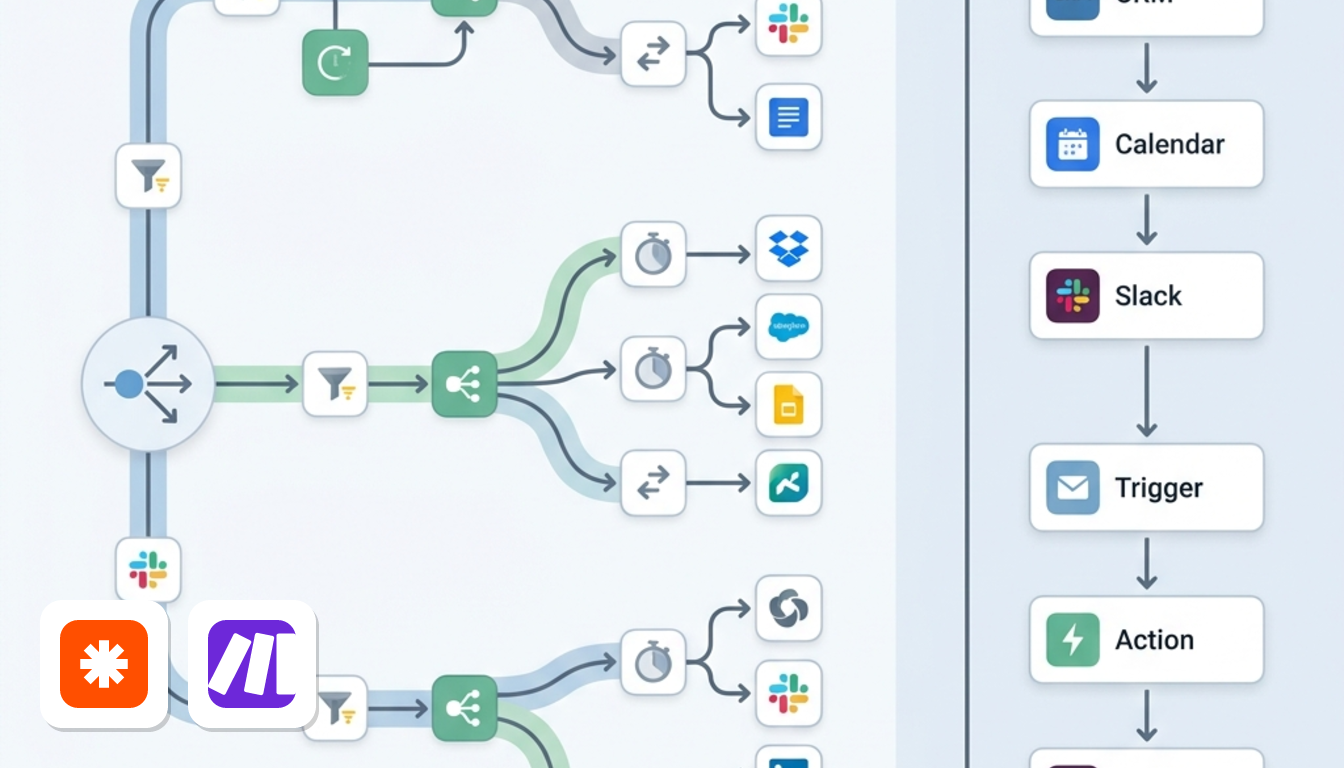
Between the two automation platforms, the choice balances complexity against convenience.
TL;DR. Make suits businesses running complex, multi-step workflows with routers and high volume on a tighter budget. Zapier suits non-technical teams that want instant pre-built connections across thousands of native apps, with no visual layout to set up.
Skip Make if you want quick setup without learning field mapping, data lists (arrays) or data packets (bundles). Skip Zapier if you need complex routing or run heavy monthly volume on a lean budget.
| — | Make | Zapier |
|---|---|---|
| Free plan | 1,000 credits a month, 2 active scenarios | 100 tasks a month, unlimited Zaps, Tables & Forms |
| Entry paid plan | Core: US$10.59 a month, US$9 billed yearly | Professional: US$29.99 a month, US$19.99 billed yearly |
Source: Make's and Zapier's pricing pages, checked October 2026.
Both platforms bill in US dollars before VAT. European buyers should plan for currency exchange and local reverse-charge VAT reporting.
Which Tool Fits Your Business Needs Best?
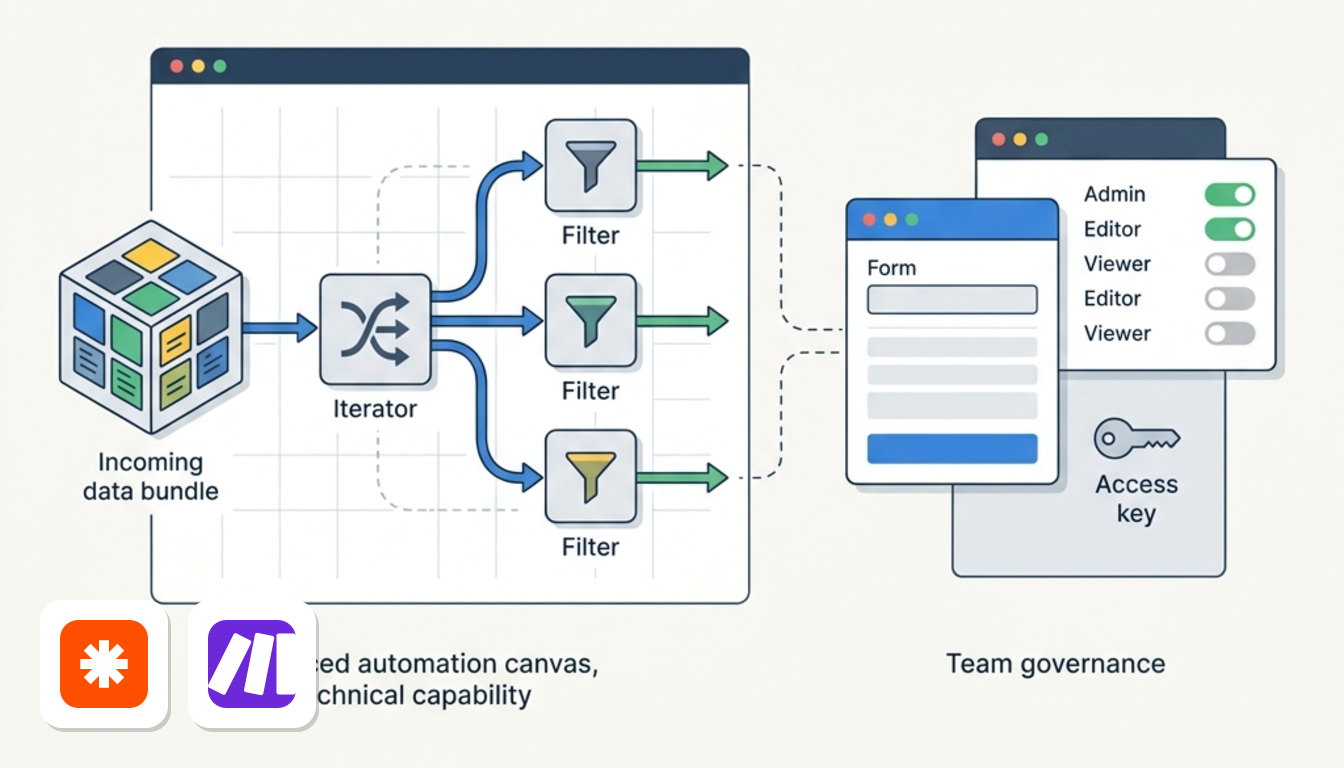
Pick Make for heavy data and branching logic, and Zapier for quick setup and built-in SSO. Your own workflows decide the rest.
High-volume data syncing: Make
Make credits and Zapier tasks follow different counting rules, so unit totals are not directly comparable.
Still, if you push orders or contacts between systems all day, Make's headline allowance is far larger for a lower price.
Rapid non-technical setup: Zapier
For basic workflows like piping web form entries directly into a CRM, Zapier's trigger-and-action builder excels. You avoid managing complex data lists or error paths.
The free plan covers two-step Zaps. Multi-step Zaps start on Professional.
Branching and data transformation: Make
Make puts routers, iterators and aggregators on one visual canvas. A router splits a flow into paths, an iterator turns a list into single items, and an aggregator bundles them back together.
An order with multiple items (an array, or data list) can be processed individually within a single scenario. However, configuring these structures requires a steeper technical learning curve.
Team governance and SSO
| Plan | Price per month, billed yearly |
|---|---|
| Make Teams | US$29 |
| Zapier Team | US$69 |
Prices are in US$, before VAT.
Make Teams provides affordable permission controls, but reserves single sign-on for Enterprise. Zapier Team includes SAML SSO (centralized company login) .
The short version
- Large syncs and multi-path logic: Make. See the Make page for current plans.
- Simple app links built by non-technical staff: Zapier. See the Zapier page for current plans.
Comparing Plans and Pricing Side by Side
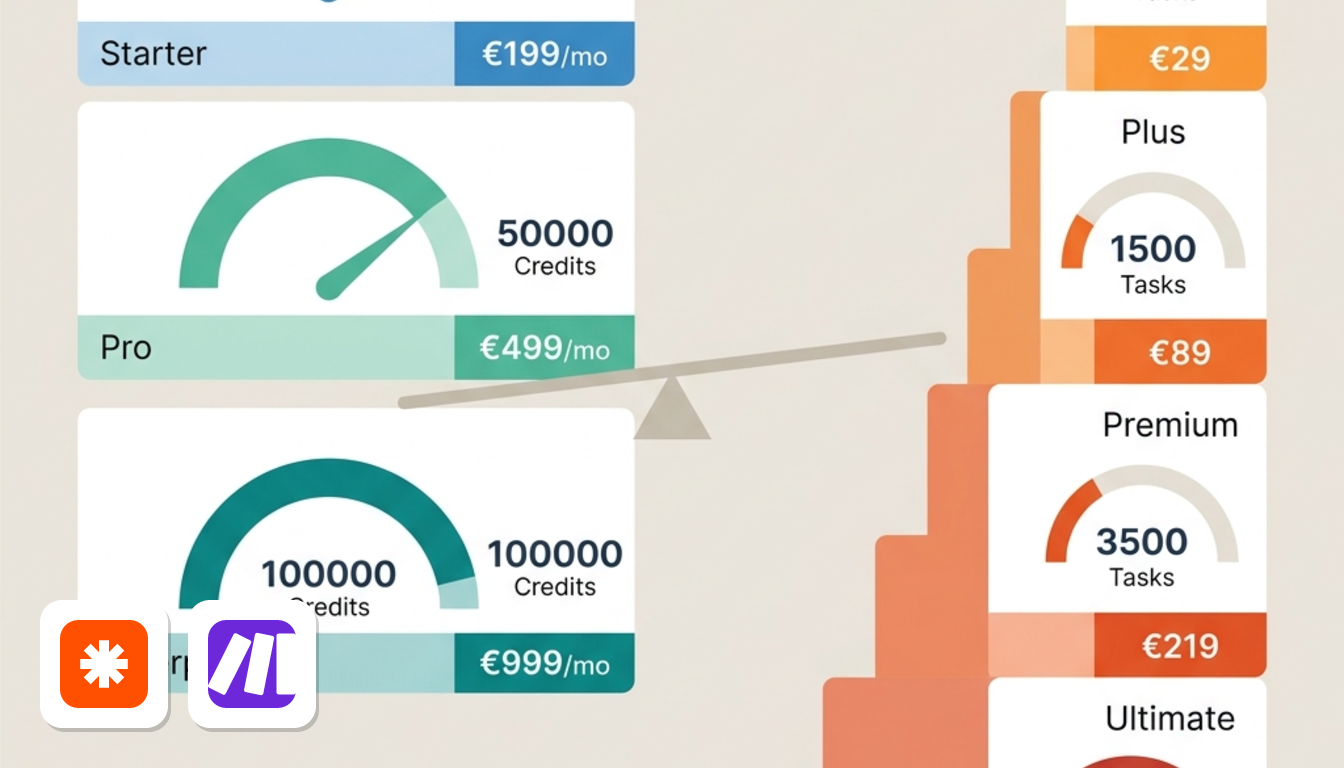
On paper, Make gives you far more monthly volume per dollar, while Zapier charges more for smaller allowances. The table outlines where each tier sits across both platforms.
| Plan | Per month, billed yearly | Per month, billed monthly |
|---|---|---|
| Make Free | US$0 | US$0 |
| Make Core | US$9 | US$10.59 |
| Make Pro | US$16 | US$18.82 |
| Make Teams | US$29 | US$34.12 |
| Zapier Free | US$0 | US$0 |
| Zapier Professional | US$19.99 | US$29.99 |
| Zapier Team | US$69 | US$103.5 |
Prices in US$, before VAT.
What the free tiers really allow
Both free plans are limited, but in different ways. Make caps you at 2 active scenarios, with 1,000 credits a month to spend on them. Zapier lets you create unlimited Zaps, but each one is a two-step pair: one trigger, one action.
Your workflow structure determines the right fit. Zapier suits multiple simple pairings, while Make suits multi-step flows on fewer active scenarios.
Volume economics
This is where the gap opens. Make keeps starting rates low across its tiers.
Zapier's ladder is steeper. Prices climb much faster between tiers.
Remember that Make credits and Zapier tasks represent different units. Treat the comparison as billing allowances, then estimate how many of each your workflows would use.
Committing annually yields larger dollar savings on Zapier.
You can see each plan in full on the Make and Zapier pages.
How Make Credits Differ from Zapier Tasks
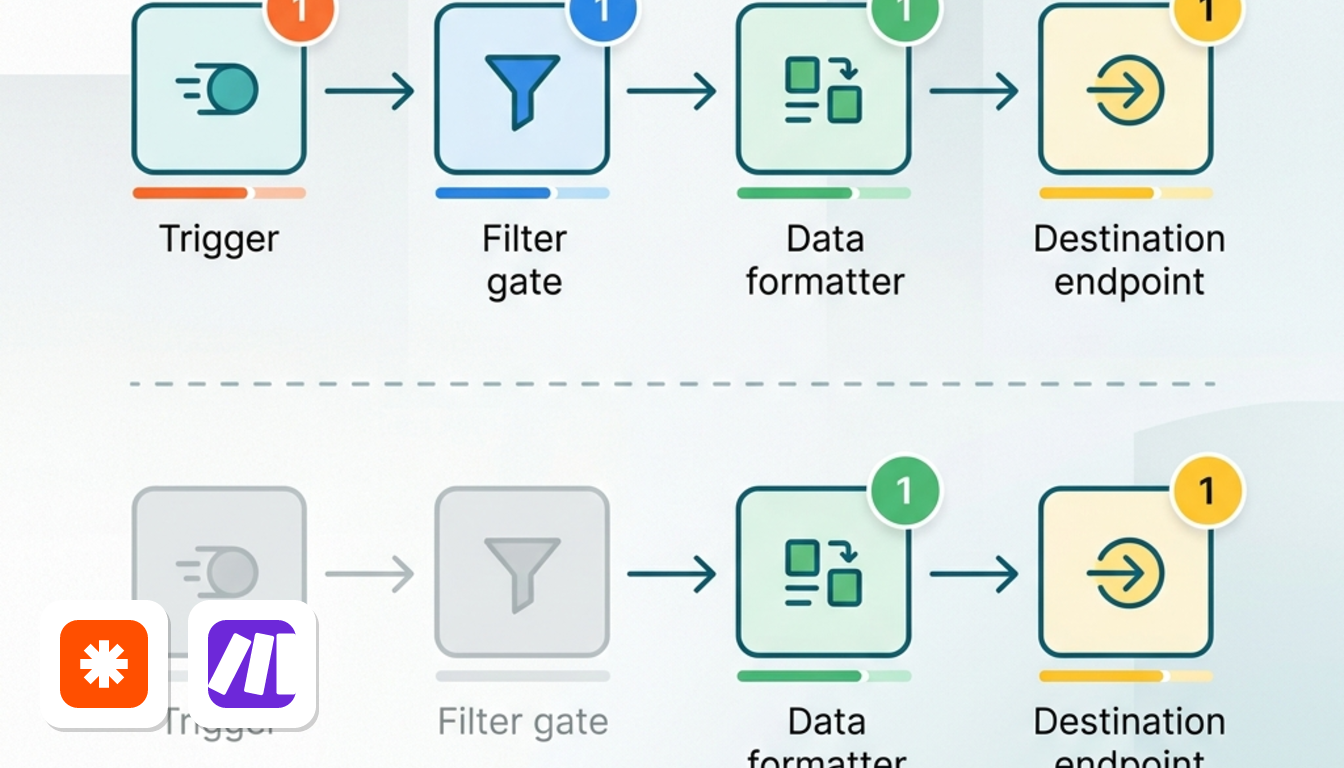
Make counts every module that runs, while Zapier counts only the action steps that finish. That operational difference fundamentally changes how you compare headline prices.
What each tool counts
Make consumes one credit per module execution. That includes searches, routers and filters processing bundles (packets of record data), not just steps writing data.
Zapier bills a task only when an action step completes successfully. Triggers don't use paid tasks, and neither do filter steps that stop the run.
A four-step example
Take a workflow with a trigger, a filter, a data transform and a CRM update. Here is what one run costs when the filter lets the record through.
| Step | Make credits | Zapier tasks |
|---|---|---|
| Trigger | 1 | 0 |
| Filter | 1 | 0 |
| Transform | 1 | 1 |
| Update CRM | 1 | 1 |
| Total per run | 4 | 2 |
A Zapier run consumes fewer counted units, but plan allowances differ sharply.
What a run actually costs
Evaluating entry paid tiers under annual billing:
For this specific multi-step scenario, Make delivers substantially more finished runs per dollar despite counting more steps. Complex flows with heavy filters will yield different ratios.
Where Zapier's counting wins
When a form collects hundreds of entries and a filter drops most leads, Zapier charges zero tasks for dropped runs. Make still spends credits on both the trigger module and the filter step.
That helps Zapier, but only if rejections dominate and your volume is small. With branching logic, lookups and several updates per run, Make's larger allowance usually goes further. You can see both plans side by side on the price comparison page, or read the full plan breakdowns on the Make page.
Count the modules your busiest workflow touches, then divide the monthly allowance by that number. That is your real run budget.
Workflow Building and Daily Interface Usability
Make gives you a canvas, Zapier gives you a checklist. In daily use, this design choice shapes your team's workflow more than feature lists.
Canvas versus linear cards
Make uses an open drag-and-drop canvas. You place modules, draw connections and split a route into branches you can see at a glance. When one scenario touches five apps, the layout shows where the data goes.
Zapier stacks cards sequentially. It guides sign-in and data mapping (connecting matching fields between services) with clear step validation. Beginners will find this structure far easier to navigate.
When something breaks
Make puts error handling on the module itself. You can attach directives such as Commit, Resume, Ignore or Rollback to a node. For instance, directives like Ignore or Resume bypass a bad record without halting the scenario.
Zapier reports errors as alerts along the linear flow. That is easy to read, but advanced troubleshooting sits on higher plans. For comparison, Make's Pro plan adds log search.
App coverage and gaps
Zapier's directory is the broader one, so a popular app is usually a few clicks away. Make focuses on depth, with many endpoints per supported app. Its native HTTP module also lets you call an API that has no ready-made connector.
Plan tiers also affect editor capabilities. Zapier restricts multi-step paths and webhooks to Professional, while Make includes full multi-step scenario building on its free tier.
Which one suits your day
Choose Zapier if you want to ship a simple automation this afternoon and never think about layout. Choose Make if your flows branch, merge or need careful failure handling. You can see current plans on the Make page and the Zapier page.
European Data Protection and Invoicing Rules
Both tools can suit a GDPR-minded business, but they get there by different legal routes. Make has European roots in the Czech Republic. Zapier is a US company.
Who stands behind each tool
Make's privacy notice is issued by its parent, Celonis. Celonis Inc. and Celonis Labs LLC are both certified under the EU-US Data Privacy Framework. So the European brand sits inside a group that relies on the same transfer framework many US vendors use.
Zapier integrates its Data Processing Addendum (DPA, the mandatory GDPR processor contract) directly into terms. It incorporates EU Standard Contractual Clauses (legal transfer safeguards) and adheres to the Data Privacy Framework.
| Point | Make | Zapier |
|---|---|---|
| Origin | Czech roots, privacy notice issued by Celonis | US-based |
| Transfer framework | Celonis entities certified under the EU-US Data Privacy Framework | Standard Contractual Clauses, plus Data Privacy Framework compliance |
| Billing currency | US dollars, before VAT | US dollars, before VAT |
Where your data sits
Neither vendor promises EU-only hosting on standard plans. That matters if a client contract demands European residency. In that case, rely on the transfer mechanisms above rather than assuming your data stays in the EU.
Compliance teams must verify the legal transfer basis rather than assuming regional storage.
VAT on your invoices
Both tools bill in US dollars excluding tax. VAT-registered European buyers should enter their tax ID at checkout to apply reverse-charge VAT. Under reverse charge, you account for tax locally rather than paying vendor VAT.
Do it at sign-up, not after the first invoice. Your accountant will thank you.
What this means for you
If your procurement team wants a DPA with nothing to sign, Zapier's setup is simple. If you prefer a vendor with European roots, Make fits that preference, though its transfer framework is the same Data Privacy Framework route. Plan details are on the Make page and the Zapier page.
Frequently Asked Questions About Both Tools
Can Make replace Zapier for an established small business?
Often yes, but expect a rebuild. Every existing Zap has to be recreated as a scenario, so budget time for that. Refer to the governance table above if your organization requires single sign-on.
Does Zapier offer a free plan you can keep using?
Yes. Zapier's free plan includes 100 tasks a month, unlimited Zaps, Tables & Forms, according to its pricing page, checked October 2026. It is a monthly allowance, not a time-limited trial. Multi-step Zaps start on Professional. Make's free plan offers 1,000 credits and 2 active scenarios. See the Zapier page for current plans.
What happens when I reach my monthly limit?
Your automations stop running once the monthly limit is reached until the next billing cycle begins or you upgrade your plan.
Do I have to sign a separate DPA with Zapier or Make?
GDPR Article 28 requires a contract with any processor, but that contract does not have to be a separate signature. Zapier integrates its addendum directly into its standard terms. It includes Standard Contractual Clauses, according to Zapier's legal page, checked October 2026. For Make, the privacy notice is issued by Celonis, whose US entities are certified under the EU–US Data Privacy Framework. The Make page has more detail.
Which is easier for a non-developer marketing team?
Zapier, for the first week. Its checklist layout lets a marketer ship a simple automation quickly. Make rewards you later, once you need branching or heavy data handling and are comfortable with a visual canvas.
So for a marketing team, start with what you need to build in month one, not month twelve.
Action Steps to Choose Your Automation Tool
Four quick steps settle your platform choice before you pay anything. Do them in order.
1. Audit your workflow volume
List every workflow and how often it runs each month. Multiply those runs by the number of steps. Then compare the total with Make credits and Zapier tasks, since each counts steps differently. A long order-processing flow that fires all day adds up fast.
2. List your essential apps
Write down the tools you cannot work without, such as your CRM, invoicing app and mailbox. Check whether each one has a native trigger and action on both platforms. Where Make lacks one, you will need a raw webhook or API module, so ask whether your team can maintain that.
3. Weigh European alternatives
If you need full self-hosting and European jurisdiction, add n8n to your shortlist next to Make and Zapier.
4. Start on the free tiers
Build one identical, simple workflow on both platforms. Time the setup and notice which editor feels natural to you.
Enter billing details only after confirming the setup matches your workflow requirements.