













Explore Signeasy pricing across Personal, Business, and Business Pro tiers. Compare contract limits, USD billing, EU VAT, and DocuSign alternatives.
TL;DR: Signeasy pricing runs from US$10 to US$30 per seat per month on annual billing. Personal suits solo users who send up to 5 contracts a month, and Business suits small teams that send often. It does not suit buyers who need invoices in euros or pounds.
Signeasy pricing overview and quick verdict
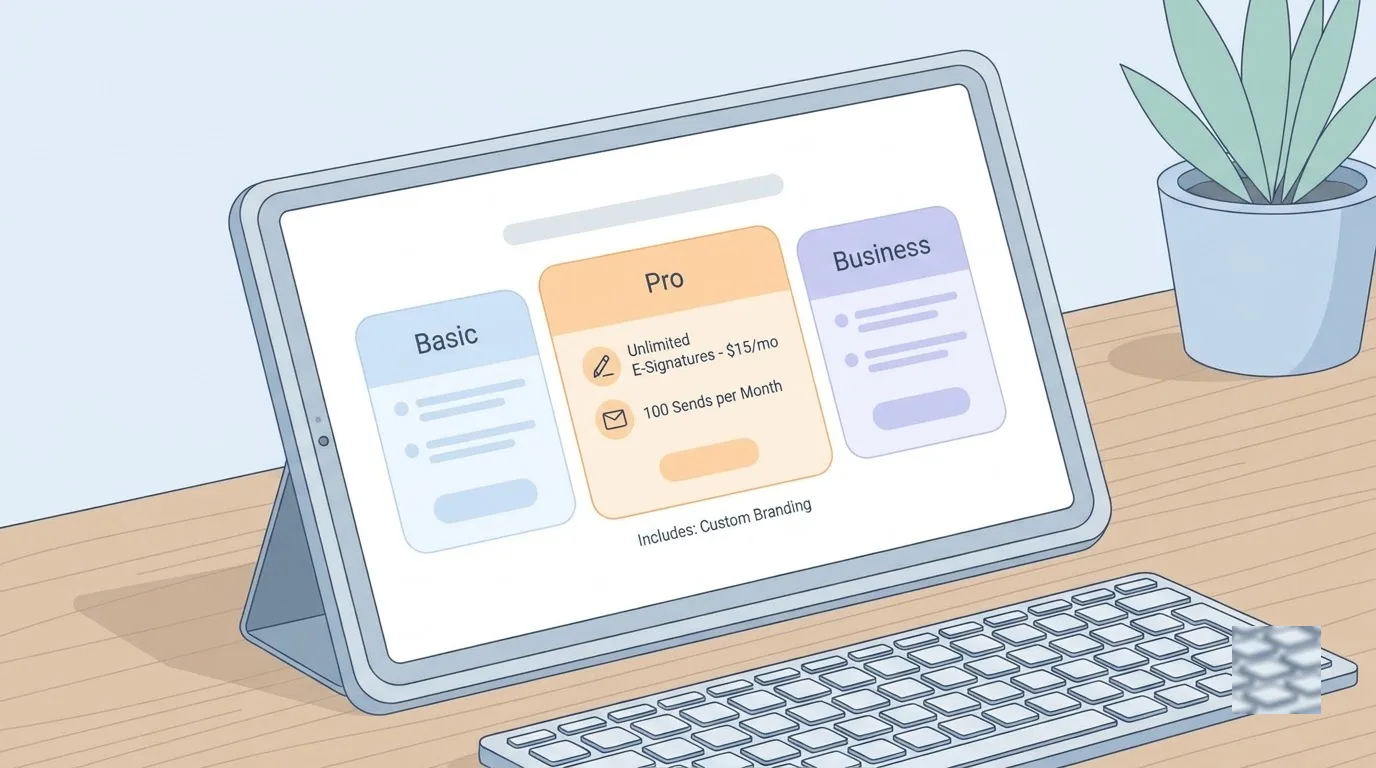
Signeasy costs between US$10 and US$30 per seat per month on annual billing. Pay monthly and the same plans run US$15 to US$40, so yearly billing saves up to 33%. Prices are listed in US dollars and shown before VAT.
So who is it for? Here is the short version:
- Personal: solo operators who want basic mobile signing and send no more than 5 outgoing contract requests a month.
- Business: small teams that need unlimited sending, shared templates and automated reminders.
- Not a fit: companies that need EUR or GBP billing or a verified EU data location.
The Signeasy page on this site lists the plans in one place. The rest of this guide covers limits, rival costs and the EU details.
How Signeasy plans and contract limits compare
What does each plan include?
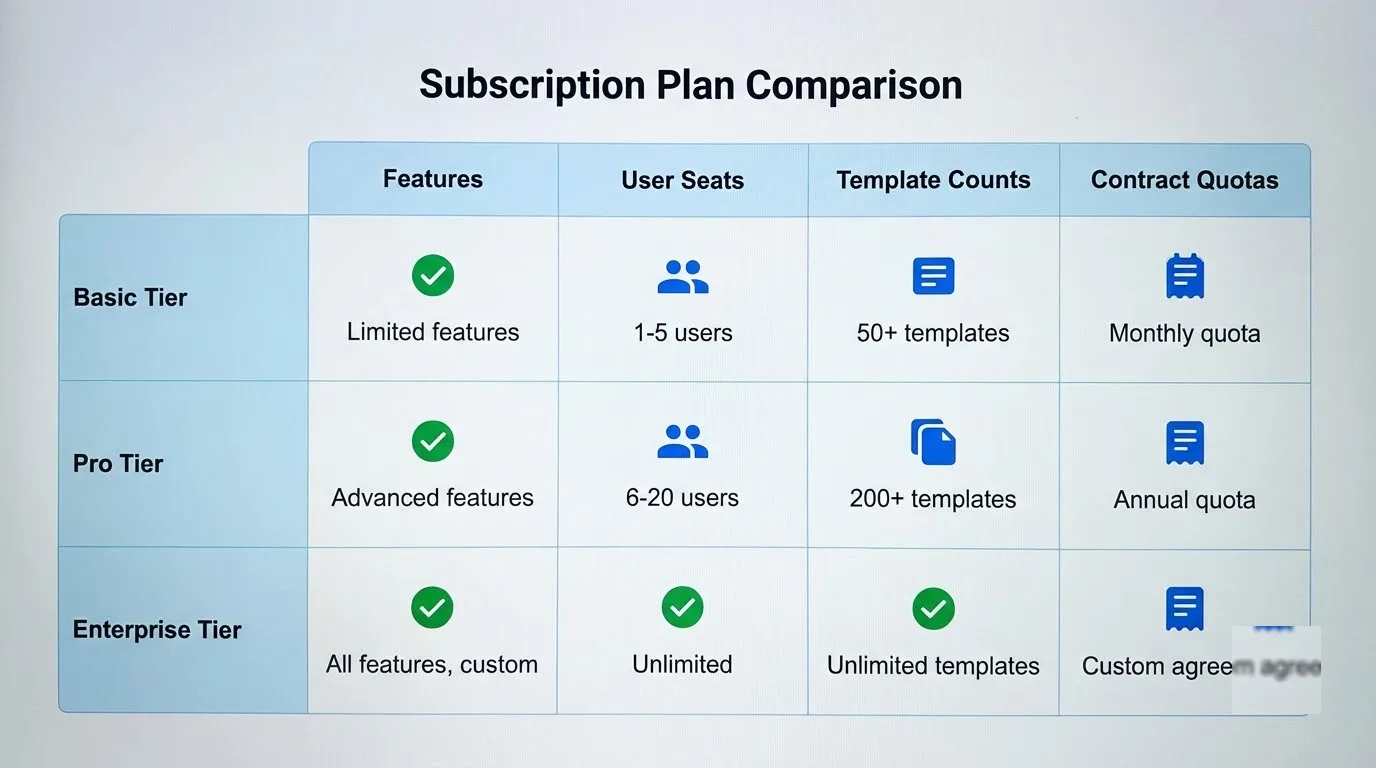
Three standard tiers cover most buyers. The table shows the price per seat and the sending limit, and the features behind each step follow it.
| Plan | Annual billing, per seat per month | Monthly billing, per seat | Sending limit |
|---|---|---|---|
| Personal | US$10 (US$120 a year) | US$15 | 5 contracts a month |
| Business | US$20 (US$240 a year) | US$30 | Unlimited |
| Business Pro | US$30 (US$360 a year) | US$40 | Unlimited |
Source: Signeasy's pricing page, checked October 2026.
Personal is a single-user plan. You sign unlimited documents yourself, use the iPhone, iPad and Android apps, and work from Google Workspace and Microsoft apps. The catch is the cap of 5 outgoing requests, which a busy freelancer can hit in a week.
Business removes that cap. It adds 5 templates your team can share, reminders, an admin dashboard, AI contract summaries and Google Drive sync. Business Pro goes further with unlimited templates, contract approval workflows, signer 2FA, role permissions, team usage tracking, SharePoint and HubSpot connections and priority support.
Some things still cost extra. Sending by SMS is an add-on even on Business Pro, and API access is not listed on the three standard plans.
What about bigger teams, trials and refunds?
Build Your Plan is for 5+ seats or high document volume, with custom pricing. It brings SSO, bulk send and a dedicated success manager, while HIPAA and FDA 21 CFR Part 11 compliance come as add-ons.
Every paid plan has a 14-day free trial. Yearly plans also carry a 100-day money-back guarantee, and after that no partial refunds are given. Subscriptions renew automatically unless you cancel.
Signeasy vs DocuSign and key alternatives
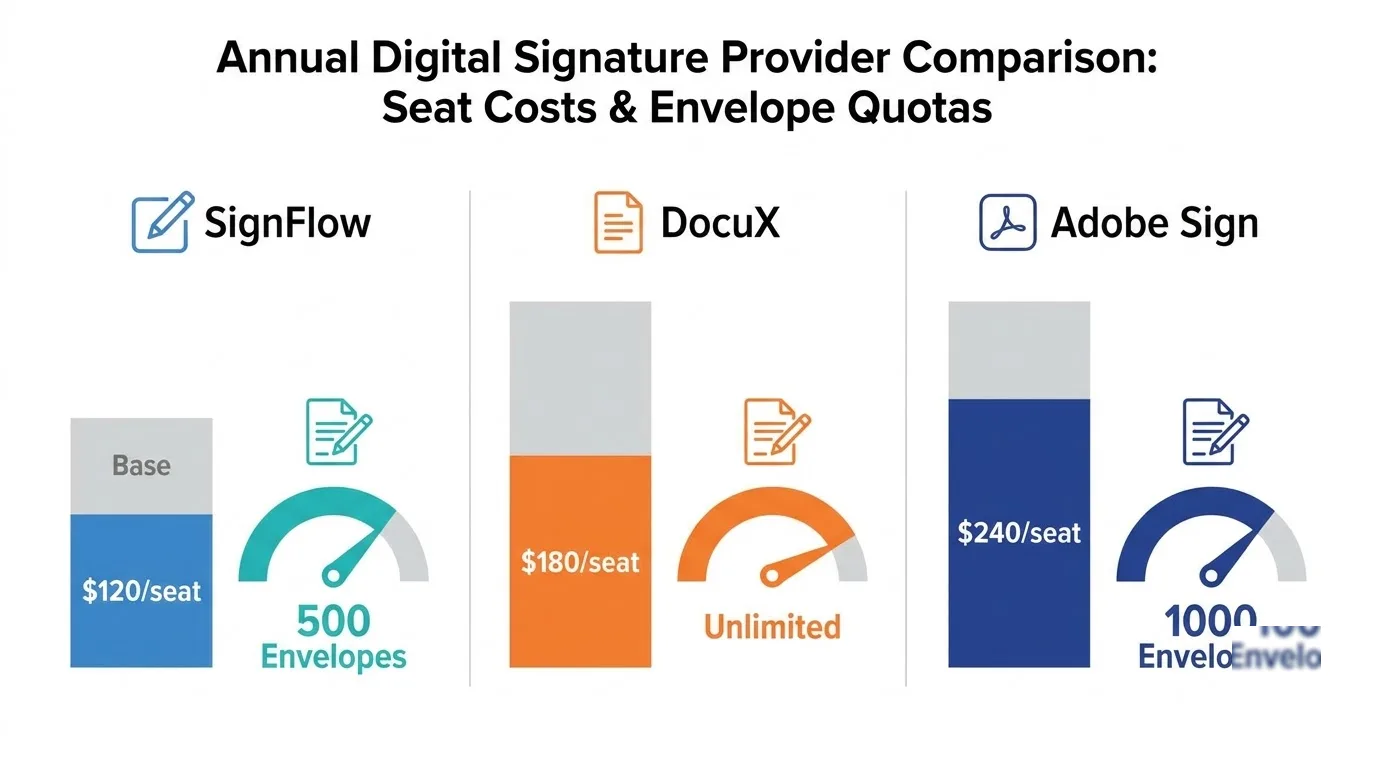
Signeasy Business costs less per seat than DocuSign Standard or Dropbox Sign Standard and has no sending cap. The trade-off is billing in US dollars only.
How do the prices line up?
The table compares each tool's team plan on annual billing. The EUR and GBP figures are what DocuSign and Dropbox Sign list on their own regional pages.
| Tool and plan | Per seat per month, annual billing | Sending limit | Templates |
|---|---|---|---|
| Signeasy Business | US$20 | Unlimited | 5, shared with the team |
| DocuSign Standard | US$25 (€23 or £20) | 100 envelopes per user per year | Shared team templates |
| Dropbox Sign Standard | US$25 (€24 or £20) | Unlimited | 15 |
| PandaDoc Starter | US$19 | Unlimited uploads and e-signatures | Up to 5 |
At entry level, Signeasy Personal and DocuSign Personal both cost US$10 on annual billing with 5 sends a month. The choice there comes down to apps and integrations. If you work alone but send more, Dropbox Sign Essentials costs US$15 per month on annual billing (€13.33 or £11.67) for one user, with unlimited sends and 5 templates.
PandaDoc takes a different angle. It has a permanent free plan with 5 documents a month, and Starter adds unlimited uploads and e-signatures plus a built-in document editor.
What does a three-person team pay per year?
- Signeasy Business: US$720
- DocuSign Standard: US$900 (€828 or £720)
- Dropbox Sign Standard: US$900 (€864 or £720)
These figures multiply the annual-billing seat price by three seats and 12 months. DocuSign's cap leaves each person 100 envelopes a year, so a team that sends daily will feel it. Dropbox Sign also offers a 30-day trial, longer than Signeasy's. For line-by-line detail, see Signeasy vs Docusign and Signeasy vs Dropbox Sign.
European VAT handling and GDPR data rules
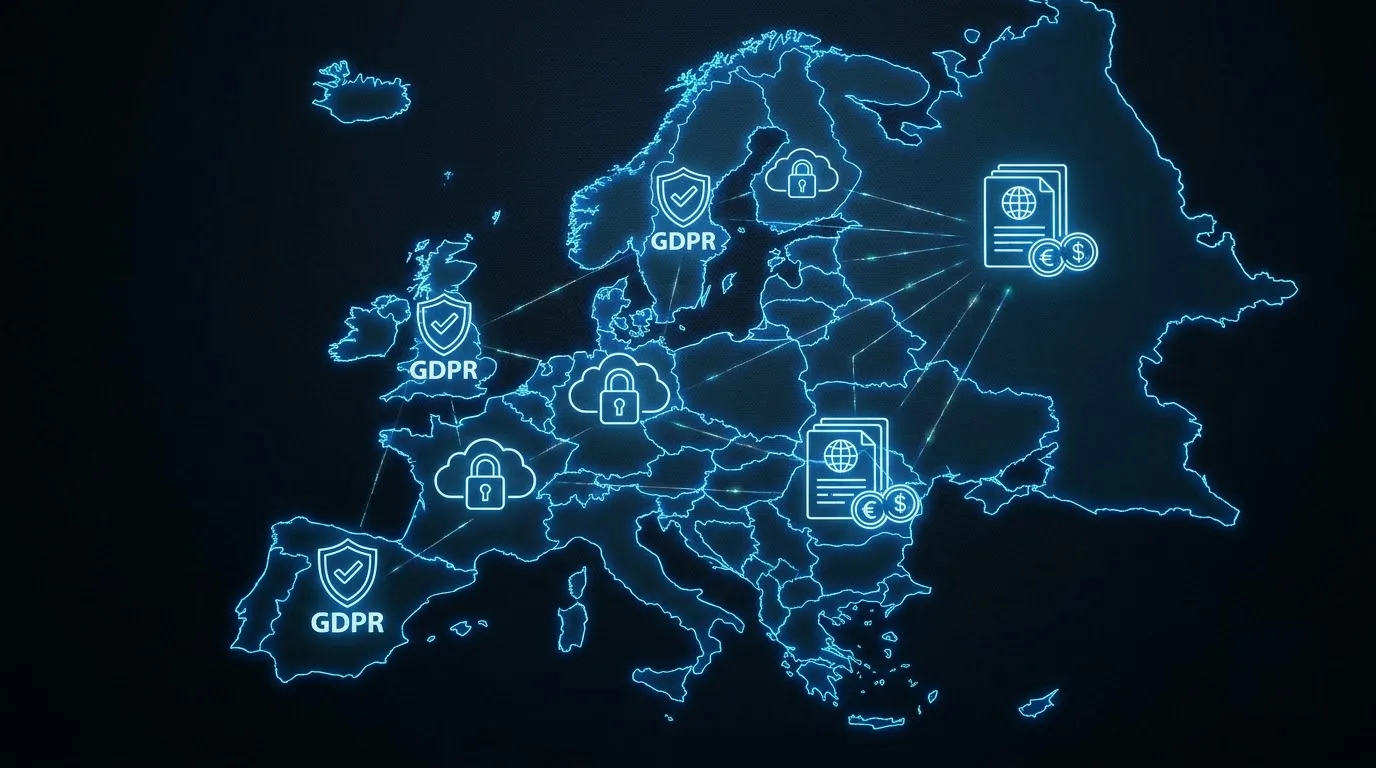
Signeasy invoices only in US dollars, so buyers in the UK, Ireland, France, Spain and Italy pay whatever rate their card issuer applies. DocuSign and Dropbox Sign list EUR and GBP prices, which makes budgeting easier.
Prices are before VAT. A VAT-registered business normally accounts for VAT itself through reverse charge on a cross-border invoice like this. A sole trader without a VAT number simply carries the exchange-rate cost.
On data protection, Signeasy publishes a standard DPA, uses Standard Contractual Clauses for international transfers and cites SOC 2 certification. However, it does not state a data location. If EU-only storage is a hard requirement, PandaDoc is the one tool here with a stated option: you choose a US or an EU version, and the EU one runs on a separate installation in Frankfurt, Germany.
DocuSign relies on Binding Corporate Rules approved by EU data protection authorities. Its privacy notice says data may sit in Australia, the United States, the EU or Canada, without naming the region for your account. Dropbox Sign uses Standard Contractual Clauses and participates in the EU–US Data Privacy Framework.
Frequently asked questions about Signeasy
What is the Signeasy cost per month?
It runs from US$10 (Personal) to US$30 (Business Pro) per seat on annual billing. The plan table above has the monthly rates and the Business tier in between.
Does Signeasy offer a permanent free plan?
No. You get the 14-day trial on paid plans and then choose a tier. If a free plan matters, PandaDoc's covers 5 documents a month.
How does the annual discount work?
You pay for the year up front and the seat rate drops. Personal and Business fall by a third, while Business Pro saves US$10 per seat each month.
Do external signers need a paid account?
No. People you send documents to sign for free and need no Signeasy account. Anyone who sends documents does need a seat, with a unique email address.
Which option should you pick
If you run a team of two to five people who send contracts every week, pick Signeasy Business and skip the envelope caps. If your accountant wants invoices in EUR or GBP, choose DocuSign or Dropbox Sign. Pick PandaDoc if you build proposals in the same tool or need German-hosted data. Solo and sending only a few contracts a month? Personal is enough.
Your next step: start the free trial on Business and run one real contract through your Google Drive or OneDrive sync before you commit to a yearly plan.