










Compare MailerLite vs Mailchimp on active contact billing, automations, team seat limits, and currency options to choose the right platform.
Yes, MailerLite is good enough to replace Mailchimp for most creators, solopreneurs, and growing businesses. You will save money because MailerLite charges only for active subscribers. However, switching might cost you advanced customer journeys, integrated SMS marketing, and complex enterprise syncs.
MailerLite vs Mailchimp: The Quick Verdict
Who Should Choose Which Platform
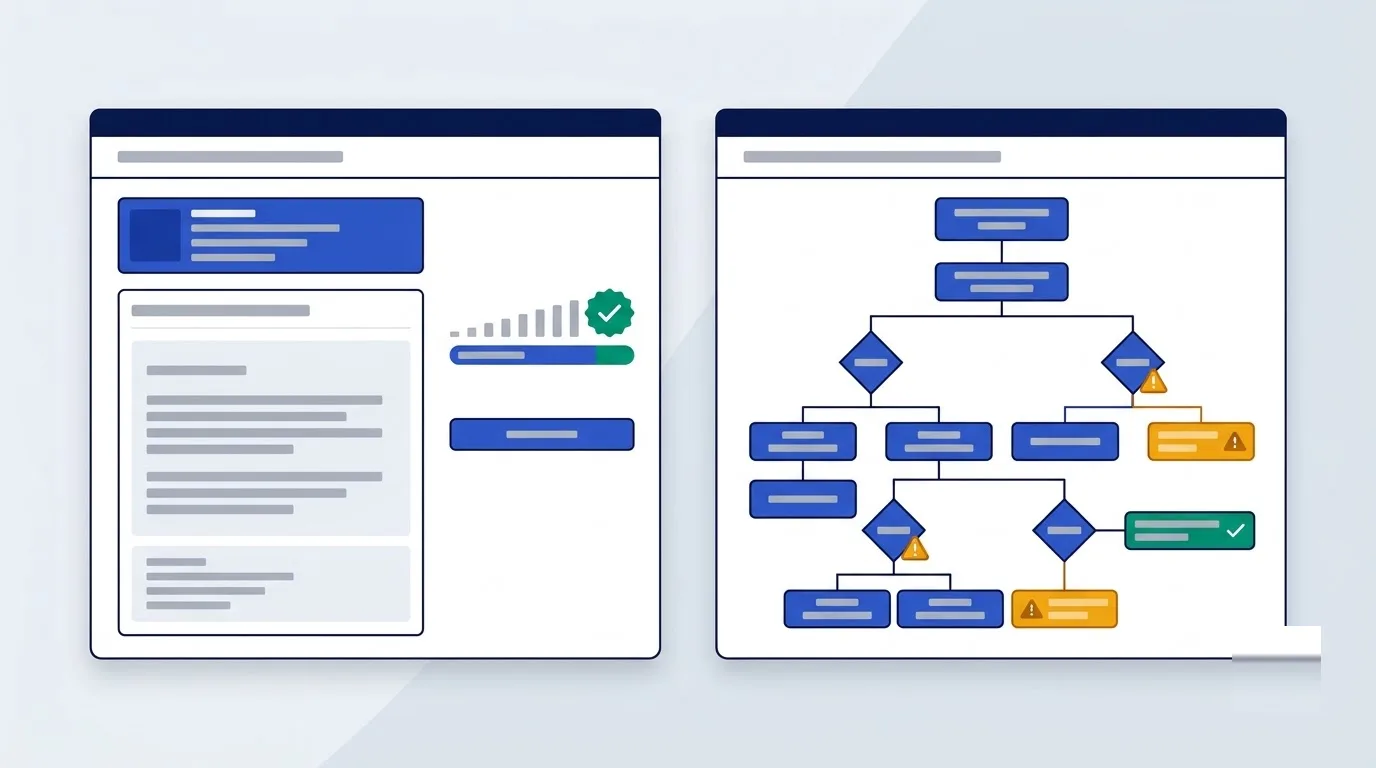
Choose MailerLite if you send straightforward newsletters, sell digital items without platform commissions, and want fair billing for active contacts only. Choose Mailchimp if you need 200-step marketing automation flows, predictive churn analytics, integrated SMS campaigns, or native sync across 330+ enterprise platforms.
Switching platforms is straightforward because MailerLite provides an automated migration tool. Therefore, you can transfer contacts, tags, and segments without manual CSV remapping.
Core Platform Differences
Mailchimp functions as a broad marketing suite. It includes built-in transactional email via Mandrill, SMS text messaging, and social advertising tools. This broad scope suits larger teams running multi-channel campaigns.
MailerLite focuses on lean email execution instead. It gives you landing pages, pop-up signup forms, web builders, and direct digital product sales. Its streamlined interface lets you build and launch campaigns faster.
If you want to read more about Mailchimp alternatives, read our Mailchimp alternatives guide to see how other email tools compare across European pricing tiers.
Which Platform Fits Your Marketing Workflow
Digital Creators and Solopreneurs
MailerLite integrates digital product sales and client discovery bookings directly into your email funnels. You can sell ebooks, downloads, or coaching sessions with 0% platform commission through Stripe. As a result, you monetize your audience without paying for separate checkout tools.
If you run a booking business, MailerLite automatically triggers follow-up email sequences when a client books a session. For instance, these emails include meeting links and digital files at no extra cost.
High-Volume Ecommerce Brands
Mailchimp offers deep ecommerce reporting and revenue tracking. Specifically, its reporting tracks store revenue across connected platforms like Shopify and WooCommerce.
Because purchase history syncs automatically, you can trigger emails for customers who bought specific items recently.
Local Retail and Multi-Channel Marketers
Mailchimp supports integrated SMS marketing alongside standard email. However, MailerLite lacks built-in SMS marketing, so you must connect third-party messaging tools instead.
If you manage a local retail business, Mailchimp also provides native social media posting tools. So you can publish social posts directly from your campaign dashboard.
Third-Party Ecosystem and AI Connectivity
Mailchimp offers an extensive integration library. For example, it syncs customer data with Salesforce, QuickBooks, and Canva. This extensive library ensures your customer records stay aligned across complex software stacks.
MailerLite offers over 100 native integrations. MailerLite also supports Model Context Protocol (MCP). Because MCP is an open bridge for AI tools, assistants like Claude can query your campaign metrics directly.
To compare other tools with strong automation features, check our Brevo vs Mailchimp comparison.
Audience Billing and Pricing Across Currencies
How List Architecture Impacts Your Monthly Bill
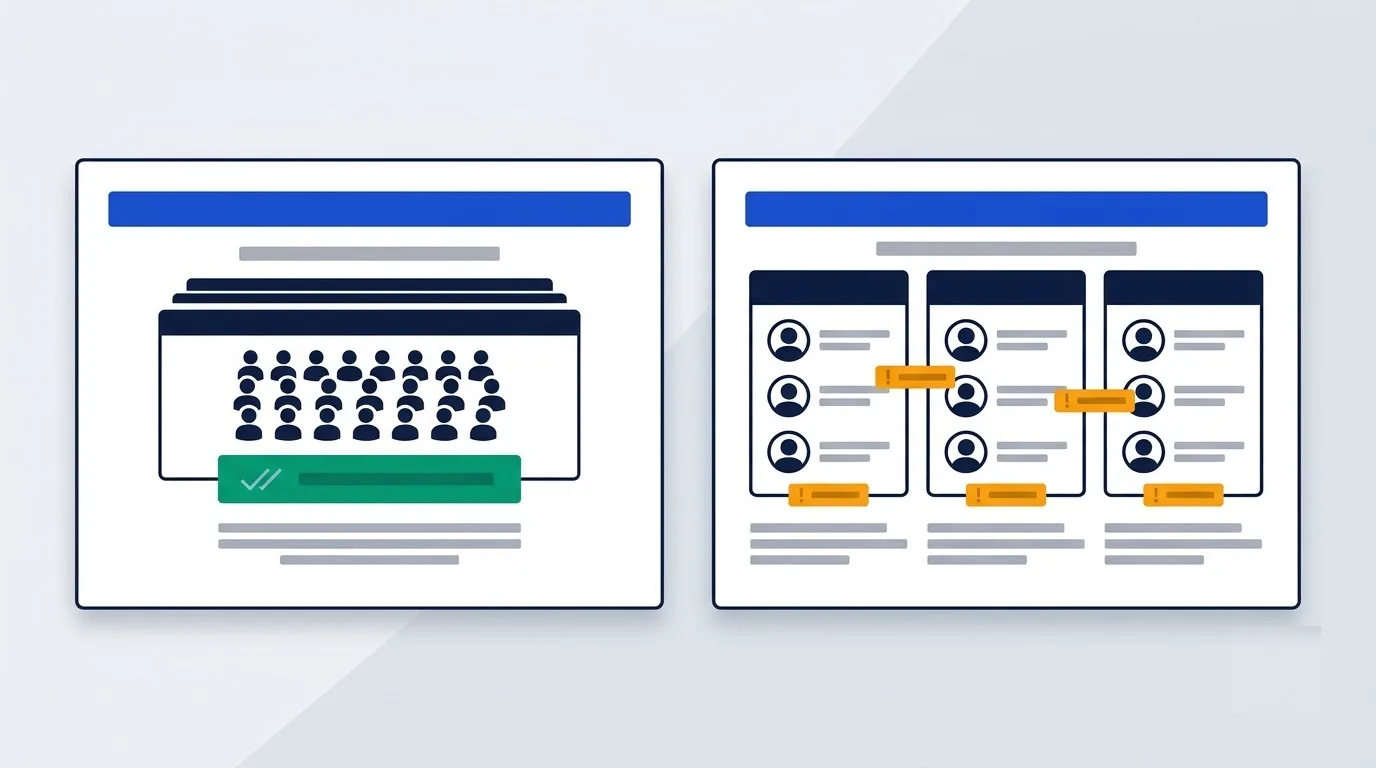
Mailchimp uses an audience-based list architecture. It counts subscribed, unsubscribed, and non-subscribed contacts toward your monthly plan limit. Furthermore, audiences remain isolated, so you pay twice if one contact appears on two separate lists.
MailerLite uses a single master list model. Only active unique subscribers count toward your monthly subscription tier. You can organize contacts into unlimited groups and segments with zero duplicate billing penalties.
Native Plan Pricing in EUR, GBP, and USD
Mailchimp publishes fixed base pricing across multiple currencies. Essentials starts at €11.70 / £9.91 / $13 monthly for 500 contacts. Standard starts at €18.00 / £15.24 / $20 monthly for 500 contacts.
MailerLite publishes USD base pricing with unlimited sends on Power plans. The table below compares monthly subscriber tiers for both platforms in USD before local taxes.
| Subscriber Tier | MailerLite Power Plan (USD) | Mailchimp Standard Plan (USD) |
|---|---|---|
| 2,500 Subscribers | $49 | $60 |
| 5,000 Subscribers | $69 | $100 |
| 10,000 Subscribers | $129 | $135 |
| 25,000 Subscribers | $239 | $310 |
Annual and Nonprofit Discounts
MailerLite offers a 10% discount on annual billing, plus 30% off for registered nonprofits. In contrast, Mailchimp offers no annual discount on standard plans and caps nonprofit discounts at 15%.
You can check regional software discounts on our email marketing software deals page.
Comparing Free Plans and Scaling Limits
Contact Ceilings and Sending Caps
On the free tier, MailerLite provides up to 250 subscribers and 2,500 monthly email sends.
Mailchimp limits its free tier to fewer than 250 contacts and 500 monthly email sends, alongside a daily cap of 250 emails. If you send a broadcast to 200 subscribers twice in one day, you will exceed this daily threshold.
Automation Access on Free Tiers
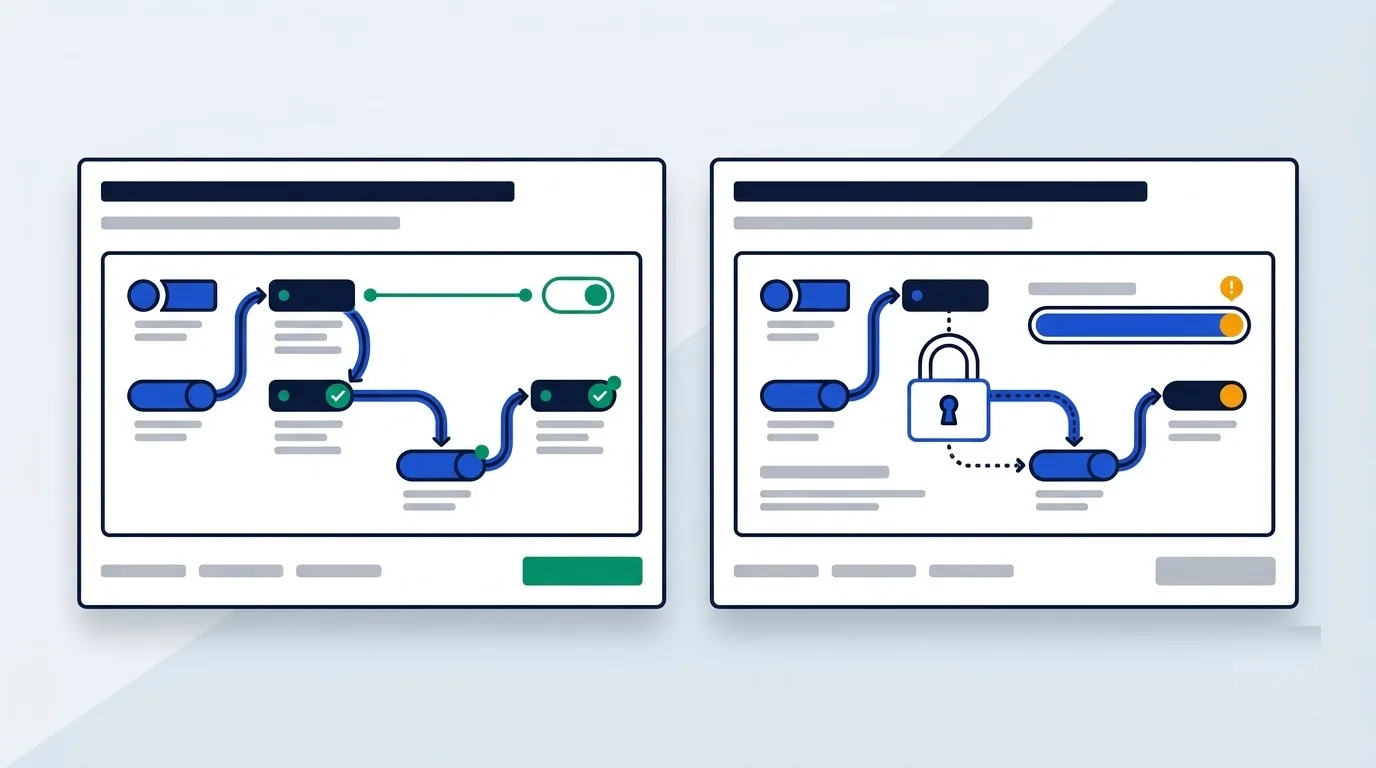
MailerLite includes multi-step email automations and unlimited list segmentation on its free tier. Thus, you can welcome subscribers or deliver lead magnets without paying.
Mailchimp locks all automated customer journeys and A/B split testing behind paid subscription tiers. Instead, free accounts can only send manual one-off broadcasts.
Template Availability and Trial Terms
Mailchimp supplies 8 basic templates on free plans. In contrast, MailerLite offers raw layout blocks, so you must build designs from scratch.
Mailchimp offers a 14-day free trial for its Essentials or Standard tiers. Similarly, MailerLite offers a 14-day trial of its Power plan without requiring a credit card.
If you want to evaluate another budget-friendly email solution, review our Brevo vs MailerLite analysis.
Email Automation and Campaign Builder Capabilities
Workflow Step Constraints and Trigger Options
Mailchimp Essentials caps automations at 4 steps, but Standard allows up to 200 steps. Meanwhile, MailerLite caps sequences at 100 steps across its plans.
Mailchimp provides 77 pre-built workflow templates. These journeys include behavioral ecommerce triggers like abandoned shopping carts and purchase recency. In comparison, MailerLite offers 15 templates, focusing on form signups, link clicks, profile updates, and dates.
Content Builders and AI Writing Assistants
MailerLite features a drag-and-drop editor with over 100 layout blocks. You can embed interactive quizzes, RSVP event blocks, and surveys directly into newsletters.
Mailchimp offers both classic and modern email editors. Its Content Optimizer evaluates your copy against industry standards, while built-in AI tools suggest subject lines and body copy.
Split Testing Capabilities
MailerLite provides A/B split testing for subject lines, email content variations, and complete automation sequences. You can send variations to a sample group before emailing the remaining subscribers.
Mailchimp Standard includes multivariate testing, which tests multiple variables at once. In addition, it optimizes send times based on open history.
Team Collaboration and Workflow Seat Limits
User Seat Caps on Paid Tiers
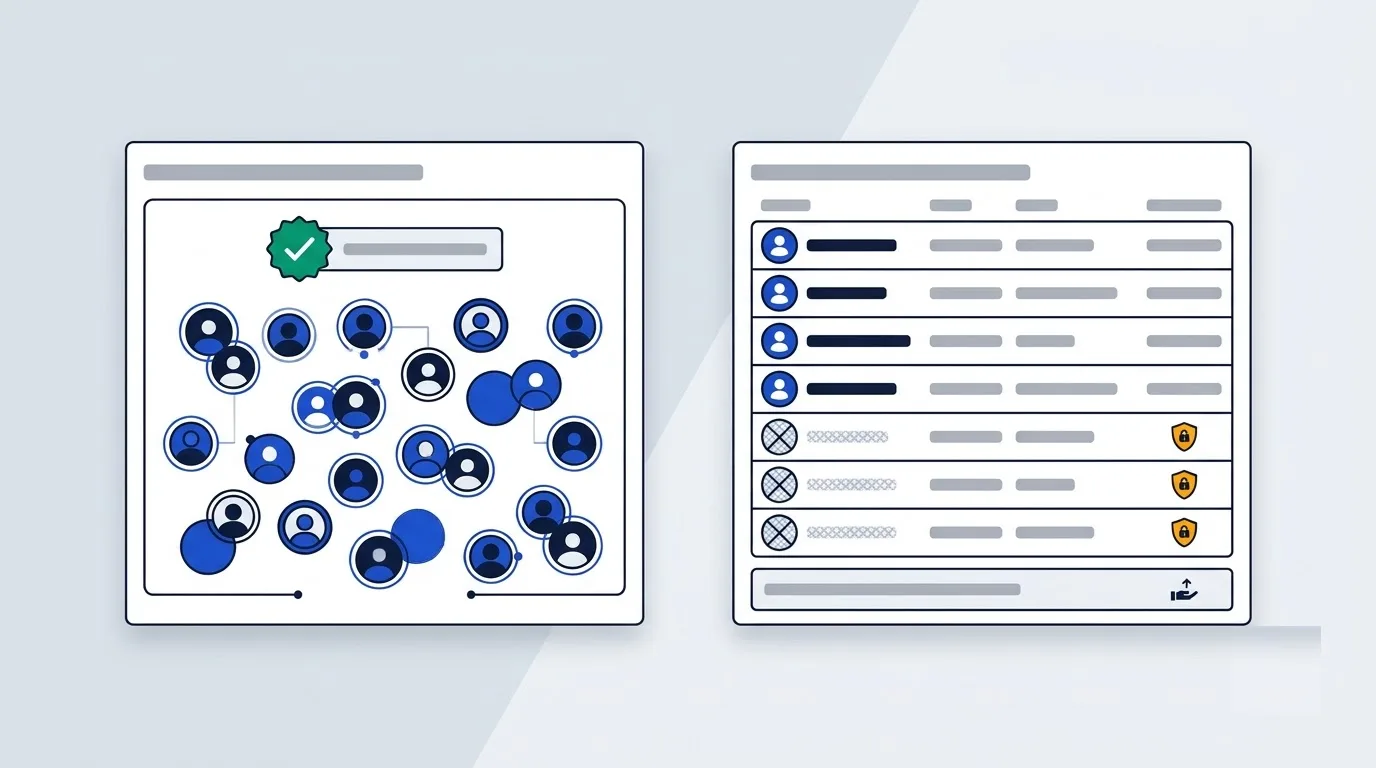
Mailchimp enforces seat limits on its mid-range plans. Essentials restricts access to 3 user seats and 2 user roles. Standard permits 5 user seats and 4 roles. To obtain unlimited user access, you must upgrade to the Premium plan starting at €315.08 / £266.69 / $350 monthly.
MailerLite includes unlimited team seats on its Power plan. Therefore, you can invite copywriters, designers, and clients without extra seat charges.
Support Channels and Team Resources
Mailchimp provides 24/7 email and live chat support on paid tiers, while Premium subscribers gain priority phone assistance and a 90-day onboarding specialist.
MailerLite offers 24/7 email and live chat support on paid plans, maintaining an average live chat response time of 5 minutes. However, it does not provide phone support on any tier.
Deliverability and Sender Infrastructure
For email delivery, Mailchimp routes transactional messages through Mandrill while maintaining strong delivery rates.
MailerLite routes transactional messages through MailerSend. For list hygiene, it provides MailerCheck to remove invalid addresses before campaign launches.
To see how Mailchimp compares against enterprise marketing platforms, view our HubSpot vs Mailchimp guide.
European Legal Rules and Data Compliance
European Contracting Entities
Mailchimp contracts through Intuit Ireland Software Limited for customers located in most EU countries, excluding Sweden and Denmark. For UK-based customers, Mailchimp contracts directly through Intuit Limited.
MailerLite operates as an EU-founded company. Consequently, it operates under European jurisdiction with standard EU contract terms.
Data Processing Addendums and Transfers
Mailchimp provides an official Data Processing Addendum (DPA) where it acts as a data processor. It safeguards cross-border transfers under the Data Privacy Framework (DPF), a transatlantic data transfer pact. In addition, pre-approved Standard Contractual Clauses (SCCs) serve as backup transfer safeguards.
Neither vendor guarantees exclusive EU data storage in standard base terms. Therefore, organisations requiring strict local data residency must evaluate these transfer terms carefully.
VAT Mechanism and GDPR Opt-in Tools
Prices for both platforms are listed before VAT. Under the VAT reverse charge rule, VAT-registered businesses account for tax locally rather than paying supplier VAT upfront.
Both platforms support double opt-in settings, preference management centers, and GDPR-compliant signup form checkboxes. Likewise, both handle subscriber deletion requests under GDPR.
Which one should you pick
If you're a creator or solopreneur sending straightforward newsletters, MailerLite saves you money and keeps automation free. If you run multi-channel campaigns with SMS, deep ecommerce tracking, or need huge teams, Mailchimp's broader toolkit fits better. Local retailers juggling social posts alongside email also lean Mailchimp's way.
Start by checking who should choose which platform, then test either tool's free tier before committing.