








Compare verified Webflow alternatives for European businesses. Review pricing, CMS limits, code export, and GDPR hosting rules before switching.
TL;DR: Your pick among webflow alternatives depends on who builds and who pays for seats. Framer suits design-led marketing teams. TeleportHQ suits engineers who host their own code. Wix and Squarespace suit solo owners who want templates. If you need Webflow's deep CMS, stay put.
Webflow Alternatives at a Glance
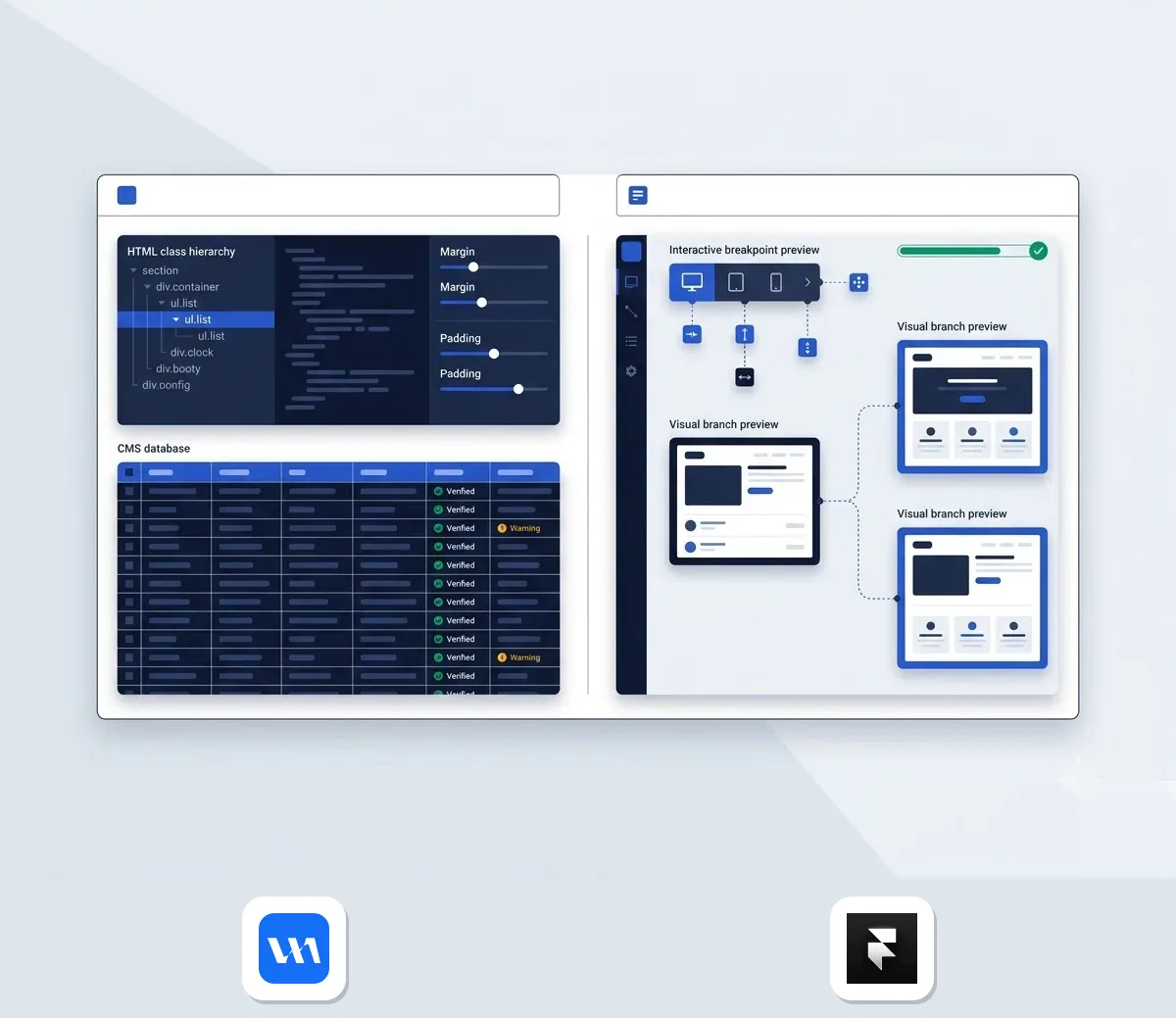
Framer is the closest match if you want strong design control. It charges a single site plan with optional seats. TeleportHQ goes further, since you host the exported code yourself.
- Framer: design-first marketing teams that want a freeform canvas and whole-project branch reviews. Skip it if you run an online shop.
- TeleportHQ: engineering teams that need clean code export. Skip it if nobody wants to own deployment.
- Wix and Squarespace: solopreneurs who want drag-and-drop templates. Skip them if you need a deep CMS.
- Gamma: quick pages and decks. It is not a like-for-like Webflow replacement.
- Webflow: teams that want reusable CSS classes and deep CMS capacity.
Webflow's own free tier sets the baseline. Webflow's pricing page, checked October 2026, lists a free Starter plan. It includes 2 static pages and 50 CMS items per staged site. It comes with a webflow.io subdomain and 1 GB of bandwidth. That is enough to evaluate, but not to launch. Our Webflow page lists the full plans.
| Tool | Free option | Main strength | Main limit |
|---|---|---|---|
| Webflow | Starter site on webflow.io | Class-based system, 40 collections on Premium | Workspace and site fees stack |
| Framer | Free plan on a Framer domain | Canvas editing, branch previews on Pro | No ecommerce, no direct support |
| TeleportHQ | Free to get started | Export to six code targets | You own hosting and deployment |
| Wix | Free plan | 800+ templates, app marketplace | Fewer customization options, slow editor |
| Squarespace | 14-day trial, no free plan | 150+ templates | No CMS like Webflow's |
| Gamma | 400 one-time starter credits | Credit-based page and deck creation | Credits cap usage, US-hosted |
Source: Framer's comparison page, TeleportHQ's site, Gamma's pricing page and EXPERTE.com's comparison, checked October 2026.
Which Webflow Alternative Fits Your Project
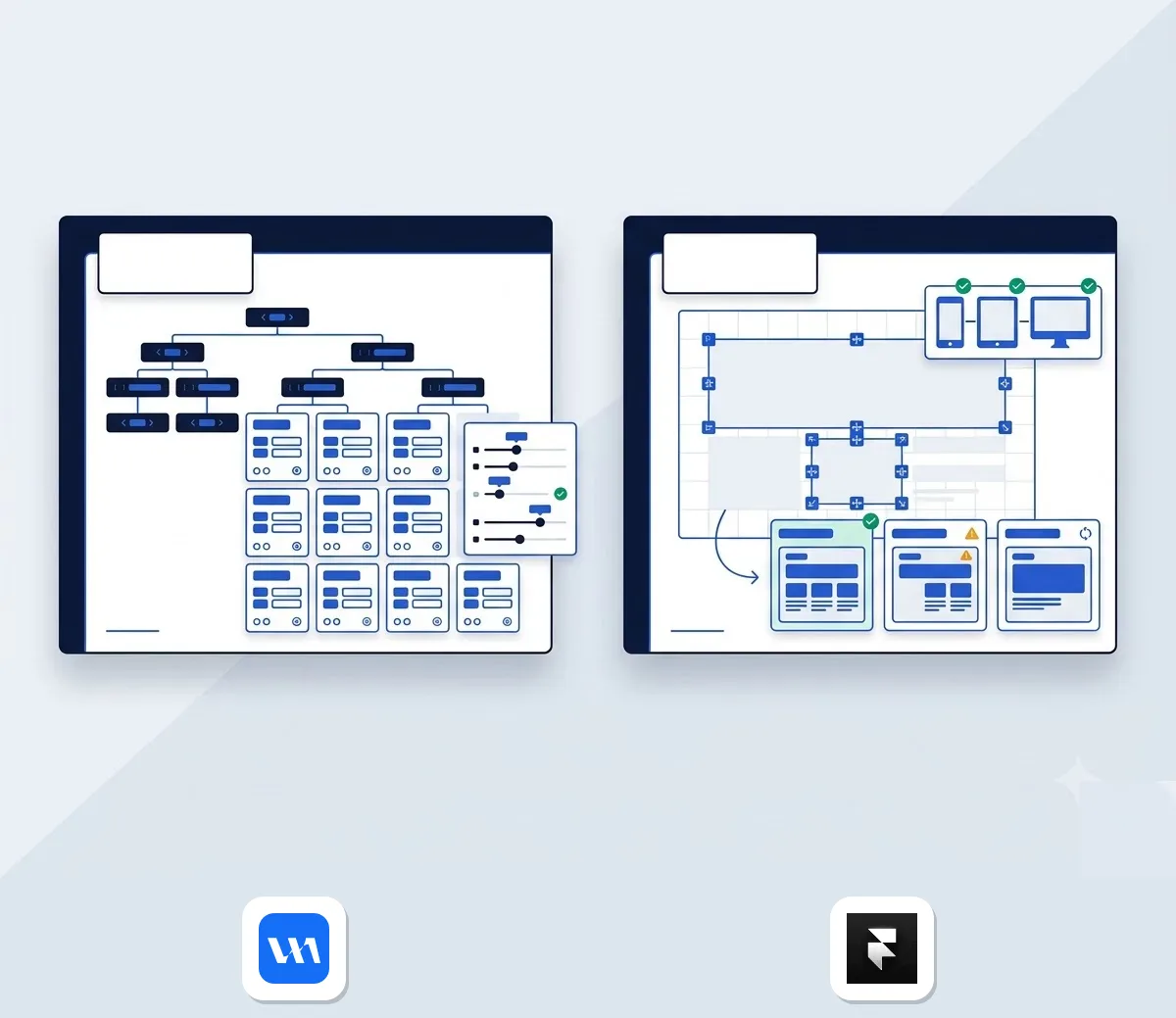
Pick by how your team works, not by feature count. The split starts with the editor. Framer edits on a freeform canvas with components and breakpoints. The interface feels much like Figma. Webflow builds on classes and variables, and you still manage margins and padding.
If your designers live in Figma, Framer will feel familiar. If your front-end people like structured systems, Webflow rewards that effort.
Developer handoff is a different problem. TeleportHQ turns copied Figma layers into production code across popular web frameworks. You keep the codebase, assets, and deployment pipeline. Picture a studio that hands finished components to its own engineers: that is the fit.
Not everyone wants a blank canvas, though. A consultant needing a site this week will move faster on Wix or Squarespace templates. You trade away deep CMS architecture for ready-to-launch layouts.
Cost of ownership shifts with team size. Webflow adds a Workspace layer on top of every site plan, unlike Framer's simpler model. The next section puts numbers on both, and our Webflow vs Framer guide goes deeper on the two.
Webflow Pricing Plans Explained Against Competitors
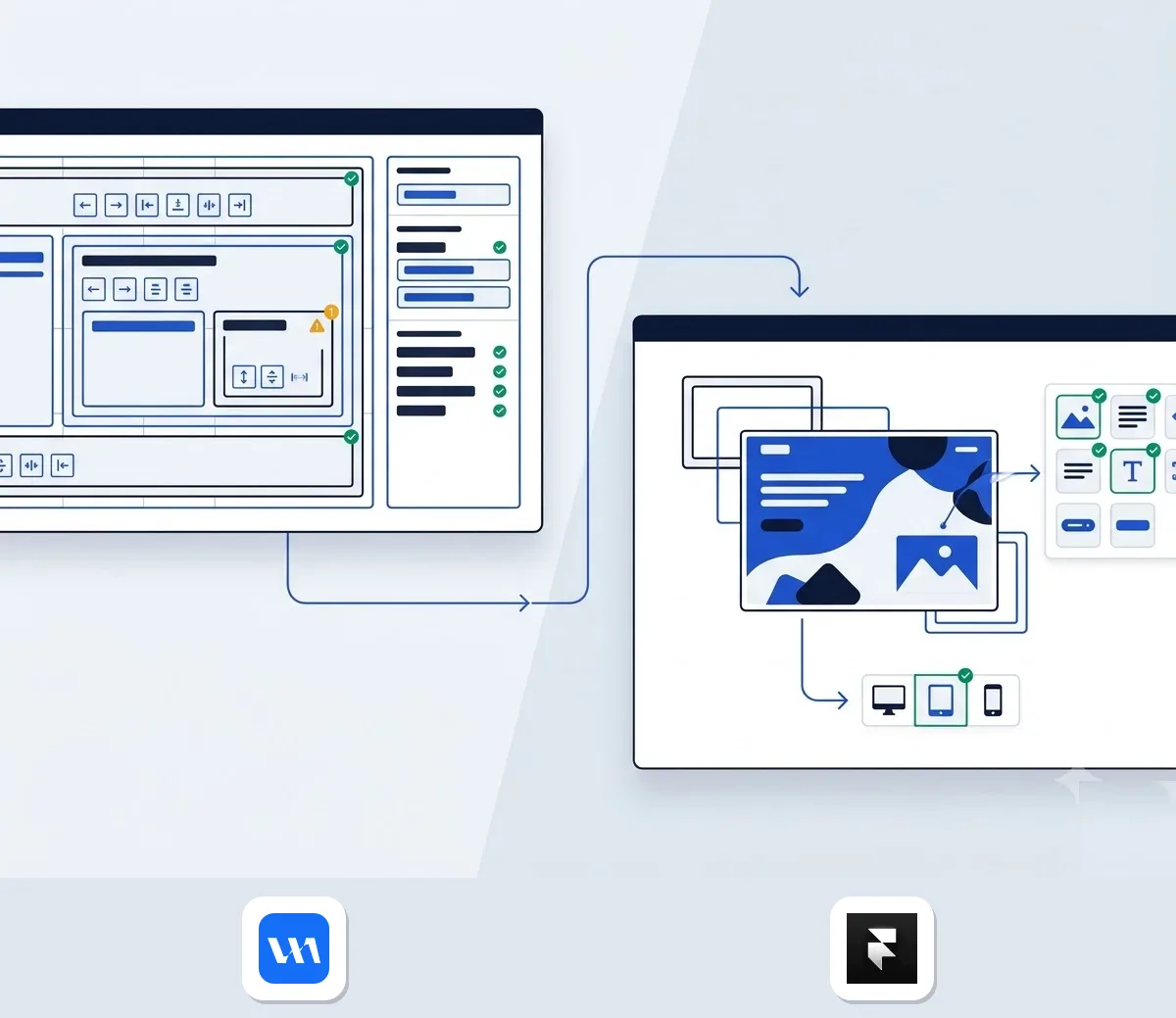
Webflow charges twice: once for the Workspace and once for each site. Every account starts with a free Workspace and a free Starter site. The Workspace tier (Free, Core, Growth) sets how many Starter sites you can stage: 2, 10, or unlimited. Any tier supports unlimited paid Site plans.
Once you publish, each site needs its own plan. Basic is US$15 per month and Premium is US$25 per month, both billed yearly. The Team platform plan is US$2,500 per month on an annual contract and bundles a site, Workspace and add-ons. Figures are in US dollars, before taxes added at checkout.
Traffic adds a third layer. Past plan thresholds, Webflow bills:
- US$2 per GB of bandwidth
- US$2 per 5 CPU hours (server compute time)
- US$2 per 1M requests
Paid plans include surge protection, and Webflow gives at least 30 days' notice before charging overages.
Framer keeps the structure flatter. Compare the two below, then model your full team setup rather than the site plan alone. For a longer breakdown, see Framer vs Webflow prices.
| Plan level | Framer | Webflow |
|---|---|---|
| Entry site, custom domain | Basic: US$10/mo billed yearly, 2 CMS collections, 1,000 items, 50 GB bandwidth | Basic: US$15/mo billed yearly, 300 static pages, 10 GB bandwidth, no CMS |
| Content-rich site | Pro: US$30/mo billed yearly, 10 collections, 2,500 items, staging, branch previews | Premium: US$25/mo billed yearly, 40 collections, 20,000 items, code components, site search |
| Extra people | Full editors US$20/mo, content editors US$10/mo | Free client seats: 1 per paid site (Starter), 1 per site (Freelancer), 3 per site (Agency) |
Agencies feel the gap most. A studio running several client sites pays a site plan for each one, on top of its Workspace. Webflow softens that with client seats by Workspace tier, while Framer prices extra editors individually.
Top Alternatives for Visual Design and Export
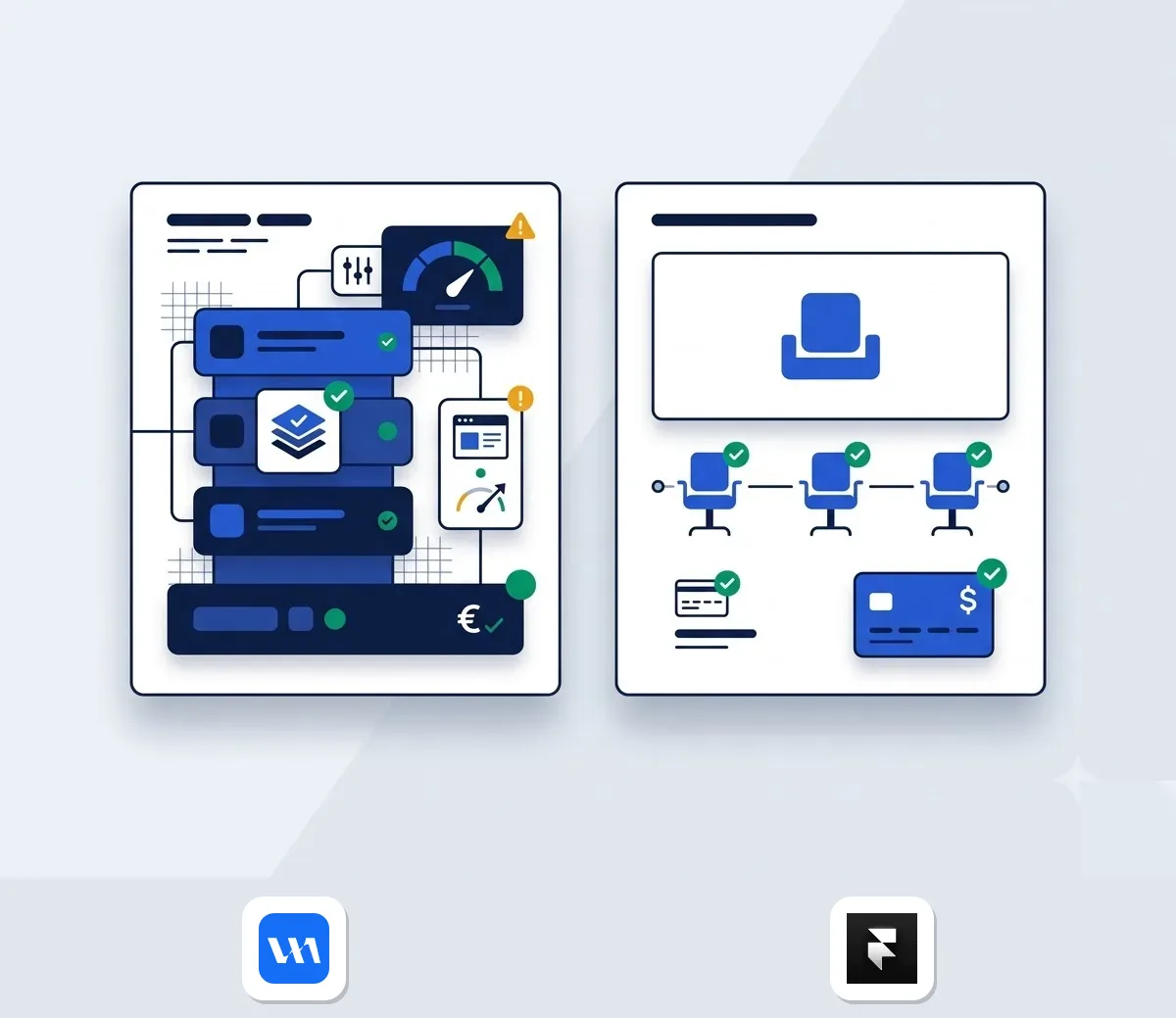
These five tools cover different jobs.
Framer: for design-first marketing teams
Framer is the closest swap if your designers want reviews without managing complex CSS rules.
- Canvas editing that works like Figma
- Branch previews let teams test canvas edits, CMS updates, and AI drafts before publishing
- Code components, pluginsand APIs
Downsides: no ecommerce features and no direct support. Prices are in the table above. Against Webflow, you give up CMS headroom. However, you get branch previews on self-serve plans, whereas Webflow reserves branching for its Team tier. More on our Framer page.
TeleportHQ: for engineering-led teams
TeleportHQ suits teams that want code first and a visual tool second.
- Copy Figma layers into production-ready code
- Export to React, Next.js, Vue, Nuxt, Angular and HTML+CSS
- Keep your own CMS or backend
- Free to get started
Downside: you handle deployment and hosting yourself. Compared with Webflow, you lose the managed visual CMS, but you avoid the one-way export problem covered below.
Squarespace: for design-conscious solo owners
Squarespace works when you want a polished site from a template.
- 150+ templates and many ready-made sections
- Blogging and ecommerce tools
- 14-day trial
Downsides: no free plan, no advanced CMS, and external benchmarks note disappointing support response times. Entry pricing starts at US$16 per month. You get easier editing than Webflow, but less content structure.
Wix: for owners who want drag-and-drop
Wix is the gentlest start of the five.
- Free plan available
- 800+ templates
- App marketplace and ecommerce features
Downsides: fewer customization options than Webflow, and the editor can feel sluggish. If you need pixel-level control, Webflow still wins.
Gamma: for quick pages and decks
Gamma suits fast, lightweight publishing rather than a full site build.
- Free plan with 400 one-time starter credits
- Plus at US$10 per month, or US$9 billed yearly (£7 in the UK, billed yearly)
- Export to PDF and PPT on Plus
- Pro adds password protection and custom fonts
Downside: its plans centre on credits and exports, not CMS collections, so it will not replace a content-heavy Webflow site. See the Gamma page for current plans.
Clean Code Export and Vendor Lock-in
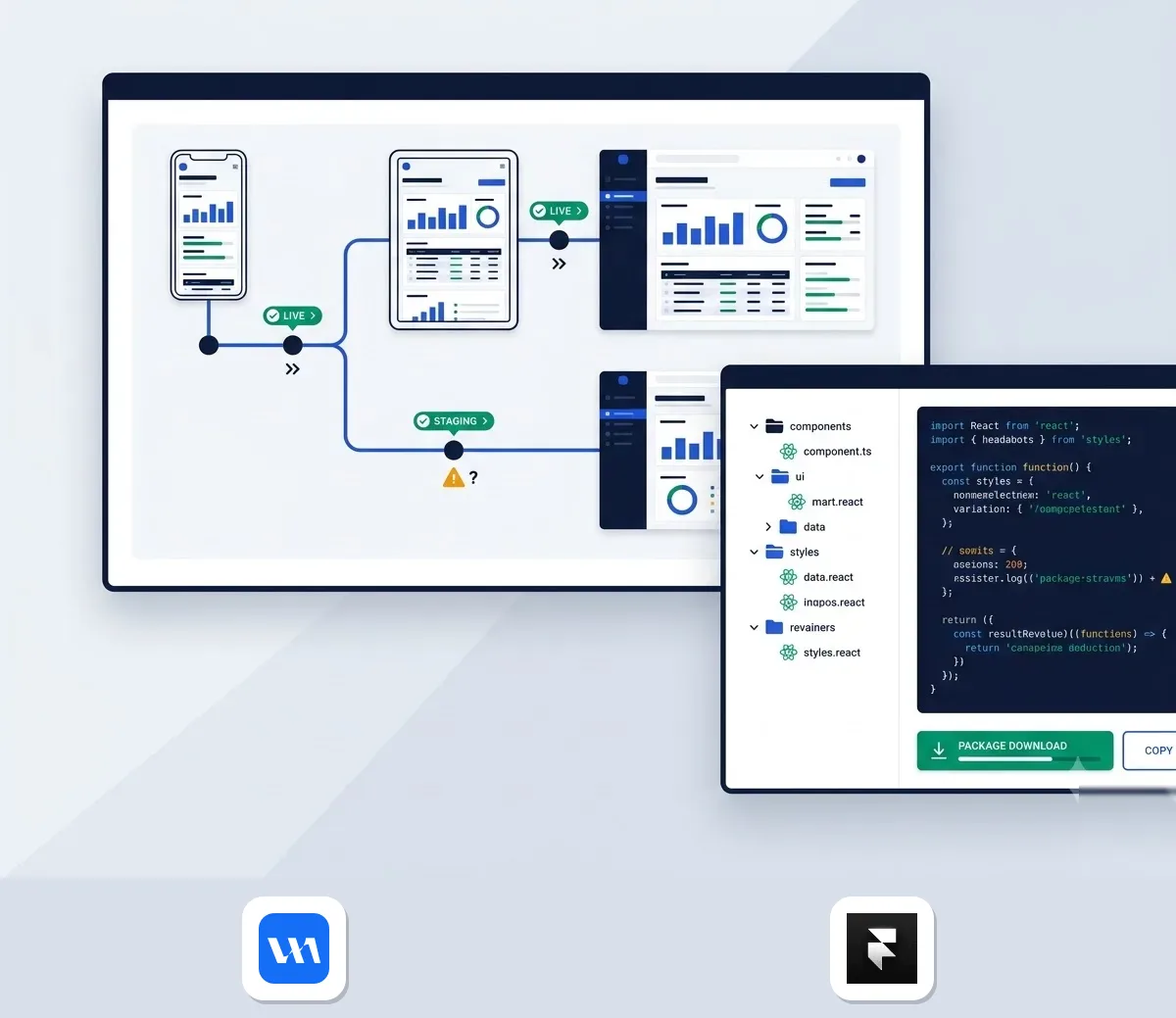
Webflow lets you take your site with you, but not all of it. Any paid Workspace plan can export the site code. You can host it anywhere without attribution. Exported forms stop working, and collections export one at a time. Also, exported code cannot be re-imported.
TeleportHQ sits at the other end. You copy Figma layers directly into component code, retaining your full codebase and hosting pipeline.
Where does your CMS content live?
Content is the stickier part. Framer's CMS is self-contained: you define collection fields, then design the dynamic template on the same canvas. That is quick, but your content lives inside Framer. Webflow's REST API lets you add, update and remove CMS items from outside, so you can sync or move data.
How hard is migrating off Webflow?
Expect engineering friction in four places:
- Collections: export each one separately, since dynamic content does not export in bulk.
- Forms: rebuild them, because exported forms stop working.
- Layouts: recreate them rather than convert, because a class structure does not map onto a freeform canvas.
- Redirects: map old URLs on day one, since Framer includes redirects in its hosting.
Because exports cannot go back in, pilot one section before you move everything.
GDPR Compliance and European Hosting Rules

Webflow and Gamma publish the clearest terms, so they anchor this section. Official privacy documentation shows:
- Webflow: a US-based firm hosting on Amazon Web Services. It delivers sites through Cloudflare's global network. It complies with the EU-US Data Privacy Framework and offers a Data Processing Addendum (DPA) with standard EU transfer clauses.
- Gamma: US AWS infrastructure with audited SOC 2 security. It provides a DPA, a sub-processor list, and an EU legal contact.
Neither vendor offers EU-only storage, making legal contracts essential. If you operate in France, Spain, Italy, Ireland, or the UK, execute the DPA before migrating client data.
Larger buyers have one more route. Webflow's Enterprise tier offers custom billing for accounting teams, security questionnaires, and master and service level agreements. Prices on both tools are before tax. For more site builders and their prices, browse our web design category.
Which way should you go?
Design-led teams in Figma will feel at home with Framer. Engineers who want to own their code should look at TeleportHQ. Solo owners after a quick, templated launch are better served by Wix or Squarespace. If you rely on deep CMS structure, stick with Webflow rather than force a switch.
Whichever way you lean, pilot one section first: check how hard migrating off Webflow actually is before you move the rest of your site.