


Compare Squarespace vs Webflow for European businesses. Review verified pricing, design freedom, CMS collections, ecommerce fees, and GDPR compliance.
TL;DR: In the squarespace vs webflow decision, choose Squarespace if you run a small business and want hosting, invoicing, booking and 24/7 support in one subscription. Choose Webflow if you design for a living and need a structured CMS and a custom checkout. Squarespace frustrates developers, and Webflow frustrates beginners.
Squarespace vs Webflow at a Glance
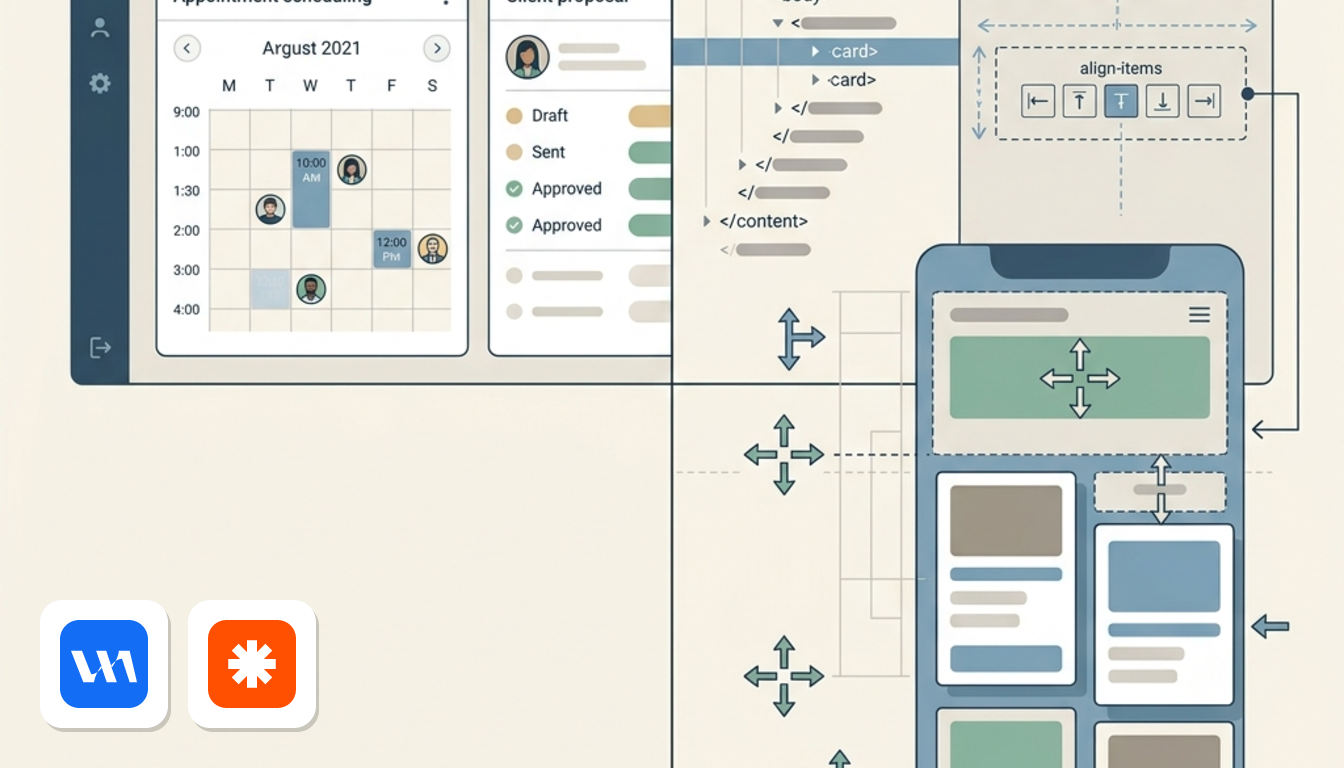
The right pick depends on who builds and maintains the site. Squarespace is a template-based, all-in-one platform. Webflow starts from a blank canvas and treats the site as a design and content system.
According to the official comparison pages of both vendors, checked October 2026, the split looks like this:
- Squarespace suits small business owners, service providers and solo consultants who want native invoicing, proposals, contracts, appointment booking and 24/7 support without technical setup.
- Webflow suits web designers, agencies and scaling brands that want full visual control of the front end, a CMS built as a structured database, and a styled cart and checkout.
- Squarespace is the wrong fit if you want pixel-level CSS control or content types beyond blogs, events and portfolios. Webflow's page says unique content on Squarespace means hiring a developer.
- Webflow is the wrong fit if terms like flex, overflow and min-width mean nothing to you. Zapier describes its learning curve as steep for non-designers.
Both vendors wrote their own comparison pages, so each describes the rival from its own corner. Where this article quotes one about the other, it says so.
Picture a physiotherapist who needs online bookings and invoices by Monday. That is a Squarespace job. Now picture a studio that wants product cards inside every lookbook story. That is Webflow territory.
When to Choose Squarespace or Webflow
Do you want a business hub out of the box?
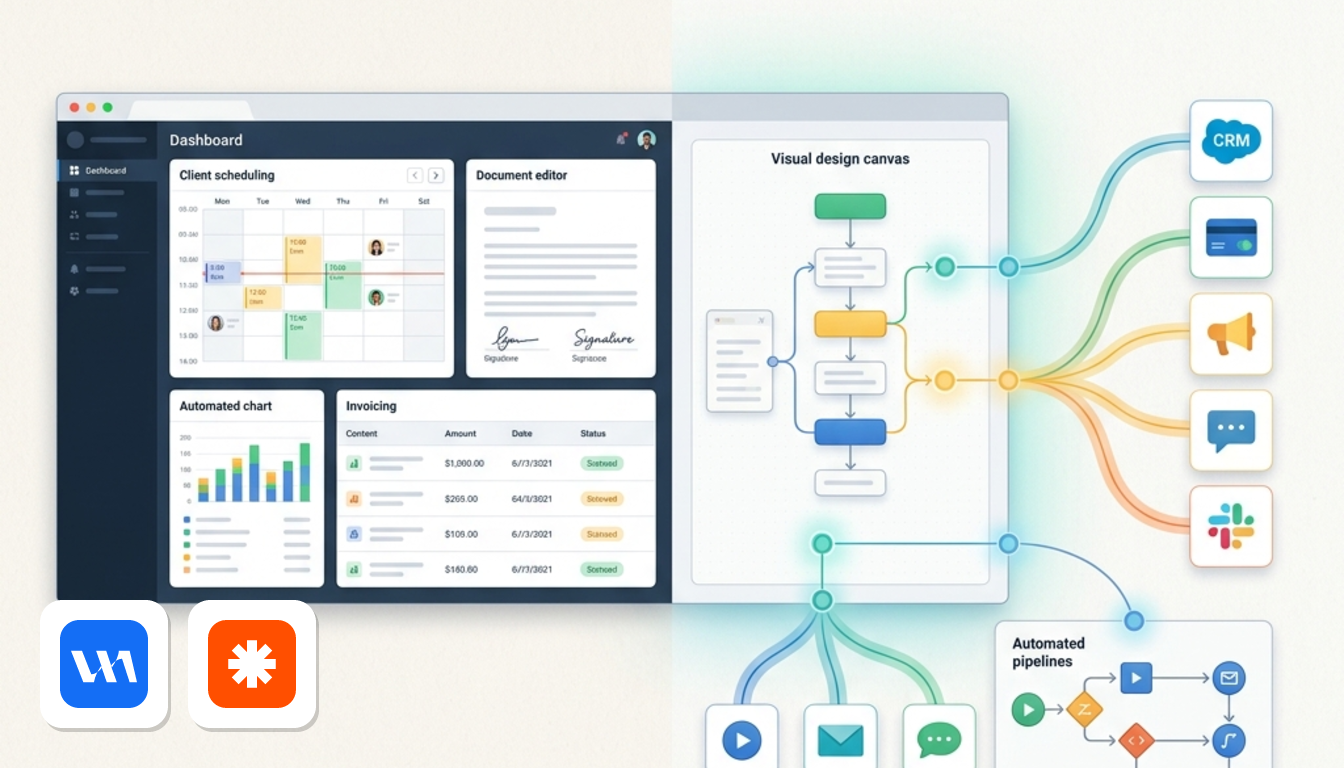
Pick Squarespace if you want one dashboard for the whole client journey. According to Squarespace's compare page, a subscription covers hosting, a custom domain (free for the first year on annual plans), analytics, Email Campaigns, invoicing, memberships and Acuity Scheduling for appointment booking.
For a solo consultant, that means an inquiry form can lead to a proposal, a contract and an invoice without a second login. Support runs 24/7, and Squarespace's page says Webflow offers no 24-hour support.
Do you want to design from scratch?
Pick Webflow if your priority is a brand identity that no template gives you. Its comparison page says you build with CSS grid, flexbox and custom interactions without writing raw syntax. You can also start from one of its 100-plus templates and change every element.
If you build sites for clients, Webflow's page says it can cost you nothing: you build, add hosting and pass the bill on through Client Billing. Edition Group adds that the underlying code stays clean and exportable.
What does your tool stack look like?
This is where the two diverge in daily work. Webflow's own page admits it lacks built-in email marketing and customer database management, and points you to services such as Mailchimp. Squarespace's page, meanwhile, says service selling on Webflow needs plugins or third-party integrations.
The trade-off is breadth. Zapier counts 180+ app integrations for Webflow against 40+ Squarespace extensions, and both connect to thousands more through Zapier. Squarespace gives you fewer moving parts. Webflow gives you more parts to choose from.
Visual Canvas Flexibility and Learning Curve
How much design control do you get?
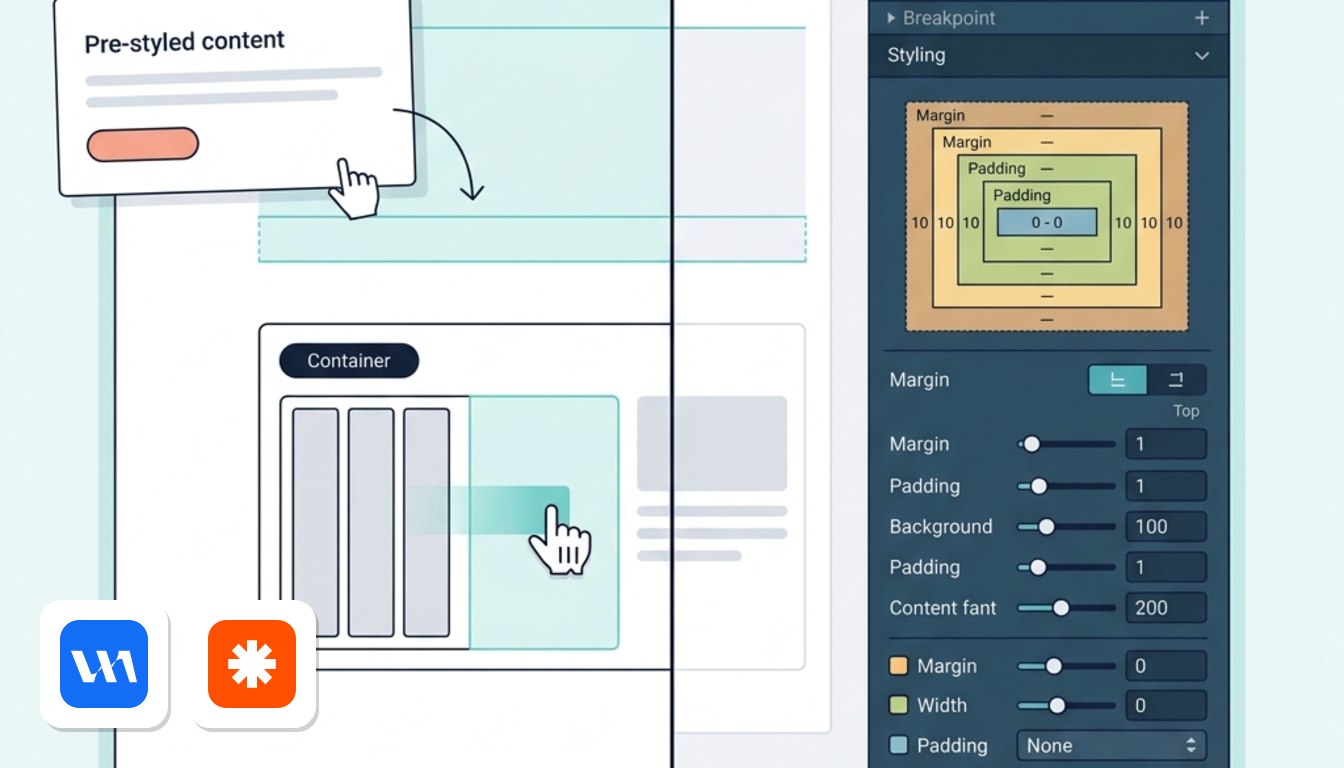
Webflow gives you far more. According to its comparison page, the interface is founded on web standards, so you work with HTML5 semantic tags, CSS grid, flexbox and a preview for every breakpoint. You can use any font, set units from ems to vw, save brand colours as global swatches and add gradients or CSS filters.
Animations follow the same logic. Webflow lets you trigger them on page load, scroll, mouse movement and clicks, with no code. On Squarespace, you work with your template's built-in interactions. Anything custom needs a developer, according to Webflow's page.
Squarespace pushes speed and cohesion instead. It offers a curated template library and a drag-and-drop editor. Blueprint AI, available on desktop only, turns brand descriptors into a draft site with pages, text and images. Zapier adds that custom CSS is possible, but it requires coding knowledge.
How hard is each editor to learn?
Zapier says Webflow's editor feels like an app, with so many sections and buttons that non-designers can find it overwhelming. Designers used to sidebar-heavy tools will feel at home. Edition Group makes a similar point: Webflow takes time to learn, then rewards you with faster iteration.
Squarespace is gentler. Zapier says the page looks as it will appear to visitors, and hovering over a section reveals its tools. A non-designer can build a professional-looking site in less than a day.
If Webflow's controls appeal but the learning curve worries you, our Webflow vs Framer comparison looks at another design-led option.
CMS Capabilities and Content Publishing Workflow
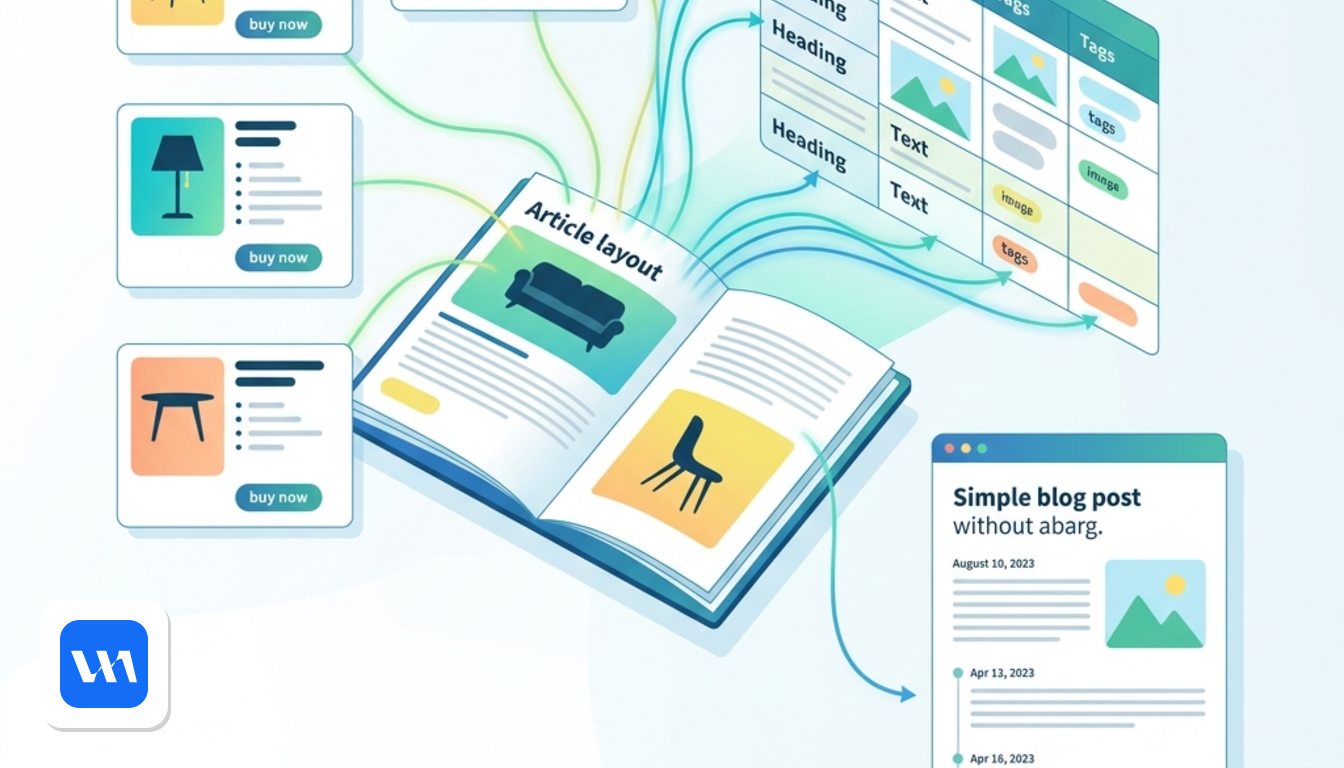
Webflow's CMS handles custom content structures, and Squarespace's handles standard publishing. According to Webflow's comparison page, you build a structured database, create templated pages for blogs and case studies, and place that content anywhere on the site.
The standout feature is the multi-reference field. It lets you put product highlights, complete with add-to-cart buttons, inside a blog post or case study. Say you run a furniture brand: each article about a room can pull in the exact sofa and lamp cards from your store.
Squarespace covers blogging, event publishing and portfolio layouts on every plan. It also lets you embed products in blog posts and events. Webflow's page argues you cannot publish unique content types on Squarespace templates without code.
There is a catch on Webflow's side. Its Basic plan has no CMS, so you need the Premium plan to use collections (prices are in the pricing section below). Squarespace's page notes the same limitation on Webflow's lowest-priced plans.
How do the SEO tools compare?
Webflow lists auto-generated sitemaps, dynamic meta titles and descriptions from CMS fields, simple 301 redirects, canonical URLs, HTML5 semantic tagging and free SSL. Webflow calls Squarespace's semantic markup tools "very basic".
Squarespace's side of the story is different. Titles and descriptions are editable without changing the visible page, you can hide pages, and you control the image shown when content is shared. Its AI SEO tools scan for missing content and generate copy and image alt text.
Ecommerce Features and Checkout Customisation Options
Which one lets you restyle the checkout?
Webflow does. Its page says you control the layout of the checkout page, the payment customisation options and the cart, including positioning and animation. On Squarespace, according to Webflow, you are stuck with the template's checkout and cart unless you pay for custom development.
That matters for brands where the buying moment is part of the design. If a standard checkout is fine, it matters much less.
What can each platform sell?
Squarespace sells more types of things natively. Its compare page lists unlimited products, event sales, appointment booking, in-person POS, subscriptions and multi-channel selling. Zapier confirms it handles physical and digital products, services, subscriptions and scheduling.
Webflow Ecommerce sells any type of product with automatic tax calculation, according to Zapier. Customers can pay by card, PayPal, Apple Pay or Google Pay, you can accept payments from 200+ countries, and you can open a store in 119, says Webflow. Subscriptions and client scheduling, however, need third-party integrations.
On the back office, Webflow lets you style transactional emails inside the Designer. Squarespace adds lifecycle emails for re-engaging customers. Both link to Stripe and PayPal, and Webflow's page gives Squarespace a slight edge for Square support.
What do the transaction fees look like?
Both platforms charge their own fee on lower ecommerce tiers. According to Zapier and Webflow's page, Webflow's cheapest Ecommerce plan carries a 2% fee and Squarespace's Business plan carries 3%. Both drop to 0% on higher tiers, and the exact plan prices are in the table below.
Payment processing fees come on top whichever you choose. Zapier puts the typical rate at about 2.9%, depending on your processor.
Pricing Plans and Hidden Operating Costs
Squarespace costs more at the bottom but includes more. Webflow starts cheaper, though the cheapest plan leaves out the CMS and any selling tools.
| Plan type | Squarespace | Webflow |
|---|---|---|
| Entry paid plan | Basic, US$19/month, billed annually | Basic, US$15/month, billed annually, per site |
| CMS content | Blogging included in Basic | Premium, US$25/month, adds CMS and site search |
| Free option | 14-day free trial, no credit card | Free Starter plan, webflow.io domain, 2 static pages |
| Ecommerce with platform fee | Business, US$23/month, 3% fee | Standard, US$29/month, 2% fee |
| Ecommerce with 0% platform fee | Commerce Basic, US$28/month | US$74/month tier |
Source: Squarespace's compare page, Webflow's pricing page and Zapier (ecommerce tiers), all checked October 2026. Prices are in US$, before VAT.
What does each entry plan include?
Squarespace's Basic covers hosting, security, blogging and invoicing, and its FAQ says even the cheapest plan can take payments. Webflow's Basic gives you a custom domain, 300 static pages, 10 GB of bandwidth and unlimited form submissions, but no CMS and no built-in payments or invoicing.
Premium raises bandwidth from 50 GB up to 2.5 TB depending on the tier. The free Starter plan has 1 GB of bandwidth and 50 form submissions.
Where do extra costs appear?
Webflow's own page says it lacks built-in email marketing, so a newsletter tool becomes a second subscription. Squarespace's page also says Webflow has no domain discount on paid plans, while Squarespace gives a free first-year domain on annual plans.
So a Webflow site that needs a CMS, forms routed to a CRM and mailing campaigns tends to collect several invoices. Squarespace folds email campaigns, invoicing and scheduling into one recurring charge. If you only need a design-heavy marketing site, though, Webflow's extras may never apply. See the Webflow page for its current plans and deals.
GDPR Compliance and European Hosting Architecture
Webflow is a US-based company, and its data sits outside a single EU location. According to Webflow's legal DPA page, checked October 2026, site data is stored in Amazon Web Services data centres across multiple regions.
For transfers, Webflow states that it complies with the EU–US Data Privacy Framework. It also offers a Data Processing Addendum that includes Standard Contractual Clauses as a fallback. If you collect form submissions from EU or UK visitors, that is the legal basis to look at in your records of processing.
On Squarespace, the sources behind this comparison describe security but not data location or DPA terms. Hosting and security come with every subscription: SSL certificates, web application firewalls and DDoS protection, so you do not need a separate host.
The practical difference is simple. Webflow documents its transfer mechanisms, but your data may be stored outside the EU. If your privacy officer needs a documented DPA before launch, that is a concrete point in Webflow's favour. For other builders and design tools, browse our web design category.
All prices in this article are shown before VAT, in the US$ that both vendors list.
