


Compare Wix vs Webflow on pricing, design flexibility, code export, and ecommerce features to choose the right platform for your website.
Choose Wix if you want a hosted business site live in hours, with bookings, payments and email tools included. Choose Webflow if you can work with CSS concepts and want exact design control plus exportable code. That is the short answer to wix vs webflow, and the sections below show where each choice costs you.
Wix vs Webflow at a Glance
TL;DR
- Wix suits solo operators, local businesses and marketers who want a fully hosted site running in hours, with email tools, scheduling and payments built in. It does not suit developers who need custom semantic layouts or code export.
- Webflow suits designers, agencies and tech-forward teams that want absolute CSS control, custom animations and clean generated code. It does not suit complete novices who want a zero-learning-curve setup.
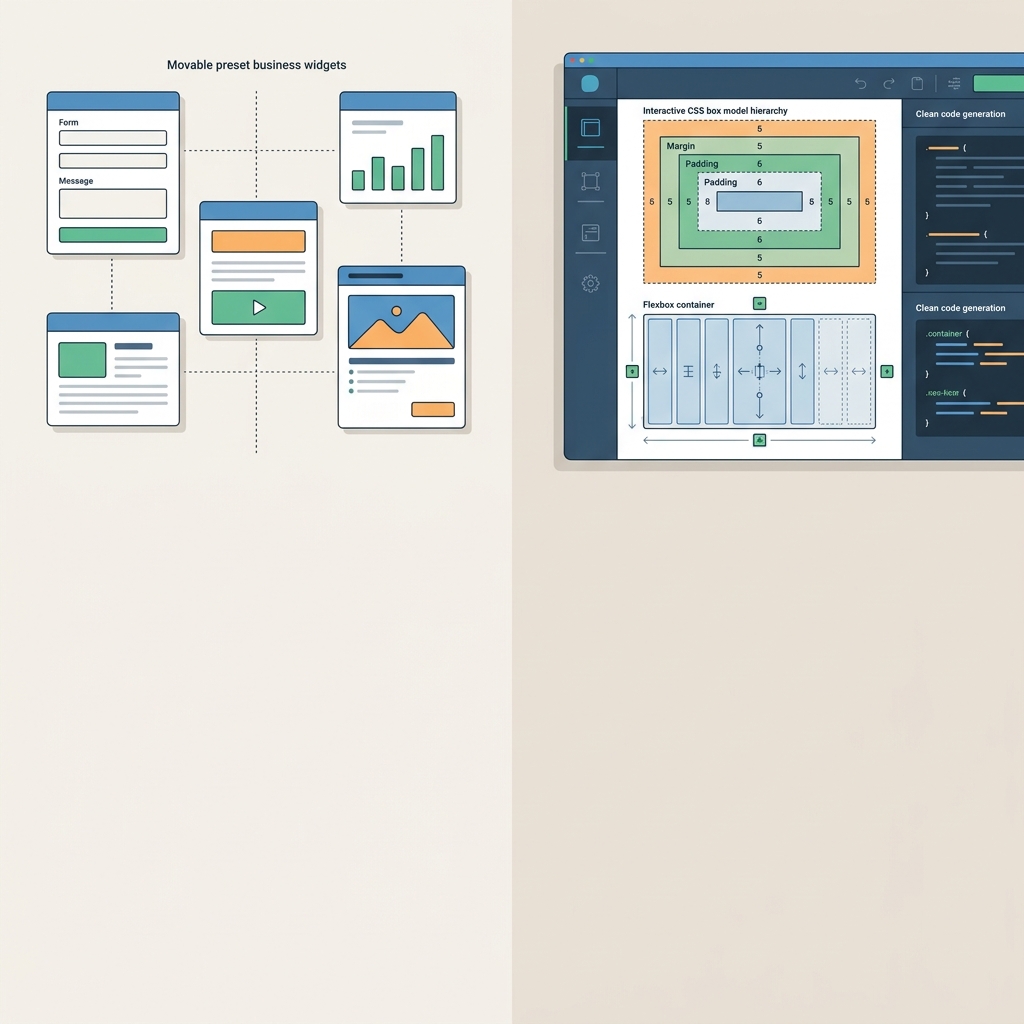
The core difference is how you build. Wix gives you a freeform canvas where you drop prebuilt widgets wherever you like. Webflow is a visual interface mapped directly onto the web box model, flexbox and CSS grid, so every click writes CSS for you.
That choice shapes speed, mobile behaviour, cost and what you can take with you if you leave. Plan structures and platform details in this article come from Wix's and Webflow's official documentation, checked October 2026.
When to Pick Wix or Webflow
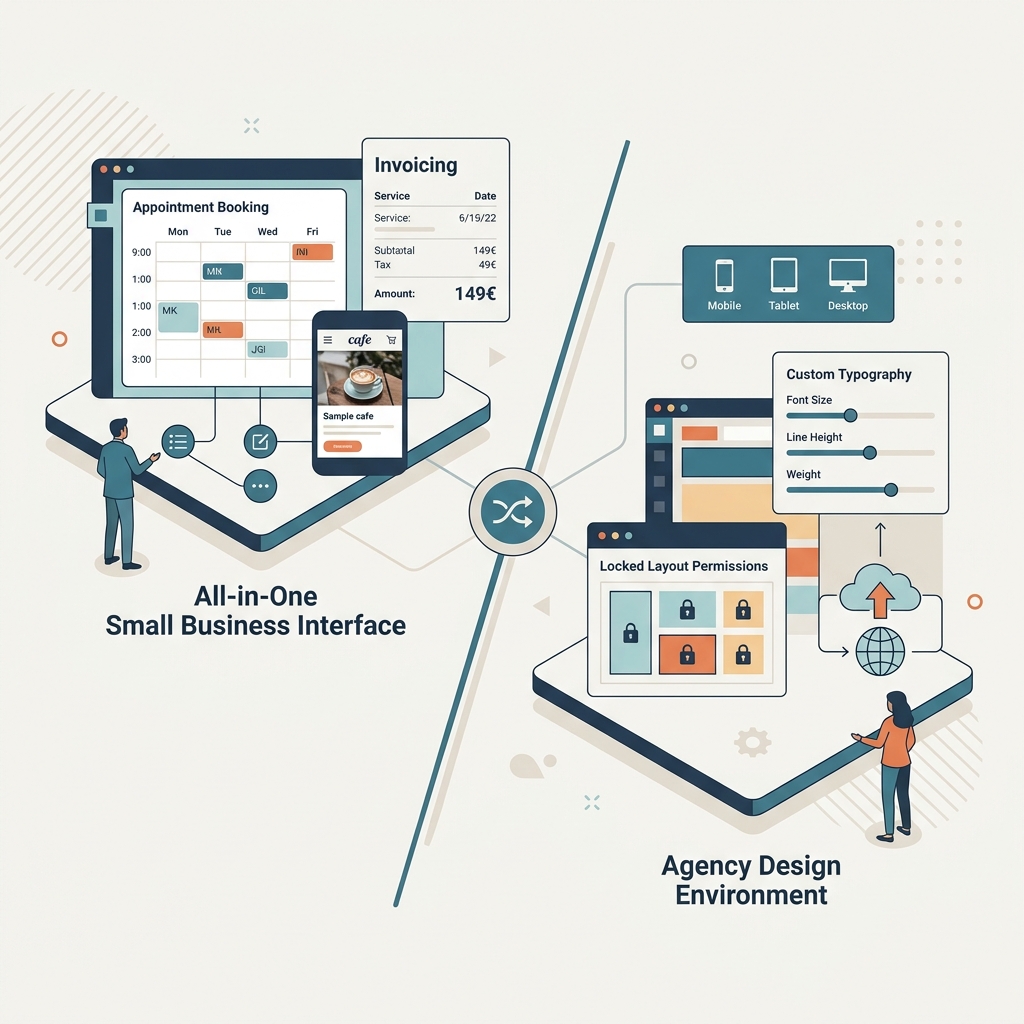
Pick Wix when speed and all-in-one operations matter more than design precision. Pick Webflow when the site itself is part of your brand. Here is how that plays out.
Choose Wix if you want one tool to run the business
- You want to launch quickly and never think about servers, updates or maintenance on a standard business site.
- You need business features out of the box: client bookings, restaurant ordering, ticket and event management, hotel reservations and online programs.
- You want a native marketing suite (lead-capture forms, Google Ads) instead of paying for external SaaS subscriptions.
Picture a two-person physiotherapy clinic. It needs a booking calendar, online payments, invoices and a page that works on a phone. Wix lists scheduling, payments and invoices together from the Core plan, so one subscription covers the job. According to Wix's plans page, checked October 2026, every plan also includes 24/7 customer care and a 14-day money-back guarantee.
Choose Webflow if the design is the product
- Your brand needs bespoke layouts, exact breakpoint adjustments and unusual cursor or scroll interactions, with no template constraints.
- You work in a design team or agency. Clients edit text and CMS items while the layout stays locked. Webflow's Starter, Freelancer and Agency Workspace plans include client seats (1 free per paid site on Starter, 1 per site on Freelancer, 3 per site on Agency) so clients can publish new content anytime.
- Long-term mobility matters to you, because paid Workspace plans let you export static markup to your own infrastructure.
The client-seat details come from Webflow's pricing page, checked October 2026.
If you're unsure, ask who will edit the site in six months. If it's you, alone, and you're not a designer, Wix fits. If a designer or agency will own it, Webflow earns its learning time.
Design Freedom and the Learning Curve
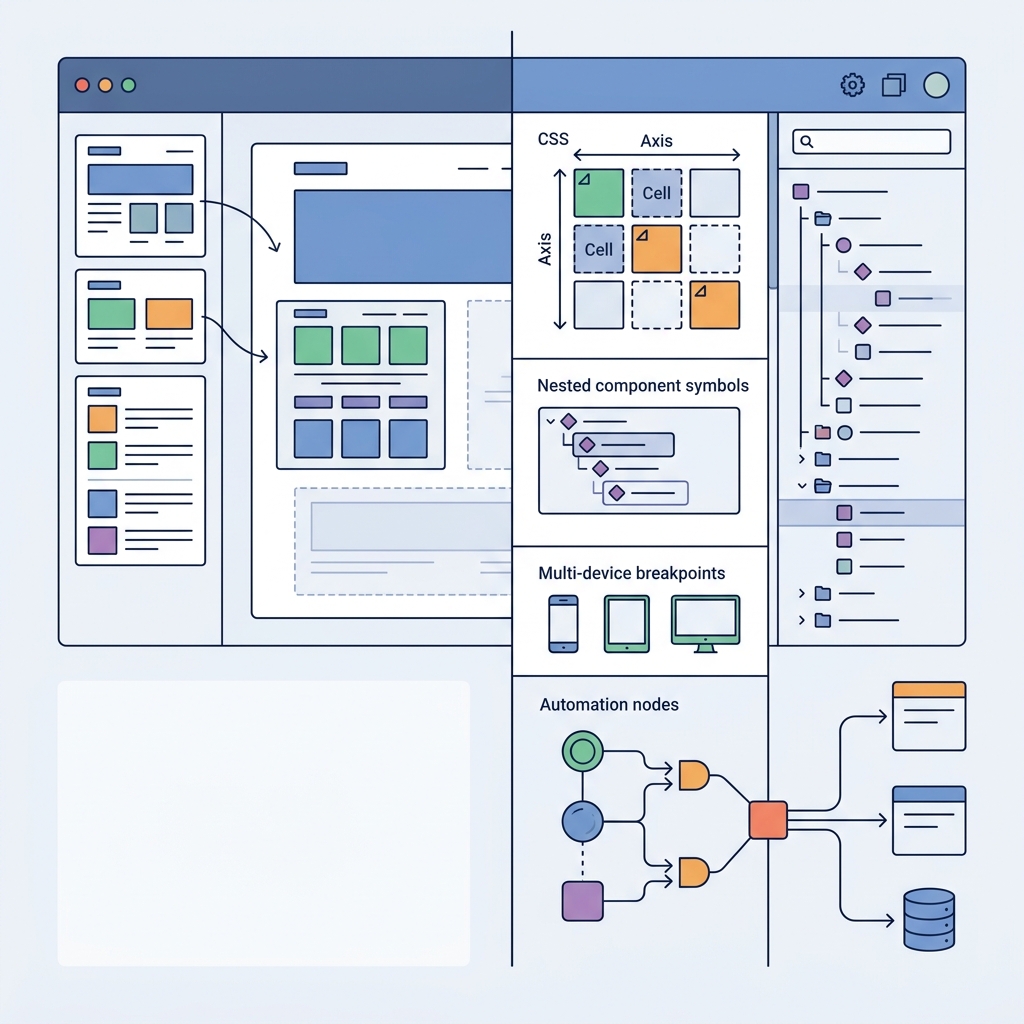
Webflow gives you far more design control, and Wix gets you a finished page much sooner. Webflow charges you in learning time, while Wix charges you in flexibility. This section draws on Wix's plans page (checked October 2026) and on comparisons from Envizn Labs and Zapier.
How Wix handles design
Wix's drag-and-drop editor lets you place elements freely, without strict container hierarchies. That makes a first page fast for a beginner. However, Envizn Labs describes hitting limits when it wanted certain adjustments, and Zapier calls mobile responsiveness finicky. Freeform placement is the likely reason: nothing forces elements to reflow in a structured way.
Templates do much of the early work. Wix's plans page lists more than 2,000, so even a niche business such as a dog groomer or a dentist finds a starting point. You swap in your own copy and images and publish. Zapier reports that a basic Wix design can launch in about half an hour if you rush.
Wix Studio narrows some of the professional gap. It targets agencies and adds grid-style layout, fluid responsiveness and collaboration tools such as custom permissions, on-canvas comments and reusable assets. Standard Wix sites, though, still lean on predefined section containers.
How Webflow handles design
Webflow expects you to understand HTML structure and CSS properties. Its style panel controls margins, padding, element states and responsive breakpoints directly. Envizn Labs highlights the flexbox and CSS grid tools for complex layouts, plus precise control over animations and interactions.
The editor can feel intimidating, because every element carries a large set of options. Zapier's advice is to go slowly: start from a template (the Webflow marketplace has 6,000+ options) and lean on Webflow University. Support runs by email, and Webflow aims to reply within 48 hours. The Help Center, tutorials and community forums fill the gaps.
Components are the payoff. Edit a component once and the change appears everywhere it's used, even across hundreds of pages. That keeps typography, navigation and brand styling uniform across a multi-page site without manual repetition.
Comparing Site Plans and Workspace Costs
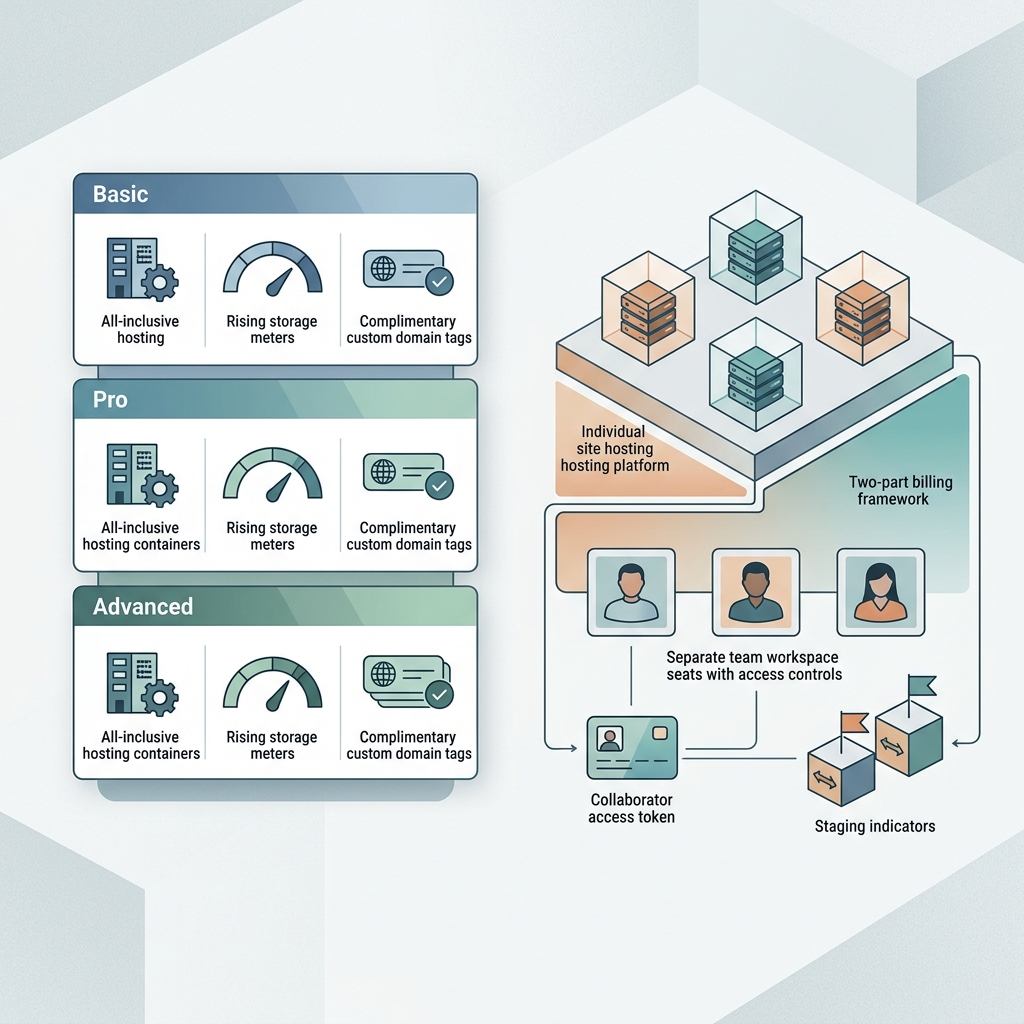
Wix bundles everything into one site plan, while Webflow splits billing into Site plans and Workspace plans. That split matters once more than one person works on the project.
Wix: one price per site
Wix combines hosting, features and seats in each tier. There is also a free plan with hosting and the drag-and-drop editor, which is useful for building before you pay.
| Wix plan | Price per month (billed yearly) | Storage | Collaborators | What it adds |
|---|---|---|---|---|
| Light | US$17 | 2 GB | 2 | Light marketing suite, no payments |
| Core | US$29 | 50 GB | 5 | Payments, basic ecommerce, scheduling |
| Business | US$39 | 100 GB | 10 | Standard ecommerce, standard marketing suite |
| Business Elite | US$159 | Unlimited | 100 | Advanced ecommerce, advanced developer platform |
Source: Wix's plans page, checked October 2026. Prices are for yearly subscriptions paid in full at purchase, before taxes.
Every paid Wix plan also includes a voucher for one free year on a new domain, valid for listed extensions such as .com, .net, .org and .co.uk. With Webflow you bring or buy the domain separately.
Webflow: Site plans plus a Workspace
Site plans govern hosting and custom domains for each site. Workspaces govern staging and team seats, and every account gets a free one.
| Webflow Site plan | Price per site per month (billed yearly) | What you get |
|---|---|---|
| Starter | Free | webflow.io domain, 2 static pages, limited CMS, 1 GB bandwidth |
| Basic | US$15 | Custom domain, 300 static pages, 10 GB bandwidth, no CMS |
| Premium | US$25 | Everything in Basic plus CMS, site search, 50 GB to 2.5 TB bandwidth by tier |
Source: Webflow's pricing page, checked October 2026. Prices are in US$ and exclude taxes added at checkout.
On the Workspace side, the free Starter allows 2 staged sites with 2 pages each, Core allows 300 pages per staged site, and Growth gives unlimited staging with advanced collaboration. Any Workspace tier can hold unlimited paid sites. The tiers differ in how many free Starter sites they support: 2, 10 or unlimited. For the full list, see Webflow's plan breakdown.
What it costs in practice
A solo user publishing a CMS-driven site pays US$25 per month on Webflow Premium, with the free Workspace. A marketing team that needs staging space and several seats has to budget for a paid Workspace plan and a Site plan for each live site. On Wix, the same team looks at one tier and its collaborator count. So Webflow starts cheaper for a lone builder, and Wix's single price is easier to forecast for a team.
Ecommerce Capabilities and Transaction Fees
Wix packs more selling tools into its plans, while Webflow gives you more control over how the store looks and checks out. Neither route suits every shop, so the details matter.
What Wix includes
Ecommerce starts on Wix's Core plan at US$29 per month. Light cannot take payments at all. From Core upwards you get a catalog of up to 50,000 products, abandoned cart recovery, automatic discounts, pre-orders, manual orders and a loyalty program. Business and Business Elite add loyalty tiers, points expiration and a referral program. Core and above can also sell on marketplaces and social channels such as Google Shopping and TikTok for Business.
Two cost details deserve attention. First, Wix charges a fee on Pricing Plans, its memberships, subscriptions and packages: 4% on Core, 2% on Business and 0% on Business Elite, on top of payment gateway fees. That fee applies to those sales, not to standard product orders. Second, automated sales tax calculation (US, EU and worldwide rates) is not included on Core, covers 100 transactions per month on Business and 500 on Business Elite.
Source for this block: Wix's plans page, checked October 2026.
What Webflow includes
Webflow Ecommerce starts at US$29 per month on the Standard tier, with an Advanced tier above it. Both offer a custom shopping cart and checkout mapped to CMS product collections. You can restyle cart drawers and checkout pages completely, which is rare among hosted builders. Source: Webflow's pricing page, checked October 2026.
Third-party comparisons add context. Zapier puts Webflow's product ceiling at 15,000 items against Wix's 50,000, and says Webflow's marketing features are basic, so serious email work needs outside tools. Wix's email, social and CRM tools, by contrast, could replace several subscriptions. ecomm.design adds that Stripe and PayPal are Webflow's default gateways and that Apple Pay or Buy Now Pay Later need custom code or middleware.
Consider two shops. One sells 40 products, runs a loyalty scheme and sends abandoned cart emails, which fits Wix's built-in set. The other is a fashion brand with a custom checkout flow and a developer on call, which fits Webflow, provided you accept adding email and payment extras yourself.
Code Export and Platform Lock-in Limits
Webflow lets you take your front end with you, and Wix does not. If a future move to your own hosting is even a possibility, this section may decide the whole comparison.
Webflow's export, and its catches
Any paid Workspace plan lets you export HTML, CSS, JavaScript and image assets and host them on your own servers or a CDN, with no attribution required. Note the wording: a free Workspace alone does not unlock export. According to Webflow's pricing page, checked October 2026, three limits apply:
- Dynamic CMS content must be exported collection by collection.
- Native forms stop working once the site leaves Webflow hosting.
- Exported code cannot be imported back into the Designer, and you can only build websites inside Webflow.
So export is an exit route, not a sync feature. A brochure site with a few CMS collections moves cleanly. A site built around forms needs a replacement form service on day one.
Wix's closed model
Wix offers no code export. Zapier's comparison states "no exports" and limited code access, even though Wix Studio adds some flexibility. Your pages, data and assets stay inside Wix's managed hosting.
That does not mean Wix is closed to developers. The plans page lists data and compute platform sections, and Business Elite includes an advanced developer platform, so you can add custom backend logic. You just cannot lift the finished site out.
The portability verdict is simple. Webflow gives you a workable exit for static front-end assets. Wix commits you to its hosting for as long as the site lives, which is fine if you value having nothing to maintain, and a real cost if you ever want to leave.
European Compliance and Invoicing Rules
Webflow publishes the clearest GDPR paperwork of the two, though it stores data outside the EU as well. According to Webflow's DPA and pricing pages, checked October 2026, Webflow is US-based, hosts customer sites on Amazon Web Services data centres in multiple regions and serves them through Cloudflare's CDN. It complies with the EU-US Data Privacy Framework and offers a Data Processing Addendum with Standard Contractual Clauses as a fallback for cross-border transfers.
Wix's plans page describes multi-cloud hosting with automated security monitoring across its global network. The material reviewed here gives no data location or DPA terms for Wix. If your legal team needs those in writing before signing, that gap is relevant to your choice.
Billing is straightforward. Both platforms price in US$ before tax. Wix applies taxes according to your billing address, and Webflow adds them at checkout. A VAT-registered business in the EU would normally account for VAT under the B2B reverse charge, so keep your VAT number on the account.
Anyone requiring strictly EU-only data storage should factor in Webflow's US headquarters and distributed cloud setup.
If Webflow looks right but you want other angles, compare it with Squarespace or Framer, or browse more web builders and design tools.
