











Compare Supabase vs Firebase on database architecture, offline sync, auth security, and pricing models to pick the right backend for your stack.
If you are choosing between Supabase and Firebase, your decision comes down to data structure and billing style. Choose Supabase if your application relies on relational PostgreSQL data, complex queries, and predictable monthly billing. Choose Firebase if you need rapid mobile prototyping, native offline sync, and deep Google ecosystem tools like Crashlytics.
Supabase vs Firebase at a Glance
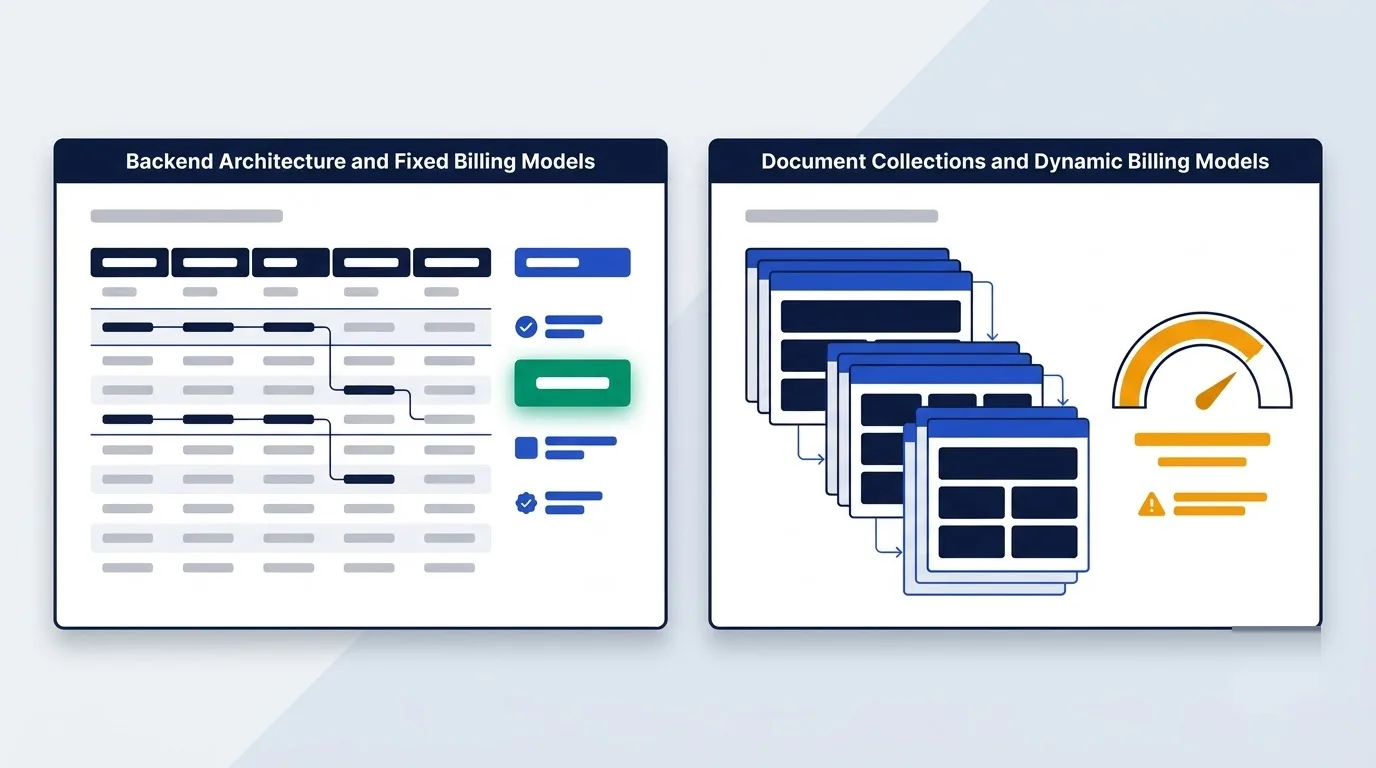
While both platforms manage your backend infrastructure, they solve different operational bottlenecks from day one.
The core architectural contrast pits an open-source platform wrapping PostgreSQL with auto-generated REST and GraphQL APIs against a proprietary Google Cloud ecosystem centered on the Firestore document database. When evaluating backend tool comparisons, this structural difference shapes your development workflow.
| Feature | Supabase | Firebase |
|---|---|---|
| Database Type | Relational database (PostgreSQL) | Document database (Cloud Firestore) |
| Data Model | Structured tables with foreign keys and indexes | Schemaless JSON-like documents in collections |
| Transactions | Full ACID transactions in SQL | Batched writes and document transactions |
| Offline Sync | Requires custom caching strategies | Native SDK document caching and automatic sync |
| Primary Billing Unit | Database compute and allocated disk storage | Per-operation document reads, writes, and deletes |
| Self-Hosting | Fully open source via Docker or Kubernetes | Not supported (proprietary Google Cloud) |
Source: Supabase official documentation and Firebase pricing page, checked October 2026.
When to Pick Supabase or Firebase
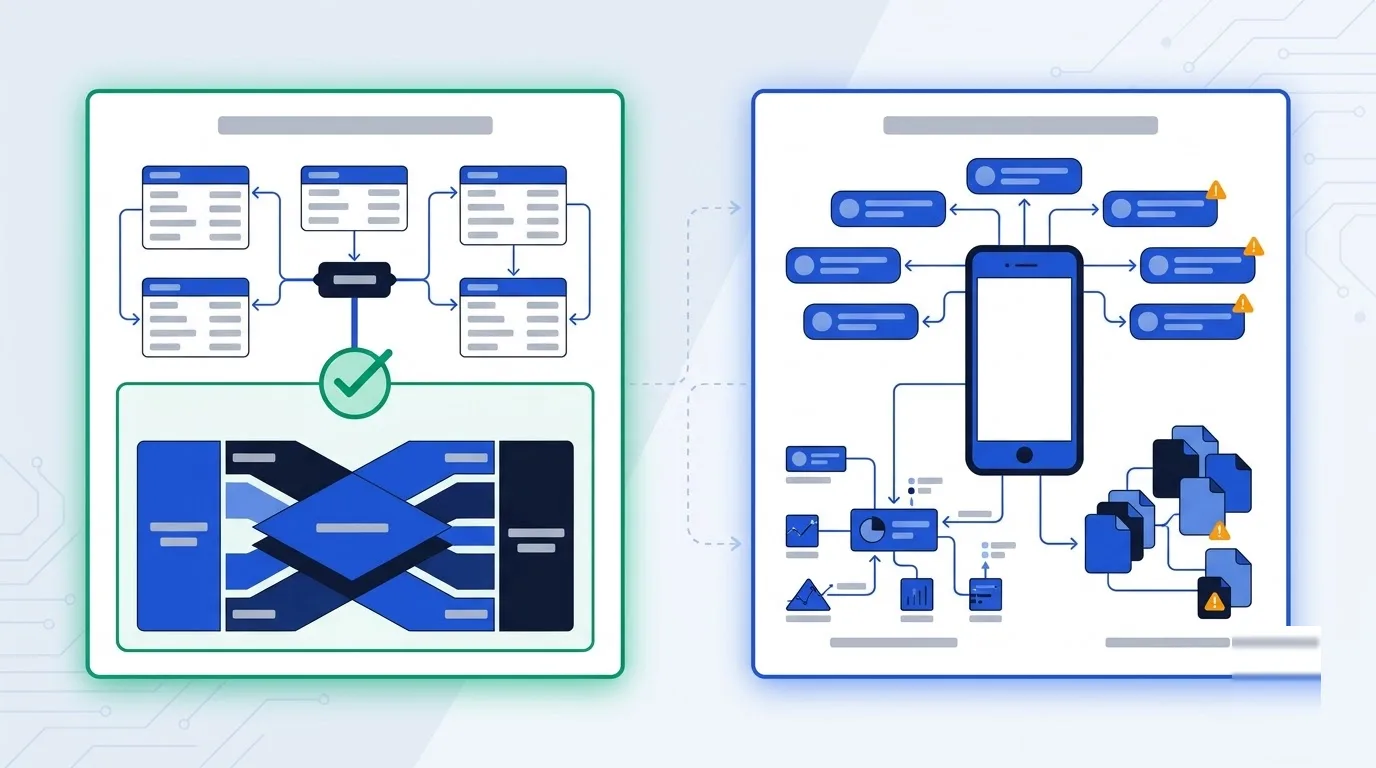
Mobile First Apps Versus Relational SaaS
Pick Firebase when speed to market on mobile is critical. If your engineering team requires native Flutter, iOS, or Android SDK integration, Firebase offers a direct advantage.
Furthermore, it works well if your app relies heavily on push notifications, Remote Config, and Crashlytics without managing third-party vendors. You get these tools integrated out of the box.
Pick Supabase when your application requires complex business logic, foreign key integrity, cross-table reporting, and predictable monthly infrastructure billing. It scales cleanly for structured data models.
Schema Planning Versus Schema Drift
Developer workflows differ significantly between these platforms. Supabase demands upfront schema planning and SQL knowledge. Because you define tables early, you prevent schema drift and messy client-side joins later.
In contrast, Firebase allows instant schemaless prototyping with flexible JSON documents. You can add new fields without migrating your database structure.
However, this flexibility forces denormalization, meaning you must duplicate records across documents and stitch them together client-side.
PostgreSQL Versus Firestore Document Architecture
Data Models and Query Processing
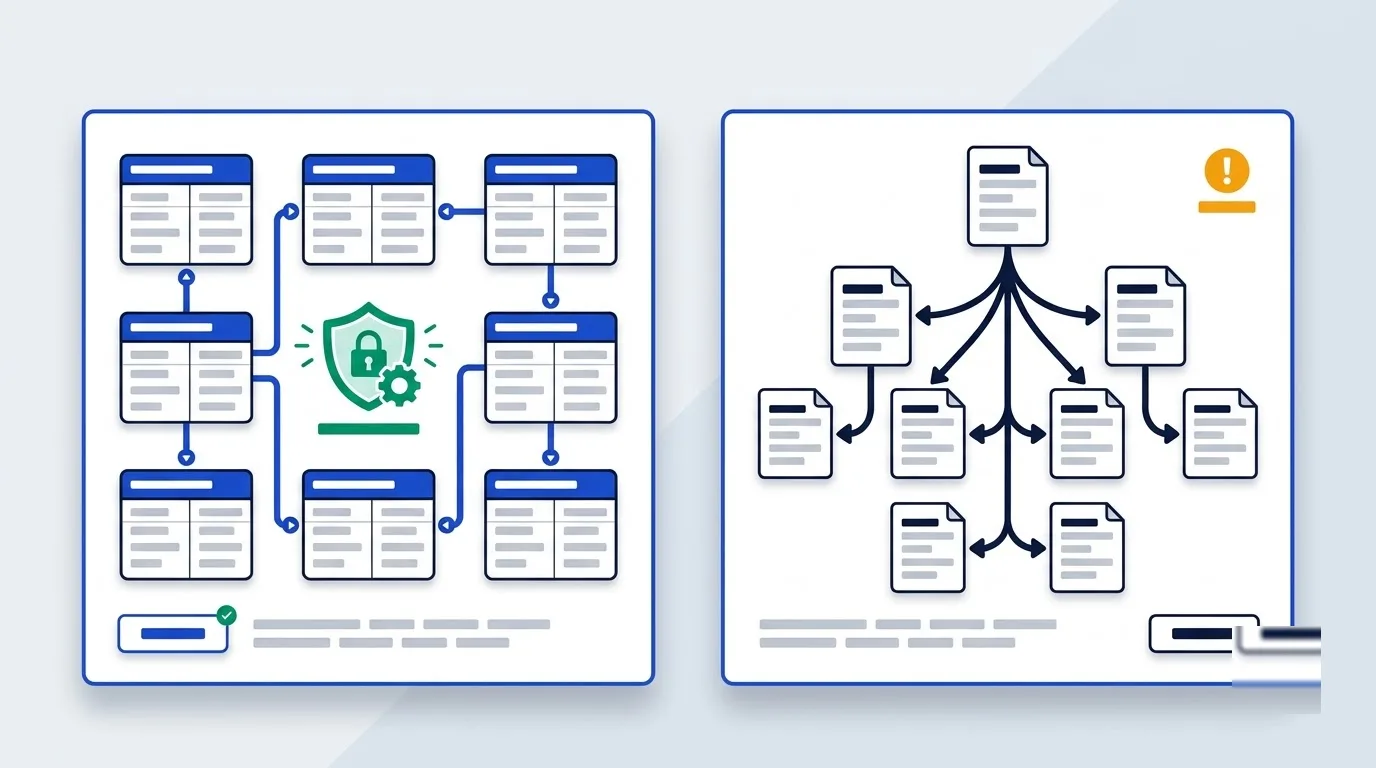
The underlying data model creates the sharpest divide between both tools. Supabase provides a dedicated PostgreSQL database complete with structured tables, foreign keys, unique constraints, and indexes. Firestore stores data inside schemaless JSON-like documents organized into collections and subcollections.
Because PostgreSQL handles joins directly on the server, you run aggregations in a single query. Firestore, by comparison, requires individual reads across collections.
Data Integrity Guarantees
Data integrity rules also separate them. Because PostgreSQL validates column constraints at the engine level, your database automatically blocks orphaned records.
Firestore relies on application code or distributed batched writes to maintain consistency across documents. If an application logic bug occurs, duplicate or invalid data can persist in your document collections.
For API access, Supabase exposes instant REST endpoints via PostgREST and GraphQL via pg_graphql (its PostgreSQL GraphQL extension) for direct filtering.
Realtime Synchronization and Offline Device Caching
Live Listener Architectures
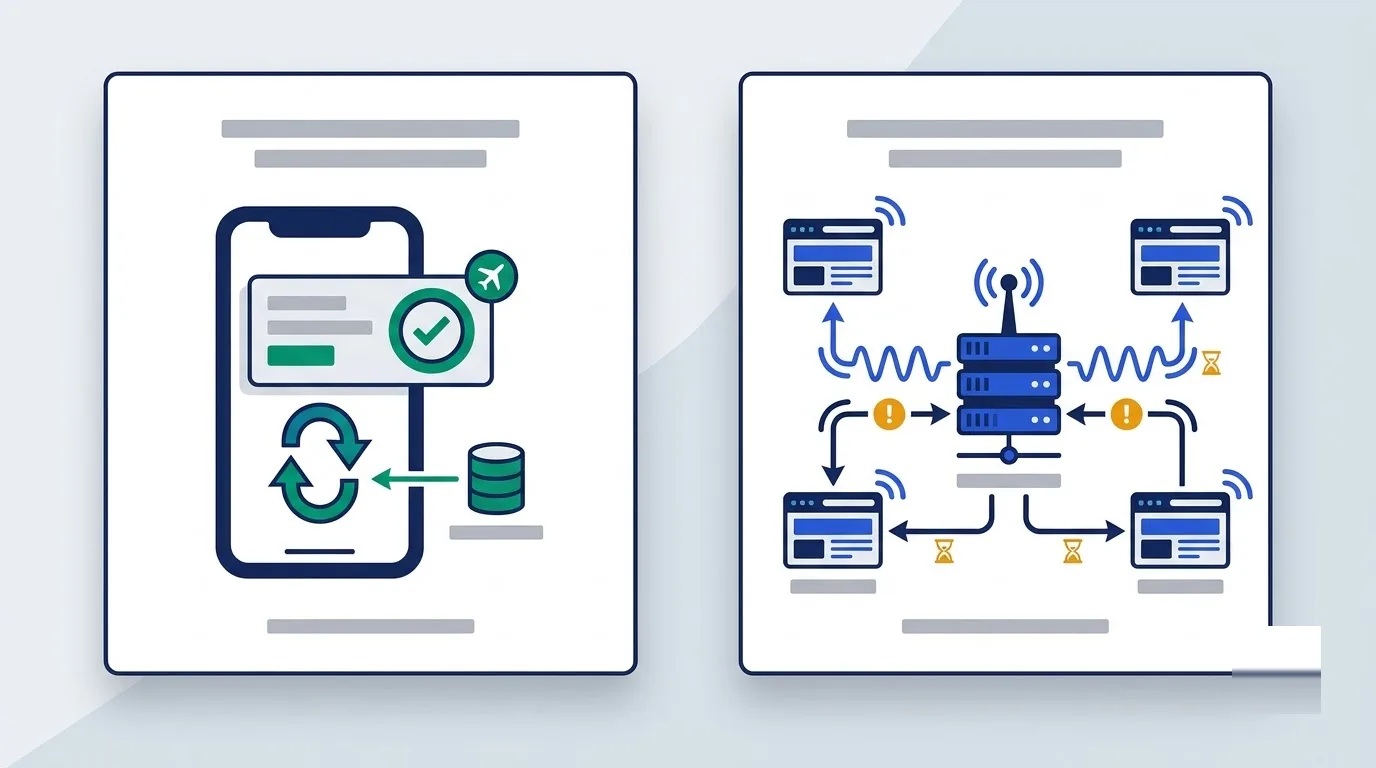
Real-time capabilities operate on distinct underlying architectures. Firestore was built from the ground up with native live document listeners that push updates directly to connected clients.
Supabase implements real-time updates through PostgreSQL's built-in LISTEN and NOTIFY pub/sub commands. It listens to database changes and broadcasts them over WebSockets.
Offline Storage and Scalability
Offline capabilities differ sharply between the client SDKs. Firebase mobile and web SDKs automatically cache documents locally on device storage. They resolve conflict states and synchronize pending writes when reconnected.
Supabase clients communicate directly with PostgreSQL and do not provide out-of-the-box local offline caching. If you need local caching, you must implement custom strategies or integrate external libraries like Zero or Electric.
The real-time scaling profile also varies under load. Supabase checks database changes against active subscriber filters. So, this process can increase CPU load under thousands of simultaneous subscribers unless you enable Broadcast mode. Firestore manages live update streams automatically within Google infrastructure limits.
Authentication Security and Cloud Function Compute
Row Level Security Versus Security Rules
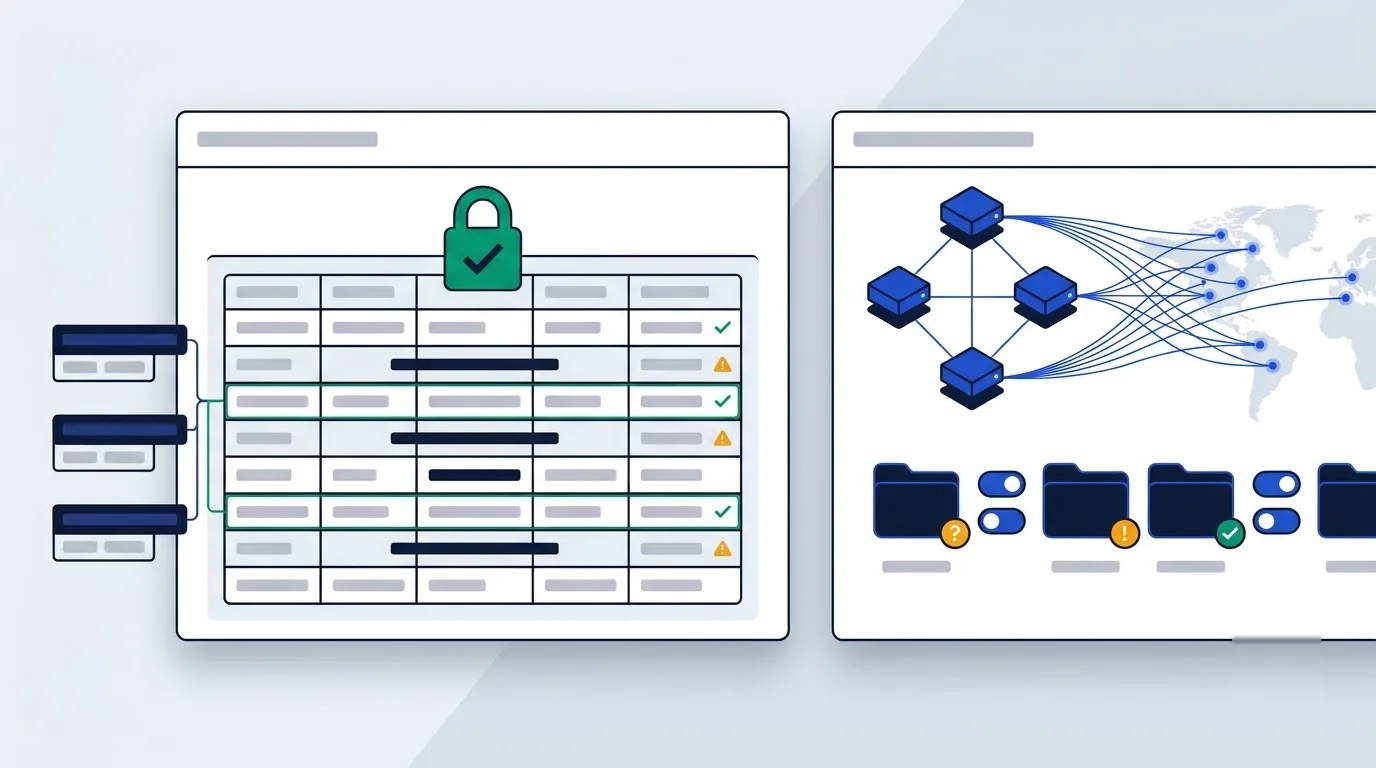
Access control mechanisms follow different models on each platform. Supabase enforces authorization directly in PostgreSQL using SQL-based Row-Level Security (RLS) rules tied to user tokens.
Firebase enforces access through custom Security Rules written in a proprietary domain-specific language across Firestore, Storage, and Functions. You write these rules in a standalone configuration file.
Enterprise auth scalability also favors different growth stages. Supabase includes SAML, SSO, and OIDC support on Pro and Enterprise tiers without migrating authentication engines.
Firebase handles enterprise logins via Identity Platform, where SAML and OIDC connections are capped at 50 monthly active users (MAUs) on Spark before incurring fees.
Serverless Compute and File Storage
Serverless execution engines run on separate runtimes. Supabase Edge Functions execute TypeScript on Deno, a modern runtime that avoids heavy container warm-ups to reduce cold starts.
Firebase Cloud Functions run Node.js and Python (2nd generation) on Google Cloud infrastructure with deeper native event triggers across the Firebase ecosystem.
File storage handling reflects the underlying database architecture. Supabase Storage stores file metadata in PostgreSQL tables protected by identical database RLS policies and provides built-in image transformations.
Firebase Cloud Storage relies on Google Cloud Storage buckets and separate storage security rule files.
Predictable Tiers Versus Pay As You Go
Free Tier Limits and Quotas
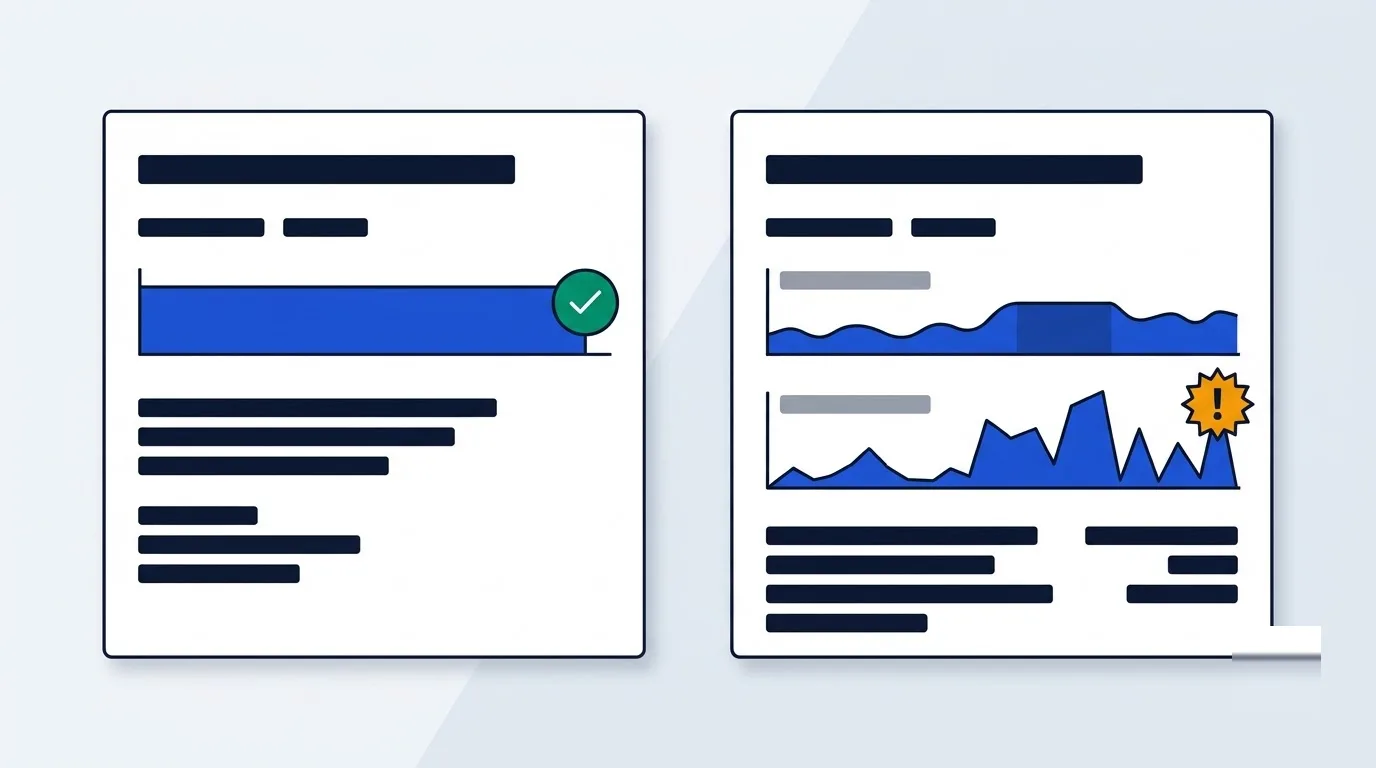
Free tier allowances establish different boundaries for early projects. The Firebase Spark plan lets you prototype without a credit card, subject to daily document read and write limits.
The Supabase Free plan suits early evaluation, though it limits accounts to two projects and pauses them after seven days idle.
Paid Tier Infrastructure Billing
Paid plan mechanics diverge completely. The Supabase Pro plan provides predictable flat monthly billing covering base compute and storage, with metered overages.
The Firebase Blaze plan is purely pay-as-you-go based on individual database operations. You can review similar tier pricing breakdowns in our SaaS pricing guides.
Financial exposure differs because of these models. Firestore charges per document read, write, delete, and real-time listener update. Consequently, an unoptimized query or infinite code loop can cause sudden billing surges.
Supabase does not bill per API request, charging instead for allocated database compute and disk storage. Bandwidth and compute pricing further affect monthly expenses.
For serverless execution, Firebase charges $0.40 per million function invocations after 2 million free requests, alongside bandwidth usage.
| Plan Metric | Firebase Spark / Blaze | Supabase Free / Pro |
|---|---|---|
| Base Monthly Cost | Free (Spark) / Pay-as-you-go (Blaze) | Free ($0) / Pro ($25/month flat) |
| Included Auth MAUs | 50,000 MAUs (SAML/OIDC capped at 50 on Spark) | 50,000 MAUs (SSO/SAML included on Pro) |
| Included Database Storage | 1 GiB total stored data | 500 MB (Free) / 8 GB (Pro) |
| API & Request Charges | Billed per document read, write, and delete | Unlimited API requests included |
| Inactivity Invalidation | No project pausing | Free projects pause after 7 days idle |
Two Phase Migration From Firebase to Supabase
Phase One Staging Setup
If you choose to switch backends, a phased migration keeps your backend stable while running both platforms concurrently.
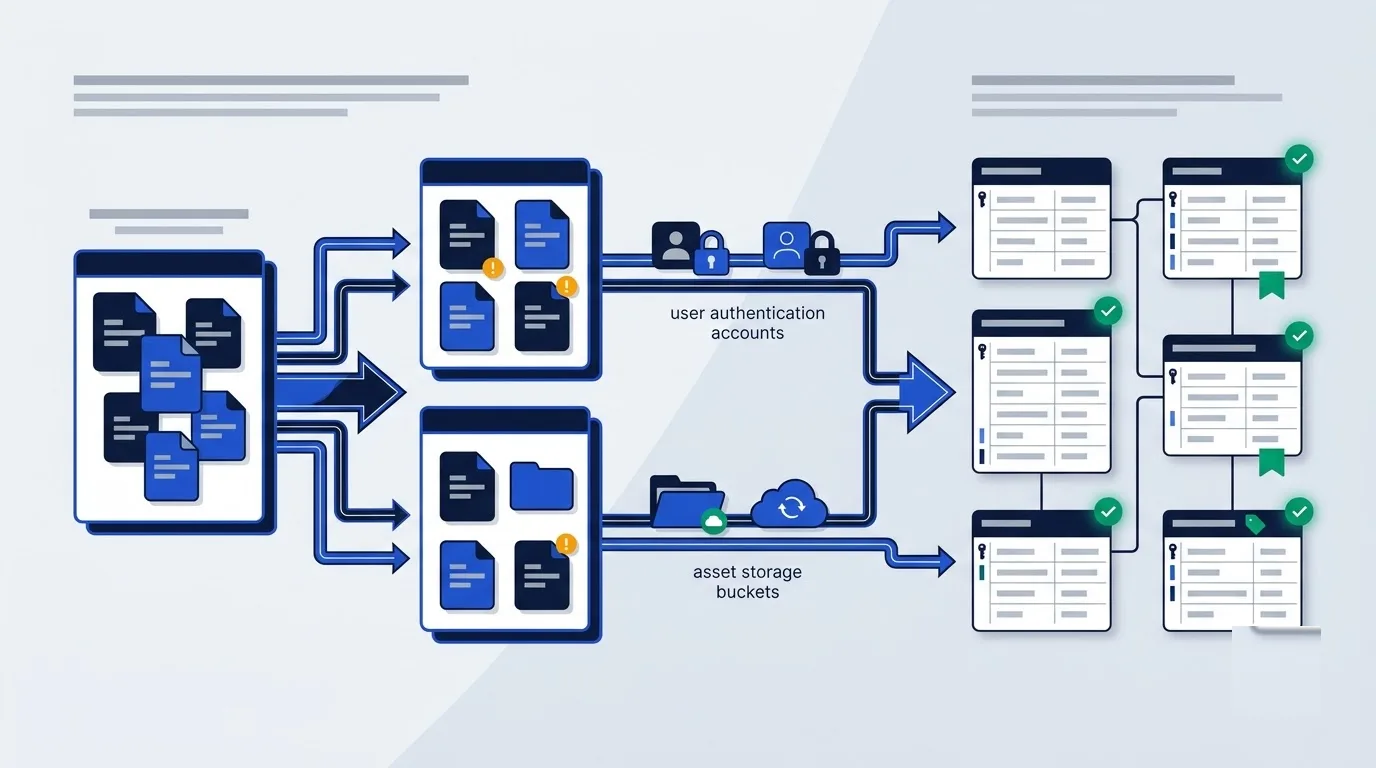
You export your Firestore document collections as raw JSON files and import them into staging tables using JSONB, PostgreSQL's binary JSON column type. This setup keeps Firebase active while you gradually redirect read requests.
Phase Two Relational Normalization
During phase two, you refactor those JSONB staging columns into structured PostgreSQL relational tables. You add primary keys, foreign key constraints, indexes, and SQL Row-Level Security policies to enforce schema integrity.
Official open-source migration tools simplify this process. For example, official Supabase CLI migration utilities can export Firebase Authentication user records directly into GoTrue, Supabase's open-source auth service.
These same tools replicate Cloud Storage buckets directly into Supabase Storage buckets. You can read more about backend transitions in our SaaS blog.
Migrating away provides long-term platform portability. Once your backend runs on Supabase, you can export your data with pg_dump or self-host your stack using Docker.
Which one fits your stack
Choose Supabase for strict relational integrity and predictable compute pricing, or Firebase for native mobile SDKs and automatic offline sync.
Start by mapping your data model before touching billing pages. Check how each platform handles your queries first, then decide.


