











Compare verified WebinarGeek pricing in EUR. See monthly and yearly costs across viewer tiers, hidden add-on fees, and Dutch GDPR compliance details.
TL;DR: WebinarGeek pricing runs from €49 a month on Basic to €349 on Enterprise, billed in euros. It suits European marketing teams running live or automated webinars. It does not suit creators who need an evergreen funnel under €50, because automation starts on Premium.
WebinarGeek Pricing at a Glance
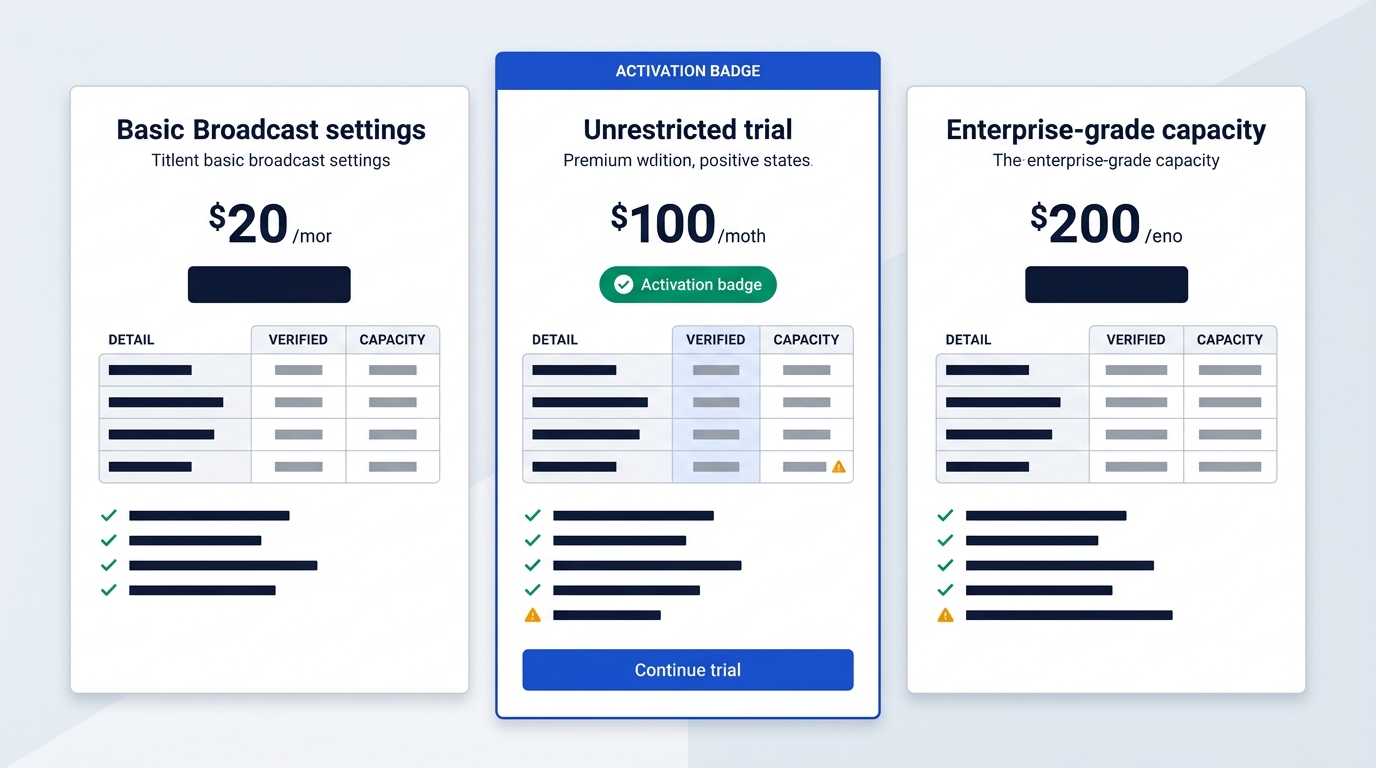
WebinarGeek is browser-based and bills natively in euros, which keeps budgeting simple for European teams. The catch is that the cheapest plan cannot run automated webinars. All prices below exclude VAT.
| Plan | Per month, billed annually | Viewers |
|---|---|---|
| Basic | €49 | 50 |
| Premium (entry) | €59 (€99 on monthly billing) | 75 |
| Enterprise (from) | €349 | 500 |
Source: WebinarGeek's pricing page, checked October 2026.
There is no permanent free plan. You get a 14-day free trial with all Premium features unlocked, and no credit card is needed. Current registration terms are on the WebinarGeek deals page.
WebinarGeek Plans and Costs Across Viewer Tiers
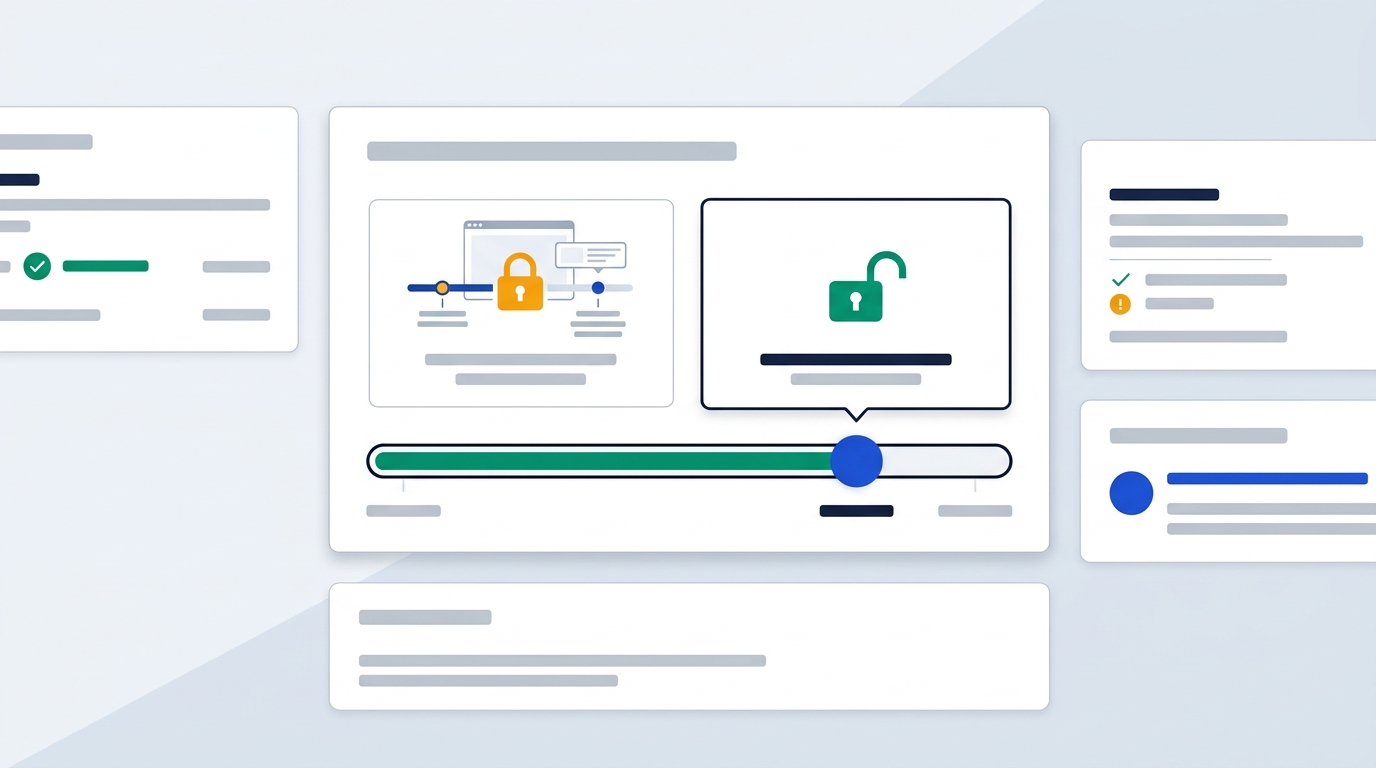
Premium is the plan that scales, and its price follows your viewer cap. Annual billing is cheaper per month at every step.
| Premium viewers | Per month, yearly billing | Per month, monthly billing |
|---|---|---|
| 75 | €59 | €99 |
| 125 | €79 | €129 |
| 250 | €119 | €199 |
| 500 | €179 | €299 |
| 1,000 | €239 | €399 |
Prices and capacity load through a viewer selector rather than sitting in the page text. That may be why third-party posts often quote different numbers for the same tier. The figures above are the euro rates the vendor lists.
Session and presenter limits
- Basic: 2-hour sessions, 1 presenter.
- Premium: 8-hour sessions, up to 100 presenters.
- Enterprise: continuous broadcasts of up to 12 hours.
The automation wall
Basic includes live and on-demand webinars with limited branding. It blocks automated and evergreen webinars completely. So if you plan to record once and run it daily, Premium is your real minimum, not the €49 headline.
Enterprise starts at 500 viewers and extends to 1,000, 2,000 and 5,000 through the sales team.
How Add-ons Drive Up Premium Costs
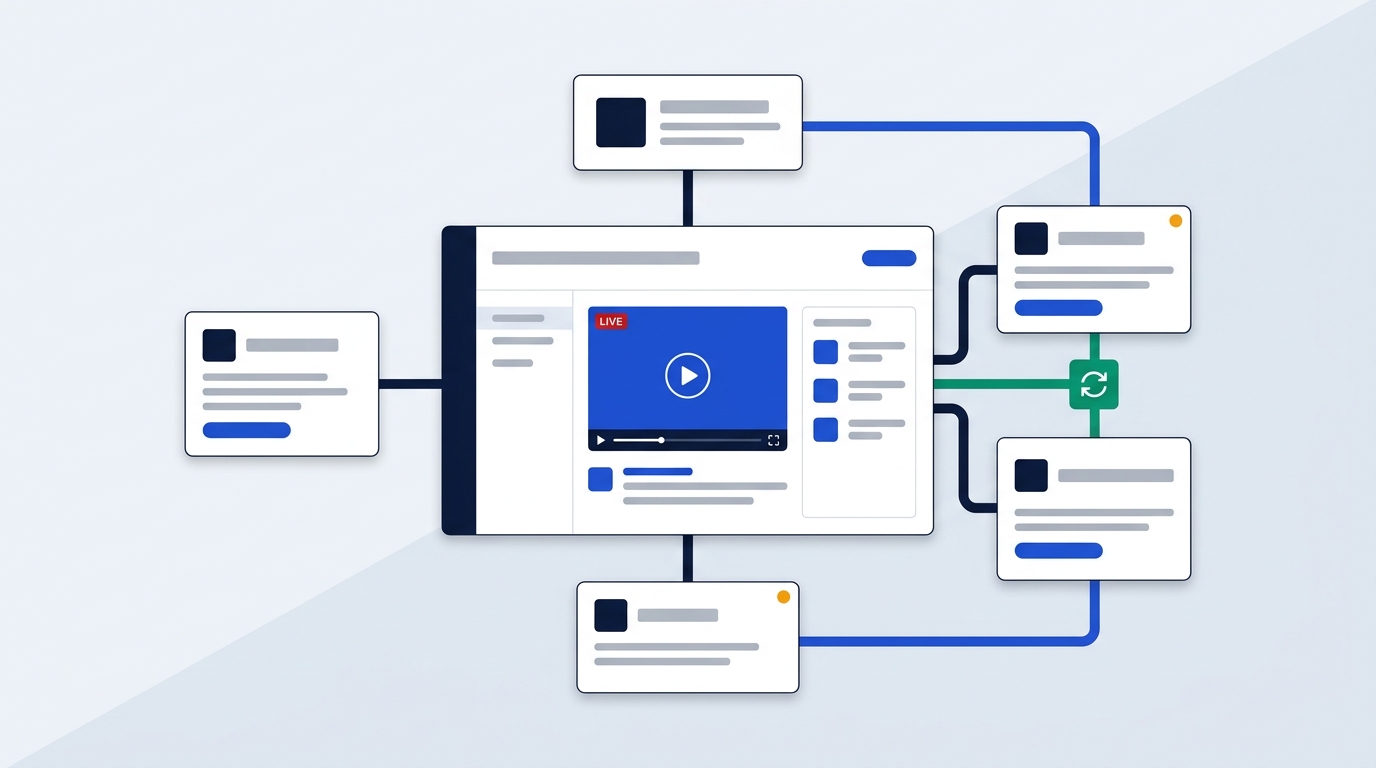
Add-ons attach only to Premium. Basic cannot buy them, so the way out of Basic is a tier change, not a small extra fee.
The vendor shows no add-on prices in the text of its pricing page. Third-party reviews put them roughly here, so treat the figures as indicative:
- Extra team seats, which also let you run simultaneous webinars: about €47.20 a month.
- Custom branding profiles: about €59 a month.
- RTMP streaming: about €29.50 a month.
- Multi-language localisation: about €20 a month.
- HubSpot or Salesforce connector: €39 to €49 a month each.
Picture an agency with two clients and two webinars on the same Tuesday. On Premium, the second room means buying seats.
When Enterprise gets cheaper
Enterprise bundles two extra users, Salesforce and HubSpot, five-language localisation, RTMP, a custom domain and workspaces. It also includes onboarding with a dedicated customer success manager. Add a couple of seats, a CRM connector and RTMP to a large Premium plan and you land in the same range as Enterprise's €349 starting price, without the SLA or phone support.
If you would rather keep follow-up outside the webinar tool, WebinarGeek lists ActiveCampaign among its integrations and supports webhooks. See ActiveCampaign for CRM-style automation or Brevo for email follow-up.
European Privacy and GDPR Compliance Terms
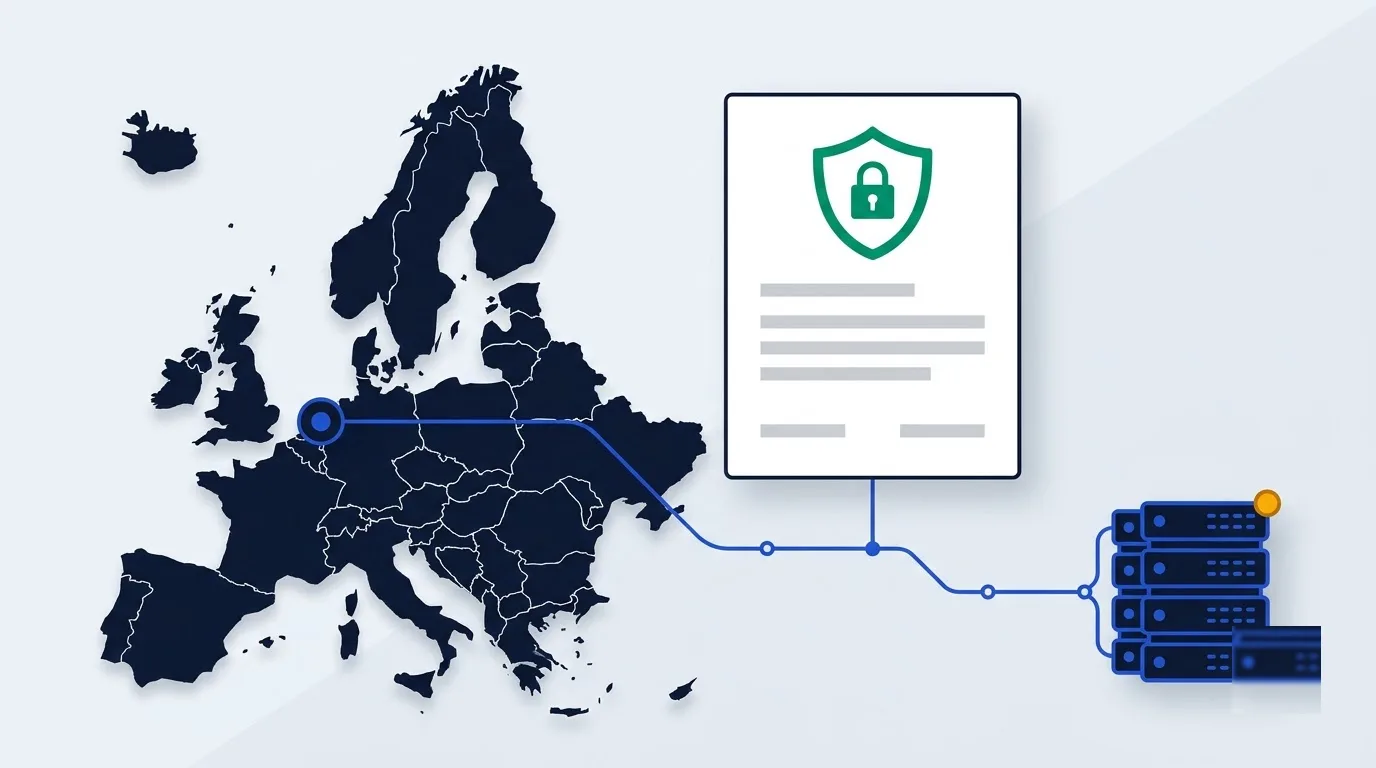
WebinarGeek is a Dutch company with its office in Zoetermeer, and it also lists an office in New York. Its privacy page states a data processing agreement (DPA).
Enterprise customers get an addendum to the standard DPA, with the option to negotiate a custom one. That matters if your legal team redlines every vendor contract. On Premium you work from the standard terms.
One gap: WebinarGeek publishes no server region that we can cite. If your policy demands EU-only hosting, that question belongs in your IT governance review before you sign.
Frequently Asked Questions About WebinarGeek Pricing
What happens to recordings if you cancel?
Your webinars are removed two weeks after cancellation. Export the video files first, because no refund policy is shown on the pricing page either.
How many registrants does a 50-viewer cap support?
Pricing follows peak concurrent viewers, not registrations. If 30% of registrants show up live, 50 seats cover roughly 165 registrants. With a colder list showing at 12%, the same cap absorbs about 400. Size for your realistic show rate, then pick a tier one step above it.
Is there a setup fee?
Third-party reviews mention an onboarding fee of about €495 for Premium. Enterprise includes onboarding through two one-hour sessions with its customer success manager.
Which WebinarGeek Plan Fits Your Budget?
- Basic at €49: simple internal or one-off client sessions under 50 viewers, with no automation.
- Premium from €59 on annual billing: automated evergreen funnels, custom branding, or rooms larger than 50 viewers.
- Enterprise from €349: a custom domain, 12-hour sessions, bundled CRM connectors, RTMP, or a negotiated DPA.
Before committing, run the 14-day trial from the WebinarGeek deals page. Use it to test presenter latency and how well your registration page converts.
Bottom line
If you host occasional live sessions for a small audience, Basic is enough. If you want evergreen funnels or bigger rooms, start on Premium and size it to your realistic peak audience. If you run several hosts, need CRM connectors or want custom legal terms, price Enterprise against your Premium add-on stack.
Your next step is the free trial: build one automated webinar on it before choosing a tier.