













Compare Gamma vs Beautiful AI on pricing, smart slide design, PPTX export fidelity, and EU GDPR compliance to pick the right presentation tool for your team.
Choose Gamma if you want fast, web-style decks and cheap seats. Choose Beautiful.ai if your decks reach boards and clients as fixed 16:9 files. In the gamma vs beautiful ai decision, the pricier Beautiful.ai seat pays off only when strict layout rules and a clean PPTX handoff save you real rework.
Gamma vs Beautiful AI for Quick Decisions
TL;DR. Gamma suits fast, responsive, web-native presentations, interactive pitches shared by link, and live co-editing at a low entry cost (US$9 to US$18 per month billed yearly, or £7 to £15 in the UK). Beautiful.ai suits structured 16:9 executive decks where automated layout rules and PPTX export matter most, even though team features start around US$40 per user per month. Skip Gamma if every slide must follow a rigid template. Skip Beautiful.ai if you want to publish a scrolling web page.
What separates the two tools?
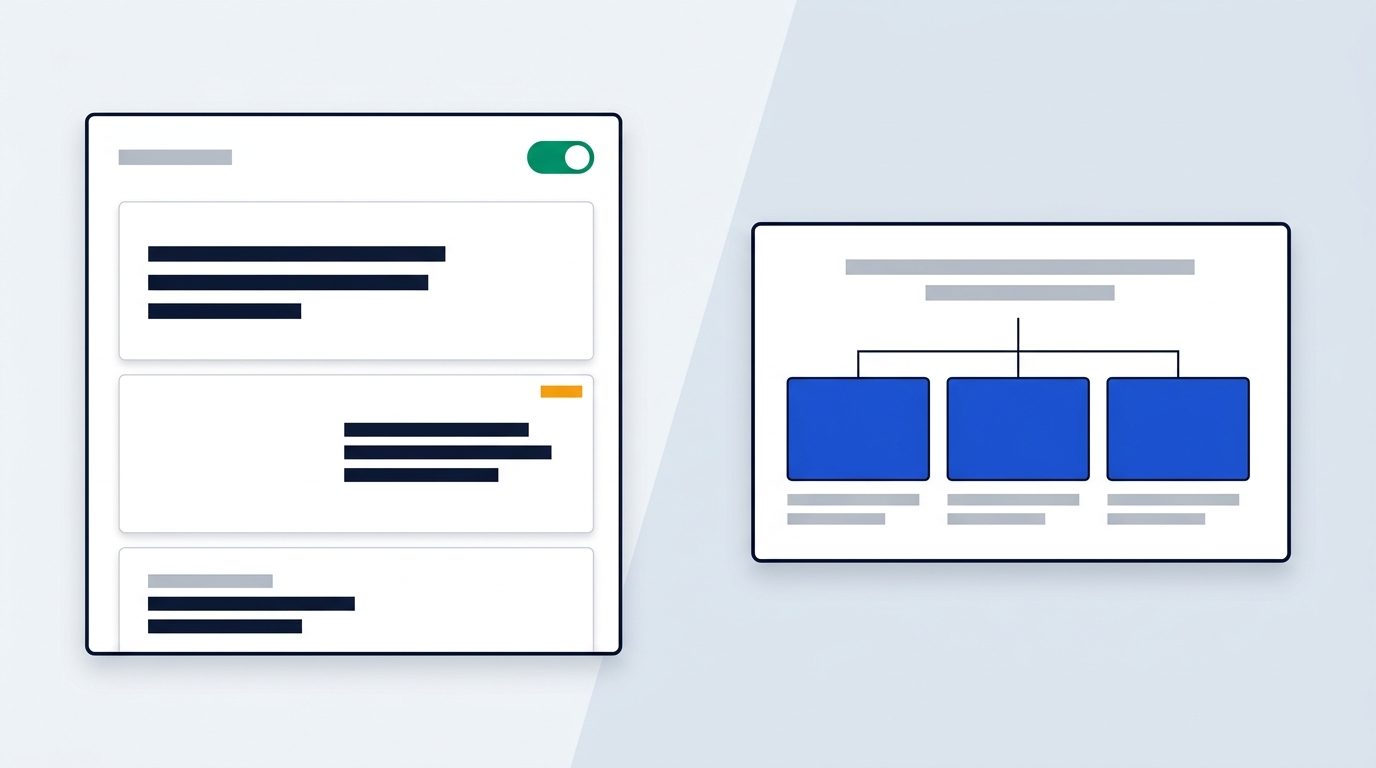
Gamma generates responsive cards that expand vertically and scroll like a web page. The same content can appear as a presentation, a document or a published page. Beautiful.ai builds discrete slides, and automated design rules keep spacing and alignment intact as you edit.
So one is a document that can present, and the other is a deck from the first click.
How do they compare at a glance?
| Point | Gamma | Beautiful.ai |
|---|---|---|
| Primary format | Responsive cards, viewable as slides, document or web page | Discrete slides with automated layout rules |
| AI workflow | A prompt generates structure, text and visuals in one step | A prompt or uploaded files produce an outline you review, then slides |
| Collaboration | Real-time co-editing and commenting in a document-style editor | Real-time collaboration, comments, role-based permissions, shared slide libraries |
| Entry price | Plus US$9 and Pro US$18 per month billed yearly (£7 and £15 in the UK) | Pro about US$12 per month billed annually; team plans around US$40 per user per month |
| Export | PDF and PPTX; PPTX may need cleanup | PPTX, PDF, images and live links |
| Trying it first | Free plan with 400 one-time credits | 14-day free trial |
Source: Beautiful.ai's comparison page (checked January 2026) and Gamma's pricing, trust and privacy pages (checked October 2026). All prices are before VAT.
The table shows the surface. Two things sit underneath that most comparisons skip: what a team seat really costs, and whether a European buyer gets clear data-protection terms. Both come up in the pricing section below.
When to Choose Which Presentation Tool

The right pick depends on how the deck will be delivered and who has to approve it. Start with the situation, not the feature list.
When does Gamma fit best?
- Startup pitches sent to investors as a direct web link.
- Cross-functional project updates that change every week.
- Internal documentation that doubles as a presentation.
- Fast-moving teams that edit the same content at the same time.
When does Beautiful.ai fit best?
- Formal board meetings and C-suite briefings.
- Corporate sales decks and client proposals.
- Any deck where brand consistency and classic slide structure are non-negotiable.
How does each tool take your raw material?
Gamma works well when you start with a mess. You can paste notes, import files and URLs, or type a prompt, and it returns an outline and structured cards. Beautiful.ai takes a prompt plus DOCX, PDF or XLSX files and builds an outline you can edit by hand or by chatting with its AI assistant. After that you confirm the theme and the image source (AI-generated, stock or web search).
Gamma's outline step is less flexible. You edit it manually or regenerate it from scratch, because there is no assistant to chat with at that stage.
Do you share a link or present a file?
Imagine a founder who emails an investor a link on Monday morning and updates it on Tuesday. Gamma is built for that, because the page renders responsively on desktop, tablet and phone. Now imagine a finance director presenting to a board in a room with unreliable wifi. A fixed 16:9 file exported to PPTX is the safer deliverable, and that is where Beautiful.ai is stronger.
Smart Slides vs Web Cards Design Approaches

Beautiful.ai guards your layout, while Gamma lets the content decide it. That one difference shapes every design choice that follows.
How do Beautiful.ai's Smart Slides work?
Beautiful.ai offers more than 300 pre-designed Smart Slides, each governed by layout logic. Add a fourth item to a three-column list and the slide resizes every element to keep the balance. Text density, spacing and visual hierarchy adjust in real time as content is added or deleted.
Its themes are narrower than the slide library. There are about a dozen, and each is essentially a colour scheme and a font.
How do Gamma's cards work?
Gamma builds each page as a card in a block-based editor that feels like a modern document tool. Cards expand vertically, so a long table does not collide with a slide boundary. It offers over 25 themes, roughly twice as many as Beautiful.ai.
Which approach wears better over time?
Guardrails stop ugly slides, but they cost variety. One independent review found that Beautiful.ai's designs get repetitive and that every deck starts to look alike. Gamma looks more varied from deck to deck. However, it gives you less structure, so you have to set your own rules for text per card and blocks per page.
Control differs as well. Beautiful.ai does not let you move elements pixel by pixel, but you can switch between Smart Slide variations, apply brand colours, fonts and logos, and adjust charts. Gamma places and sizes elements itself, and you steer through themes, section styles and high-level layout choices.
For a weekly metrics update that must look identical every Monday, Beautiful.ai's rules help you. For a product update that changes shape each sprint, Gamma's flexibility costs less effort. Neither tool suits freehand, artistic layouts.
AI Drafting Quality and Slide Export Fidelity

Gamma drafts richer copy and images, while Beautiful.ai hands over cleaner files. You are really choosing which of the two you fix by hand.
Which tool writes the better first draft?
One independent comparison of both tools reports that Gamma shows stronger reasoning and storytelling, with outlines that need less editing. The same review found that Beautiful.ai produces minimal copy, which can leave takeaways missing and slides looking empty. Gamma also lets you set the amount of text per slide: minimal, concise, detailed or extensive.
That is a single reviewer's view, so treat it as a pattern to expect, not a measurement. If your team writes its own copy and only wants layout, Beautiful.ai's lighter drafts matter less.
What about generated images?
Gamma offers more than 30 image style presets, against about a dozen in Beautiful.ai. The same review called Beautiful.ai's images passable, with some looking cartoonish and others poorly aligned on a title slide. It rated Gamma's output higher across styles. Beautiful.ai does let you pick stock images or web search instead, which sidesteps the issue for formal decks.
Which exports cleaner?
Beautiful.ai exports to PPTX, PDF and individual images, and its PPTX files are structured to preserve layout as closely as possible. That makes offline presenting and stakeholder review easier. Gamma exports to PDF and PowerPoint too, but fluid cards do not map neatly onto fixed slides, so PPTX files may need cleanup. On Gamma's free plan, export is basic. PDF and PPT export is listed from the Plus plan.
If neither tool fits because you need a huge template library or live audience polls, our pages on Canva and AhaSlides cover those angles.
Team Collaboration and Brand Governance Controls
Gamma feels like a shared document, and Beautiful.ai feels like a managed brand library. Which one you want depends on whether your pain is speed or consistency.
Who edits better together?
Gamma supports real-time co-editing and commenting in a web-native editor, and sharing is a link. An independent review describes live cursors, comments anchored to individual blocks and version history, much like Google Docs.
Beautiful.ai says it supports real-time collaboration, commenting and role-based permissions. Some independent reviews describe its editing as more sequential, with slide-level comments. If five writers will work in one deck at once, try that exact scenario in the trial before you commit to seats.
Who controls the brand better?
Beautiful.ai is built for governance. It offers shared slide libraries, linked slides that push updates across decks, and centralized brand themes. Integrations with Salesforce and Slack support review cycles. Because Smart Slides enforce the layout, a contribution from a junior colleague still looks on-brand.
Gamma's integrations focus on embedding outside content, not on enforcing presentation rules. Since the system manages layout, teams with strict standards may need an extra review step. Its Pro plan adds custom fonts, analytics and password protection for shared links. The Business tier brings a centralized workspace and SSO.
Can you publish on your own domain?
Gamma's UK listing shows an Ultra tier at £66.75 per month, billed yearly, that publishes up to 100 custom domains. Most teams will not need that. Full plan details sit on our Gamma page.
Gamma vs Beautiful AI Pricing and Compliance
Beautiful.ai costs more per seat once you need team features, though Gamma's own team tier narrows the gap. Prices below are listed before VAT, in the currency each vendor shows.
| Plan | Price | What it adds |
|---|---|---|
| Gamma Free | US$0 | 400 one-time credits, unlimited basic creation, basic export |
| Gamma Plus | US$10 monthly, US$9 per month billed yearly (£7 in the UK) | 1,000 credits a month, no "Made with Gamma" badge, PDF and PPT export |
| Gamma Pro | US$20 monthly, US$18 per month billed yearly (£15 in the UK) | more AI credits, advanced AI models, custom fonts, analytics, password protection |
| Gamma Business | US$40 per month billed yearly (£30 per seat in the UK) | Centralized workspace, SSO, SOC 2 compliance, higher credits per user |
| Beautiful.ai Pro | About US$12 per month billed annually (around US$144 a year) | Unlimited slides, AI content creation, Smart Slide templates |
| Beautiful.ai team plan | Around US$40 per user per month; custom pricing for larger deployments | Collaboration, brand controls, shared slide libraries |
Is the higher Beautiful.ai seat price worth it?
For a solo user, the gap is small: US$12 against US$9 on Gamma Plus. For a team, it widens. Beautiful.ai's team figure of around US$40 repeats for every seat you add, while Gamma Pro is US$18 per user. But if you need SSO and a centralized workspace, Gamma Business is also US$40, so the price edge disappears.
So the question becomes what you need for that money. If linked slides, brand governance and reliable PPTX files cut rework for a sales or leadership team, the premium can pay for itself. If you mostly need quick co-editing and web sharing, you are paying for features you will not use.
What do you get before paying?
Gamma has a permanent free plan, so you can build real decks before you spend anything. The sources show no ongoing free plan for Beautiful.ai, only a 14-day free trial.
What about GDPR and data location?
Gamma stores data in the United States on AWS infrastructure and holds SOC 2 Type II certification. It states that it offers a data processing agreement, keeps a sub-processor list and names an EU representative. That is a workable set of documents for a European company that signs a DPA with its vendors.
For Beautiful.ai, the sources compiled here state no data location or DPA terms. If those points decide your purchase, Gamma is the only one of the two where the documents are confirmed.
Which One Should You Pick Today
Pick Gamma if your team values interactive storytelling, live co-editing and low seat costs. Pick Beautiful.ai if your decks go to executives, boards and enterprise clients, where strict layouts and PPTX handoff outweigh price. If you need a DPA on file, lean towards Gamma.
Your next step: run one real deck through each. Build it on Gamma's free plan, then rebuild it in Beautiful.ai's trial, and see which one needs less fixing before you present.