















Compare Notion AI vs Taskade on team pricing, AI agents, and GDPR rules. Discover which tool fits your European business before subscribing to a plan today.
Quick verdict: Notion AI or Taskade?
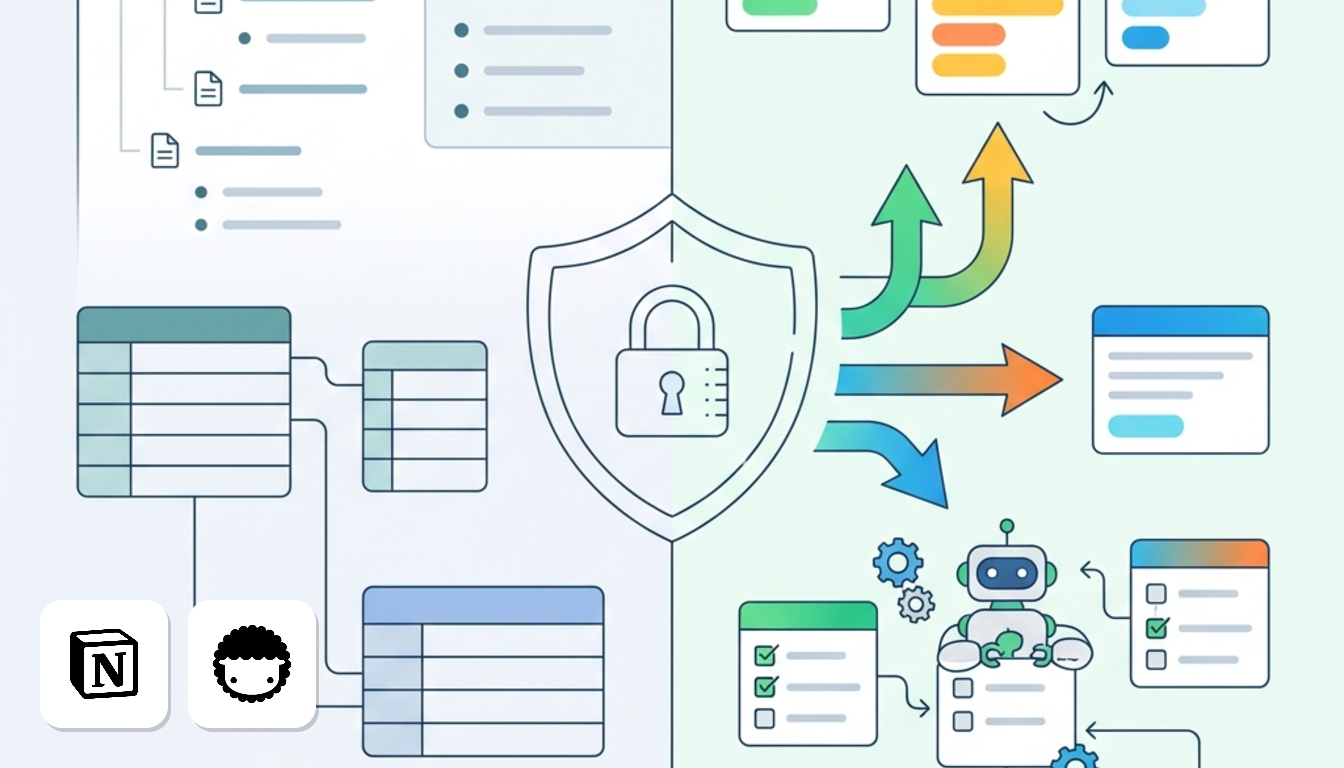
Choose Notion AI for documentation and data protection, and Taskade for AI agents and flat team pricing. That is the verdict in one line.
TL;DR
- Notion AI suits European teams that need structured documentation, linked databases and a DPA. It does not suit teams wanting hands-off workflow bots that run steps without prompting.
- Taskade suits small teams and agencies that want autonomous AI agents, multi-view task boards and flat-rate pricing instead of per-seat fees. It does not suit firms needing standard contractual clauses (SCCs).
Full plans are on the Notion AI and Taskade pages.
Which tool fits your daily workflow?
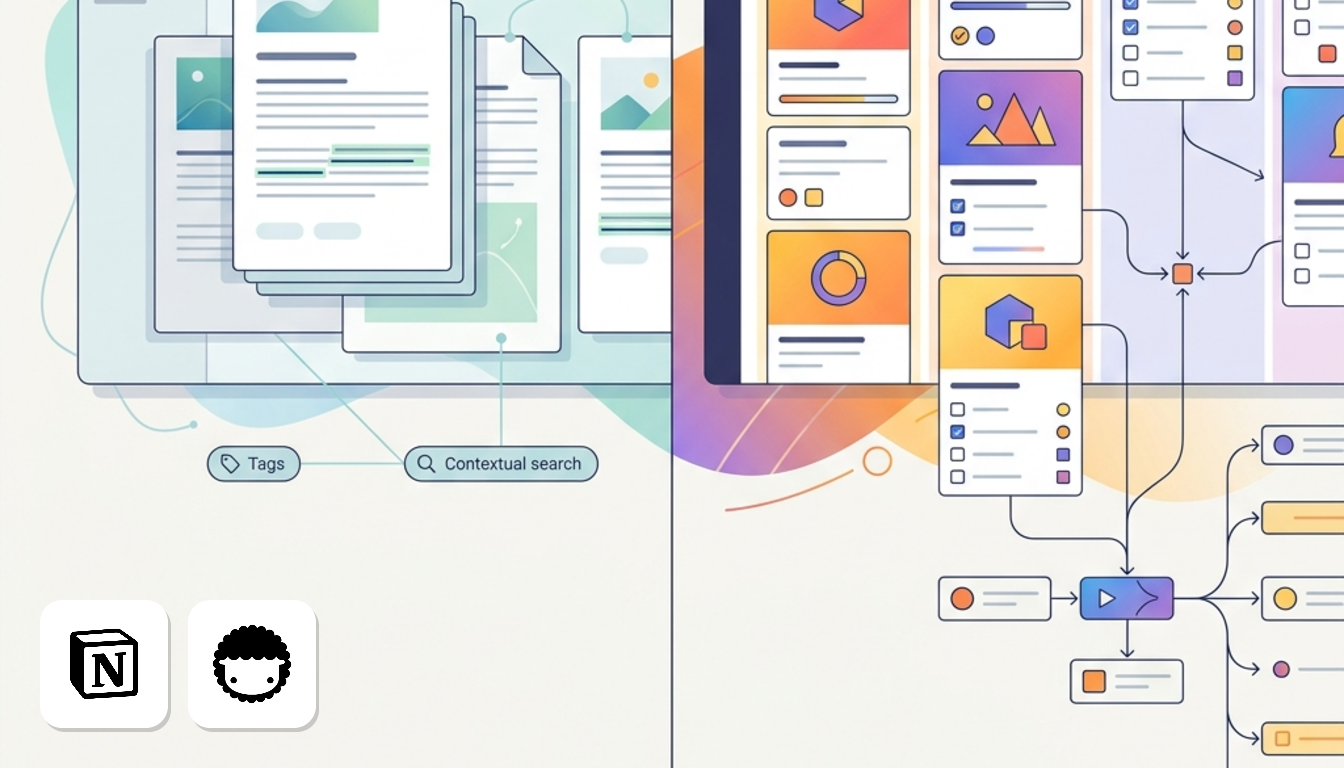
It comes down to whether your day revolves around documents or around tasks. Notion AI suits the first, Taskade the second.
Choose Notion AI if
- Your team manages company wikis, roadmaps and portals, and queries a central knowledge base.
- Your compliance team needs a Data Processing Agreement (DPA). European hosting requires Enterprise; otherwise, data stays in the US.
Choose Taskade if
- Your managers need autonomous AI agents to draft outlines, build mind maps and run automated multi-step task workflows.
- You want predictable spend for 5 to 10 colleagues. Pro is US$20 a month, or US$10 a month billed yearly.
When neither is the answer
Sometimes the bottleneck is live client calls, not project workspaces. In that case, look at meeting transcription tools such as Fireflies.ai or Otter.ai instead.
Comparing core features and AI capabilities
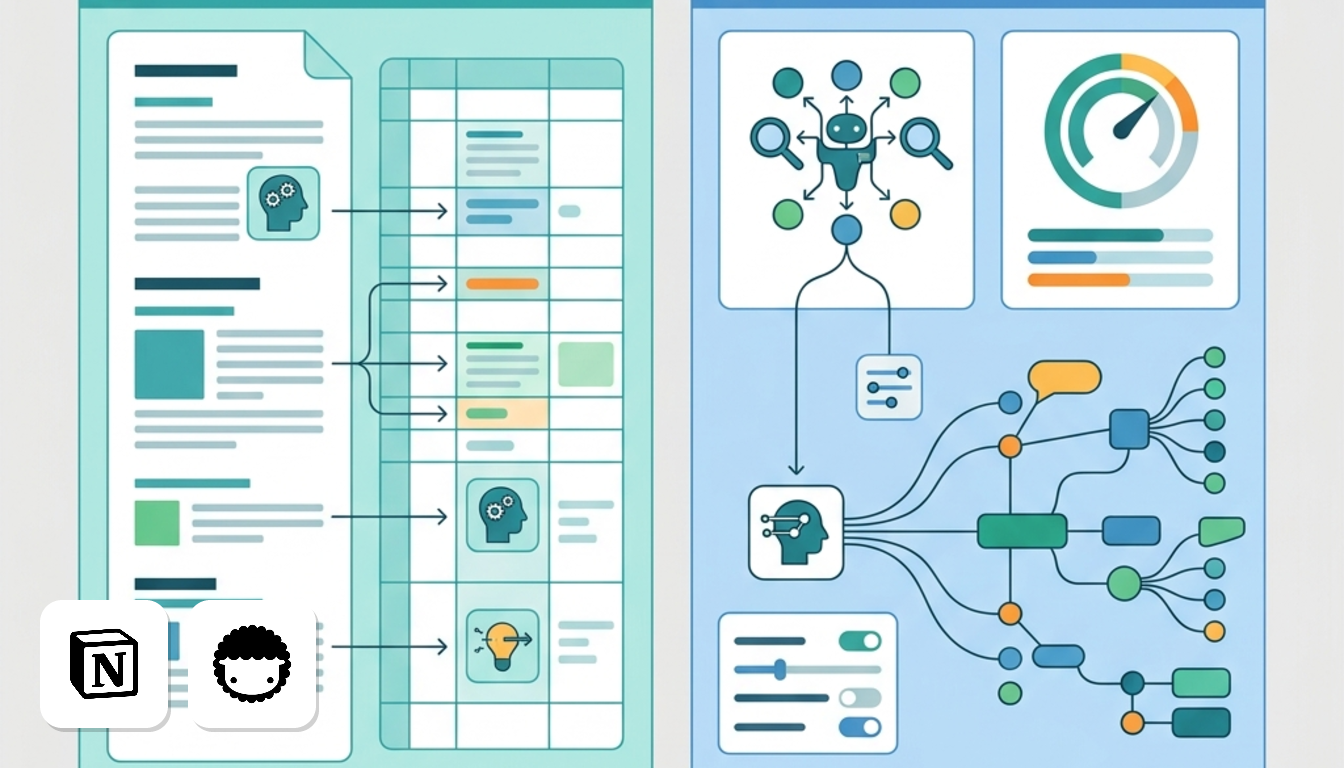
Notion AI helps you work on what you've written, while Taskade's agents go and do the work.
| Feature | Notion AI | Taskade |
|---|---|---|
| Data structure | Pages built from blocks, plus linked databases | Projects built from nested tasks and outlines |
| Project views | Database views such as tables and boards | One project shown as kanban, mind map or table |
| Autonomous agents | AI responds when you prompt it inside pages and databases | Custom agents run research and workflows from a single prompt |
| Free plan | Unlimited pages and blocks for individuals, basic trial AI responses | 2 users, 1 AI agent, 250 MB storage, basic automations |
Source: Notion and Taskade official pricing and product pages, checked October 2026.
Taskade: agents that act
Taskade agents are custom bots. You describe a goal once. The agent then conducts research, outlines workflows or creates a project view.
Runs consume credits, so track heavy agent usage.
Notion AI: context inside your workspace
- Retrieves answers across your databases, not just the open page.
- Edits copy inline, right where you're writing.
- Auto-fills database properties, such as summaries or tags.
- Searches company-wide content across connected workspaces.
Notion AI extracts answers from client briefs in a database. It does not start research autonomously.
What the free tiers really give you
Notion's free plan has no cap on pages or blocks, but AI is only a trial. Taskade limits teams to 2 users and 250 MB, while still including one custom agent.
Full plan details are on the Notion AI page and the Taskade page.
How team pricing compares across currencies
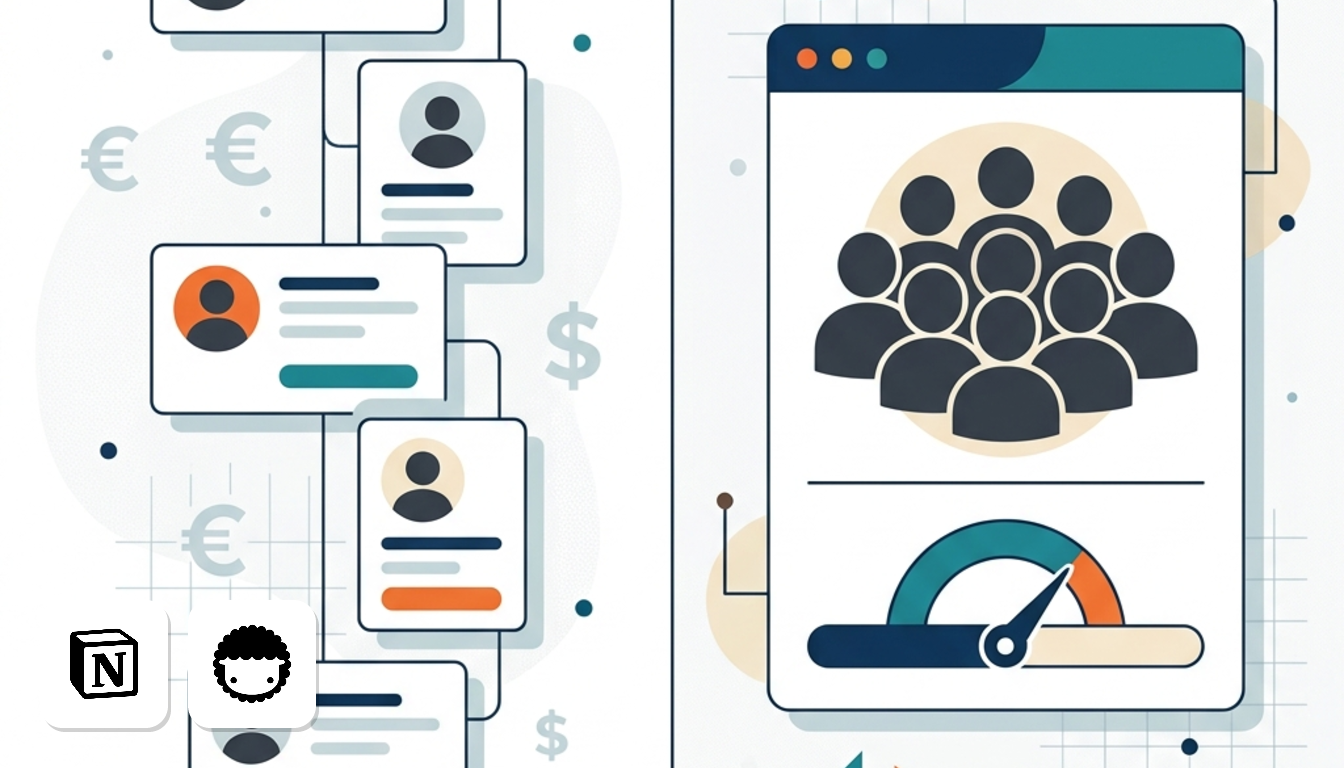
For 10 users, Taskade costs substantially less because it charges one flat fee, whereas Notion charges per seat.
| Plan | Price model | Monthly total, 10 users |
|---|---|---|
| Taskade Pro | US$10 flat (US$20 billed monthly) | US$10 |
| Notion Plus | Refer to the official pricing page for current per-user rates | Refer to the official pricing page for current rates |
| Notion Business | Refer to the official pricing page for current per-user rates | Refer to the official pricing page for current rates |
Yearly billing per month unless stated, all prices before VAT.
Because Taskade prices in US$, we show dollars without conversion, so your bank determines euro or pound rates.
Where the AI limits bite
Taskade Pro is US$10 a month billed yearly, while Business is US$25 per month billed yearly.
Notion lists its bundled AI features under Business, so that is the fair comparison. Ten seats there cost US$200 per month, against US$25 for Taskade Business.
Taskade Pro covers up to 10 users on one fee, while an 11th hire requires Business. Each Notion hire adds a per-seat cost.
So if your team runs agents all day, watch the credit cap. If you mostly write and organise documents, Notion's bundle is simpler to budget. For full plan lists, see the side-by-side price page or the Notion AI page.
GDPR compliance and European data rules
For European teams handling personal data, Notion AI is safer on paper because the contractual gap between them is significant.
| Point | Notion AI | Taskade |
|---|---|---|
| Data location | United States; Frankfurt or Ireland on Enterprise | AWS, US East region |
| Customer DPA | Provided | Not signed |
What the contracts mean for you
Taskade does not sign a Data Processing Agreement (DPA) or standard clauses required by GDPR. If you paste client briefs into an agent, you hold no signed contract for auditors.
Notion signs a DPA and meets SOC 2 and ISO standards. EU storage requires Enterprise. On other plans, your data remains in the US.
VAT on cross-border subscriptions
Prices on this page are before VAT. For European VAT-registered firms, B2B reverse charge applies. You supply a tax number to self-account for VAT.
Full plan details sit on the Notion AI and Taskade pages.
What are the real tool downsides?
While both platforms have drawbacks, they differ noticeably. Notion AI gets expensive as teams grow, while Taskade lacks standard European compliance terms.
Notion AI
- Cost rises with headcount. Business is US$20 per month billed yearly, so team costs scale quickly with headcount.
- Native project automation does not include autonomous bots that carry out tasks for you.
- European data hosting remains restricted to the top Enterprise tier.
Taskade
- Run several agents all day and you may hit usage limits.
- Relational databases are simpler, which limits complex linked tables.
- The lack of standard GDPR contractual terms and EU data residency can disqualify it for regulated teams.
Full plan details are on the Notion AI and Taskade pages.
Frequently asked questions about these tools
Can Taskade replace Notion for a company wiki?
For a small team, yes. Taskade Pro gives 10 users 100GB storage. Free stops at 2 users and 250 MB. Notion Business adds private teamspaces and 90-day page history, useful for restricted wiki sections.
Do European businesses pay UK or EU VAT?
Every price in this comparison is before VAT. Your final invoice depends on your country and VAT status.
Can you build automated AI agents inside Notion AI?
Business bundles AI writing features rather than autonomous bots. Taskade names agents outright: one on Free, unlimited from Pro. If agents are your goal, Taskade is the clearer match.
How many AI credits does Taskade include?
Credit allocations depend on the chosen plan tier. Plan details sit on the Taskade page, and Notion's are on the Notion AI page.