















Compare verified Notion AI alternatives for freelancers in 2026. Review EU pricing, GDPR terms, and autonomous AI agents to find your solo workflow setup.
TL;DR: quick verdict for European freelancers
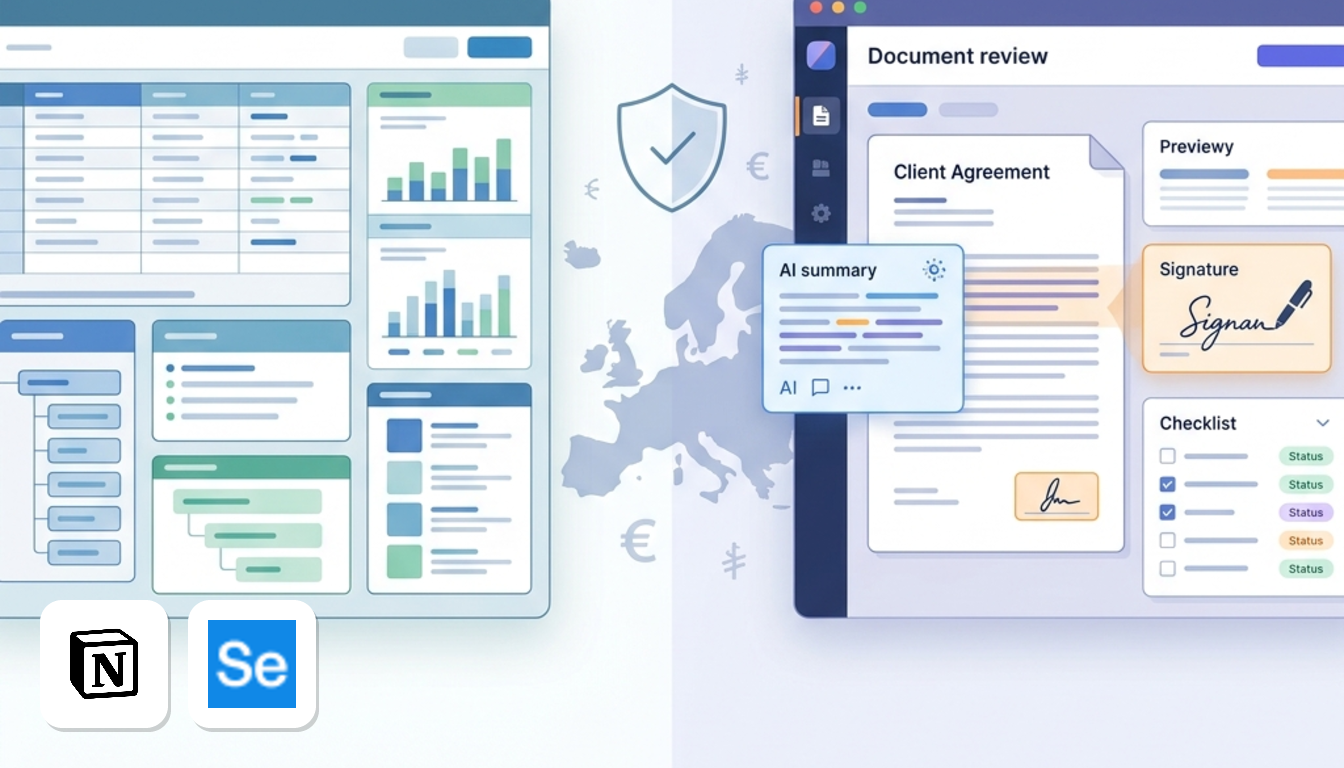
Which of these Notion AI alternatives for freelancers fits you depends on what frustrates you most in Notion.
- Taskade suits you if you want automated AI workflows and multi-agent setups at a low entry price. Pro is US$10/mo billed yearly. Avoid it for regulated client records: it states it signs no DPA, and data sits on AWS US East.
- Signeasy suits solo consultants whose real headache is client agreements. Business adds AI contract summaries to e-signatures at US$20/mo billed yearly. It is not a general workspace.
- Notion AI suits you if you already run complex relational databases. Business costs €19.5/mo or £16.5/mo billed yearly, with data hosted in the US. Avoid it on a tight budget, because the AI features come bundled into higher tiers.
Prices are before VAT, according to each vendor's pricing and privacy pages, checked October 2026.
Which tool fits your freelance workflow?
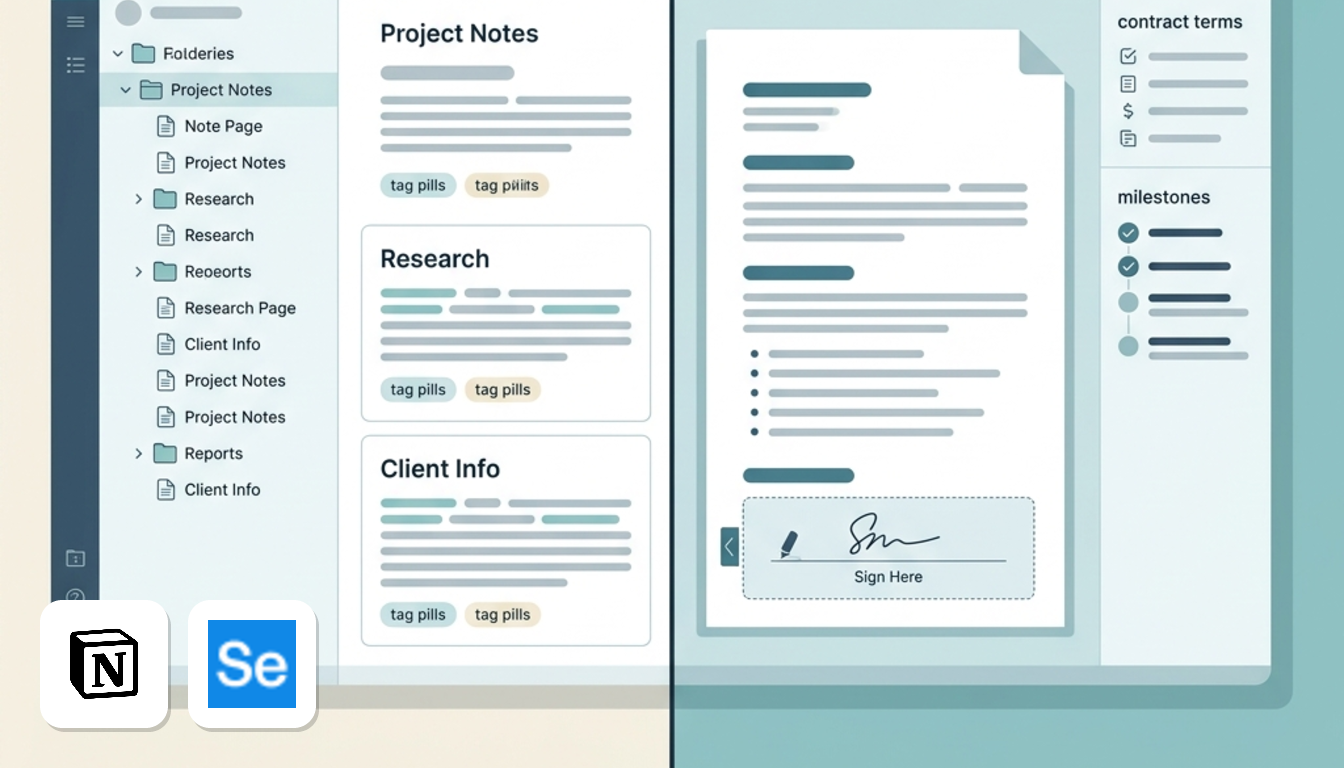
Your choice depends on which task eats most of your week. Each tool targets a different bottleneck.
Planning and research: Taskade
In Notion AI, you prompt block by block, so you must steer every step yourself. Taskade's paid plans offer unlimited AI agents. You can brief one on research while another drafts the project outline.
The free plan gives you 1 AI agent, 2 users and 250 MB; full pricing is covered in the Taskade section below. Details are on the Taskade page.
Onboarding, proposals and NDAs: Signeasy
Write the proposal in any doc, then send it for signature. Signeasy Personal is US$15 a month (US$10 billed yearly). Business is US$30 (US$20 yearly) and adds templates, reminders and an AI contract summary. Paid plans have a free trial. Source: Signeasy's pricing page, checked October 2026. See the Signeasy page.
Onboarding more than five clients a month? Look at Business.
Personal knowledge base: stay on Notion
If your workspace is mostly notes, wikis and checklists, don't pay for AI. Notion Free includes unlimited pages and blocks for individuals, plus basic trial AI responses. Plus is €11.5 a month (€9.5 billed yearly). Bundled AI starts at Business, €23.5 (€19.5 yearly).
Before you upgrade
- Check whether one client project would cover the yearly fee.
- Start on the free plan or trial first.
- Skip any plan whose limits you will not reach.
Comparing the top freelance AI workspaces
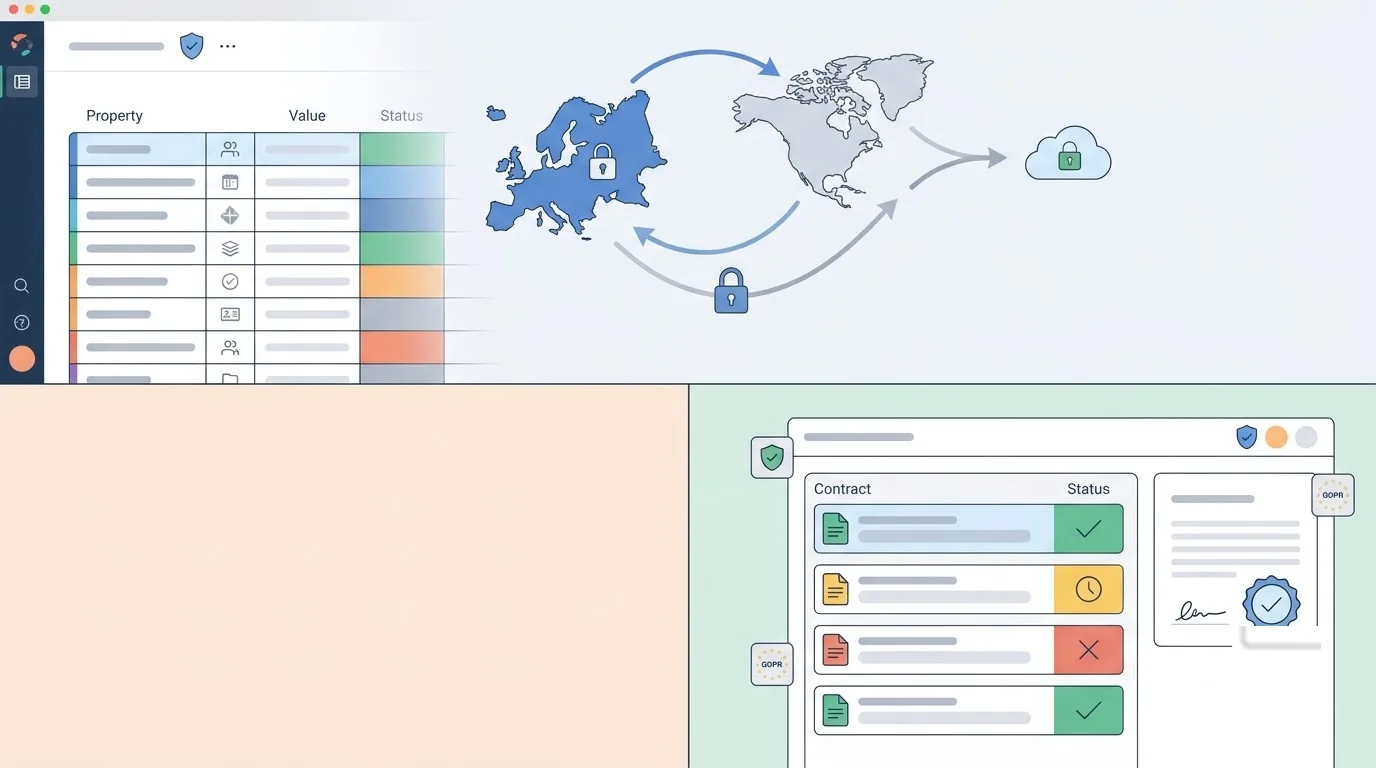
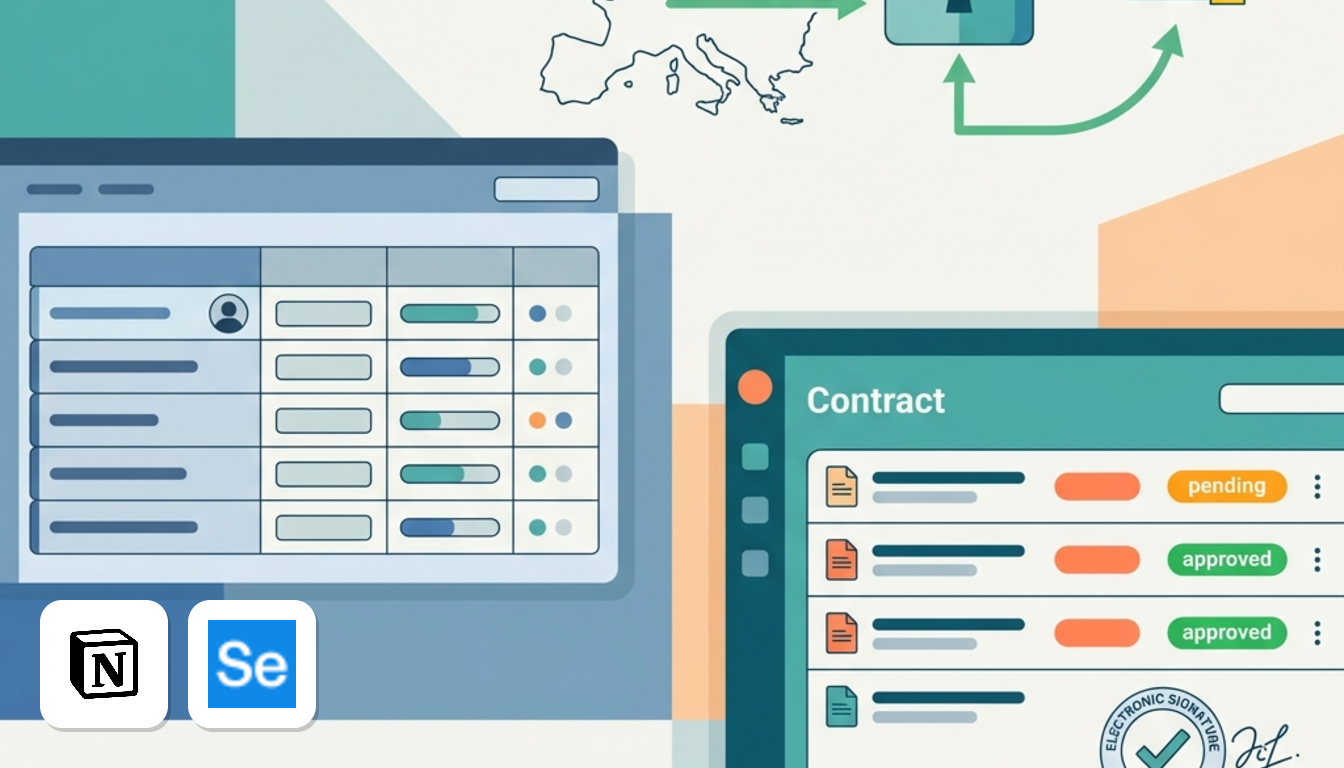
The table puts Notion AI, Taskade and Signeasy side by side on the same five points. Prices are monthly billing, before VAT.
| Tool | Free plan | Entry paid price | Primary AI capability | Data location | DPA |
|---|---|---|---|---|---|
| Notion AI | Yes: unlimited pages and blocks, basic trial AI responses | Plus: US$12 / €11.5 / £10 | Bundled Notion AI features (Business plan) | United States; EU residency on Enterprise (Frankfurt/Ireland) | Stated |
| Taskade | Yes: 2 users, 1 AI agent, 250 MB | Pro: US$20 (US$ only) | AI agents | AWS US East | Not signed with customers |
| Signeasy | No, free trial on paid plans | Personal: US$15 (US$ only) | AI contract summary (Business plan) | Not verified | Stated, with Standard Contractual Clauses |
What the table tells you
This matters because client personal data passing through an unsigned-DPA tool has no standard paperwork behind it. Notion keeps EU residency for Enterprise, so a freelancer on Plus is stored in the United States.
In contrast, Signeasy handles contract signatures rather than daily notes and tasks. If chasing signatures is your pain, its Signeasy page covers the plans. For the workspace choice, see Notion AI vs Taskade.
Taskade: for freelancers who want agents doing the legwork
Verdict: it is the pick for solo workers who would rather hand off a research job than polish a paragraph.
For example, taking on a client in a new sector and needing a Monday briefing is the kind of job Taskade's agents are built for.
- Free tier: 2 users, 1 AI agent, 250 MB of storage and basic automations.
- Pro: 10 users, unlimited AI agents, 50,000 AI credits a month and 100 GB of storage.
- Business: 250,000 AI credits a month and custom domains, which helps if clients should see your own branding.
The real downside: data location. According to Taskade's privacy page, checked October 2026, its primary infrastructure runs on Amazon AWS in the US East region. The same page says Taskade does not currently sign a Data Processing Agreement, Standard Contractual Clauses or a UK transfer addendum with customers.
| Plan | Billed annually, per month | Billed monthly |
|---|---|---|
| Free | US$0 | US$0 |
| Pro | US$10 | US$20 |
| Business | US$25 | US$50 |
Prices are in US dollars, before VAT, according to Taskade's pricing page, checked October 2026.
Against Notion AI: Notion AI works from the prompts you type. Taskade replaces those one-off prompts with agents that keep working through a task chain.
Taskade fits your internal notes and research better than sensitive client files.
Full plan details are on the Taskade page.
Signeasy for client document workflows
Signeasy suits independent contractors who need signed client agreements and AI contract summaries in one place. Notion AI can draft a proposal, but it can't take the signature.
Key points
- It covers the contract lifecycle. You send, sign and track agreements, and the mobile apps let you sign from a phone between meetings. Signer 2FA comes with Business Pro.
- Business adds the AI layer. It includes AI contract summary, unlimited sending, team templates, reminders and an admin dashboard.
- The data protection paperwork exists. Signeasy's DPA page lists a data processing agreement and Standard Contractual Clauses for transfers.
The downsides
- There is no permanent free plan, only a free trial on paid plans.
- Personal is the entry paid tier.
- Pricing is per seat, and the AI summary needs Business.
Price
According to Signeasy's pricing page, checked October 2026, Personal costs US$10/mo billed annually or US$15 monthly. Business costs US$20/mo billed annually or US$30 monthly. Business Pro is US$30/mo billed annually or US$40 monthly. Prices are before VAT.
Against Notion AI
Many freelancers end up with a Notion page that says "approved" and a client who replies by email. It looks tidy but works badly as a signed record. Signeasy replaces that with an actual e-signature flow and a summary of what the client is agreeing to.
For instance, five retainers a month suit Personal, while higher volumes with AI summaries suit Business. Keep Notion AI for notes and drafting, and let Signeasy handle the paperwork. You can see current plans and offers on the Signeasy page.
The real cost of Notion AI
For a solo freelancer, the real cost of Notion AI is the Business plan, because that is where the full AI features are bundled. Although Notion Free offers unlimited pages, its trial AI responses remain a limited preview rather than a daily tool.
Monthly prices by currency
| Currency | Plus (annual) | Plus (monthly) | Business (annual) | Business (monthly) |
|---|---|---|---|---|
| US$ | US$10 | US$12 | US$20 | US$24 |
| € | €9.5 | €11.5 | €19.5 | €23.5 |
| £ | £8.5 | £10 | £16.5 | £19.5 |
Prices are per month, before VAT, in the currency Notion lists, according to Notion's pricing page, checked October 2026.
What it adds up to per year
On annual billing, Notion Business is €19.5 a month (£16.5, or US$20 if you pay in dollars). Billed monthly it is €23.5 (£19.5, or US$24). So the billing choice matters almost as much as the plan.
Business also adds teamspaces and 90-day history, so not every euro goes strictly toward AI.
Where the alternatives change the maths
Taskade is cheaper on annual billing than Notion Business, though it bills only in US dollars, so European freelancers should account for currency fluctuations.
Signeasy handles document execution rather than workspace management, and keeps costs lower if contracts are your sole focus.
You can see every Notion tier on the Notion AI page.
GDPR compliance and European client data
Data protection is where these tools diverge most, because your choice dictates whether you can provide the legal agreements European clients require.
Why you are in scope
When a client sends you customer lists or briefs, you act as their processor. Article 28 GDPR requires a written data processing agreement, which must bind any sub-processor tool you use. That includes your workspace app.
If you paste client records into an AI agent that won't sign a DPA, you lose that legal protection.
What each vendor states
The points below come from each vendor's security, privacy and legal pages, checked October 2026.
- Notion AI: publishes a standard DPA, with SOC 2 and ISO 27001 certifications listed. Data is hosted in the United States by default. EU residency is restricted to Enterprise plans, so Plus and Business data remains on US servers.
- Taskade: primary infrastructure runs on AWS US East. It states that it does not sign DPAs, Standard Contractual Clauses (SCCs) or UK transfer addendums with customers.
- Signeasy: a US-based company that provides a standard DPA and SCCs for data transfers.
What this means in practice
Taskade presents clear risks. Because it signs no DPA under Article 28, you must reserve it for internal planning and keep client personal data out.
Signeasy suits signed contracts because you can readily provide clients with its signed DPA and transfer terms.
Notion AI sits in between: you get a DPA, but US hosting is default, and EU data residency needs an Enterprise plan, rarely viable for solo freelancers.
VAT on US subscriptions
If you are VAT-registered in the EU or the UK, buying from a US SaaS vendor is a cross-border B2B purchase. When you enter a valid tax number at checkout, the reverse charge mechanism applies. You account for VAT on your domestic return instead of paying the vendor. Prices on this page are before VAT.
How to choose your solo AI stack
Run three checks: what you ask AI to do, what your contracts allow, and what a full year costs.
Step 1: Count your prompts
If you mostly rewrite emails and summarise notes, Notion's text AI is enough. If you want AI to run recurring jobs, Taskade and its agents fit better. Signeasy matters only when contracts slow you down.
Step 2: Read your client contracts
Many client agreements prohibit processing personal data outside the EU. Because both Notion and Taskade default to US hosting, verify your contractual boundaries before uploading client files.
Step 3: Total the year
Multiply the yearly-billing rate by twelve. Notion Business is €19.5 a month billed yearly, Taskade Pro is US$10 billed yearly, and Signeasy Personal is US$10 billed yearly.
Final checklist
- Light text help, tight budget: stay on Notion's free plan.
- Agents and automation, US hosting acceptable: Taskade.
- Signed client agreements: Signeasy.
- Client bars US storage: leave that client's files out of US-hosted tools.