















Compare Fireflies vs Otter on pricing, transcription limits, and GDPR terms. See which AI meeting assistant fits your European team and workflow today.
Quick verdict for busy European teams
When deciding between both tools, pick Fireflies.ai for team-wide storage and deeper call analysis. Pick Otter.ai for low-cost solo transcription.
TL;DR
- Choose Fireflies.ai if you manage sales, revenue or cross-functional teams. Business adds unlimited storage, conversation intelligence, video screen recording and an API.
- Choose Otter.ai if you are a solo consultant or a small team that wants a cheap assistant.
Who should skip which
Skip Otter.ai if your calls run long. Strict per-meeting caps cut off longer calls unless you buy higher tiers.
Skip Fireflies.ai if you only want a simple personal transcript. You would pay for analysis tools you never open. Free storage fills up quickly across a team.
| Plan (US$, per month) | Fireflies.ai | Otter.ai |
|---|---|---|
| Pro, monthly billing | US$18 | US$16.99 |
| Pro, billed yearly | US$10 | US$8.33 |
| Business, monthly billing | US$29 | US$30 |
| Business, billed yearly | US$19 | US$19.99 |
| Data location | United States and other countries | AWS, United States |
Source: Fireflies.ai and Otter.ai pricing pages, checked October 2026, and their privacy policies, checked October 2026. Prices are before VAT.
For full plan details, see the Fireflies.ai page and the Otter.ai page.
Which tool fits your specific workflow?
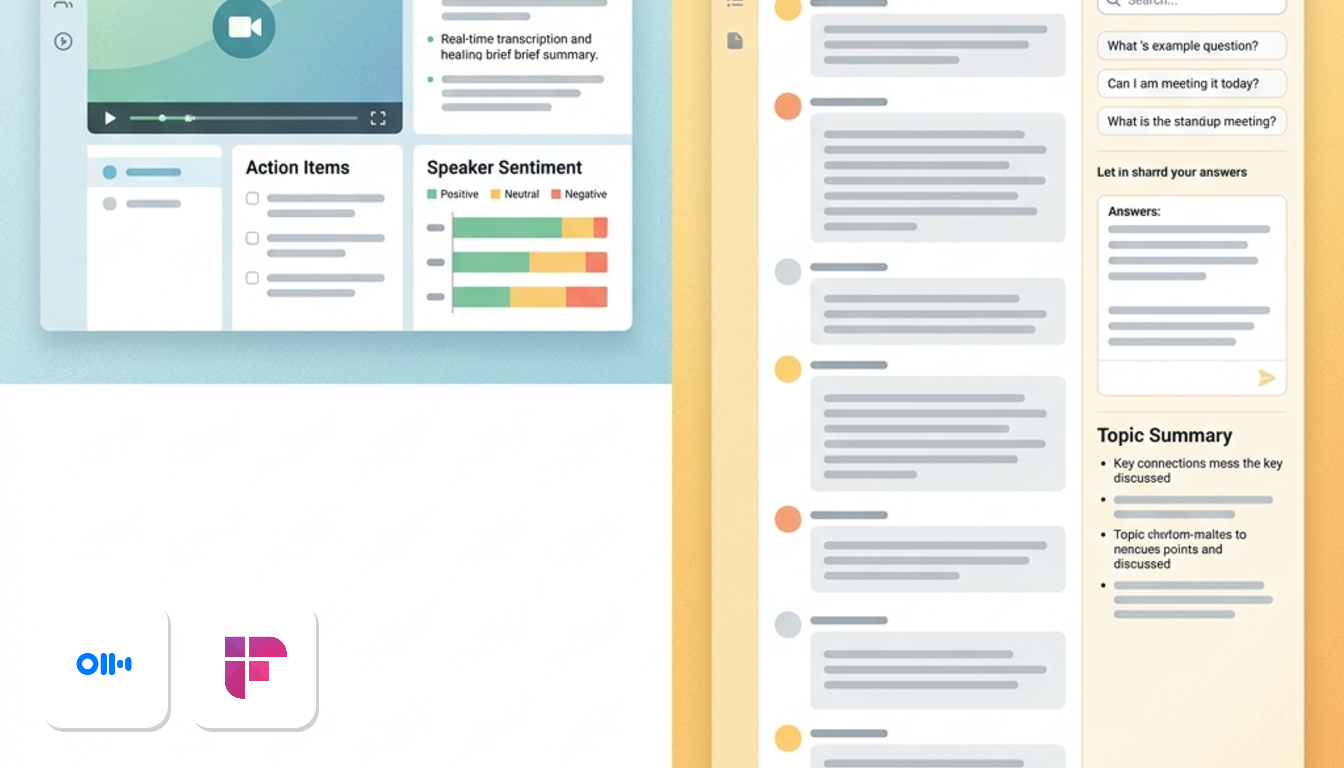
It depends on who sits in your meetings. Client-facing teams lean towards Fireflies.ai, while internal teams and solo users lean towards Otter.ai.
Sales and client calls
Fireflies.ai is the stronger fit. Pricing pages checked October 2026 show Business adds screen recording and an API. It also includes conversation intelligence. Otter.ai's Business plan lists team analytics instead.
A sales manager can review discovery calls and replay the screen shared during a demo. This capability supports team coaching and quality reviews.
Internal team meetings
Otter.ai suits recurring syncs and stand-ups. AI chat is included on the free Basic plan. A product team can query last week's meeting without rereading the whole transcript.
Its Business tier adds generous recording allowances and team analytics for daily syncs.
Solo consultants and freelancers
Otter.ai is the cheaper yearly Pro entry point. Free tiers also differ in quota structure.
If you record many calls, Fireflies Pro provides unlimited summaries and 8,000 storage minutes. That can justify the higher rate. If you have a handful of calls a week, Otter.ai Pro is likely enough.
Need a notes workspace instead?
Sometimes the real need is a place to organise notes and tasks, not a meeting recorder. In that case, look at Notion AI or Taskade on this site.
Side by side feature and plan breakdown
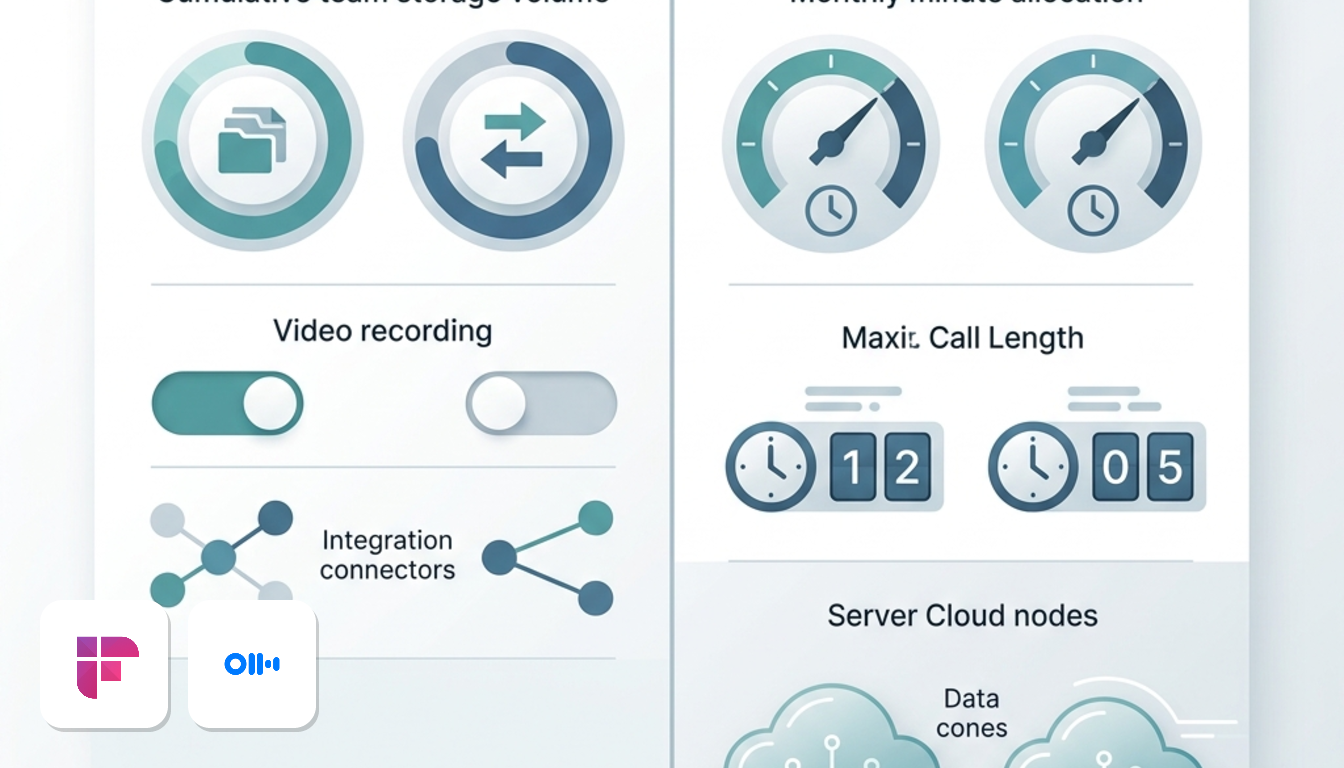
When comparing both tools, these rows decide most cases.
| Feature | Fireflies.ai | Otter.ai |
|---|---|---|
| Free plan | Unlimited transcription, limited AI summaries, 800 min storage per team | Basic: 300 min/mo, 30 min per conversation, 3 file imports lifetime |
| Pro price | US$10/mo billed yearly, US$18/mo billed monthly | US$8.33/mo billed yearly, US$16.99/mo billed monthly |
| Business price | US$19/mo billed yearly, US$29/mo billed monthly | US$19.99/mo billed yearly, US$30/mo billed monthly |
| Business limits | Unlimited storage, video screen recording, conversation intelligence, API, | extended conversation and monthly transcription limits, unlimited imports, team analytics |
| Data hosting | Servers in the United States and other countries | Amazon Web Services, based in the United States |
| Compliance frameworks | EU–US and Swiss–US Data Privacy Frameworks, UK Extension | EU–US and Swiss–US Data Privacy Frameworks, UK Extension |
Prices in US$, before VAT.
The limits are measured differently
Fireflies caps what you can keep. Otter caps what you can record each month, and how long a single conversation can run.
In a two-hour client workshop, Otter Pro would hit its conversation cutoff, while Business would cover the whole session. On Fireflies, the question is whether your growing library fits the storage ceiling.
Price gaps are small
Otter is cheaper at Pro on both billing cycles. At Business the order flips on annual billing, with Fireflies slightly lower. Either way, the gap is a few dollars per seat, so limits should drive your choice more than price.
Hosting and compliance look alike
Both tools host data in the United States under matching frameworks, so hosting will not separate them.
For a plan-by-plan view of both vendors, see the Fireflies.ai vs Otter.ai price comparison.
Transcription limits and language coverage compared
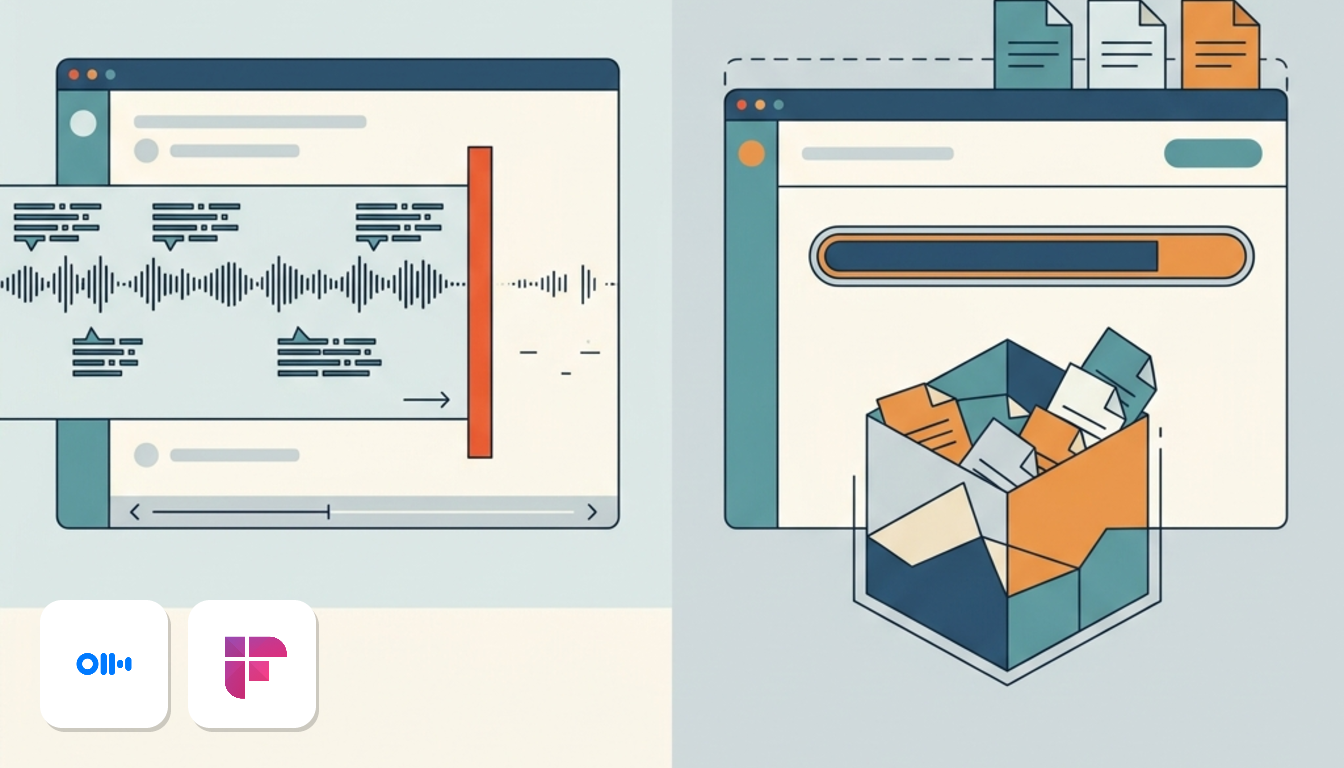
Otter's free plan cuts long calls short, while Fireflies' free plan fills up over time. They are different problems, so it helps to know which one you'll hit first.
Otter Basic: ceilings you hit fast
Basic provides 300 monthly minutes. Each call is capped at 30 minutes. On a one-hour call, capture stops at the half-hour mark, possibly mid-sentence, and the second half never reaches the transcript.
Imports are tighter still. Basic allows 3 file imports for the lifetime of the account, not per month. After that, older recordings cannot be imported without upgrading.
- Pro: 1,200 recording minutes a month, 90 minutes per conversation, 10 imports a month.
- Business: 6,000 recording minutes a month, 4 hours per conversation, unlimited imports.
Fireflies: a storage cap, not a quota
Fireflies works the other way round. The Free plan includes unlimited transcription with an 800-minute storage cap per team. Transcription is unlimited, but stored audio is capped.
The cap is shared, so every colleague draws from the same pool. A team recording several calls a day will notice it far sooner than a solo user. Pro increases the storage allowance, and Business removes the cap entirely.
Which limit hurts less?
Otter's quota resets each month, but its per-call ceiling is the real obstacle. If your calls regularly pass 30 minutes, Basic won't do the job. Pro covers standard meetings, while workshops or long interviews require Business.
Because Fireflies uses a running storage limit, so older recordings compete with new ones for space. That suits a team needing short history. It frustrates anyone wanting a permanent archive.
To see the plans in full, visit the Otter.ai page or the Fireflies.ai page.
AI summaries and team workflow automation
Fireflies pushes meeting output into your other systems, while Otter keeps the work inside the shared transcript. Which one suits you depends on where your follow-up actually happens.
Fireflies: analysis after the call
Fireflies produces structured summaries, extracts action items and adds sentiment analysis. Its AskFred assistant lets you query your whole meeting history, not just one call.
Say you want to know what clients raised about renewals over the last quarter. You ask AskFred once instead of opening a dozen transcripts.
Otter: chat inside the transcript
Otter AI Chat works during and after a call. You can ask questions, generate a follow-up email or build a meeting outline, all in the shared workspace.
- It helps with quick recaps right after a meeting.
- Teammates see the same transcript and outputs.
Integrations decide the real workload
Fireflies connects to HubSpot, Salesforce and other productivity apps on its Business plan. Transcripts sync automatically, so nobody pastes notes into a deal record. The same plan adds conversation intelligence and an API.
Otter focuses on Zoom, Google Meet, Microsoft Teams and Slack. It lacks native deep CRM sync on base tiers. Sales teams may end up copying notes by hand. Its Business plan adds team analytics.
What it costs to unlock this
Both vendors charge comparable Business rates, with Fireflies slightly cheaper on annual billing.
Pick Fireflies if your notes must land in a CRM. Pick Otter if your team mostly reads and reuses transcripts together.
Both pages list the full plans: see Fireflies.ai and Otter.ai.
Real costs for five and ten users
Fireflies Business costs less than Otter Business at both team sizes, but the gap is small. In a budget check, the billing method moves your spend far more than the brand does.
The numbers side by side
This assumes everyone on the team has a paid Business seat. Prices are in US dollars, before VAT.
Annual totals use US$19 and US$19.99 per seat per month, billed yearly. Monthly totals use US$29 and US$30 per seat.
What the gap really is
On annual billing, Otter costs slightly more a year for five seats and more for ten seats. That is real money, but it will rarely decide the purchase. Limits and workflow fit matter more.
Upfront cash versus flexibility
Monthly billing is the expensive way to buy. Both tools charge substantially higher rates on monthly billing. Stay monthly for twelve months with five seats and total costs rise quickly.
So why would anyone pay it? A five-person agency in Dublin or Milan may have two people on rolling client contracts. Monthly billing lets you drop them.
Cash flow matters too. A studio in Paris, London or Madrid may prefer monthly billing. That avoids a four-figure charge on one day. The premium is what you pay for the option to leave.
How to choose
- Headcount is stable and you already know the tool fits: pay annually and keep the saving.
- Team size may change, or you are still unsure about the tool: pay monthly and treat the premium as insurance.
- Ten seats or more: the annual commitment increases significantly on both tools, so confirm fit first.
For the full plan details, see the Fireflies.ai and Otter.ai pages.
GDPR compliance and European VAT rules
Neither tool keeps your meeting data in the EU, so your GDPR case rests on transfer mechanisms and contracts. Both tools land very close together on these points.
Where your data lives
Otter runs compute and storage on Amazon Web Services in the United States. Fireflies says its servers are in the United States and other countries. Either way, recordings of your calls leave Europe.
Transfer rules and contracts
| Point | Fireflies.ai | Otter.ai |
|---|---|---|
| Data location | United States and other countries | AWS, United States |
| EU-US Data Privacy Framework | Complies | Complies |
| UK Extension | Complies | Complies |
| Swiss-US Data Privacy Framework | Complies | Complies |
Those frameworks give you a recognised legal route for sending personal data to the US. When a French sales team records prospect calls, data travels to US servers. That legal route must be in place.
Fireflies covers business customers with a Data Processing Agreement. Otter covers data processing within its posted enterprise terms. Ask your data protection officer to review whichever applies before you roll either tool out.
VAT reverse charge
Both platforms bill in US dollars and do not charge local VAT.
If your company is VAT-registered in France, Spain, Italy, Ireland or the UK, you apply the reverse charge yourself. You declare the VAT on your return and, if the purchase is fully deductible, reclaim it in the same return. Your accountant will know the exact boxes.
Plan details for each tool sit on the Fireflies.ai page and the Otter.ai page.
Frequently Asked Questions about both tools
Can I stay on a free plan for good?
Both vendors list a free plan, so you can use either without a paid tier. Otter limits monthly recording time and conversation length, while Fireflies caps total shared team storage.
For a team that records every week, that difference decides which one you outgrow first.
How does US dollar billing work for European companies?
Both tools list prices in US$, before VAT. You are billed in dollars, without automatic currency conversion.
If your company card is in euros or sterling, any conversion fee comes from your bank or card provider. Ask your finance team for that rate before you budget, because it applies to every renewal. Yearly billing means fewer transactions, so fewer conversion charges.
What if we need EU data residency?
Say your legal team will only approve meeting recordings that stay inside the EU. In that case, neither Fireflies nor Otter can pass the review, however good the summaries are.
Start with our guide to GDPR-ready Otter alternatives, or see the Fireflies alternatives guide if you work solo or in a very small team.