














This guide compares three Fireflies AI alternatives for freelancers: Otter.ai, Taskade and Notion AI. It sets out each tool's free plan limits, entry prices in the currency the vendor lists (US$, € or £), where the data is stored and what each vendor says about GDPR terms. The aim is to help you decide whether a dedicated meeting bot or an AI workspace fits your client work.
TL;DR: Summary Matrix for Freelancers and Solopreneurs

Quick Verdict: The right pick depends on your call volume, budget, and whether you need a dedicated meeting bot or a broader project workspace.
Fireflies.ai is a dedicated meeting bot that records calls and adds conversation intelligence. The three alternatives below, with figures from each vendor's official pricing page (checked October 2026), suit different ways of working:
- Otter.ai: Best for budget-conscious solo operators wanting straightforward audio transcription and live meeting Q&A. Avoid if you need advanced workflow triggers across other apps. See the Otter.ai deal page.
- Taskade: Best for freelancers who want meeting notes converted into actionable project boards, mind maps, and custom AI agents within one system. Avoid if you only need a simple, single-purpose call recorder. View current pricing on the Taskade deal page.
- Notion AI: Best for solopreneurs already organizing client wikis and documents in Notion who prefer asynchronous document synthesis over running an active meeting bot. Avoid if you require real-time auto-joining meeting bots. View current pricing on the Notion AI deal page.
| Tool | Entry Paid Tier (Billed Annually / Monthly) | Free Tier Allowance | Primary Target Use Case |
|---|---|---|---|
| Fireflies.ai | US$10 / US$18 per month | Unlimited transcription, limited AI summaries, 800 min storage | Dedicated AI meeting assistant and conversation analytics |
| Otter.ai | US$8.33 / US$16.99 per month | 300 min/mo transcription (30 min per conversation) | Standalone audio transcription and conversational AI chat |
| Taskade | US$10 / US$20 per month | 2 users, 1 AI agent, 250 MB storage | Integrating meeting notes directly into AI workflow agents |
| Notion AI | US$10 / US$12 per month (Plus, annual / monthly) | Unlimited pages and blocks, basic trial AI responses | Centralized workspace management and integrated AI drafting |
Why Freelancers Seek Alternatives to Fireflies.ai
Fireflies.ai is a well-known note-taker. However, solo operators often switch because of storage caps, client friction and rising costs.
1. Free Tier Limitations and Workspace Boundaries
The Free plan offers unlimited transcription but has tight limits. Freelancers receive only limited AI summaries and are capped at 800 minutes of total storage per team. Once you hit this ceiling, you must delete old meeting data or pay to keep your archive.
2. Client Friction from Automated Bot Attendance
Fireflies.ai relies on an automated assistant joining scheduled meetings on Zoom, Google Meet, and Microsoft Teams. For independent contractors on confidential strategy calls, unannounced recording bots can create awkward client moments or raise compliance objections. You then have to manage bot settings before every call.
3. Escalating Costs for Solo Operators
Accessing full AI summaries and expanded storage requires upgrading to the Pro plan at US$18 per month (or US$10 per month billed annually). Upgrading to the Business tier costs US$29 per month (or US$19 per month billed annually). Paying that monthly fee solely for meeting notes is hard to justify on a solo budget.
Dedicated AI Meeting Bots vs. Unified AI Workspaces
When evaluating fireflies ai alternatives for freelancers, the key strategic decision lies between specialized meeting recorders and task-integrated AI workspaces.
Transcription Recorders vs. Action-Driven Hubs
Dedicated bots like Fireflies.ai and Otter.ai excel at joining live calls and capturing raw audio. However, standalone audio processing leaves transcripts isolated, forcing solo operators to manually transfer action items into separate client management software.
Conversely, unified platforms like Notion AI and Taskade embed AI directly inside project databases. Meeting notes immediately turn into client deliverables, assigned tasks, and automated workflows without context switching.
Long-Term Cost Efficiency and EU Compliance
For solo client projects, a Fireflies.ai subscription usually sits on top of a separate project management tool. A unified workspace puts note-taking, task execution, and AI generation on a single recurring bill, which can reduce the number of subscriptions you pay for.
From a data governance perspective, Fireflies.ai and Otter.ai participate in the EU-US Data Privacy Framework (checked October 2026). According to Taskade's privacy policy, Taskade currently does not sign DPAs or Standard Contractual Clauses, a crucial distinction for European freelancers handling GDPR-regulated client data.
Otter.ai: Dedicated Audio Transcription & AI Meeting Assistant
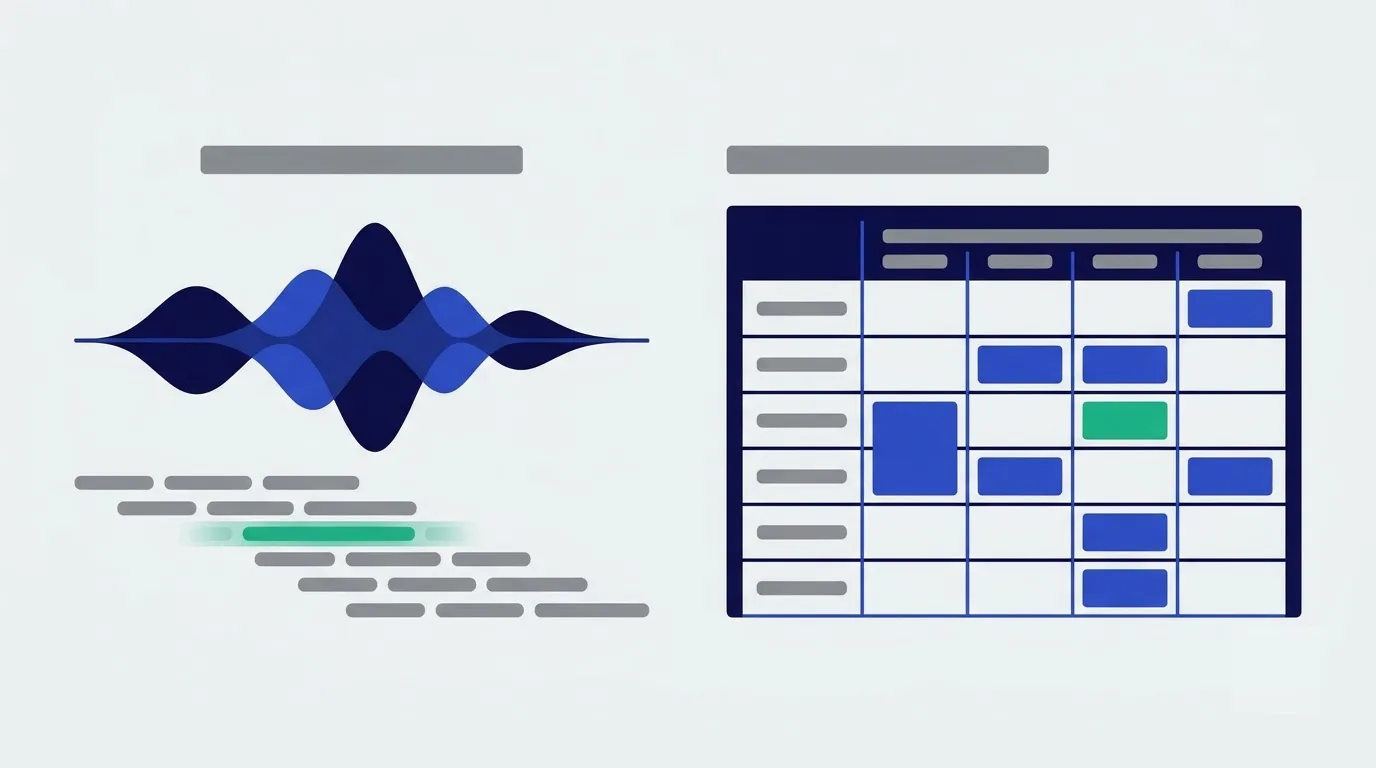
TL;DR: Otter.ai suits freelancers who need real-time meeting notes, slide capture, and live transcription during video calls. It is less suitable for freelancers conducting long client sessions over 30 minutes on a zero-budget plan, or EU/UK sole traders who require native billing in EUR or GBP.
Otter.ai vs Fireflies.ai: Free Allowances and Conversation Caps
Minute caps are the key difference. The free Basic plan provides 300 minutes of transcription per month, subject to a strict 30-minute cap per conversation and a limit of 3 lifetime file imports.
Fireflies, by contrast, has unlimited free transcription but limits AI summaries and storage. On paid plans, Fireflies Pro includes unlimited transcription and AI summaries, as the table below shows.
The Good vs The Bad
- The Good: Business plan available at US$30/mo or US$19.99/mo billed annually; built-in AI chat to query action items across past transcripts.
- The Bad: 30-minute conversation cut-off on the free tier; no native EUR or GBP billing, leaving European buyers subject to bank conversion charges; lifetime limit of 3 audio file uploads on Basic.
Data Location and Legal Compliance
According to Otter.ai's privacy policy, checked October 2026, user data and AI processing run on Amazon Web Services (AWS) infrastructure situated in the United States. Otter.ai does not offer local EU data residency. For transatlantic transfers, Otter.ai relies on its certified compliance with the EU–US Data Privacy Framework, the UK Extension, and the Swiss–US Data Privacy Framework.
See our Otter.ai deals page.
Taskade: AI Meeting Notes and Workspace Automations
TL;DR: Taskade suits freelancers who want to turn meeting notes directly into actionable project workflows and automated tasks without relying on dedicated transcription bots. It is less suitable for freelancers needing automated live-call recording bots or formal EU Data Processing Agreements.
Taskade offers a workflow-driven approach. Taskade does not deploy a bot to record calls. It embeds AI directly into a multi-view project workspace. Freelancers can paste raw meeting notes or transcripts into Taskade. Built-in AI agents then parse action items and assign tasks. They also trigger automations across boards, mind maps and lists.
Official Pricing Tiers
According to Taskade's pricing page (checked October 2026), the platform offers the following plans in US dollars (excluding VAT):
- Free Plan: US$0 per month, providing support for 2 users, 1 AI agent, 250 MB of file storage, and basic automations.
- Pro Plan: US$10 per month (billed annually) or US$20 per month (billed monthly).
- Business Plan: US$25 per month (billed annually) or US$50 per month (billed monthly).
The Good vs The Bad
- The Good: Taskade provides a generous free plan featuring 2 user seats, 1 AI agent, and 250 MB storage. Its unified workspace lets freelancers combine meeting documentation directly with task management, so action items do not need to be copied into a separate tool.
- The Bad: Taskade lacks a video call bot to automatically join and transcribe live video meetings.
Notion AI: Document-Centric Meeting Summaries & Client Hubs
Notion AI takes a document-centric approach rather than recording audio. Fireflies.ai sends a bot into video calls. Notion AI works inside structured databases, client portals and project docs.
Freelancers can manually paste raw call transcripts or quick meeting notes into a Notion workspace. Custom AI prompts then extract deliverables. Notion AI can also write follow-up client emails and fill task status fields across client hubs. This eliminates the need to maintain separate meeting recorder tools alongside a project management system.
Official Pricing Structure (USD, EUR, GBP)
According to Notion's official pricing page (checked October 2026), tier options are priced in local currencies without currency conversion (all rates exclude VAT):
- Free Plan: Unlimited blocks and pages for individual users and basic trial AI responses.
- Plus Plan: US$10 / €9.50 / £8.50 per month when billed annually (or US$12 / €11.50 / £10 on monthly billing).
- Business Plan: US$20 / Pricing for annual and monthly billing is not quoted here, as the vendor does not publish it in this guide. Check the Notion AI brand page for full plan limits.
EU Data Residency & Hosting Facts
According to Notion's official help documentation on data residency (checked October 2026), default account data storage is located in the United States. Freelancers based in the European Union or United Kingdom should note that specific EU data residency—guaranteeing data storage in Frankfurt (Germany) and Ireland—is restricted exclusively to Enterprise plans. See the Notion AI pricing page.
European Data Privacy, GDPR Compliance, and B2B VAT Rules
For UK and EU freelancers, legal data processing terms dictate whether you can lawfully record and transcribe client meetings. Because AI transcription platforms process confidential audio and personal identifiers, GDPR compliance relies heavily on compliant transfer mechanisms and signed Data Processing Agreements (DPAs).
Data Residency and Transfer Compliance Breakdown
According to official vendor privacy documentation checked in October 2026, compliance coverage varies across providers:
- Fireflies.ai: Stores server data in the United States and other regions.
- Otter.ai: Stores data on US-based AWS infrastructure .
- Notion AI: Stores workspace data in the US by default, offering dedicated EU data residency (Frankfurt and Ireland) only on its Enterprise tier.
- Taskade: Primary infrastructure runs on Amazon AWS in the US East region.
Applying B2B VAT Reverse-Charge Rules
Freelancers and agency owners registered for VAT in the EU or UK generally account for VAT on B2B software purchases from foreign vendors through the reverse-charge mechanism.
All prices in this guide are stated before VAT.
Feature and Multi-Currency Pricing Breakdown
All prices below are before VAT and apply per user.
| Tool | Free Tier Limits | Entry Tier (Monthly Billing) | Entry Tier (Annual Billing /mo) | Official Currencies |
|---|---|---|---|---|
| Fireflies.ai | Unlimited transcription, limited AI summaries, 800 min storage | US$18 | US$10 | USD |
| Otter.ai | 300 min/mo transcription, 30 min/conversation, 3 lifetime file imports | US$16.99 | US$8.33 | USD |
| Taskade | 2 users, 1 AI agent, 250 MB storage limit | US$20 | US$10 | USD |
| Notion AI | Trial AI responses, 5MB file upload limit, unlimited blocks | US$12 / €11.50 / £10 | US$10 / €9.50 / £8.50 | USD, EUR, GBP |
Free Plan Boundaries and Billing Structure
Free options come with these limits:
- Transcription and AI Credits: The table above lists each free tier's limits.
- File Upload Boundaries: Otter.ai restricts free users to 3 lifetime audio/video file imports. Notion AI limits uploads to 5MB per file on its Free tier, upgrading to unlimited file uploads on the Plus plan.
- Currency Listings: Fireflies.ai, Otter.ai, and Taskade bill exclusively in USD. Notion AI publishes direct regional pricing in USD, EUR, and GBP.
Decision Checklist for Freelancers and Solopreneurs
Choosing among these tools comes down to three checks: your meeting volume, your clients' privacy rules, and the currency you want to pay in.
Step 1: Calculate Monthly Call Volume
Determine your total monthly recording needs. Then compare that total with the free-tier limits in the tables above. If you exceed 5 hours of monthly client calls or rely heavily on file imports, factor in a paid tier such as Otter Pro, or import manual notes into Taskade or Notion AI.
Step 2: Assess Client Privacy & Bot Policies
Some clients prohibit automated recording bots in calls. If client non-disclosure agreements restrict bot invites, direct text imports into Notion AI or Taskade offer a safer workflow.
Step 3: Match Currency and Billing Preferences
Evaluate currency friction before selecting an annual plan. Notion AI offers native pricing in Euros and British Pounds, simplifying tax reporting for UK and EU freelancers. Meanwhile, Fireflies.ai, Otter.ai, and Taskade quote exclusively in US Dollars, which may incur foreign transaction fees.
Frequently Asked Questions
What is the best free meeting transcription tool for low call volumes?
Both free plans suit light meeting schedules. Otter.ai caps minutes, while Fireflies.ai limits AI summaries, and the comparison table has the details.
Do AI meeting bots comply with client non-disclosure agreements (NDAs)?
Compliance depends on the software vendor's data processing terms and your client's specific confidentiality requirements. Taskade not signing DPAs may conflict with strict client NDAs.
Can Taskade or Notion AI transcribe live audio automatically during Zoom meetings?
No. Neither Taskade nor Notion AI features a live meeting bot capable of joining Zoom calls to capture and transcribe real-time audio, according to their official documentation (checked October 2026). While Fireflies.ai and Otter.ai automatically record live audio, Taskade and Notion AI require you to paste written transcripts or meeting notes to run AI summary prompts.
How do EU freelancers claim VAT reverse charges on US AI software subscriptions?
Under the reverse-charge mechanism, a VAT-registered business buyer generally declares the VAT on its own national return when buying from US-based services such as Fireflies.ai, Otter.ai, Taskade, or Notion.
Which one fits your workflow
If you just need cheap, straightforward call transcription, Otter.ai covers that. If meeting notes need to turn into client deliverables and tasks, Taskade's workspace does more of that work for you. If you already run client wikis in Notion and prefer pasting in notes over running a live bot, Notion AI slots into that habit.
Whichever you lean toward, check the decision checklist against your call volume, client privacy rules and preferred billing currency before switching.
