











Evaluate Leadpages pricing across USD, EUR, and GBP tiers. Compare Publishing vs Grow CRO features, A/B testing limits, trial terms, and GDPR compliance.
Leadpages pricing splits into two groups: publishing plans from €10/mo with no A/B testing, and testing plans from Grow at $99/mo, €115/mo or £85/mo. Traffic is never capped.
Here is every price in three currencies, plus the limits that decide your plan.
TL;DR: Which Leadpages Plan Fits You
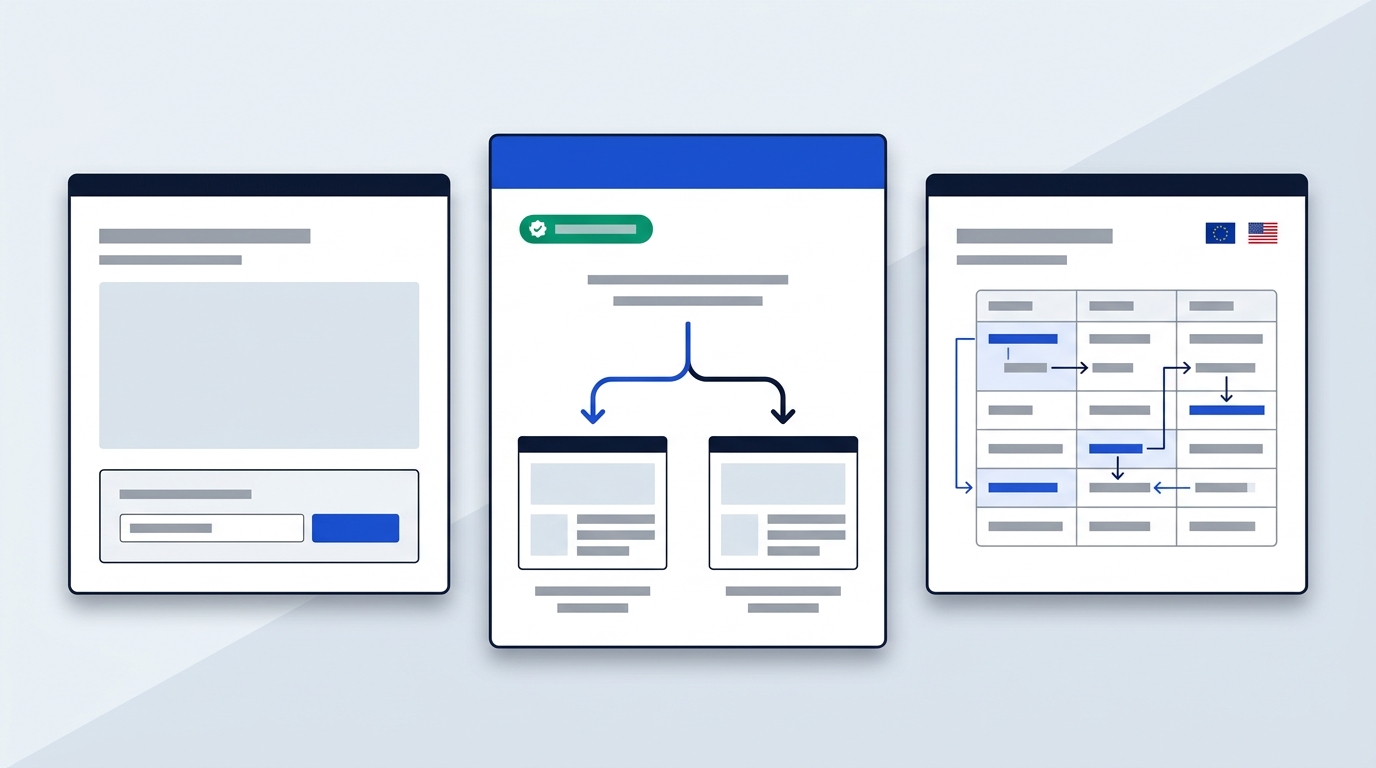
Choose by what you want a page to do, not by how many pages you need. All prices in this article are before VAT.
- Static lead capture only: HTML Pub Starter (€10/mo, £8/mo) or Pro ($29/mo, €29/mo, £25/mo). Pro adds 25 pages and API access. Neither plan includes A/B testing, so don't buy Pro expecting tests.
- Manual split testing: Grow ($99/mo, €115/mo, £85/mo) adds A/B testing, dynamic text replacement and lead enrichment, with unlimited traffic.
- AI routing and multivariate tests: Optimize ($199/mo, €229/mo, £170/mo) adds Smart Traffic, heatmaps and A/B/C/D testing, with up to 6 custom domains.
- Not the right tool: if you need a CMS, Webflow suits you better. Leadpages is built for campaign pages, not content databases.
Source for all Leadpages figures: Leadpages' pricing page, checked October 2026.
Leadpages Pricing Plans in EUR GBP USD
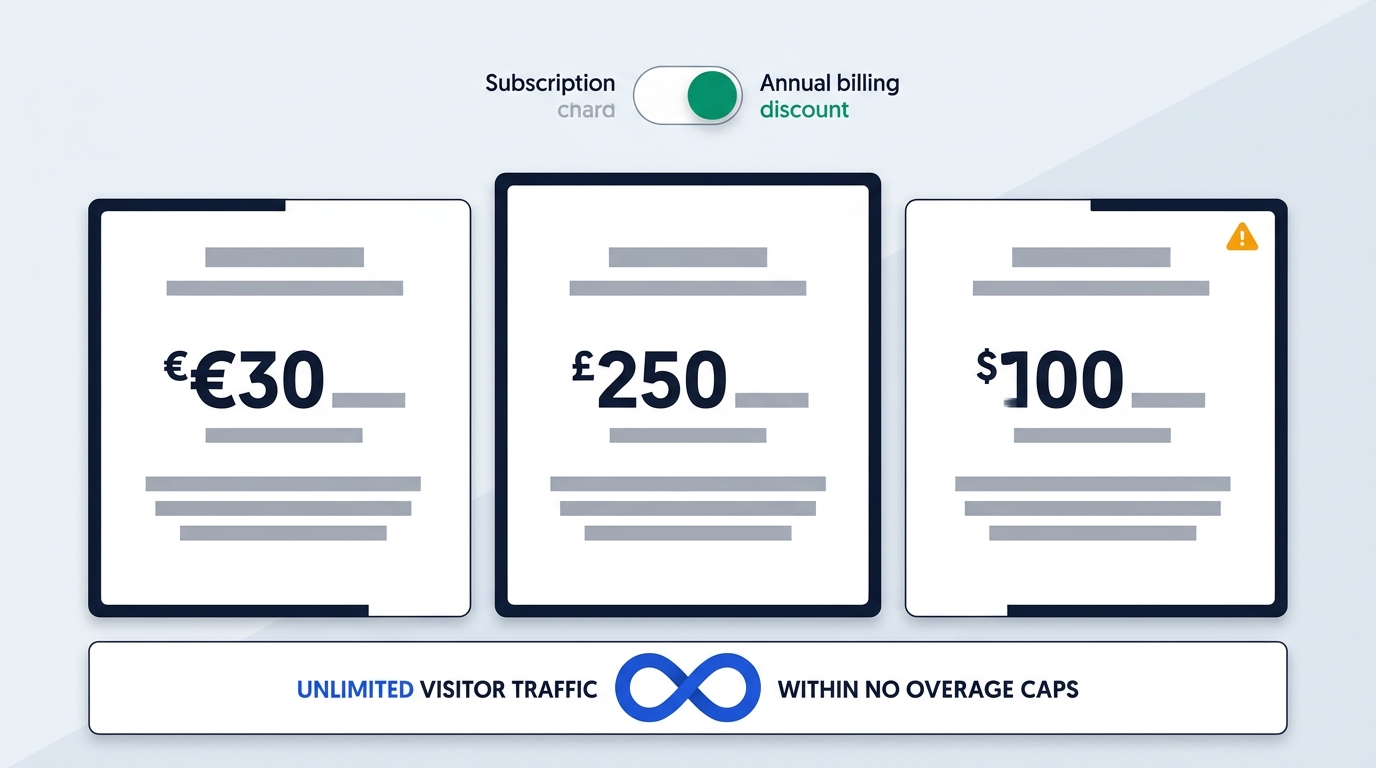
The table below lists the EUR and GBP price of every self-serve plan, monthly and with annual billing. Annual billing takes 20% off each tier.
| Plan | EUR monthly | EUR per month, billed yearly | GBP monthly | GBP per month, billed yearly |
|---|---|---|---|---|
| HTML Pub Starter | €10 | €8 | £8 | £6.42 |
| HTML Pub Pro | €29 | €23.17 | £25 | £20 |
| HTML Pub Business | €49 | €39.17 | £42 | £33.58 |
| Grow | €115 | €91.67 | £85 | £68 |
| Optimize | €229 | €183.33 | £170 | £136 |
| Scale | €399 | €319.17 | £340 | £272 |
Source: Leadpages' pricing page, checked October 2026. Prices before VAT.
In US dollars, the monthly list prices are Pro $29, Business $49, Grow $99, Optimize $199 and Scale $399. Enterprise is custom-priced and adds SSO, custom contracts and dedicated support.
Each currency is Leadpages' own list price, not a conversion. So €115 for Grow is not $99 converted, and you should budget in the currency you will be invoiced in.
One more point on cost: there are no traffic overage fees on any plan. A campaign that goes well does not change your invoice. Older articles still quote Standard, Pro and Advanced tiers at different prices, but those belong to the earlier product. For current offers, see our Leadpages page.
Publishing Tiers Versus Conversion Rate Optimization
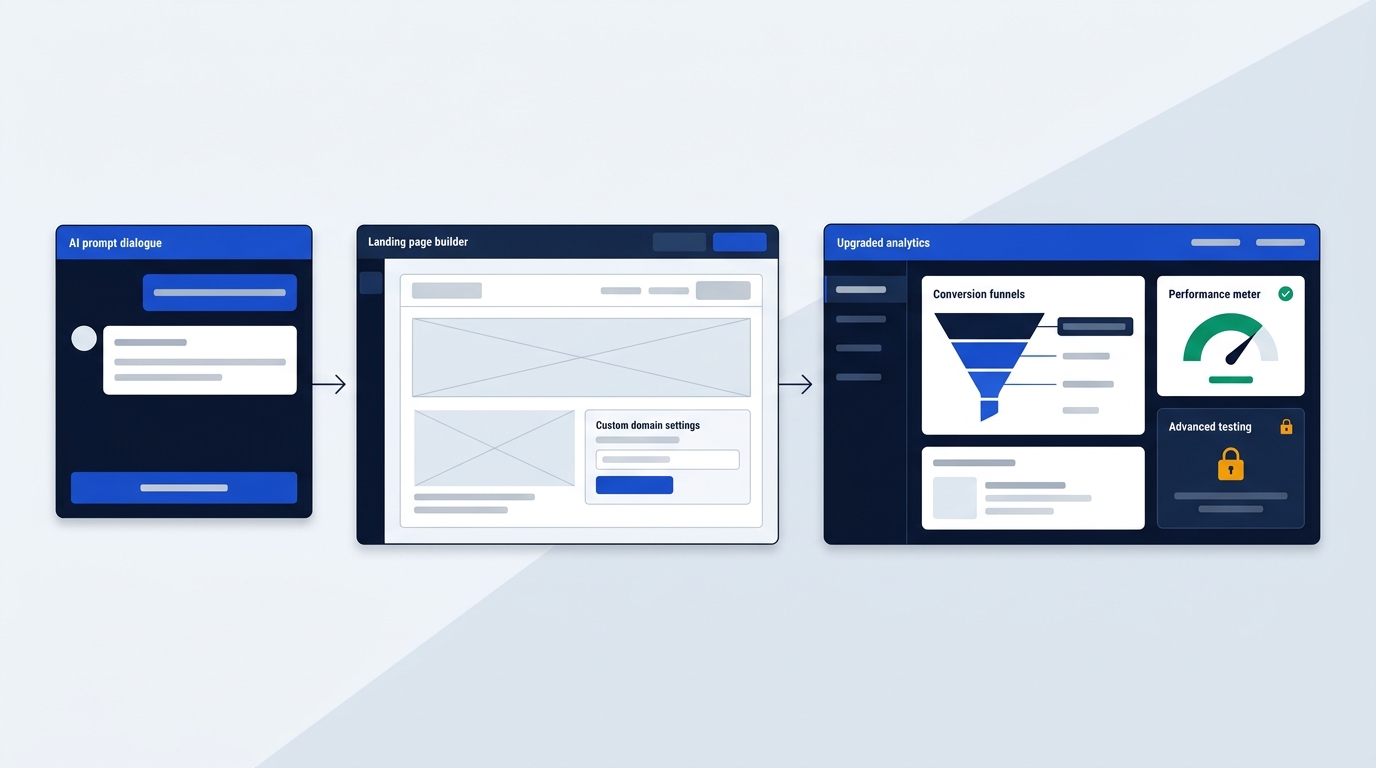
Publishing plans build and host your pages, while Grow and above add the conversion layer. According to Leadpages' pricing page (checked October 2026), every plan includes SSL, custom domains, the AI editor and the MCP connector, which lets you publish from Claude or ChatGPT.
The three publishing plans differ mainly in volume:
- Starter: 5 pages, 1 custom domain, 4K AI credits a month.
- Pro: 25 pages, 1 custom domain, API access, 5 GB storage, 1 blog, 90-day analytics with UTM tracking, 12K AI credits.
- Business: 50 pages, 2 custom domains, 2 blogs, 10 GB storage, one-year analytics with CSV exports, 20K AI credits.
None of these include A/B testing, heatmaps or lead enrichment. Leadpages states this plainly: Pro and Business are "just publishing."
Picture a consultant with one webinar sign-up page and a services page. Pro covers that with room to spare. But the day someone asks whether headline A beats headline B, Pro can't answer, and you need Grow.
The good news is that starting small is not a trap. Your pages and domains carry over when you move up a tier.
Grow Versus Optimize for Split Testing
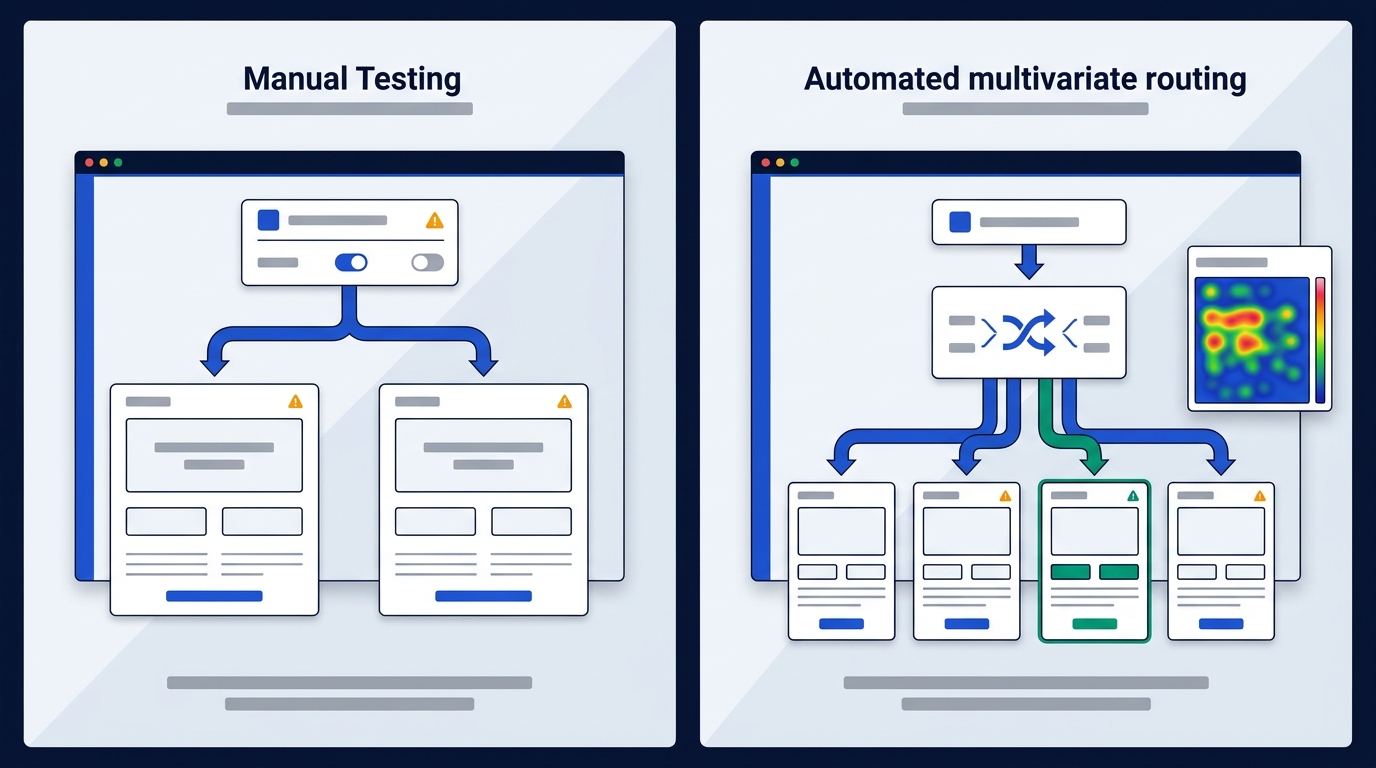
Grow is for solo marketers and small teams starting conversion work, while Optimize suits teams running several campaigns at once. Both use the same publishing base, and Optimize adds the automation. Details below come from Leadpages' pricing page, checked October 2026.
What does Grow include?
- Manual A/B testing.
- Dynamic text replacement, which matches ad copy to the landing page.
- Manual personalization and anonymous traffic detection.
- Lead enrichment for 1,000 leads a month.
- 4 custom domains with SSL and unlimited traffic.
Say you run one Google Ads campaign with three ad groups. Dynamic text replacement swaps the headline per ad, and you test two layouts by hand. That is Grow's job.
What does Optimize add?
- Smart Traffic, which sends visitors to the variant most likely to convert.
- Click and scroll heatmaps.
- Multivariate testing, up to four variants (A/B/C/D) at once.
- Auto-personalization.
- 6 custom domains, 10 active integrations and 24-month analytics.
Leadpages recommends Optimize if you run multiple campaigns and want AI-powered optimization. If you test one page at a time, you probably won't use Smart Traffic enough to justify the jump.
Above both sits Scale. It adds the full auto-optimization loop, which runs continuous testing without manual work, plus 10 custom domains, team seats, workspaces and a dedicated customer success manager.
Trial Terms and Hidden Upgrade Costs
The trial lasts 7 days, and the extra costs to watch are AI credit top-ups and the integration cap on Optimize. Everything here is from Leadpages' pricing page, checked October 2026.
How does the 7-day trial work?
You get full access to whichever plan you choose, with no feature restrictions. A card is required at checkout, and the plan becomes paid on day 7 unless you cancel. Your pages stay saved either way. You may still see 14 days quoted on older pages, but the current pricing page says 7.
Plan changes are flexible. You can upgrade or downgrade at any time, and the change takes effect on your next billing cycle with no penalties. Existing customers keep their current price.
How do AI credits work?
Each plan includes a monthly allotment: 40K on Grow, 80K on Optimize and 160K on Scale. Credits power AI page creation, URL imports and AI chat, and they refill at the start of each billing cycle. If you run out, top-up packs start at $2.50.
Does Leadpages cap traffic or integrations?
Traffic is uncapped. According to the same page, Unbounce caps its $99/mo plan at 20,000 visitors and its $149/mo plan at 30,000, and Instapage caps at 15,000. That matters if one ad campaign suddenly sends a lot of clicks.
Integrations are the softer limit. Leads flow through webhooks, and HubSpot, Salesforce, Mailchimp, Stripe, Shopify and 200+ other tools connect through Paragon. On Optimize, active integrations are capped at 10, so a crowded stack may need pruning.
European VAT and Data Compliance Details
Leadpages is a US company based in Minneapolis, Minnesota, according to its terms (checked October 2026). For European buyers, that shapes three points.
- Transfers: Leadpages states it uses Standard Contractual Clauses for international data transfers.
- DPA: no data processing agreement is mentioned in the legal pages we read, and no hosting region is stated either. If your policy requires EU-only hosting or a signed DPA, that is an open question.
- Certification: SOC 2 Type II is in progress and not yet held.
For comparison, Webflow's DPA page (checked October 2026) says Webflow complies with the EU–US Data Privacy Framework and offers a Data Processing Addendum with Standard Contractual Clauses as a fallback. It hosts on Amazon Web Services in multiple regions.
On VAT, every price in this article is before VAT. Add your local rate when you budget, since a €115 plan will not cost €115 on the invoice.
When to Choose Webflow Instead
Choose Webflow if you want a CMS-driven site rather than standalone campaign pages. Leadpages is faster for ad landing pages with testing, but it is not a content platform. Webflow figures below come from Webflow's pricing page, checked October 2026.
- Starter: free, on a webflow.io domain with 2 static pages, limited CMS and 1 GB bandwidth.
- Basic: US$15/mo billed yearly, per site, with 300 static pages, 10 GB bandwidth and no CMS.
- Premium: US$25/mo billed yearly, per site, with the Webflow CMS, site search, code components and 50 GB to 2.5 TB bandwidth by tier.
The structure differs. Webflow bills per site and limits bandwidth, while Leadpages runs your campaigns under one subscription with unlimited traffic. Bandwidth and visitors are different measures, so they don't compare one-to-one. Note also that Basic has no CMS, so a blog or content collection means Premium.
Webflow also has no built-in A/B testing in the plans listed above, which is the reason to stay with Leadpages for conversion work. See our Webflow page for full specs, the Webflow vs Leadpages price comparison for side-by-side plans, or Leadpages alternatives for other options.
Which plan to pick
If you just need pages live, Starter or Pro covers you with room to spare. Once you want to know which headline wins, Grow is the entry point, and Optimize makes sense only once you're juggling several campaigns at once. If a CMS and blog matter more than split testing, Webflow fits your project better than Leadpages ever will.
Next step: check the VAT and compliance details before you commit a card to the trial.