











Compare top Framer alternatives for European teams. Discover whether Webflow or open-source Ycode delivers better CMS scale, code ownership, and pricing.
For most teams, Webflow is the closest commercial step up from Framer, and Ycode is the pick if you want to own the code and drop seat fees. Among Framer alternatives, the right one depends on who edits your site and where it should live.
Which Framer alternative fits your team?
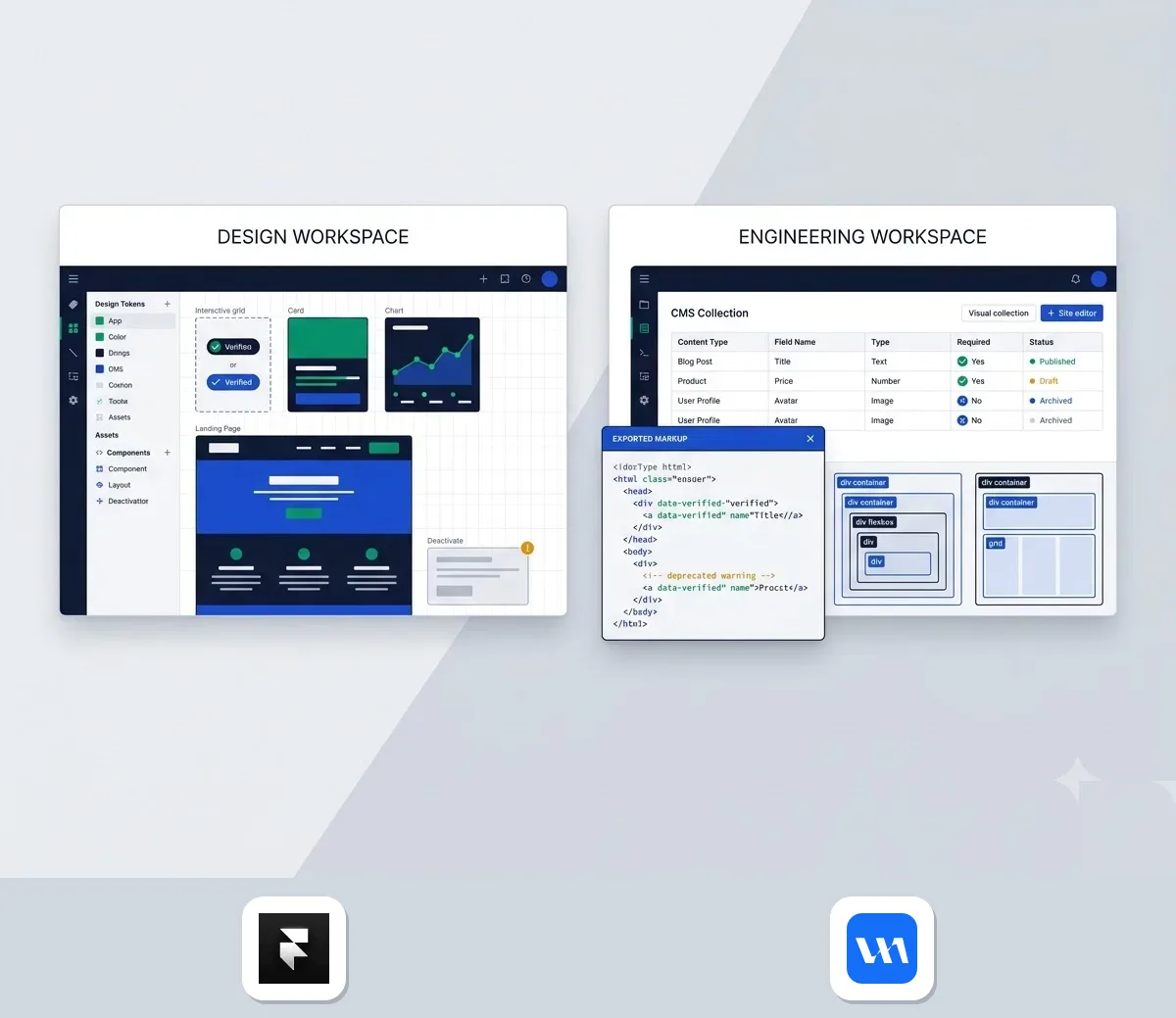
TL;DR. Choose by who edits the site and who owns the stack.
- Webflow suits mid-market marketing teams and agencies that need structured CMS workflows, code you can export and React components brought in through a CLI. It does not suit anyone who wants Framer's freeform canvas, because the learning curve is steeper.
- Ycode suits tech-savvy founders and agencies who want to avoid seat fees, traffic caps and proprietary lock-in. Self-hosting on Vercel and Supabase is free, and managed cloud starts at $10 per project per month. It does not suit teams that would rather not run developer accounts.
- Framer remains the right call for solo designers, early-stage startups and fast landing page prototypes that value a Figma-like canvas and built-in AI credits. It starts at $10 or £8 per month on yearly billing.
The matrix below puts the four deciding factors side by side.
| Factor | Framer | Webflow | Ycode |
|---|---|---|---|
| Code export | React hidden behind the editor; no full project export | Clean HTML, CSS and JS you can see and export | Open source with full code access |
| CMS | 2 collections on Basic, 10 on Pro, up to 40 with add-ons | Structured collections; items and bandwidth added à la carte | 5 collections on Cloud Basic, 50 on Cloud Pro, unlimited self-hosted |
| Team access | Extra editors $20, content editors $10, viewers free | Advanced roles, publishing workflows, design approvals | Unlimited users on every tier |
| Hosting control | Framer's managed hosting only | Hosted inside Webflow's platform | Self-host anywhere, or managed cloud |
Sources: Framer's pricing page (checked October 2026), Webflow's Framer comparison page, and Ycode's pricing and FAQ pages (checked March 2026).
How to choose between Webflow and Ycode
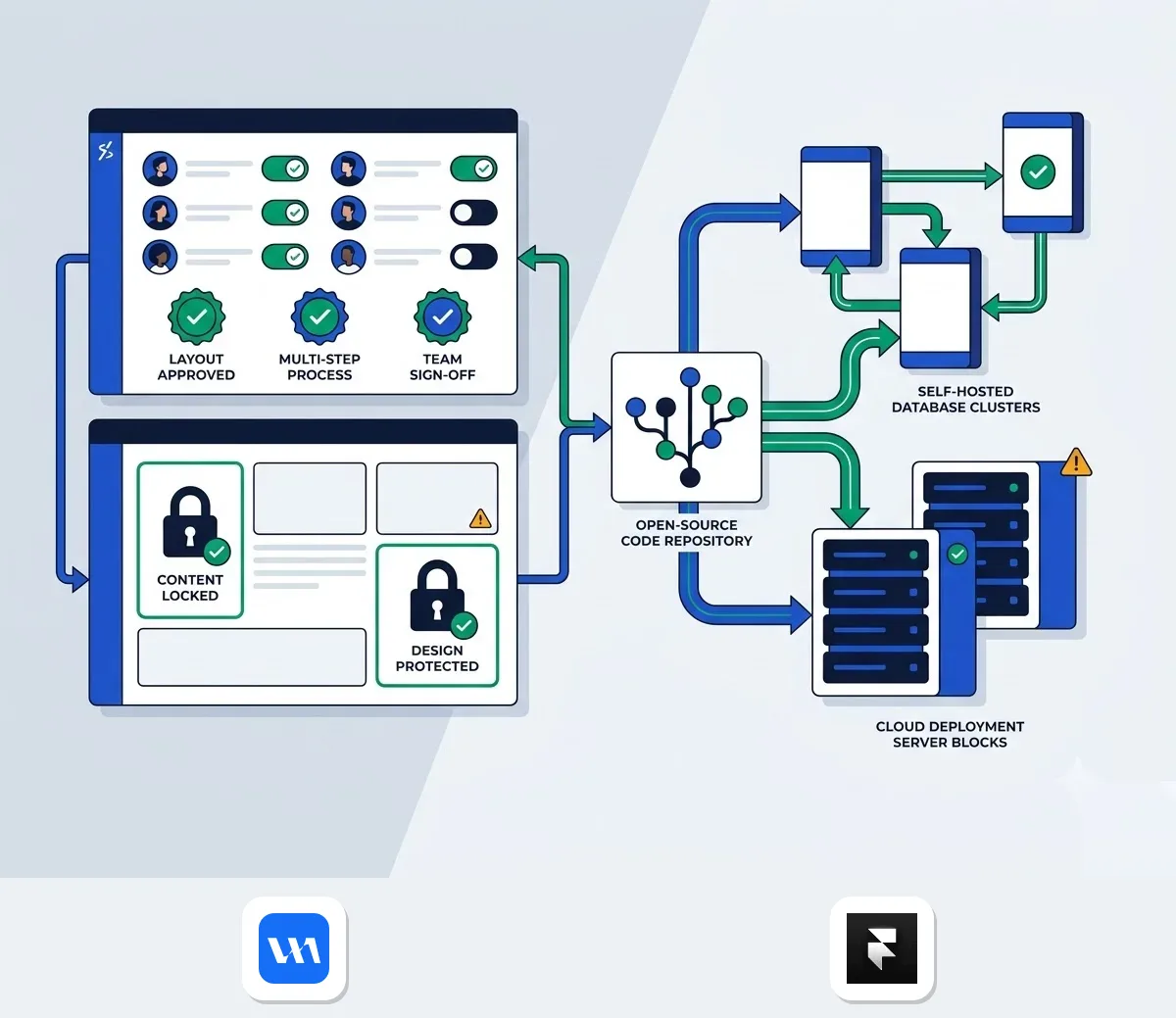
Choose Webflow if people and process are your bottleneck, and Ycode if ownership and cost predictability are. Three scenarios make that concrete.
Choose Webflow for multi-author client sites
Say your agency runs five client sites, each with a marketer who edits copy and a designer who guards the system. Webflow's comparison page describes advanced roles and permissions, publishing workflows and design approvals, so a copy edit cannot break a layout. It also offers MACH-certified APIs for managing content programmatically.
Choose Ycode for data sovereignty
Now say your business wants the site on infrastructure it controls. Ycode is open source, so you fork the repository on GitHub, deploy to Vercel and connect Supabase. According to Ycode's site, that setup carries no seat fees, and running it yourself means no platform-imposed traffic limits.
Stay on Framer for small sites
If you are one designer building a small marketing site, Framer's Basic plan already covers 30 pages and 1,000 CMS items. You work in a Figma-like canvas and pay $10 per month on yearly billing. Moving only makes sense once you outgrow those limits.
How scaling costs differ
Framer's Pro plan is fixed until you pass its limits, then add-ons stack up. Webflow and Ycode handle growth differently.
- Framer: $20 per extra 100 pages, $40 per extra 10 CMS collections, $20 per additional editor.
- Webflow: a Site plan plus à la carte CMS items and bandwidth, with Localization and Optimize as separate add-ons.
- Ycode: unlimited users and pages on every tier; you pay per project on cloud, or nothing for the software when self-hosting.
Framer figures come from its pricing page (checked October 2026) and the Webflow structure from its comparison page.
Webflow for scalable visual marketing sites
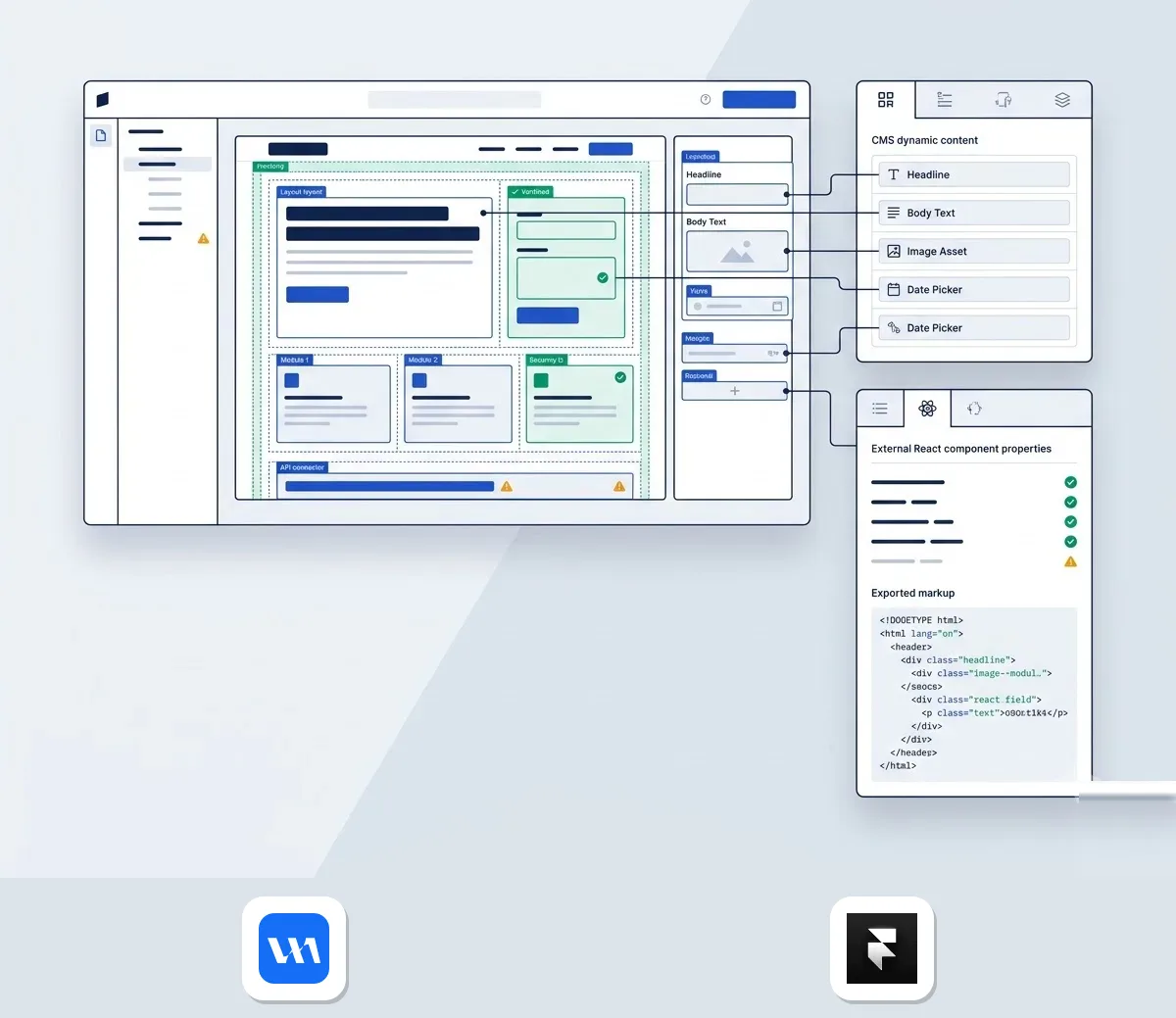
Webflow suits agencies and marketing teams that want strict web standards, SEO controls and client editing without design breakage. Product Hunt's alternatives listing describes it the same way, as built for agencies and in-house web teams running CMS-driven marketing sites.
What you get
- Structured CMS collections for content-heavy sites and repeated sections.
- A visual builder that follows the CSS box model.
- A client-friendly editor for safe copy updates.
- Code Components: developers build React components in their own codebase, publish them through the CLI, and designers use them on the canvas with props and slots.
That last point matters if your developers refuse to write React inside a visual editor. Webflow's page notes that Framer requires exactly that, while Webflow keeps engineers in their own tools.
Downsides
Webflow takes longer to learn. Its own page admits designers used to Figma will need more time. Pricing also takes more assembly, because you combine a Site plan with add-ons rather than reading one flat tier. And since Ycode's FAQ points out that every Webflow site must be hosted within its platform, you cannot self-host.
Price and comparison with Framer
Webflow has a free Starter plan you can use for as long as you like, and a paid Site plan is required to publish and host, according to its Framer comparison page. Against Framer, Webflow says it shows the HTML, CSS and JS it generates, where Framer's React is hidden behind its UI with no API endpoints. Treat that as Webflow's own framing, but it is the main reason developer-led teams switch. Current plans are on the Webflow page, and the Webflow vs Framer comparison goes deeper.
Ycode for open source website ownership
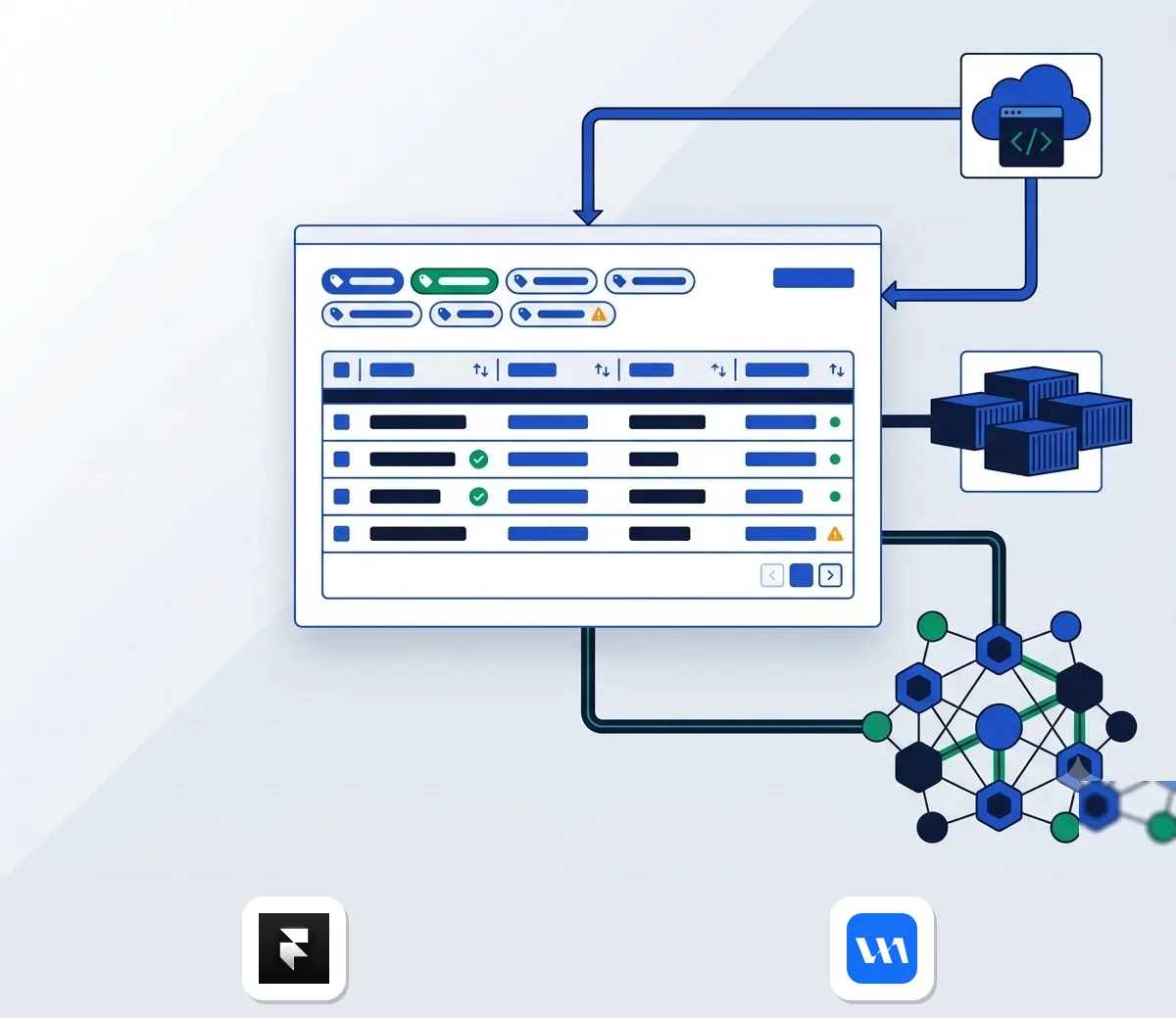
Ycode suits teams that want a visual builder plus full ownership of code and infrastructure, without per-seat billing. It is younger than Webflow, so expect a smaller, more hands-on product.
What you get
- A visual site builder with a built-in dynamic CMS.
- Collection filtering with pagination, dynamic sorting and improved component overrides, added in release 0.2.0 (3 March 2026).
- Multi-language support: 2 languages on Cloud Basic, unlimited on Cloud Pro and self-hosted.
- Deployment through GitHub, Vercel and Supabase, or Ycode's managed hosting with a global CDN.
Downsides
Self-hosting means you manage Vercel and Supabase accounts, and those bills are separate from Ycode. Support on the free tier is community-based. The product is still on a 0.x release number, so you are adopting something early. Migrating from Framer also usually means rebuilding the site, because Framer offers no full export of project structure, as Ycode's FAQ states.
Price and comparison with Framer
According to Ycode's pricing page (checked March 2026), self-hosting is free forever with full code access, unlimited users, pages, CMS collections and form entries. Cloud Basic costs $10 per project per month on yearly billing ($15 billed monthly) and includes 5 CMS collections. Cloud Pro costs $25 ($30 monthly) and includes 50 collections and unlimited languages. Note the "per project" wording: agencies with many client sites pay per site on cloud, while self-hosting avoids that.
Framer's Pro plan includes 10 collections, then charges $40 per extra 10. Ycode's own page says you cannot self-host Framer, whereas the self-hosted edition has no collection cap.
European compliance and total ownership costs

Framer is Dutch but processes data outside Europe, and its add-on pricing compounds as your team grows. Both facts push some European buyers towards the other two tools.
Framer's legal and data position
Framer B.V. is headquartered in Amsterdam. According to its privacy statement (checked October 2026), servers sit outside the EEA and UK, including in the United States. Its Data Processing Addendum, which it cites for transfers, relies on Standard Contractual Clauses, and Framer cites ISO 27001 certification. If you are in the EU or Turkey, you can claim a refund within 14 days of purchase, and sales tax is added at checkout based on your location. Prices throughout this article are before tax.
With Ycode self-hosted, you choose where the site runs, so data location becomes your decision. The trade-off is that compliance paperwork with your hosting providers becomes your job.
Where Framer's bill grows
Framer's entry prices on yearly billing are $10 for Basic and $30 for Pro, or £8 and £23 in the UK. Monthly billing in the UK is £10 and £35. That is the starting point, not the finish line.
- Additional design editors: $20 per month each; content editors: $10.
- Localization: $20 per locale.
- Convert A/B testing: $50 per 500,000 events.
- Advanced hosting: $200.
- Edit access is capped at 10 seats until Enterprise.
Agencies get some relief, since Pro Experts receive free editor access on client projects. Source for this section's Framer figures: its pricing page, checked October 2026.
Why teams leave
Ycode's FAQ lists the usual triggers: rising costs, limited control over hosting and dependency on one vendor's ecosystem. If your constraint is a fixed budget, Ycode removes seat and collection arithmetic. If it is team workflow, Webflow replaces the add-on maze with roles and publishing controls. Full Framer plan details sit on the Framer page, and the price comparison lines the plans up.
Frequently asked questions about Framer alternatives
Can you export clean code from Framer?
Not in the way Webflow does. Webflow describes Framer's output as React hidden behind its UI, and Ycode's FAQ says Framer does not provide a full export of your project structure and cannot be self-hosted. Moving away usually means rebuilding.
Is there a free open source option?
Yes. Ycode's self-hosted edition is free forever. You fork the GitHub repository, deploy it to Vercel and connect Supabase, with no subscription or seat fees (Ycode pricing page, March 2026).
How do CMS limits compare?
Framer Pro includes 10 collections and 2,500 items. You can extend that to 40 collections for $40 per extra 10, and to 40,000 items for $20 per extra 10,000. Ycode Cloud Pro includes 50 collections, and the self-hosted edition has unlimited collections. Webflow lets you add CMS items and bandwidth à la carte. Sources are Framer's and Ycode's pricing pages and Webflow's comparison page.
Why is Webflow harder to learn?
Framer works like a freeform canvas, similar to Figma. Webflow follows web fundamentals such as HTML and CSS, so you need to understand layout concepts like flexbox, grid, padding and margins. Webflow's own page says it takes more time to learn, especially for designers used to Figma, and points to Webflow University and certification courses to shorten the ramp.
So, which one wins?
If client editing and design guardrails matter most, Webflow is the safer step up. If you want to own the code and dodge seat fees, Ycode fits. If you're still solo and small, Framer's canvas still does the job fine. Start by matching your team setup against how to choose between Webflow and Ycode, then pick the tool that matches how your site actually gets edited.