















Compare the best Runway alternatives for content creators. Evaluate Pika, Luma, and more on GDPR compliance, EUR/GBP pricing, and AI video capabilities.
TL;DR: Which Runway Alternative Fits Your Workflow?
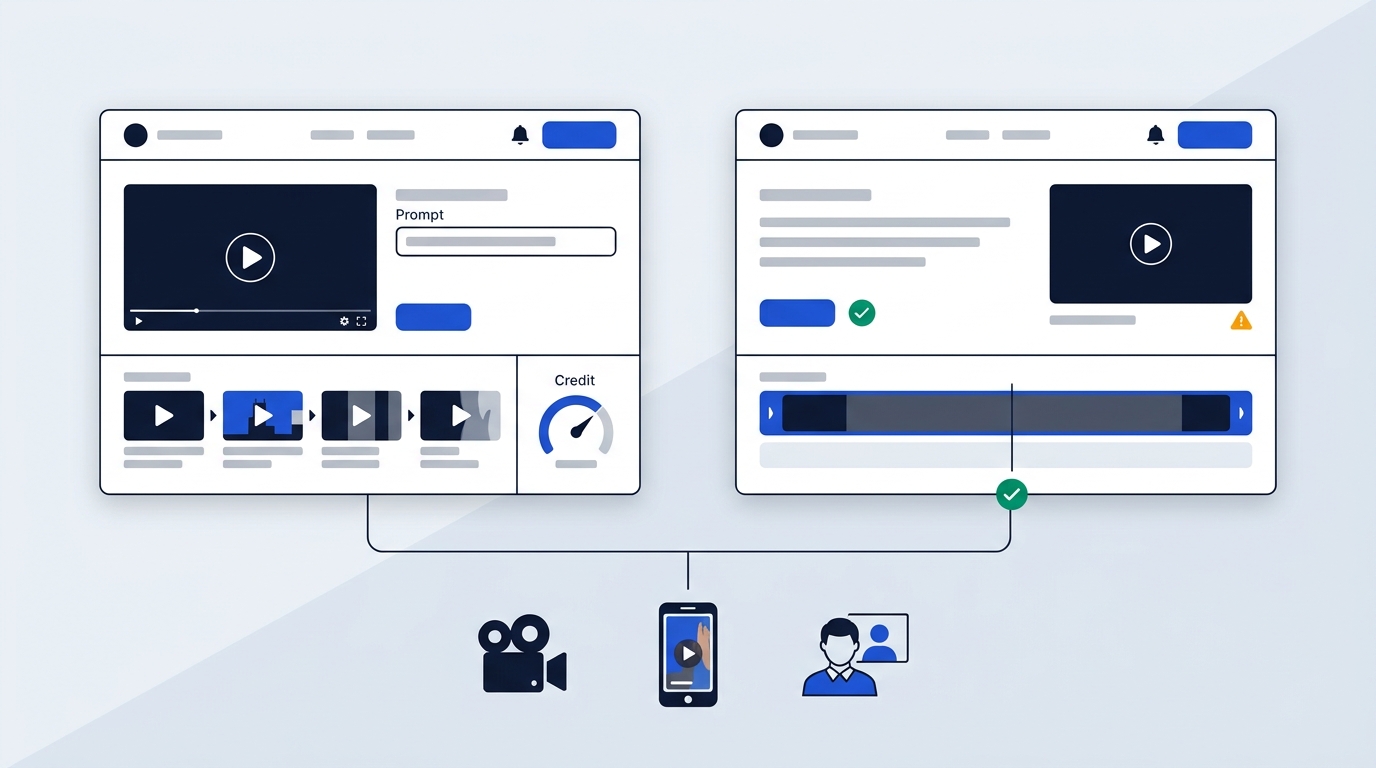
Finding the right Runway alternatives for content creators depends on your output: cinematic shots, social clips, avatar videos or quick edits. This breakdown maps each of the six tools to its best-fit user, and shows who should skip it.
- Luma Dream Machine: suits creators who need cinematic 3D consistency and camera-motion control; does not suit anyone generating rapid, throwaway social-media memes.
- Pika: suits short-form creators wanting fast, stylised clips with simple controls; not built for long-form narrative sequences.
- Kling: suits creators prioritising longer clip durations and realistic motion; less suited to teams needing deep EU-language support documentation.
- CapCut Pro: suits creators already editing on mobile/desktop who want AI features bundled into a familiar editor; not ideal for generating standalone cinematic video from scratch.
- Synthesia: suits corporate creators needing multilingual lip-sync avatars for training or marketing; does not suit those looking for AI B-roll generation.
- PixVerse: suits budget-conscious creators wanting quick stylised generations; not suited to enterprise compliance-heavy workflows.
Pick by situation
Most readers arrive with one concrete job, not a general wish for "better AI video". So start from the job and work backwards to the tool.
- You post every day to Reels, TikTok or Shorts. Shortlist Pika and PixVerse. Both are speed-first, and neither pretends to be a film studio.
- You sell product, interior or property footage. Luma is the natural first test, because its pitch is camera motion that respects depth.
- You assemble everything in one timeline and hate exporting. CapCut Pro keeps generation and editing in the same place.
- You make training or onboarding videos in several languages. Synthesia is the fit, and the section on it also lists three other avatar tools with published prices.
- You need longer continuous shots for a narrative piece. Kling is the candidate, with a data-residency caveat you should read first.
If two of those jobs describe you, you probably need two tools. That is normal for small studios: one generator for scenes, one editor or avatar tool for assembly.
If you want to spend nothing while you decide, the published free allowances differ a lot. Runway gives 125 one-time credits. Synthesia gives 10 watermarked minutes a month, HeyGen gives 3 videos a month of up to 1 minute each, OpusClip gives 60 watermarked minutes a month, and Invideo AI gives 10 minutes a week. Pick the allowance that matches how you work, because a monthly pool suits batch production while a weekly one suits steady posting.
Why European Content Creators Look Beyond Runway
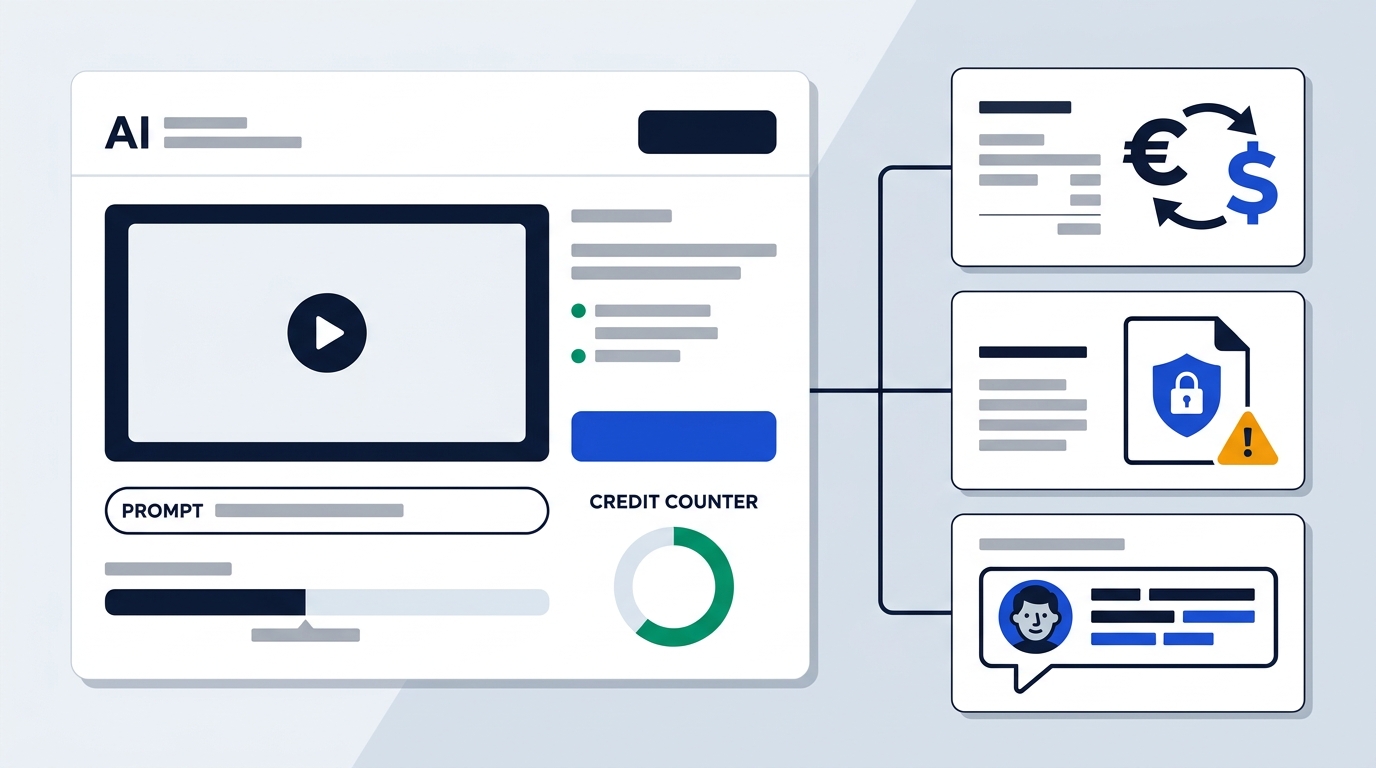
Runway remains one of the most capable text-to-video AI platforms on the market, and its position among creators and production studios is not in dispute. For European freelancers and small agencies, friction rarely shows up in visual quality. Instead, it appears in invoices, compliance checklists, and foreign-language output.
Currency and billing friction
Runway's plans are billed in USD. For a buyer in France or Germany, renewals carry bank conversion fees. In addition, you face currency fluctuations between monthly billing cycles. Under EU reverse-charge rules, registered businesses self-account for VAT on B2B invoices. However, USD-first pricing pages do not always generate compliant invoices automatically.
Compliance gaps on creator-tier plans
For example, evaluating an AI tool under GDPR Article 28 requires a written DPA. Teams also need clear visibility into sub-processors and EU data-centre hosting. On standard creator plans, this documentation is often hard to surface. That stalls legal sign-off for smaller agencies. If you're unsure what a compliant DPA should actually contain before signing up, our GDPR DPA checklist for SaaS tools walks through the clauses worth checking.
Localisation gaps
Generic video models aren't always built around lip-sync and on-screen text accuracy for German, French, Italian and Spanish specifically. Creators producing content for DACH or French audiences need verified language output. Target-language samples matter far more than overall language counts.
These three pressure points (billing currency, DPA availability, and multilingual accuracy) are where the alternatives start to differentiate themselves.
What Runway costs on list prices
You can't judge an alternative without the baseline price. Runway's free plan gives you 125 one-time credits and 5 GB of asset storage. The paid plans are Standard, Pro and Max, with Enterprise handled through sales.
| Runway plan | US$ per month | US$ per month, billed yearly |
|---|---|---|
| Standard | US$15 | US$12 |
| Pro | US$35 | US$28 |
| Max | US$95 | US$76 |
| Enterprise | Contact sales | |
Source: Runway's pricing page, checked 7 October 2026. Prices are in US$, before VAT.
The words "one-time" matter. Those 125 free credits do not refill each month, so the free plan works as a trial, not as a place to keep working. Once they're gone, you pay or you move.
A freelancer's month, step by step
Picture a freelance editor in Milan with two retainer clients. Each month she needs a handful of generated establishing shots and a few social cut-downs. Runway handles the first job well.
But the card statement shows a US$ charge, the invoice needs her VAT details added by hand, and her accountant asks for the sub-processor list for the client file. None of that is about picture quality. It is the paperwork that decides whether she keeps one tool or goes looking for a second.
Her way out is a short written checklist, not a new subscription. She notes which of her two clients forbids uploads outside the EEA, which one needs invoices in a particular format, and which one only ever sees silent B-roll. Those three answers narrow six tools to one or two before she spends anything.
What switching really involves
Leaving a generator is rarely a clean break. If you have lived on Runway's free plan, you have up to 5 GB of stored assets to export before you go. Download them first.
Next, copy your best prompts and reference images into a plain document. A prompt library travels between tools, while a subscription does not. Finally, keep Runway for one more billing cycle if a client project is mid-flight, so you don't change engines halfway through a deliverable.
One more detail: if you pay yearly on Runway, check the renewal date before you start testing elsewhere. Yearly billing lowers the monthly figure, for example US$12 instead of US$15 on Standard, but it also ties you in for the year. Switching is cheapest when you have not just renewed.
The EU Evaluation Framework for AI Video Generation Tools
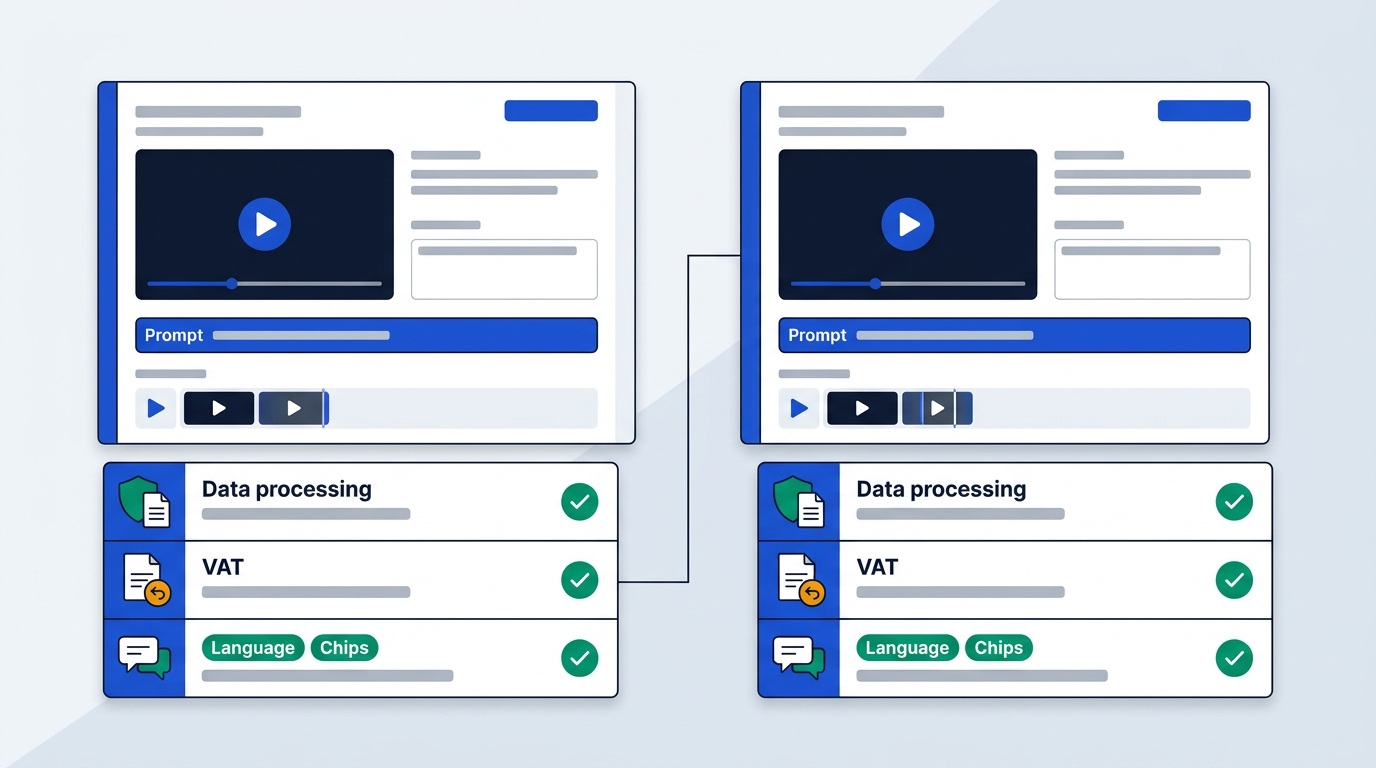
Before comparing these six alternatives, we set out our core criteria. Each tool is judged against clear European business requirements.
GDPR & Data Sovereignty
For each tool, we check for a written DPA and a published sub-processor register. Furthermore, we verify whether customer content is excluded from model training. A written DPA is required whenever a vendor processes personal data. This includes faces, voices and employee names. We also note, where disclosed, data-centre location and breach-notification commitments.
Why does this weigh so heavily? Because video is unusually rich in personal data. A single clip can carry a face, a voice, a name on a badge and a client logo, and you are the one answerable to the client if the vendor handles it badly.
Financial Transparency
We check pricing for EUR or GBP display versus USD-only billing. We also confirm Article 196 reverse-charge support, which removes VAT when a valid number is supplied. For a fuller explanation of how this applies to monthly SaaS subscriptions generally, see our guide to the EU VAT reverse charge for SaaS subscriptions. We also check whether invoices include a full company name, address and VAT ID. After all, this is a non-negotiable requirement for EU accounting teams.
Price display matters for a plain reason. A tool that lists its own euro or pound price gives you a fixed number to budget against. A US$-only tool leaves the final figure to your bank's rate on the day.
Feature Verification
Language coverage is verified against the vendor's own list rather than vague claims. Support for German, French, Italian and Spanish varies significantly between tools. Credit consumption per minute comes directly from official pricing documentation. Therefore, we highlight differences between resolutions and queue priority tiers.
Credits deserve extra care. Two plans can both say "monthly credits" and still deliver very different amounts of finished video, because each tool spends credits at its own rate per second, per resolution and per model. Always translate credits into finished seconds before you compare.
How to read data-location claims
Vendors state data location in three different ways, and they are not equal. The strongest is a named region on a security or data-residency page. The middle tier is a general "hosted in the EU" claim, which is the vendor's own word and worth confirming in the DPA.
The weakest is silence, or a list of possible countries with no default. When a tool falls into that last group, treat it as unknown, not as safe. If a client contract demands EU hosting, unknown is a no.
What the picks rest on
The "Best for" labels in this article are editorial picks, not test results. They rest on the five criteria below, applied to published vendor information.
Editorial picks here rest on price and plan limits, EU data location, DPA availability, integrations, and fit to the job described in each heading.
1. Luma Dream Machine: Best for 3D Consistency and Cinematic Physics
TL;DR: Luma Dream Machine suits content creators who need camera moves that respect depth, gravity and object permanence: product shots, establishing shots, and B-roll where a Runway alternative must hold a scene together in 3D space. It is not the right pick for cartoon-style motion graphics or multilingual talking-head videos; those needs are better served elsewhere in this list.
Physics and 3D Consistency vs Runway
Per Luma's technical documentation, Dream Machine simulates physical dynamics via a large-scale transformer. Thus, camera motion, collisions and lighting continuity are modelled rather than patched frame-by-frame. This is the core differentiator against Runway's models. Luma's materials emphasise persistent 3D geometry, which reduces melting artefacts during complex camera pans.
A typical job: the product orbit
A furniture maker wants a slow orbit around a chair for a product page. The danger is a leg that bends, or a wood grain that crawls halfway round the move. This is where depth modelling matters more than a stylised look.
The same logic holds for interiors, scenery and objects on a table. If most of your work is people talking to camera, Luma is on the wrong shelf, and the Synthesia section is the better starting point.
A fair test against Runway
Do not pick on a showreel. Run one small comparison with your own material. Here is a method that costs almost nothing:
- Choose one still image you own the rights to.
- Write one prompt that describes a single camera move.
- Run it on Runway's 125 one-time free credits, so you hold a baseline.
- Run the identical input on Luma at whichever tier you can access.
- Compare edges, shadows and whether the object keeps its shape through the whole move.
- Read each tier's licence terms before any result goes to a client.
SaaSEuro did not run this test for this article. It is the method we would suggest, and it shows you which tool suits your footage in an afternoon.
Keep the test honest by changing one thing at a time. If you alter the prompt and the tool together, you cannot tell which made the difference. Save both outputs side by side with the date, so that a client or colleague can judge the same pair you did.
The Good vs The Bad
| The Good | The Bad |
|---|---|
| Render speeds and output resolutions documented on Luma's pricing/specs page | Concurrent generation limits are capped on free and lower paid tiers, per the vendor's plan comparison |
| Cinematic camera-control presets listed in product documentation | Queue priority is reserved for higher-tier subscribers, per published plan details |
Luma vs Pika
Documented feature sets split cleanly. Luma focuses on photorealistic camera physics, whereas Pika foregrounds stylised, animation-friendly motion templates. Creators prioritising lifelike product or scenery footage lean toward Luma; those wanting illustrated or stylised social content lean toward Pika.
Fit by user type
- Solo freelancer: a good match if you sell product or property visuals. The queue and concurrency limits on lower tiers mean you should not promise same-hour turnaround.
- Small agency: worth a paid tier if several people generate at once, since concurrency is the limit the vendor itself documents.
- Social-first creator: probably overkill. You will spend effort on realism your audience scrolls past.
EU Context
Luma's published privacy policy describes data use for service delivery; businesses should confirm a signed DPA and SCC coverage under GDPR Article 28 before feeding personal imagery into the tool. Commercial usage rights on paid tiers are outlined in Luma's terms. Billing is processed in USD, with reverse charge applied upon checkout validation.
2. Pika: Best for Social Media Hooks and Ease of Use
TL;DR: Pika suits freelancers and social media managers who need quick, scroll-stopping clips for Reels, TikTok or Shorts without a learning curve. It is not built for cinematic realism or brand films. Among the options here, Pika trades polish for speed.
Pika positions itself as a platform-native generator built for short, punchy output rather than studio-grade sequences. Per its public feature list, Pika includes lip-sync and auto-generated sound effects. In addition, a region modification tool lets you alter specific frame areas without regenerating the whole clip. For solopreneurs producing daily social content, this toolset lowers the skill floor considerably compared to node-based or prompt-heavy competitors.
A day of daily posting
A social manager has a product launch on Friday and needs three hook variants by Wednesday. The first version is close, but the background is wrong. Regenerating the whole clip would throw away the part that worked.
This is where the region modification tool earns its place. You change the area that failed and keep the rest. Add the built-in sound effects and lip-sync, and a rough hook can reach review without a trip through a separate editor.
A practical routine follows from that. Generate the three variants on Monday, mark which frame area failed in each, and fix only those areas on Tuesday. That leaves Wednesday for review, which is where a client's feedback usually lands anyway.
Pika against PixVerse
The two get lumped together, but the feature lists differ. Pika lists lip-sync, sound effects and a region tool, plus web and Discord access. PixVerse leans on vertical templates and fast turnaround, and its feature list lacks in-painting.
If masked edits matter to your workflow, Pika is the closer match to Runway on paper. If you simply want a vertical clip in minutes, PixVerse is the lighter route.
The Good vs The Bad
| The Good | The Bad |
|---|---|
| Web and Discord interfaces available, per vendor documentation | Output can look rougher and less cinematic than tools like Runway or Kling |
| Monthly credit resets included on the standard paid plan, per Pika's pricing page | Less suited to long-form or high-fidelity brand video |
Fit by user type
- Solo social creator: the strongest fit. Low learning curve, and monthly credit resets suit a steady posting rhythm.
- Agency with brand guidelines: use it for ideation and concept boards, not final brand films. The rougher look is a real risk for polished campaigns.
- Documentary or narrative maker: skip it. Long-form continuity is not what it is built for.
EU Context: Rights, VAT and Compliance
Commercial usage rights apply to paid tiers, while free-tier output has tighter restrictions. Meanwhile, Pika bills in USD, with reverse charge applied when an EU business enters a valid VAT ID at checkout.
3. Kling: Best for High-Fidelity Long Generations
TL;DR: Kling, developed by Kuaishou, suits creators needing longer continuous clips and higher resolution ceilings than Runway's standard tiers offer. It does not suit EU teams with strict data-residency requirements, as the vendor's published terms do not confirm EU server locations.
For creators needing extended shot lengths, Kling renders longer continuous sequences at higher resolution than Runway's base plans allow. These specs come from Kuaishou's published tiers. For creators producing narrative shorts where cuts break immersion, this longer clip duration is a meaningful differentiator.
When clip length decides
Imagine a short film for a regional festival, with a slow walk through a market. Every cut you are forced to make breaks the mood. A tool that holds a longer shot gives you a scene instead of a collage.
That is the real case for Kling. If your clips are three-second hooks, the longer ceiling buys you nothing, and you would be paying in queue time and budgeting complexity for a feature you never use.
A useful question before you subscribe: how many of your last ten deliverables needed a single shot longer than a few seconds? If the answer is one or two, generate those with Kling and cover the rest with a cheaper tool. If the answer is most of them, the longer ceiling is worth the extra care over data.
The Good vs The Bad
| The Good | The Bad |
|---|---|
| Longer maximum clip duration per Kuaishou's published specs | Non-premium tiers may face render queue delays during peak demand, per user reports |
| High-resolution output options listed on the pricing page | Pricing and billing structured around credits, which can complicate EUR/GBP budgeting |
| Web-based platform access available, per vendor documentation | No clearly published EU data-centre option |
Handling the data question
You have a practical choice here, and it depends on what you upload. Abstract prompts, landscapes and objects carry less personal data than faces, voices or staff footage. Many creators can use Kling for the first kind of material and keep the second kind elsewhere.
- Decide whether the project involves any identifiable person.
- If yes, ask the vendor for a signed DPA and a sub-processor list before uploading anything.
- If neither is available, route that work to a tool with a published DPA and EU hosting.
- Check your client contract. Some forbid transfers outside the EEA regardless of the content.
Budgeting with credits
Credit-based billing makes monthly costs hard to predict. Keep a simple log of credits spent per deliverable, and note the card charge in your own currency on the invoice date.
After two or three projects you will know your real cost per finished clip. That figure, not the headline plan price, is what you compare against Runway.
EU Compliance Context
Kling is based in China without confirmed EEA hosting. Processing client likenesses requires Standard Contractual Clauses for non-EEA transfers. Consequently, generic terms do not replace a signed DPA or published sub-processor list.
4. CapCut Pro: Best Budget All-in-One Editor with AI
CapCut Pro stands out for creators who need a full editing suite rather than a standalone generator. According to CapCut's feature logs, AI generation sits directly inside the main editing timeline. Consequently, you can trim and layer AI clips alongside traditional footage without exporting to separate software. If CapCut's own generation ceiling feels too limiting, our CapCut alternatives roundup covers other budget-friendly editors worth comparing.
Who gets the most from it
The biggest winners are creators whose real bottleneck is assembly, not generation. If you already spend hours trimming, captioning and exporting, folding AI clips into that same timeline saves handoffs. Each export and re-import is a chance to lose quality or a file version.
The weakest fit is the creator who needs a hero shot from nothing. CapCut's own documented resolution cap on generated clips and less precise prompt adherence on complex scenes mean you may still want a dedicated generator for that one clip.
A sensible hybrid for small studios is to generate the one hard shot in a dedicated tool, then bring it into the CapCut timeline with everything else. You pay for the specialist only in the months you need it, and the editor stays your daily workspace.
The Good vs The Bad
| The Good | The Bad |
|---|---|
| Budget-friendly pricing on published tiers, far below most dedicated generators | Generated clips are documented by CapCut as capped at lower resolutions than Runway's flagship outputs |
| Generation, editing, captions and templates combined in one subscription | Prompt adherence on complex scenes is reported as less precise than purpose-built models like Runway |
| Free tier available for basic editing | Advanced AI generation features are gated behind higher tiers |
Canva as another editor route
If CapCut is not your home, Canva is the other common editor to weigh. Its free plan includes 1.6M+ templates, 1 Brand Kit with 3 colours, 5 GB of cloud storage and up to 20 Standard or Premium AI uses. Enterprise is contact sales, and a free trial is offered on Pro and Business.
Source: Canva's pricing page, checked 9 October 2026; prices before VAT. SaaSEuro's data covers plan limits and prices only, so judge its video features on Canva's own page. A single Brand Kit with three colours is a real limit on the free plan if you serve several clients.
The cap of up to 20 AI uses on the free plan is also worth planning around. It is enough to test whether the AI features fit your style, but not enough to run a weekly client schedule on. Use the free trial on Pro or Business to test with a real project before you commit.
Adding voiceover to AI clips
Generated clips are usually silent, so many creators add a synthetic voice. Three voice tools have published plan data. Read the licence line before anything: two of the three free plans do not allow commercial use.
Source: each vendor's pricing page, checked 5 to 11 October 2026. Prices are before VAT, in the currency shown. A no-downloads free plan like Murf's is a preview, not a production tier.
The pricing models differ, which changes how you budget. ElevenLabs sells credits on a monthly plan, Murf sells yearly-billed seats, and Narakeet sells blocks of minutes, so Narakeet is the only one priced in pounds. Before you choose, estimate how many minutes of voiceover you need in a typical month, then match that number to the plan that covers it.
Data location matters here too, because a voiceover script can contain names and client details. ElevenLabs states the United States, with EU residency on Enterprise only. Murf AI states Amazon Web Services in the United States, and Narakeet states us-east-1 in North Virginia. None of the three offers a stated EU location on the plans listed above.
EU Context: GDPR, Data Centres and Pricing
CapCut is operated by ByteDance, with terms referencing Standard Contractual Clauses for transfers outside the EEA. However, teams handling employee or customer footage require a formal DPA.
Prices appear in EUR and GBP, with standard reverse-charge billing available for VAT-registered buyers.
5. Synthesia: Best for Multilingual Avatars and Corporate Content
TL;DR: Synthesia suits HR, L&D and marketing teams producing localised explainer or training videos with a talking avatar. It does not suit creators chasing cinematic B-roll, stylised motion or Runway-style text-to-video scenes; for that, look at Kling, Luma Dream Machine or Pika instead.
Synthesia occupies a distinct niche here. It is not a generative-video tool, but a dedicated platform for AI avatars and lip-sync. Instead of generating abstract scenes, Synthesia animates a digital presenter reading your script. It renders convincingly across multiple languages, making it suitable for training modules and internal explainers. For a closer look at avatar-specific competitors, our Synthesia alternatives guide compares other lip-sync tools on the same criteria.
Synthesia prices in three currencies
Synthesia is the only tool in this article that lists prices in US$, euros and pounds. Its free plan gives you 10 minutes of video a month, with a watermark. Enterprise is contact sales.
Source: Synthesia's pricing page, checked 5 to 9 October 2026. Prices are before VAT. Each currency is a separate list price, not a conversion of another.
So pick the column that matches your billing currency and budget against that one. Do not compare a euro figure to a dollar figure as if one were the other. The yearly option lowers the monthly figure on both plans.
Using the free plan well
Ten watermarked minutes a month are enough to test, not to publish. Use them to check the one thing that decides the purchase: how the avatar handles your language and your script. Paste a real paragraph in German or French and listen for stress, pauses and numbers.
The watermark means the output is a draft. Do not send it to a client except as a labelled preview.
You can run the same script through every avatar tool below. Write one paragraph of about a minute, since HeyGen's free plan caps each video at 1 minute and Elai.io's demo credit is 1 minute in total. Run it on Synthesia's free plan, on HeyGen's free plan, on Elai.io's demo credit, and on a Colossyan trial. Compare the four outputs side by side before you look at a single price.
The Good vs The Bad
| The Good | The Bad |
|---|---|
| Avatar lip-sync is purpose-built for corporate and L&D scripts, not cinematic motion | No text-to-video or image-to-video generation for B-roll, unlike Runway, Kling or Luma Dream Machine |
| Published DPA and ISO certifications for enterprise procurement | Less relevant for creators needing stylised, camera-driven footage |
HeyGen: best for quick avatar tests
HeyGen is the easiest of the Synthesia alternatives to try without paying.
- Free plan: 3 videos a month, up to 1 minute each.
- Creator US$29 a month (US$24 a month billed yearly).
- Pro US$49 and Business US$149 a month; Enterprise is contact sales.
Downsides: the free allowance tops out at 3 minutes in total, and prices are listed in US$ only in our data. Source: HeyGen's pricing page, checked 5 October 2026, before VAT. Against Synthesia, the Creator list price equals Synthesia Starter at US$29, but the yearly figure is US$24 against US$18.
Colossyan: best for trial-first buyers
Colossyan skips the free plan and offers a 14-day free trial instead.
- Enterprise is contact sales.
Downsides: a trial ends, so there is nothing to keep using for free, and prices are in US$ only in our data. Source: Colossyan's pricing page, checked 20 October 2026, before VAT.
Elai.io: best for a minimal first look
Elai.io gives you a 1-minute free demo credit, which is the smallest trial of the group.
- Corporate is contact sales.
Downsides: one minute is barely a test, and the jump from Basic to Advanced is steep. Source: Elai.io's pricing page, checked 20 October 2026, before VAT. Check the data-location table later in this article before choosing any of the three.
EU Compliance Snapshot
For European buyers, Synthesia provides thorough legal documentation. It publishes a standard Data Processing Agreement, ISO certifications, and a clear policy against training models on customer data. Billed in EUR or GBP, Synthesia supports standard reverse-charge invoicing for registered European businesses.
6. PixVerse: Best for Short-Form Viral Vertical Video
TL;DR: PixVerse suits creators who need fast, stylized, 9:16 clips for TikTok and Instagram Reels without a steep learning curve. It is not the right pick for anyone needing Runway's precision editing, masked in-painting or granular motion control for longer-form commercial work.
PixVerse focuses on social-native output rather than cinematic flexibility. Templates default to vertical formats, and generation speeds are designed to support rapid iteration for trend-driven content.
Trend-driven work in practice
Trends move in days. A creator who spots a format on Monday wants a version live by Tuesday, and polish is secondary to timing. For that rhythm, native vertical templates remove the crop-and-reframe step that eats time on generators built for widescreen.
The trade-off is control. When a client asks you to remove one object or nudge a camera path, you will hit the missing in-painting and limited motion controls, and you will need another tool for that revision.
So set expectations with the client up front. Offer two rounds of changes that stay within what the tool can do, such as a new prompt or a different template, and keep object-level edits out of the scope. That way a missing in-painting feature never turns into a missed deadline.
The Good vs The Bad
| The Good | The Bad |
|---|---|
| Quick turnaround on stylized, social-ready clips, per the vendor | No in-painting or object-removal tools comparable to Runway |
| Native vertical templates for Reels/TikTok | Limited granular motion/camera controls |
| Accessible for non-editors | Fewer frame-level editing options than Runway |
Short-form tools with published plans
PixVerse is not the only route to a vertical clip. Three other tools publish plan data, listed below. Our figures cover plans, limits and prices only, so check each product page for its feature set.
The free allowances are built differently, so match them to your rhythm. OpusClip gives a monthly pool of 60 minutes, Invideo AI gives a weekly allowance with 4 exports, and Submagic gives a one-off set of 3 trial videos. A batch producer who works one day a week suits the monthly pool, while a daily poster will feel the weekly export cap first.
On data location, Submagic states the European Union (France and Germany), while OpusClip and Invideo AI both state the United States. If your clips show clients or staff, that difference is worth weighing before price.
OpusClip: best for a large free allowance
- Free plan: 60 minutes a month, with watermark.
- Starter US$9 a month (US$7.5 billed yearly), Pro US$19 (US$14.5), Business US$39 (US$29).
Downside: the free output carries a watermark, so it is a preview. Source: OpusClip's pricing page, checked 20 October 2026, before VAT. Against Runway Standard at US$15 (US$12 billed yearly), the Starter list price is lower in the same currency.
Submagic: best for a three-video trial
- Free trial: 3 trial videos, with watermark.
Downside: three trial videos is a short test, and there is no ongoing free plan. Source: Submagic's pricing page, checked 20 October 2026, before VAT.
Invideo AI: best for weekly free exports
- Free plan: 10 minutes a week, with 4 exports a week and watermark.
Downside: the free plan caps you at 4 exports a week, which a daily poster will hit quickly. Source: Invideo AI's pricing page, checked 20 October 2026, before VAT. Against Runway Standard, Plus costs more at US$25 against US$15 monthly.
EU Context: Rights and Billing
Commercial usage rights in PixVerse are tied to paid subscription tiers, according to its pricing page. Meanwhile, the free tier carries watermarking and restricts commercial use for client projects. Checkout uses a third-party gateway where EU buyers can enter a VAT ID for reverse-charge treatment.
The Video AI Procurement Checklist for EU Solopreneurs
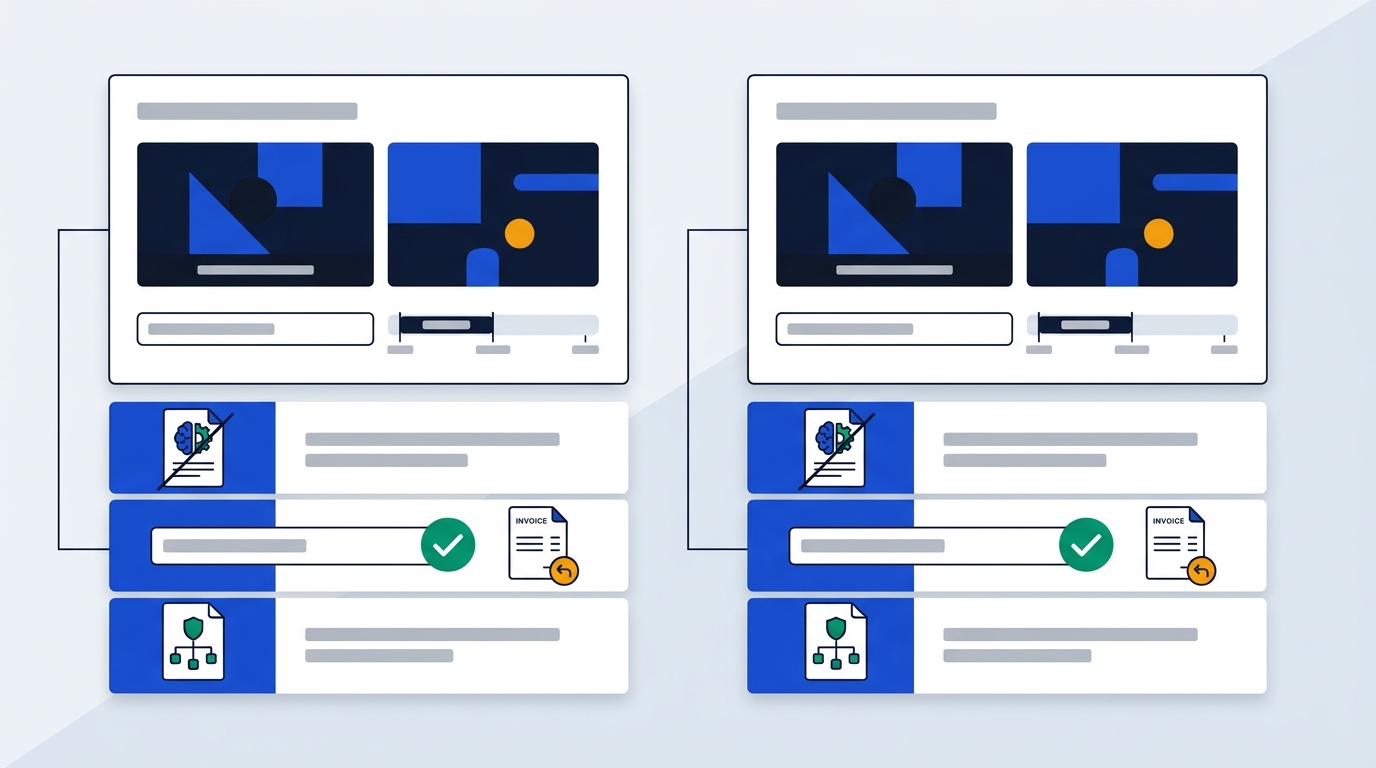
Before subscribing to any of these tools, run through this three-step check. It applies equally to Runway itself, and it complements our broader guide to choosing AI tools as an EU freelancer.
Step 1: AI training clause
Read the Terms of Service for a line explicitly excluding your uploaded clips, prompts and avatar likenesses from model training. If silent, assume your content may train future models.
Step 2: VAT number validation
Checkout should provide a field for an EU VAT number that validates against VIES. A valid number triggers the reverse-charge mechanism (Article 196, EU VAT Directive) to remove local VAT. Otherwise, vendors billing only in USD often add domestic VAT.
Step 3: DPA and sub-processors
Locate the vendor's Data Processing Agreement and sub-processor register, usually linked from the footer or trust centre. Under GDPR Article 28, this is non-negotiable for any tool processing personal data, including faces in video or voice recordings. Check where backups are stored and whether sub-processor changes trigger notice.
Free plans and commercial use
A free plan is only useful if you may publish the result. Several plans in this article restrict that. ElevenLabs' free plan has no commercial licence, and Murf AI's free Studio plan has no downloads and no commercial rights.
Others allow output but stamp it. Synthesia's free plan adds a watermark, as do OpusClip's 60 free minutes, Submagic's 3 trial videos and Invideo AI's weekly exports. Treat all of these as drafts, and put the paid-tier licence terms in your client file before you publish anything.
Invoices and billing period
Check three things on the first invoice: your full company name, the vendor's address, and your VAT ID. Missing any of them can make an accountant reject the document. Confirm too that the displayed price is before VAT, since that changes your real cost.
The UK works differently from the EU. UK VAT-registered buyers use the UK reverse charge (HMRC VAT Notice 741A), not Article 196, so do not apply the EU wording to a UK invoice. Also compare monthly and yearly billing: Runway Standard, for example, is US$15 a month, or US$12 a month billed yearly.
Data location at a glance
This is the one shared place for data location in the article. It lists only tools where the vendor states a location, in the vendor's own words.
| Tool | Where data is stored, as the vendor states |
|---|---|
| Synthesia | EU (Ireland) |
| Colossyan | European Union (Frankfurt, Germany) and United Kingdom |
| Elai.io | European Union (Ireland and Germany) |
| Submagic | European Union (France and Germany) |
| HeyGen | United States |
| OpusClip | United States |
| Invideo AI | United States |
| ElevenLabs | United States (EU residency on Enterprise) |
| Murf AI | Amazon Web Services in the United States |
| Narakeet | Amazon Web Services us-east-1 (North Virginia, USA) |
Source: each vendor's privacy, security or data-residency page, checked 5 to 20 October 2026. A US location is not illegal. It simply means you need the DPA and transfer terms in order.
Moving off Runway: a short plan
- Export every asset from Runway. The free plan includes 5 GB of storage, so check what you have.
- Save your best prompts and reference images in one document.
- Run the same small test on two candidates, as described in the Luma section.
- Check the DPA, training clause and invoice details of the winner.
- Start on the plan billed in your own currency, if one exists.
- Cancel Runway only when the first client deliverable is out.
A vendor's own "hosted in the EU" line is a claim, not a contract. Confirm it in the DPA before it goes into a client file.
Frequently Asked Questions About Runway Alternatives
Are these AI video generation tools GDPR compliant?
"GDPR compliant" is not a fixed badge a vendor either has or lacks; compliance is something your business establishes by signing a Data Processing Agreement (DPA) with the provider and checking its sub-processor list. Compliance requires verifying a DPA, backup locations, and breach-notification SLAs. Coverage varies across vendors, so legal terms rarely match Runway automatically.
How does the VAT reverse charge work for US-based AI tools?
Under EU reverse-charge rules, entering a valid VAT number at checkout zero-rates the invoice. The buyer then self-accounts for VAT locally instead. Always confirm whether the listed EUR or GBP price is net or gross, as this changes the real cost across any of these Runway alternatives.
Which alternative suits avatar video creation?
Synthesia suits teams creating avatar videos, offering personal avatars and video generation with data hosted in the EU.
Can I use generated videos commercially?
Commercial usage rights are typically granted on paid tiers, whereas free tiers often restrict client and marketing use.
The plans in this article show the pattern clearly. ElevenLabs' free plan has no commercial licence, Murf AI's free Studio plan has no commercial rights, and several free video plans add a watermark. If a client will see the file, work from a paid tier and keep a copy of its licence terms.
Can I stay on Runway's free plan?
Not for ongoing work. The free plan is 125 one-time credits and 5 GB of asset storage, so the credits do not renew. It is a way to test, and a way to set a baseline for comparing other tools.
Should I pay monthly or yearly?
Start monthly while you test, then move to yearly once a tool has survived a real project. Yearly billing lowers the monthly figure, as with Runway Standard at US$12 a month billed yearly against US$15 monthly. It also means you pay for the year, so only do it after you trust the tool.
Which tools here state an EU data location?
Of the tools where we hold a stated location, Synthesia (Ireland), Colossyan (Frankfurt, plus the UK), Elai.io (Ireland and Germany) and Submagic (France and Germany) name EU regions. HeyGen, OpusClip and Invideo AI state the United States. See the data-location table in the checklist for the full list.
Do I need a DPA if I upload no people?
A DPA is about personal data. If you only use abstract prompts and your own product shots with no faces or voices, the exposure is lower. Even so, a client contract may demand one, so ask before you assume.
Do avatar tools replace a generator like Runway?
No. Avatar tools animate a presenter reading your script, and they do not create cinematic B-roll. Many teams pair one generator with one avatar tool.
Which tools list prices in euros or pounds?
Of the tools priced here, Synthesia lists US$, euro and pound prices, Canva lists euros, and Narakeet lists pounds. The generators and the other avatar and short-form tools in this article list US$ in our data. That does not make them worse, but it does mean your card issuer sets the final figure.
Sources and how this was compiled
Compiled by the SaaSEuro team from the vendors' official documentation; we have not hands-on tested these products. Facts last checked in October 2026.
Source: official vendor pages, checked October 2026.
Which one should you pick?
Whichever you shortlist, check the EU evaluation framework against that tool's billing currency and DPA before you commit budget.
None of these fully replaces Runway. They each cover one gap it leaves for European creators.
