


Compare cost-effective DocuSign alternatives for European teams. Analyze pricing tiers, envelope limits, and eIDAS compliance across top e-signature tools.
TL;DR: Of these six DocuSign alternatives, BoldSign and SignNow suit budget teams with growing volume, Dropbox Sign suits Dropbox users, PandaDoc suits sales teams, Juro suits legal teams, and OpenSign suits self-hosters. Stay with DocuSign if Salesforce AppExchange drives your process. Skip its Personal plan if you send more than five envelopes a month.
Which DocuSign alternative fits your workflow?
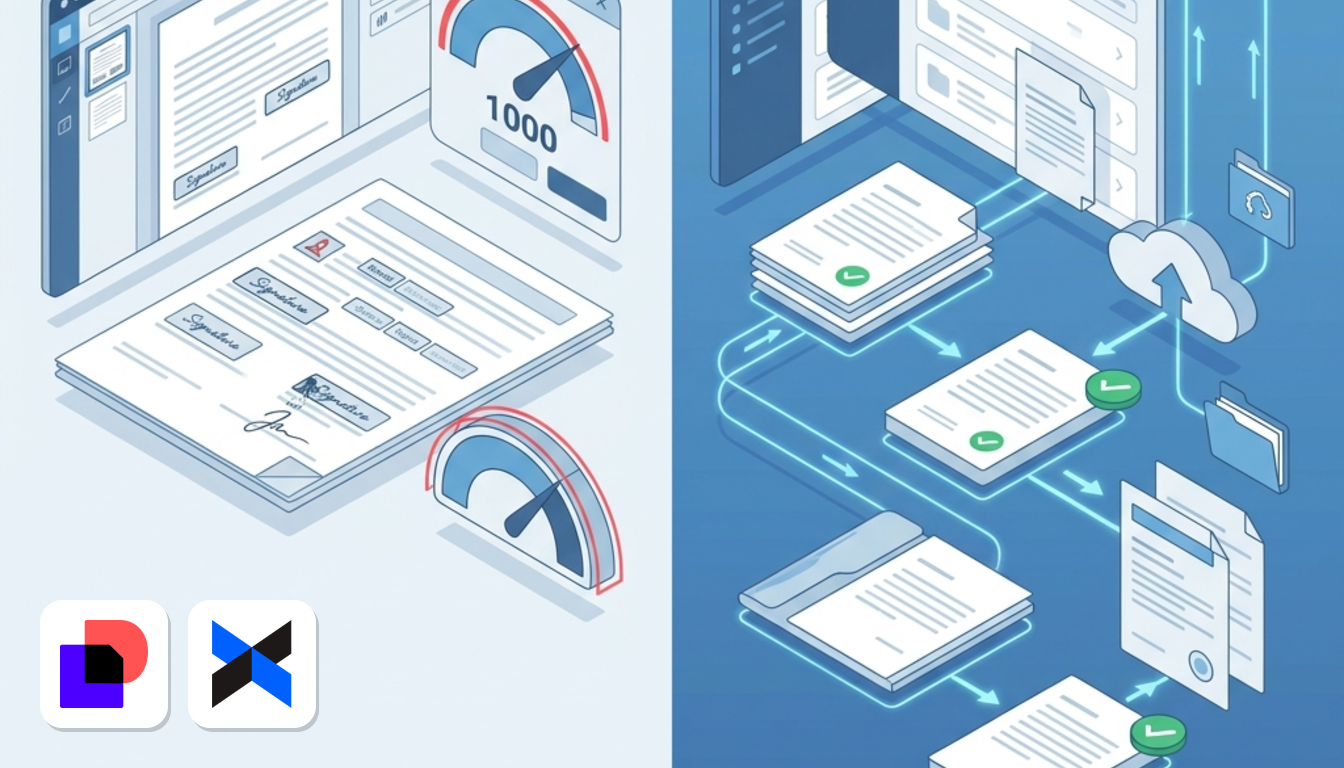
Leave DocuSign if envelope volume is your problem. Its US$10/month Personal plan stops at five envelopes, which is US$2 per document. Stay if your process lives inside Salesforce AppExchange or your clients expect the DocuSign name.
- SignNow or BoldSign: budget teams that want unlimited templates and room to grow. BoldSign adds unlimited envelopes, while SignNow's entry plan caps invites.
- Dropbox Sign: teams that already store files in Dropbox, with unlimited requests at US$15/user/month.
- PandaDoc: sales teams that build quotes with pricing tables.
- Juro: legal teams that want to drop separate word processors and contract repositories.
DocuSign says 25 of the 25 top financial companies in Europe use it, and it calls itself the highest-ranked e-signature app on Salesforce AppExchange. If either fact matters to you, that is a real reason to stay. Prices here come from Lovable's cost review and OneSpan's DocuSign overview, and the DocuSign claims come from its own comparison page, all checked October 2026.
Matching alternatives to your signing needs
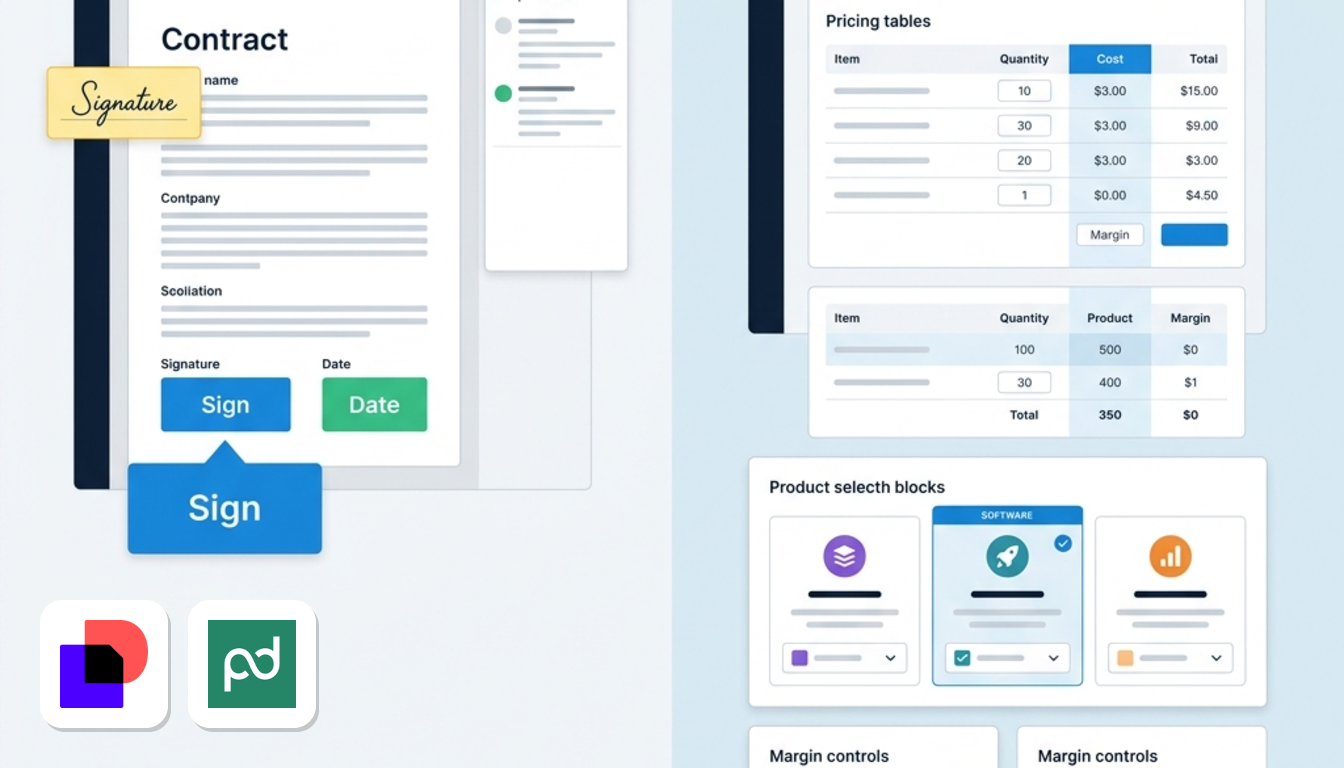
Decide first whether you need a signing tool or a contract platform. Juro, a CLM vendor, draws the line like this: pure e-signature tools are cheaper and simpler, while contract lifecycle management (CLM) covers drafting, negotiation, approval, storage and renewal. DocuSign sells both, so the gap sits between its eSignature plans and its CLM product, not between brands.
- High-volume operational signing: HR onboarding packs and supplier agreements burn through a five-envelope cap fast. SignNow and BoldSign suit this job.
- Sales quoting: if reps need pricing tables and interactive quotes inside the document, PandaDoc's drag-and-drop builder fits.
- Negotiation and renewals: multi-party drafting, approvals and renewal tracking belong in Juro's single workspace.
- Strict data sovereignty: OpenSign's self-hosted edition keeps documents on infrastructure you run, with no third-party cloud involved.
Picture a 40-person company where HR sends offer letters and sales sends quotes. Those are two different jobs, so you may end up with two tools.
Real envelope math across common volumes
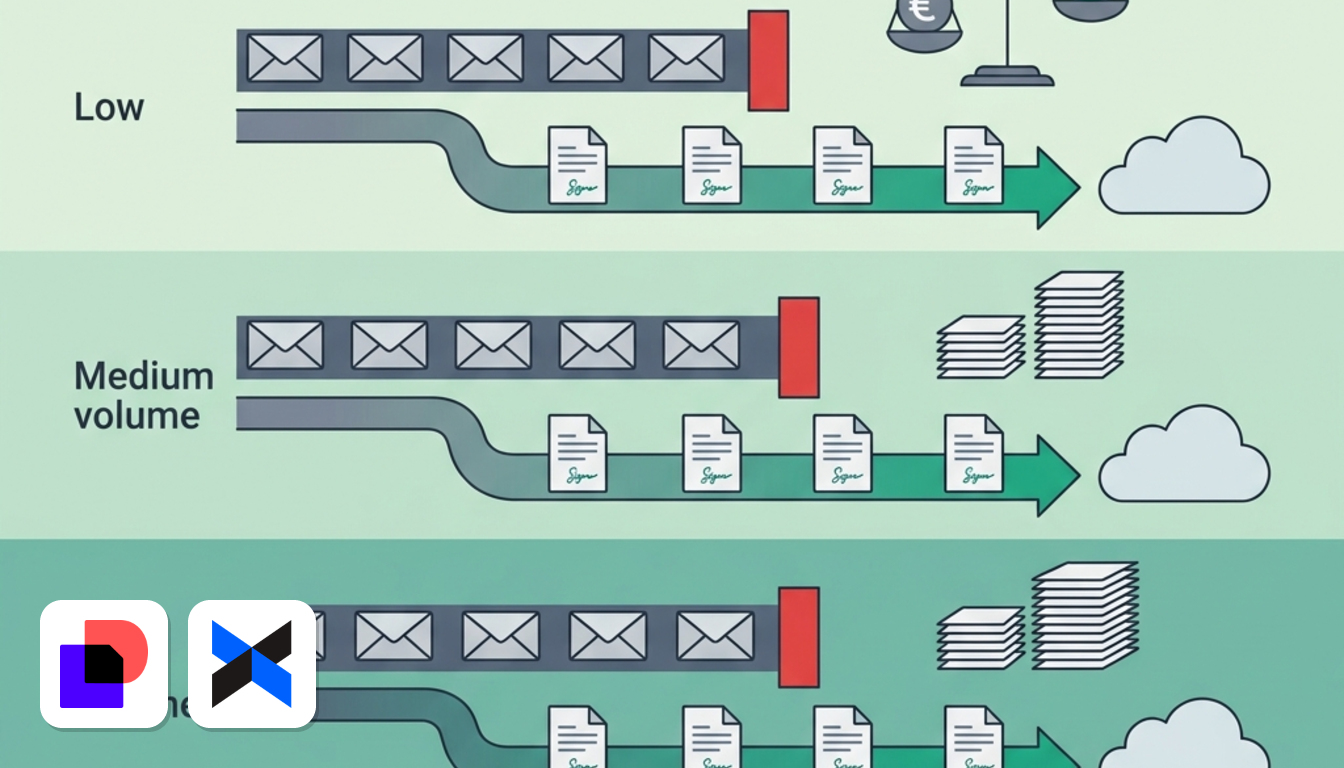
At five documents a month, DocuSign Personal is cheaper than most rivals. Beyond that, its cap forces an upgrade. The table shows one sender at 5, 50 and 100 documents a month. Prices are before VAT.
| Plan | Price | Volume limit | 5 docs/month | 50 docs/month | 100 docs/month |
|---|---|---|---|---|---|
| DocuSign Personal | US$10/month | 5 envelopes/month | US$2.00 per document | Over the cap: Standard (US$25/user/month) or Business Pro (US$40/user/month) | Over the cap: Standard or Business Pro |
| SignNow Business | US$8/user/month, annual | 100 invites per year | Within the cap | Over the cap: Business Premium, US$15/user/month | Over the cap: Business Premium |
| Dropbox Sign Essentials | US$15/user/month, annual | Unlimited requests, 5 templates | US$15 flat | US$0.30 per document | US$0.15 per document |
| BoldSign Free / Business | US$0 / US$15/user/month, annual | 25 envelopes/month free, unlimited on Business | Free tier covers it | Business, US$15 flat | Business, US$15 flat |
Source: Lovable's DocuSign alternatives review and OneSpan's DocuSign overview, checked October 2026 (how we verify prices).
Three things stand out. Dropbox Sign costs more than DocuSign Personal at five documents (US$15 against US$10), so it only pays off once you pass the cap. SignNow has the lowest sticker price, but its invite limit makes it a low-volume plan, which is why Lovable advises heavy senders to start on Business Premium. BoldSign Business sits well below DocuSign Business Pro (US$15 against US$40 per user).
All of these prices are per user, so costs climb with every extra sender. BoldSign's Premium plan, at US$99/month for unlimited users, changes the picture for larger teams.
Six verified alternatives to DocuSign compared
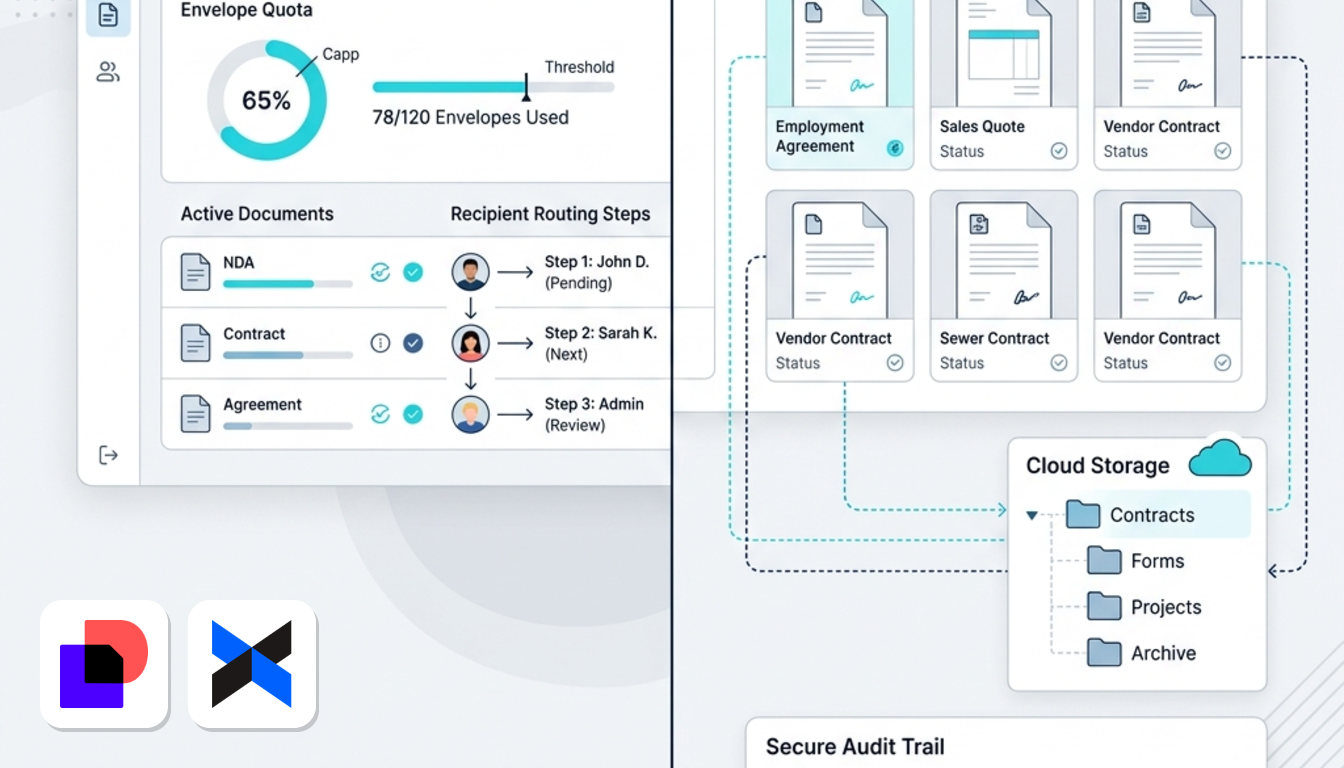
Figures in this section come from Lovable's review of each vendor's published plans and from Juro's own guide, checked October 2026.
SignNow: for template-heavy workflows
SignNow removes the template limits that irritate high-volume teams.
- Unlimited templates, in-person signing and a mobile app on Business
- Conditional routing rules and signing sequences
- Integrations with Salesforce, HubSpot and Zapier
- Business Premium adds bulk sending, payment collection and advanced authentication
Downside: lower tiers allow 100 signature invites per year. Price: Business US$8/user/month, Premium US$15, Enterprise US$30, all billed annually. Against DocuSign, you get a lower seat price and unlimited templates, but the cost advantage holds only while volume stays modest or you move up to Premium.
Dropbox Sign: for storage-connected teams
Dropbox Sign suits you if signed files should land straight in Dropbox.
- Unlimited documents and signature requests on Essentials
- Integrations with Google Workspace, Slack and Dropbox
- Signed documents save automatically with full audit trails
- Standard adds team collaboration, custom branding and 15 templates
Downside: Essentials includes only five reusable templates, so more than five recurring document types means Standard. Price: Essentials US$15/user/month, Standard US$25/user/month, both billed annually. Against DocuSign, you trade the five-envelope ceiling for a template ceiling, which is easier to live with for most teams.
BoldSign: for scaling operations
BoldSign gives you unlimited sending for the price of a mid-tier plan.
- Business includes unlimited envelopes and templates, SSO, custom roles and AI field detection
- A free Essentials tier with 25 envelopes a month
- An API with clear documentation and sandbox environments
Downside: it is a smaller company with less brand recognition, which can matter if a client or auditor expects a household name. Price: Growth US$5/user/month, Business US$15/user/month (both annual), Premium US$99/month for unlimited users. Lovable calls Business feature parity with DocuSign Business Pro at roughly one-third of the price.
PandaDoc: for interactive sales proposals
PandaDoc is a document builder first and a signature tool second.
- Drag-and-drop editor with embedded pricing tables and product catalogs
- Interactive quotes and document tracking
- Unlimited e-signatures from the Starter plan
Downside: CRM integrations, approval workflows and custom branding need the Business plan. Price: Starter US$19/user/month, Business US$49/user/month. Compared with DocuSign, it costs more than a plain signature tool but replaces the proposal software your reps may already pay for.
Juro: for legal teams replacing a stack
Juro handles the whole contract, not only the signature.
- Collaborative drafting, approval workflows and a Legal AI Assistant that works from your playbooks
- Contract dashboards and analytics
- Integrations with HubSpot, Salesforce, Slack, Google Drive and Workday
Downside: Juro says itself that it costs more than DocuSign. Its guide argues that it replaces contract repositories and Word plugins, but that only saves money if you pay for those today. If you only need signatures, you would fund features you never open.
OpenSign: for self-hosters
OpenSign is open source, so you control the servers.
- Free self-hosted edition, with infrastructure as the only cost
- Free cloud tier with unlimited signatures and basic features
- Paid cloud tiers for API access and advanced features
Downside: self-hosting needs internal technical resources, and the cloud version has fewer features than commercial rivals. Against DocuSign, you give up polish and support in exchange for zero licence fees and full control.
European data residency and eIDAS compliance
Under Regulation (EU) No 910/2014 (eIDAS), electronic signatures come in three levels. A simple signature (SES) covers everyday commercial contracts. An advanced signature (AES) is uniquely linked to the signer and tied to the document. A qualified signature (QES) carries the same legal effect as a handwritten one across the EU. The UK keeps its own version of these rules after Brexit.
Match the level to the contract. Most sales, HR and supplier agreements work with SES, but some formalities in some member states ask for more.
On infrastructure, DocuSign says it has operated in Europe for over a decade, with data centres across three EU countries, signatures that meet eIDAS requirements, 99.9% platform availability and complete digital audit trails (DocuSign's comparison page, checked October 2026). That is the baseline the six rivals are measured against. With self-hosted OpenSign, you choose the server location yourself.
Whichever tool you pick, get a Data Processing Addendum in place and confirm the transfer mechanism, either EU data residency or Standard Contractual Clauses. Prices in this article are before VAT. If you hold a valid VIES VAT number, the reverse charge usually applies to cross-border SaaS invoices, so you account for the VAT yourself.
Frequently asked questions about DocuSign alternatives
Is there a completely free DocuSign alternative?
Yes, with limits. OpenSign's self-hosted edition is free apart from infrastructure, and its cloud tier offers unlimited signatures with basic features. BoldSign's free tier allows 25 envelopes a month. DocuSign itself offers a 30-day free trial.
Do alternative e-signatures hold up in European courts?
Generally yes. Under eIDAS, a signature cannot be denied legal effect or admissibility only because it is electronic, and the UK applies an equivalent rule. In a dispute, your audit trail and signer identification carry the weight, so use the signature level your contract needs.
What happens when you exceed DocuSign's envelope limit?
The Personal plan caps at five envelopes a month. To send more, you move up to Standard at US$25/user/month or Business Pro at US$40/user/month.
How hard is it to migrate templates from DocuSign?
It is manual but manageable. In practice:
- Export your source PDFs and rebuild signature, date and text fields in the new tool.
- Recreate signer roles and routing order, then send one test document to a colleague.
- List the integrations you rely on, since DocuSign advertises 900+ connectors.
- If you send from your own software, plan the API switch separately. BoldSign publishes sandbox environments for testing, and Dropbox Sign also offers an API.